Video Downloader - Fast & HD is a Tools application developed by Video Downloader & Video Player & HD Video, but with the best Android emulator-LDPlayer, you can download and play Video Downloader - Fast & HD on your computer.
Running Video Downloader - Fast & HD on your computer allows you to browse clearly on a large screen, and controlling the application with a mouse and keyboard is much faster than using touchscreen, all while never having to worry about device battery issues.
With multi-instance and synchronization features, you can even run multiple applications and accounts on your PC.
And file sharing makes sharing images, videos, and files incredibly easy.
Download Video Downloader - Fast & HD and run it on your PC. Enjoy the large screen and high-definition quality on your PC!
Fast Video Downloader - The Ultimate Tool to Download HD Videos from Internet!Looking for a reliable video downloader that works seamlessly with your favorite sites? Our app is a powerful download manager with a built-in browser, allowing you to browse news feeds, social platforms, and video sites to save content in original quality.
═══════════════════════════════════════
🔥 CORE FEATURES
═══════════════════════════════════════
🌐 Smart Browser with Auto Detect
Browse the internet privately. Our intelligent detection engine automatically finds downloadable links on web pages. Works great with news sites, video blogs, and social webs.
⚡ Multi-Thread Download Manager
Experience up to 300% faster speeds. Download large files, movies, and clips in the background without freezing your phone.
📺 Advanced M3U8 & HLS Support
Unlike standard downloaders, our app detects and converts M3U8 and HLS streaming formats into MP4, making them playable offline.
🎬 HD Video Player & Gallery
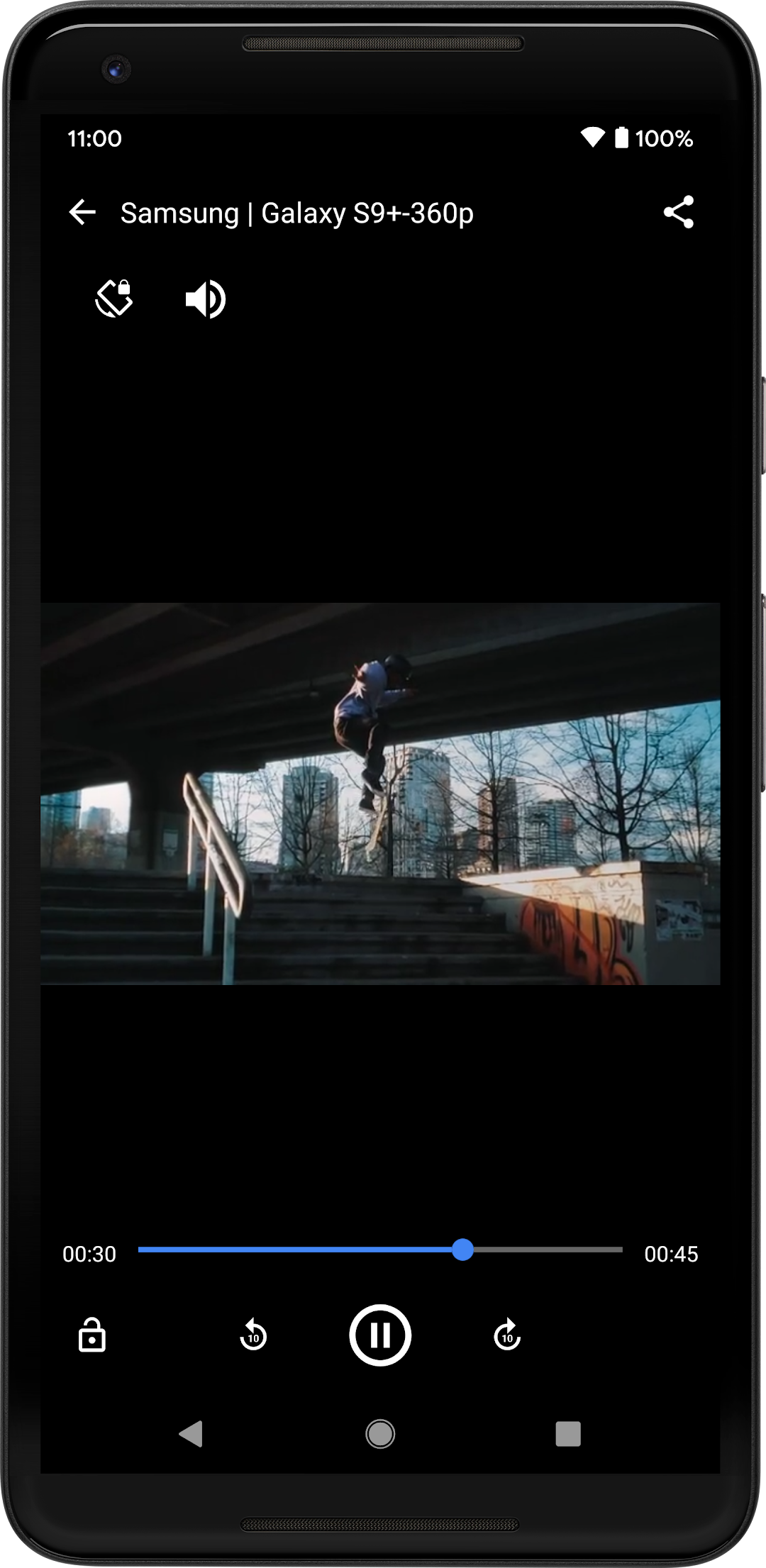
Watch your saved content immediately. Pause, resume, and manage your video collection in one organized place.
✨ Support All Formats
We support all major video and audio formats: MP4, M4A, M4V, AVI, MOV, and more. Save social videos and web clips easily.
📦 Batch Downloading
Select multiple video files and download them simultaneously.
🔒 Secure & Private
Browse in Incognito mode. Your download history stays on your device.
═══════════════════════════════════════
📱 HOW TO USE
═══════════════════════════════════════
1. Open the built-in browser and visit supported websites.
2. Play the video you wish to save.
3. Tap the "Download" button when it lights up.
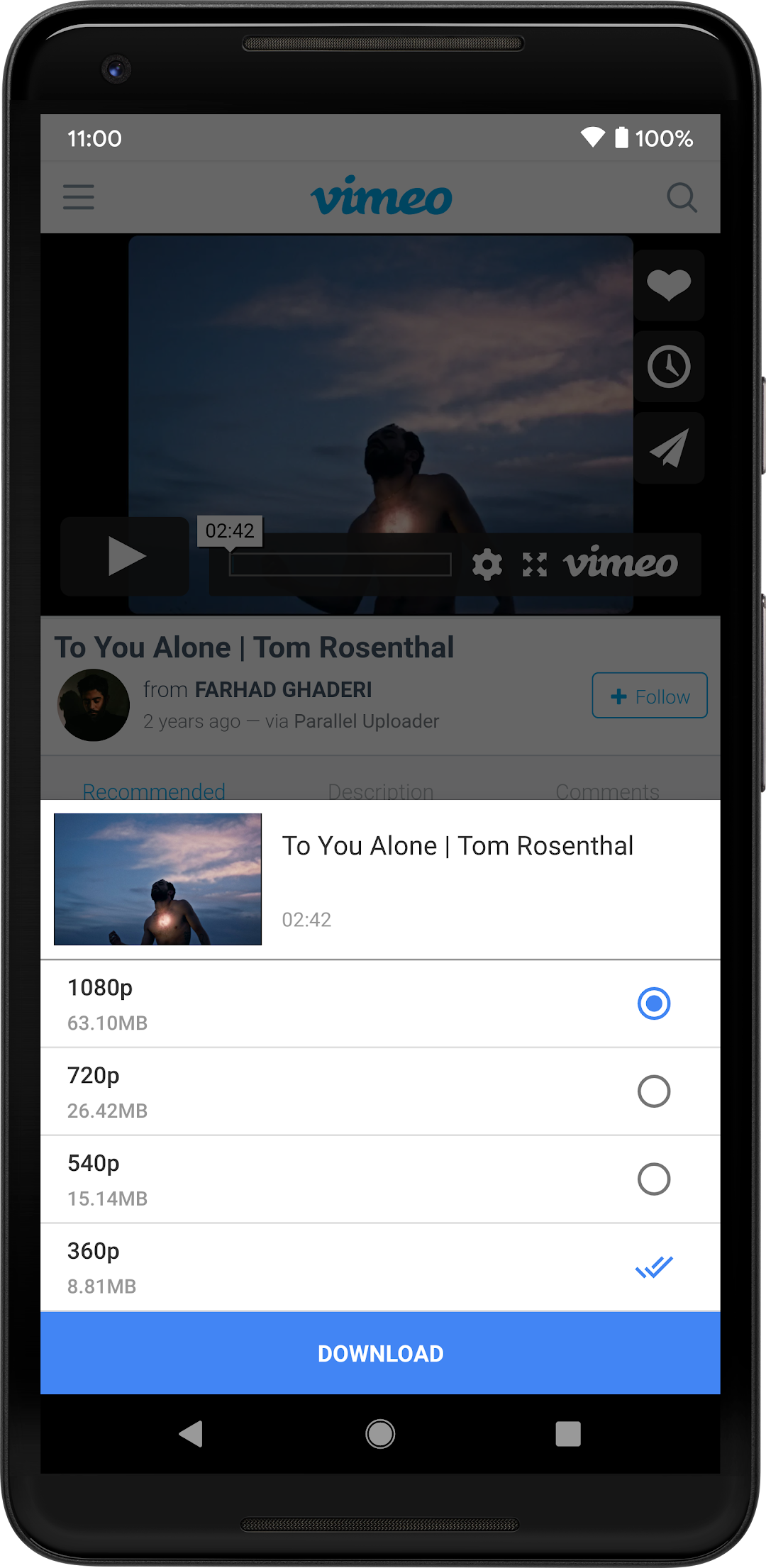
4. Choose quality (SD, HD) and start!
═══════════════════════════════════════
🌟 WHY CHOOSE THIS DOWNLOADER?
═══════════════════════════════════════
• Stable & Fast: Resume interrupted downloads automatically.
• No Watermark: Download clean videos from supported sites.
• User-Friendly: Simple interface designed for everyone.
Download this all-in-one video saver now and enjoy your favorite media offline!
═══════════════════════════════════════
⚠️ IMPORTANT DISCLAIMER
═══════════════════════════════════════
• Due to Google Play Terms of Service, downloading from YouTube is NOT supported.
• This app is a tool for downloading videos from the web and is not affiliated with any social media platforms.
• Users are solely responsible for ensuring they have the right to download the content.