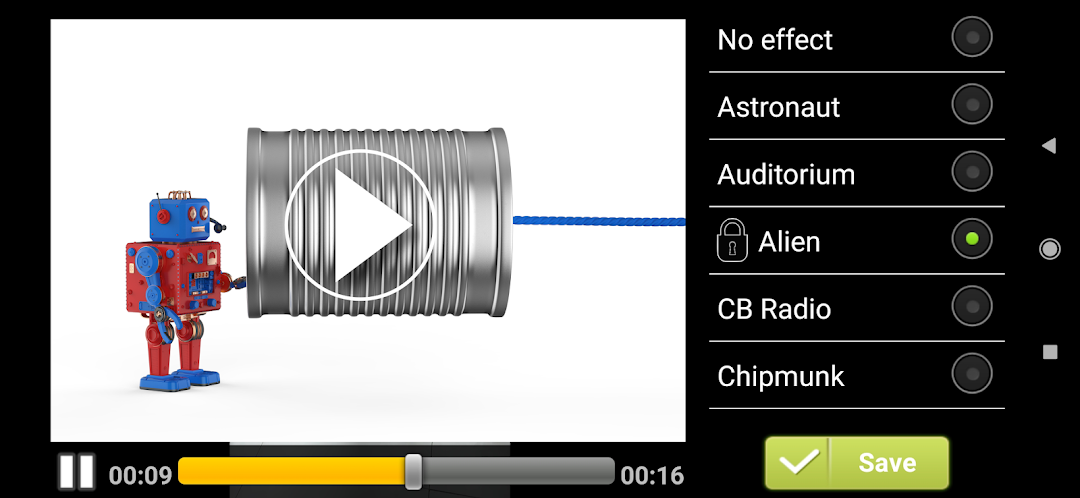
Video Voice Changer FX is a Video Players&Editors application developed by Bizo Mobile, but with the best Android emulator-LDPlayer, you can download and play Video Voice Changer FX on your computer.
Running Video Voice Changer FX on your computer allows you to browse clearly on a large screen, and controlling the application with a mouse and keyboard is much faster than using touchscreen, all while never having to worry about device battery issues.
With multi-instance and synchronization features, you can even run multiple applications and accounts on your PC.
And file sharing makes sharing images, videos, and files incredibly easy.
Download Video Voice Changer FX and run it on your PC. Enjoy the large screen and high-definition quality on your PC!
Video Voice Changer - Voice Effects
This video voice changer app lets you change your voice in a video to sound funny! Just record a video, or select it from your SD card, choose the voice effect and create a funny voice video in a minute!Transform your voice like never before with our voice modulator cum video voice changer app to have fun and express your creativity by transforming your voice into a variety of unique and entertaining sounds.
Choose from a variety of hilarious voice effects from our voice changer app to change your voice and create unforgettable moments. Perfect for hilarious pranks, social media content, or just having fun with friends and family!
Here’re some available sound effects in Video Voice Changer FX:
- Squirrel or Chipmunk Voice Effects
- Helium Video Effect
- Alien and Spaceship Voice Changer
- Devil Voice Effects
- Robot and Robot Soldier Sound Effects
- Echo
and many more!
Result video effect will be saved to your SD card, so you can publish it anywhere you want. You can also switch voice effects live while playing the video!