WASticker Happy Birthday WA is a Communication application developed by WAStickerApps Stickers Collections, but with the best Android emulator-LDPlayer, you can download and play WASticker Happy Birthday WA on your computer.
Running WASticker Happy Birthday WA on your computer allows you to browse clearly on a large screen, and controlling the application with a mouse and keyboard is much faster than using touchscreen, all while never having to worry about device battery issues.
With multi-instance and synchronization features, you can even run multiple applications and accounts on your PC.
And file sharing makes sharing images, videos, and files incredibly easy.
Download WASticker Happy Birthday WA and run it on your PC. Enjoy the large screen and high-definition quality on your PC!
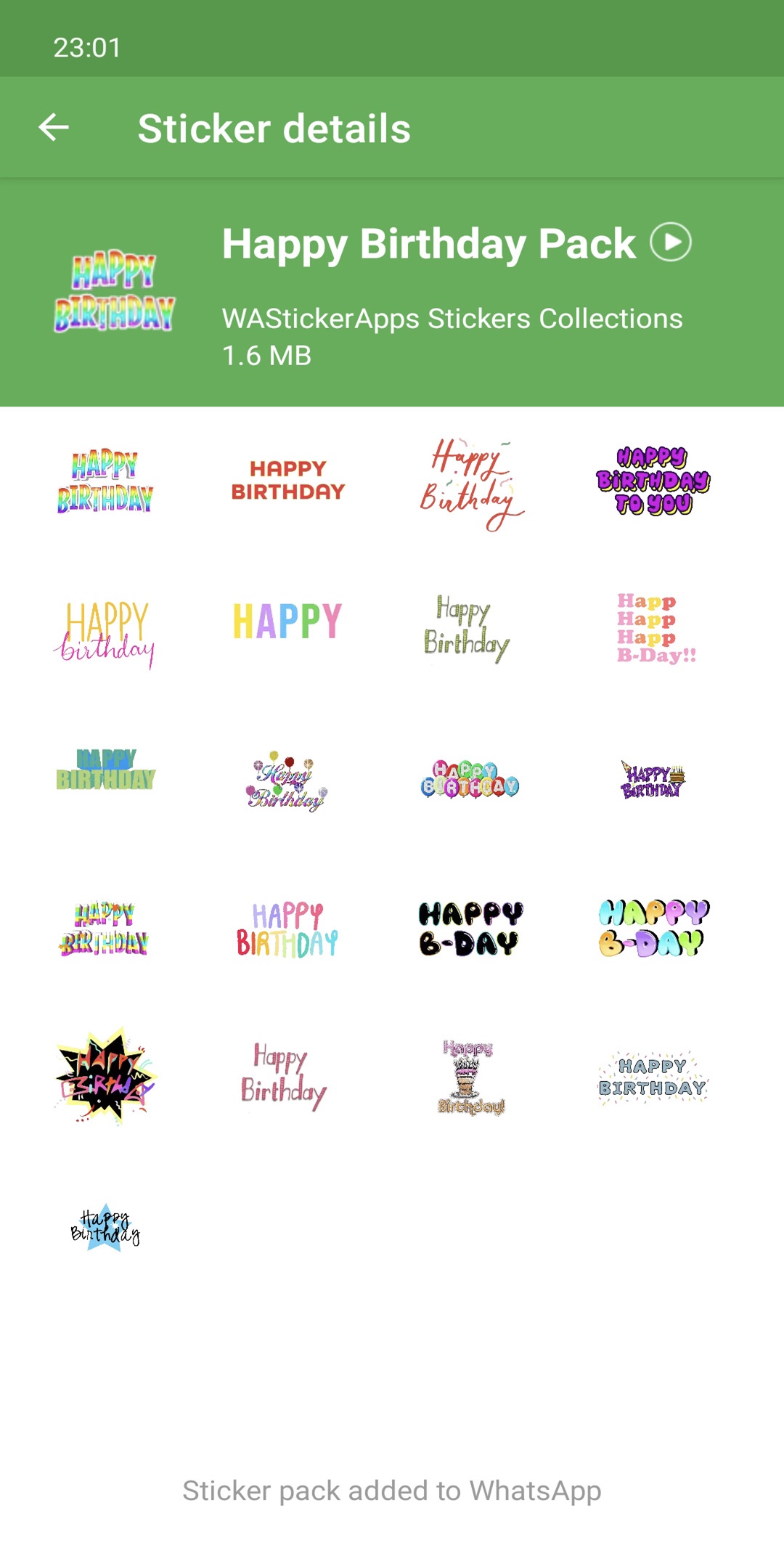
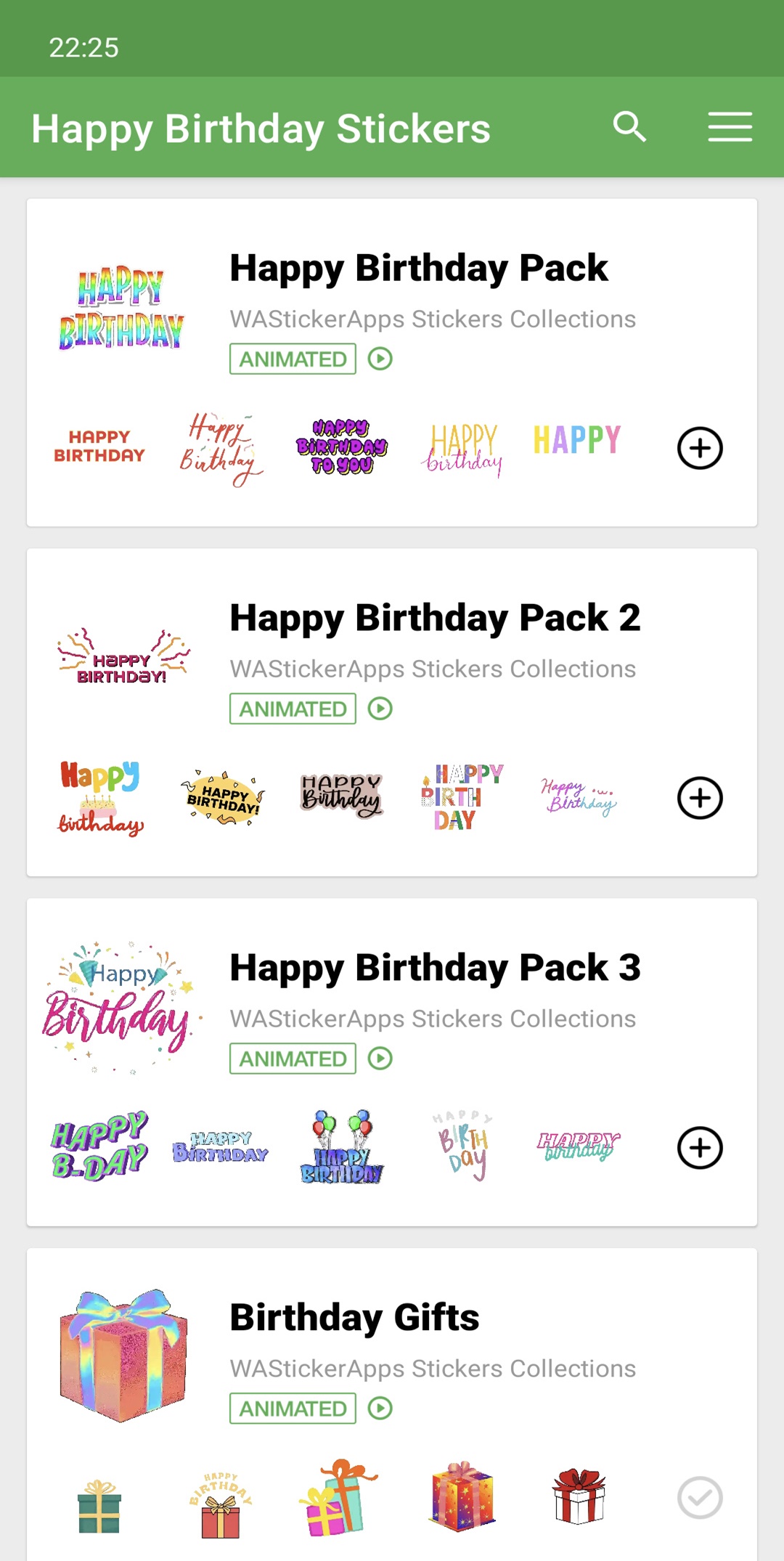
The animated happy birthday WAStickerApps for WhatsApp have arrived! Send greetings to your loved ones and friends with the funniest stickers with animation.Find happy birthday wishes WAStickerApps with movement, and stickers of bonettes, cakes and balloons with animation. You can also send personalized greetings with birthday candles.
With the happy birthday stickers with motion, you can send the funniest greetings and surprise all your loved ones.
IMPORTANT:
Be sure to update WhatsApp to the latest version so you can install the stickers correctly. Keep the app up to date to receive all new packs.
_
If you are the owner of any of the stickers shown in our application and you do not want it to be shown, please send us an email (or fill out our contact form) and we will remove it immediately.