WAV To MP3 Converter is a Productivity application developed by The AppGuru, but with the best Android emulator-LDPlayer, you can download and play WAV To MP3 Converter on your computer.
Running WAV To MP3 Converter on your computer allows you to browse clearly on a large screen, and controlling the application with a mouse and keyboard is much faster than using touchscreen, all while never having to worry about device battery issues.
With multi-instance and synchronization features, you can even run multiple applications and accounts on your PC.
And file sharing makes sharing images, videos, and files incredibly easy.
Download WAV To MP3 Converter and run it on your PC. Enjoy the large screen and high-definition quality on your PC!
Waveform Audio File is a lossless audio format that does not compress the original analog audio recording from which it is derived.-------
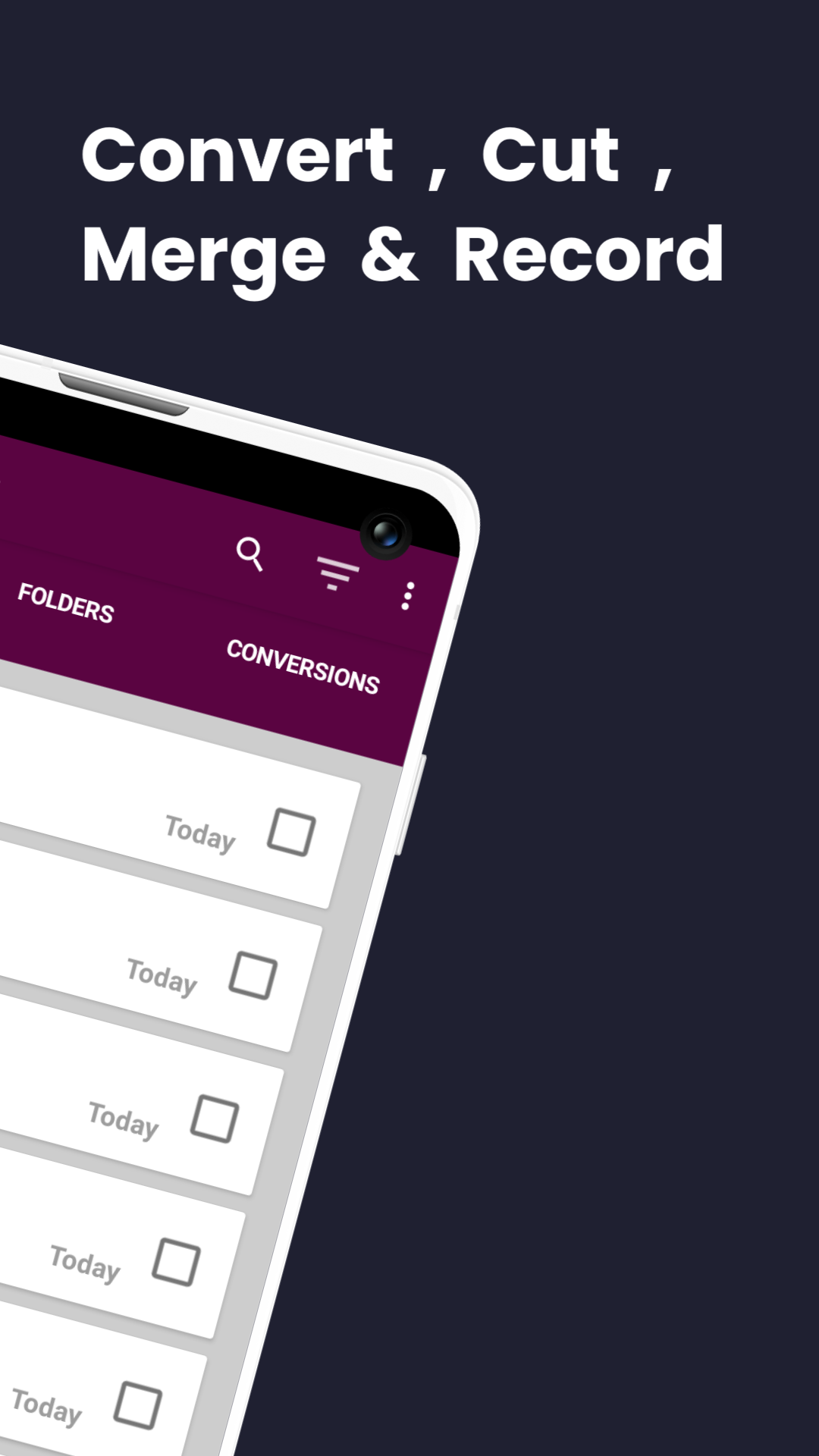
WAV To MP3 Converter app is a free, Superfast converter, cutter, joiner, and recorder.
1. Single and Batch Converter
Convert WAV files to other popular formats.
.wav to aac
.wav to amr
.wav to flac
.wav to ogg
.wav to opus
.wav to mp3
.wav to m4a
.wav to wav (re-encode)
2. WAV Cutter - Cut out segments of WAV Audio files.
3. WAV Joiner - Merge two or more WAV Audio files.
3. You can carry out ;
a.) Single WAV file conversion
b.) Batch WAV file conversion
c.) Folder WAV file conversion
4. Custom Audio Settings;
Audio Bitrate: -
[ 320 kbps, 256 kbps, 192 kbps, 160 kbps, 128 kbps, 96 kbps, 64 kbps, 32 kbps, 16 kbps, 12 kbps, 8 kbps, 6 kbps ]
Audio Sampling Rate :
[ 32000 Hz, 41000 Hz, 48000 Hz, 88200 Hz, 96100 Hz, 192000 Hz ]
Audio Channels :
[ Mono, Stereo ]
Audio quality is never compromised.
Feel free to contact us, if you have any questions or suggestions. Thank you.