We Do Pulse - Health & Fitness is a Health&Fitness application developed by Pulse Ecosystems PTE. LTD, but with the best Android emulator-LDPlayer, you can download and play We Do Pulse - Health & Fitness on your computer.
Running We Do Pulse - Health & Fitness on your computer allows you to browse clearly on a large screen, and controlling the application with a mouse and keyboard is much faster than using touchscreen, all while never having to worry about device battery issues.
With multi-instance and synchronization features, you can even run multiple applications and accounts on your PC.
And file sharing makes sharing images, videos, and files incredibly easy.
Download We Do Pulse - Health & Fitness and run it on your PC. Enjoy the large screen and high-definition quality on your PC!
We are constantly improving our services to provide a more comprehensive digital experience to our Customers.Starting April 1, 2025, the PULSE application service will no longer be available. Prudential customers can manage your Insurance Policy through PRUServices.
Find more information about PRUServices at:
Prudential Indonesia: www.prudential.co.id/id/pruservices
Prudential Syariah: www.prudentialsyariah.co.id/id/pruservices
Start discovering a new level of holistic wellness with Pulse!
We know achieving and sustaining good health involves numerous factors. That’s why we’re here to support you every step of the way on your unique health journey:
Feeling sad, stressed, or anxious? Explore our mental wellness features to manage mood patterns and improve your sleep quality, stress levels, relationships, ability to focus, and more.
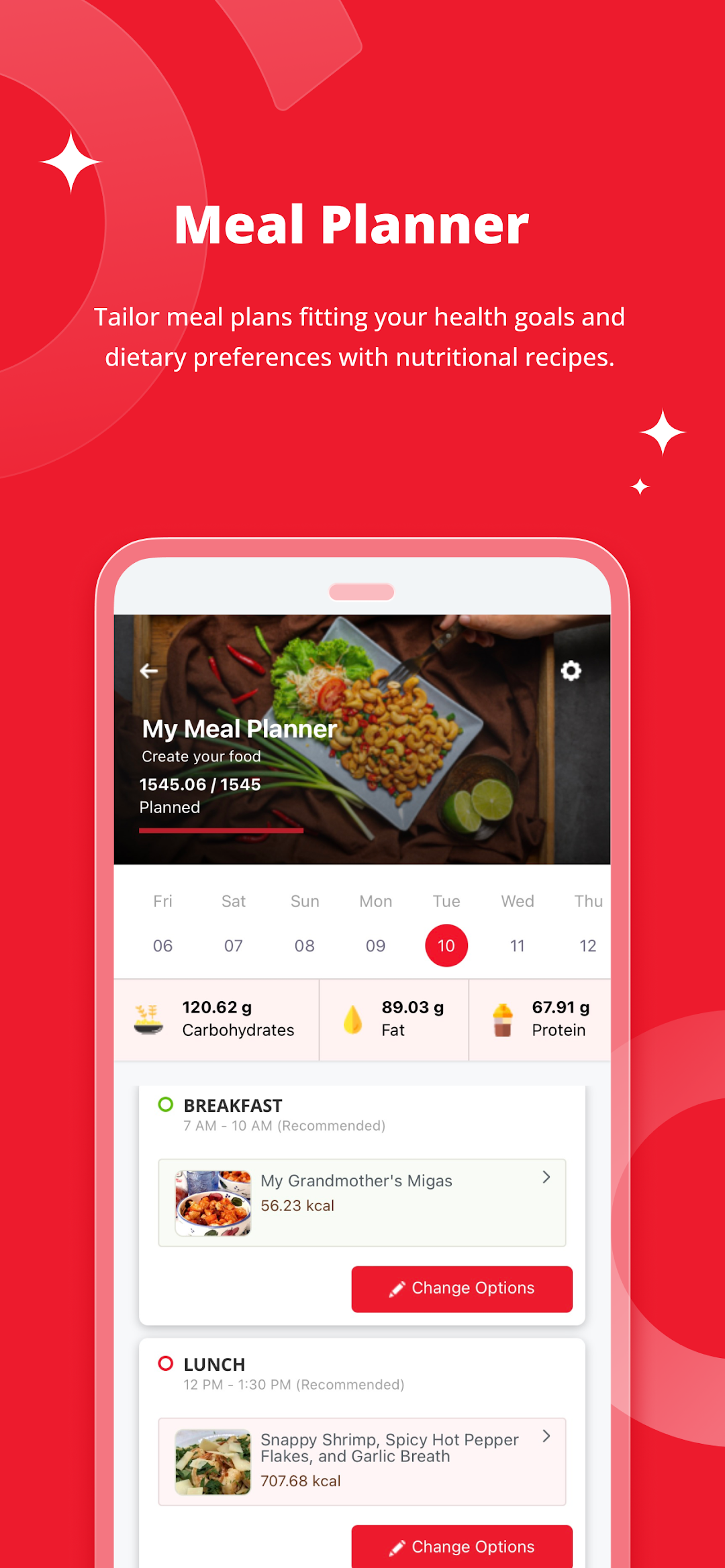
Struggling to eat healthily? Create personalised meal plans that fit your health goals and dietary preferences with our nutritionally assessed recipes.
Need motivation to stick to healthy habits? Join our exciting health challenges and earn rewards for making mindful choices in your diet.
Looking to take control of your reproductive and sexual health? Utilise our period and fertility tracker, self-assessment tools, and patient decision aids for better family planning.
Hoping to become more active and energised? Check out our extensive library of workout and yoga videos to meet your fitness inspirations.
Trying to simplify seeing a doctor? Consult with a licensed healthcare professional from the comfort of your home, or quickly locate nearby hospitals, clinics, and healthcare facilities.
Seeking guidance on leading a healthier future? Stay informed and empowered with a breadth of health content, designed to support your journey towards a happier and healthier life.
With Pulse, we’re committed to supporting your wellbeing – our features are free and available in multiple languages. Just create an account and you’re all set to kick start your journey with us.
Download Pulse today and experience a comprehensive approach to wellbeing: nurture your physical and mental health and embrace a more balanced lifestyle!
*Some features are only available in certain markets or countries