Weather for Wear OS is a Weather application developed by byss mobile, but with the best Android emulator-LDPlayer, you can download and play Weather for Wear OS on your computer.
Running Weather for Wear OS on your computer allows you to browse clearly on a large screen, and controlling the application with a mouse and keyboard is much faster than using touchscreen, all while never having to worry about device battery issues.
With multi-instance and synchronization features, you can even run multiple applications and accounts on your PC.
And file sharing makes sharing images, videos, and files incredibly easy.
Download Weather for Wear OS and run it on your PC. Enjoy the large screen and high-definition quality on your PC!
Weather and Radar for Wear OSNOW with Interactive Watch Faces!
NOW with Complications integration!
androidcentral.com:
"This app is fantastic for anyone who wants a running update on the weather for the day. With nine different faces there are tons of options in how your weather is displayed, what information you get, and how you get it."
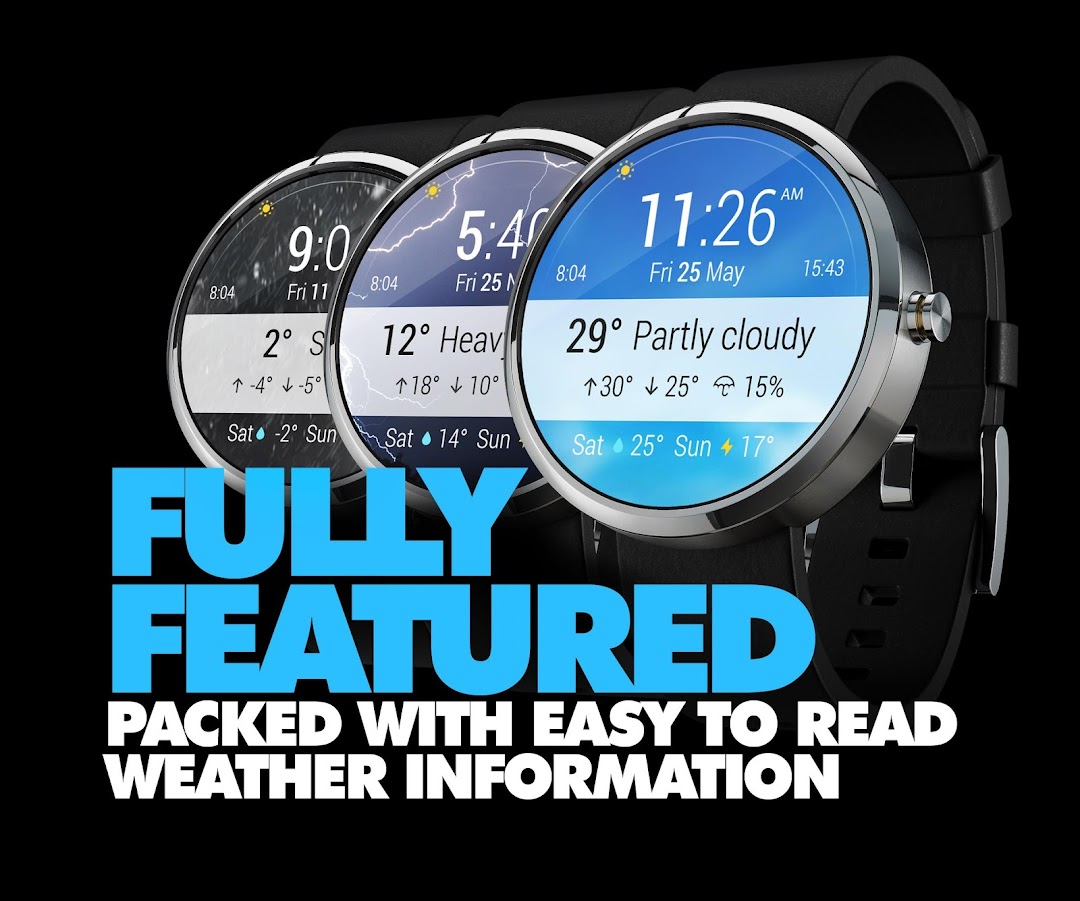
Featuring multiple Weather Watch Faces:
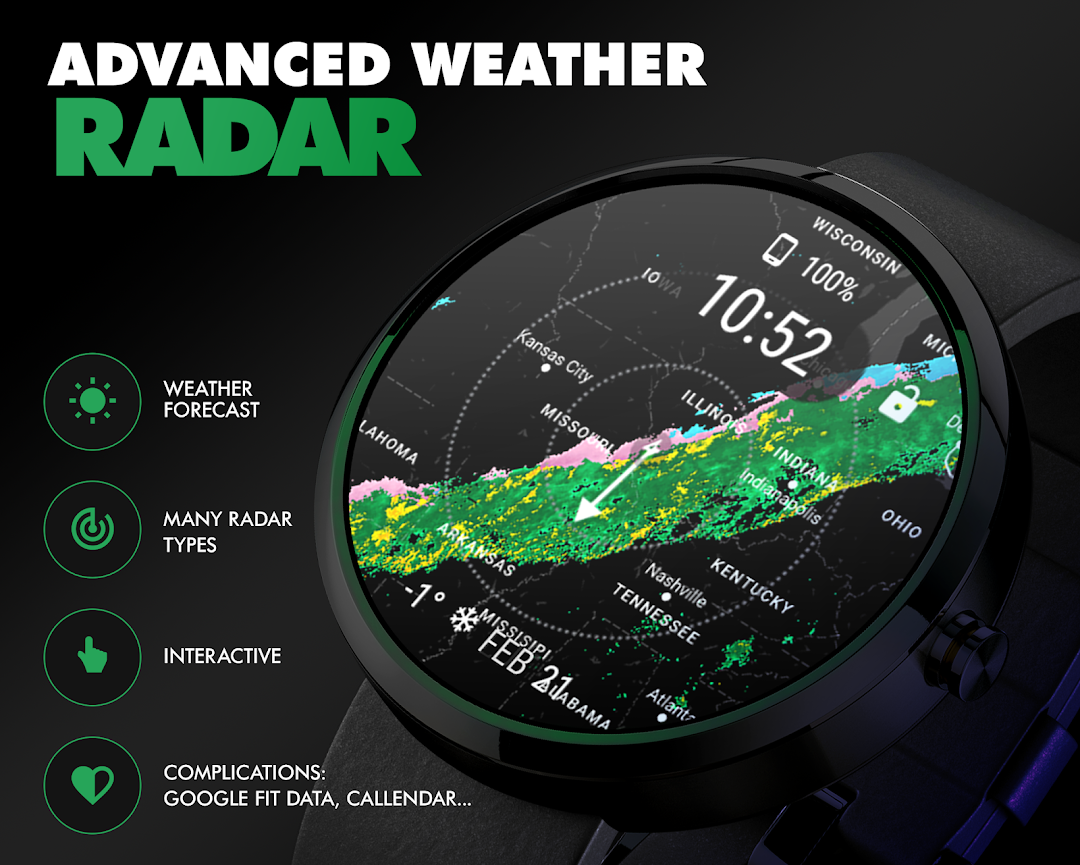
- TWO radar maps combinations including satellite view: visible and infrared
- 24h forecast with temperature, participation information
- minimalistic forecast in 2 versions - digital and analog
- stylish LCD + analog Watch Face
- smart forecast face
- ultra useful Meteogram Watch Face
METAR notifications.
App includes also standalone Wear App with all features if for some reason you don't like to use Watch Face.
Option to use special low power, low bit modes on all supported devices.
Battery indicator.
You can check if rain is coming, directly on your wrist.
Weather Radar (rain and snow) works in US, Canada, Mexico, Australia, UK, Ireland, Germany, France, Netherlands, Belgium, Luxembourg, Denmark (southern part only), Switzerland, Japan
Satellite coverage (visible and infrared - everywhere else)
In US it includes HD Radar information from NOAA
We worked hard and close with Google Team to deliver Interactive Watch Faces.
Now with one tap on watch face you change features.
Changing readings: wind/temperature/humidity/dew point/cloud cover requires just one tap.
HINT for Marshmallow users:
When watch face will not load after fresh install please look for Instaweather app on your watch and launch it, then accept permissions request. App and watch face will load next. This inconvenience will get fixed when Android on wear will get bump to 6.0