WebMD: Symptom Checker is a Medical application developed by WebMD, LLC, but with the best Android emulator-LDPlayer, you can download and play WebMD: Symptom Checker on your computer.
Running WebMD: Symptom Checker on your computer allows you to browse clearly on a large screen, and controlling the application with a mouse and keyboard is much faster than using touchscreen, all while never having to worry about device battery issues.
With multi-instance and synchronization features, you can even run multiple applications and accounts on your PC.
And file sharing makes sharing images, videos, and files incredibly easy.
Download WebMD: Symptom Checker and run it on your PC. Enjoy the large screen and high-definition quality on your PC!
From WebMD, the one healthcare app you need to check symptoms; learn about conditions and drugs; research treatments and diagnoses; find doctors and specialists in your area; get prescription drug savings at your local pharmacy; and set medication reminders.Key Features:
• Symptom Checker – Choose your symptoms, learn about potential conditions or issues, and lookup treatment and care options.
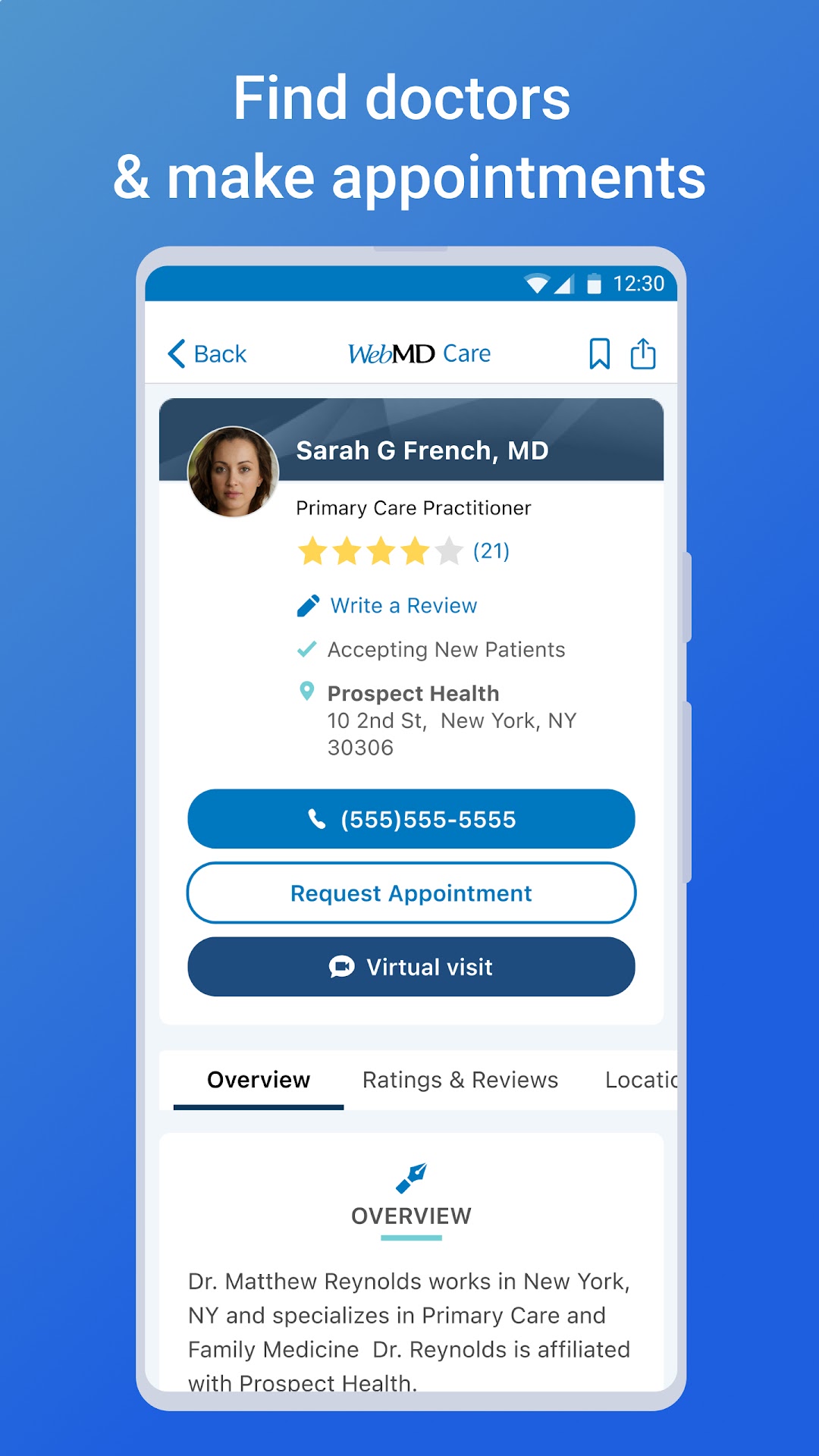
• Doctor Finder – Find the closest doctors and specialists based on your current location or search by city, state or zip.
• Medication Reminders – Never miss a dose. You’ll receive reminders when it’s time to take your medications. View daily prescription schedules and instructions, plus pill images with dosage and timing information for each drug.
• Conditions – Find medically-reviewed information about conditions relevant to you and learn more about causes, treatments, and related symptoms.
• WebMD Rx – We partner with major pharmacy chains to find the lowest prescription drug prices, which often beat insurance co-pays. It’s 100% free to use. No registration required.
• Customization and Saving Functionality – Save your conditions, drugs, doctors, hospitals, pharmacies, and healthy living articles for secure, easy access and reference.
• Symptom Tracker – Track ongoing symptoms & conditions over time.
• Drug Interaction Checker – Find and identify potentially harmful and unsafe combinations of prescription medications by entering two or more drugs in question.
About WebMD
WebMD Health Corp. is the leading provider of health information services, serving consumers, physicians, healthcare professionals, employers, and health plans through our public and private online portals, mobile platforms and health-focused publications. More than 95 million unique visitors access the WebMD Health Network each month.
If you are a California resident, California law may provide you with certain rights regarding our use of your personal information. For more information relevant to our users who are California residents, please review the "California Residents" section of our Privacy Policy linked on this download page or within our app.
The WebMD Health Network includes WebMD Health, Medscape, MedicineNet, emedicineHealth, RxList, theheart.org, drugs.com and Medscape Education.
SOURCE WebMD Health Corp.
WebMD. Better Information. Better Health.
WebMD does not provide medical advice, diagnosis or treatment. Always seek the advice of your physician or other qualified health provider with any questions you may have regarding a medical condition. Never disregard professional medical advice or delay in seeking it because of something you have read on the WebMD mobile application.