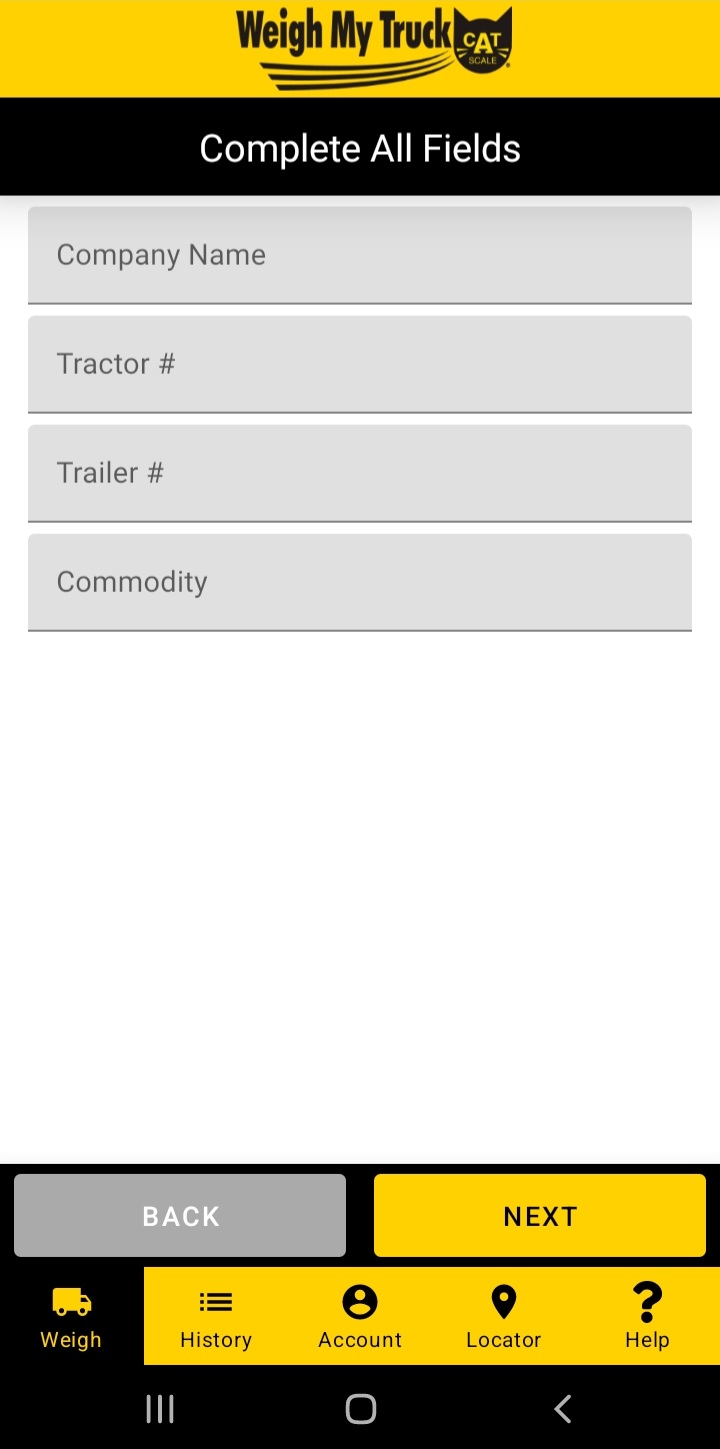
Weigh My Truck is a Maps&Navigation application developed by CAT Scale Company, but with the best Android emulator-LDPlayer, you can download and play Weigh My Truck on your computer.
Running Weigh My Truck on your computer allows you to browse clearly on a large screen, and controlling the application with a mouse and keyboard is much faster than using touchscreen, all while never having to worry about device battery issues.
With multi-instance and synchronization features, you can even run multiple applications and accounts on your PC.
And file sharing makes sharing images, videos, and files incredibly easy.
Download Weigh My Truck and run it on your PC. Enjoy the large screen and high-definition quality on your PC!
Before you download, please make sure to set up an account at https://www.weighmytruck.com.CAT Scale’s Weigh My Truck™ application revolutionizes how professional truck drivers weigh their truck. Weigh My Truck™ allows professional truck drivers to weigh their truck, pay for the transaction via PayPal®, EFS, Comdata, ACH, or Credit Card and get the weights displayed right on their smartphone without leaving the cab of their truck. The Weigh My Truck™ app will also email a PDF copy scale ticket or weight information text file to up to five email addresses the driver specifies, saving the driver time that could be spent on the road instead of finding a place to park and standing in line.
If the driver does need a hard copy scale ticket for billing purposes, they can still pick up a printed CAT Scale ticket at the fuel desk within an hour after weighing using the Weigh My Truck™ application.
Professional truck drivers are able to create an account online that will store basic truck information and email preferences, as well as keep a record of past weigh transactions.