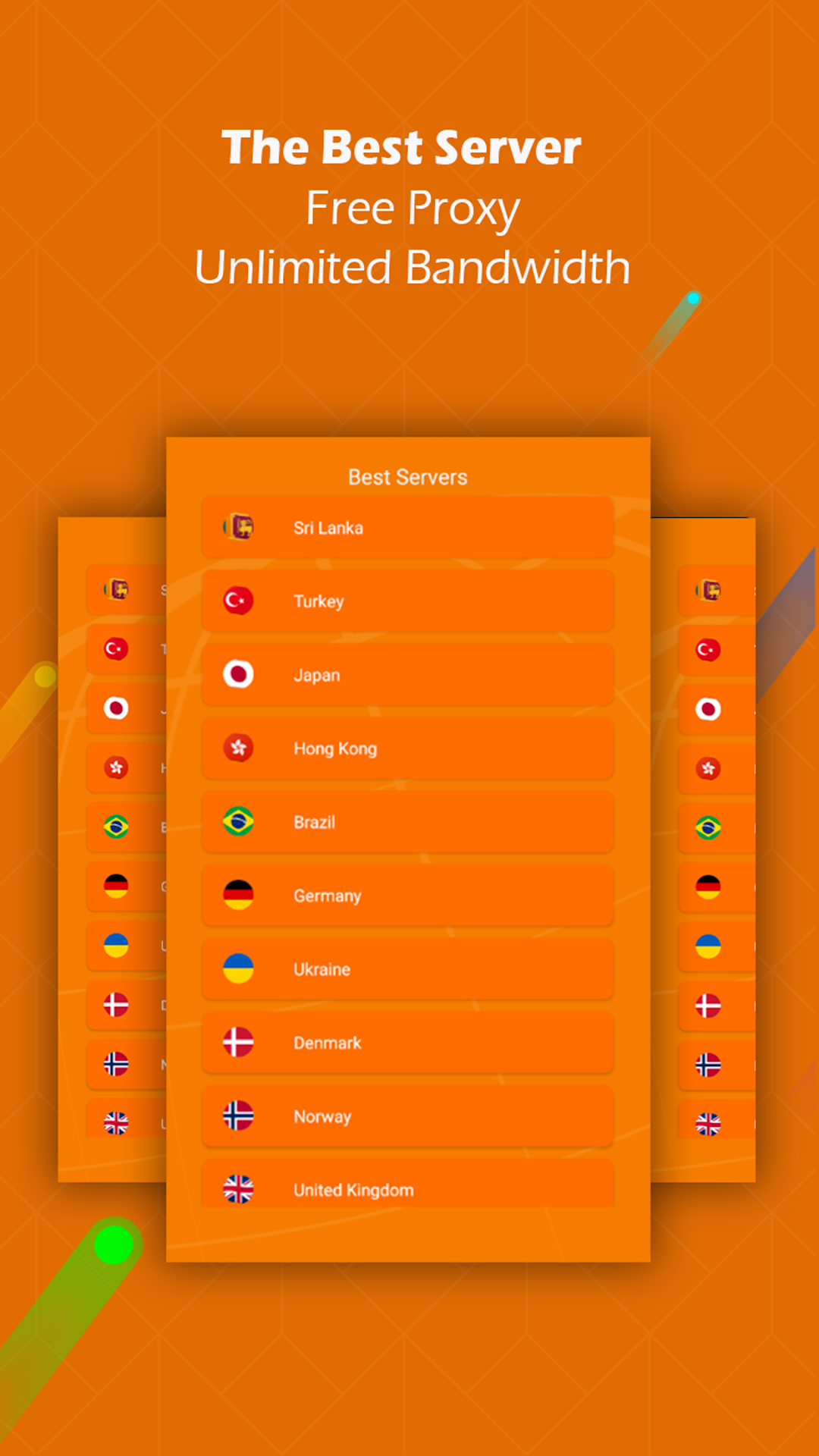
XXXX VPN - Private VPN Proxy is a Tools application developed by Imah Dev, but with the best Android emulator-LDPlayer, you can download and play XXXX VPN - Private VPN Proxy on your computer.
Running XXXX VPN - Private VPN Proxy on your computer allows you to browse clearly on a large screen, and controlling the application with a mouse and keyboard is much faster than using touchscreen, all while never having to worry about device battery issues.
With multi-instance and synchronization features, you can even run multiple applications and accounts on your PC.
And file sharing makes sharing images, videos, and files incredibly easy.
Download XXXX VPN - Private VPN Proxy and run it on your PC. Enjoy the large screen and high-definition quality on your PC!
Xxxx VPN - Private VPN ProxyNo registration, free and fast proxy
Unlimited Bandwidth
With better speed and unlimited bandwidth. provides you a one tap vpn solution where it takes only one tap to set up fast and secure vpn connection.
Unblock websites
The best way to unblock any website on the web. When you connect with vpn no one can see which websites you visit or what files you download. We do not keep logs of your activity.
Unblock apps
Access your favorite apps and games with a secure free VPN connection. It works with WiFi, 5G LTE (4G), 3G, EDGE and all mobile data providers.
Privacy protection.
Hide IP address and protect your identity while surfing the web with free vpn. You can view anonymously and securely without being tracked. Enjoy better private and network browsing.
How to use:
- Download & Install VPN
- Open the VPN Application
- Touch Servers
- You are connected to a secure network!
- Open your favorite site or app.
- Have fun surfing!
Note: Please use this application wisely.
https://imahdev.blogspot.com/2022/12/privacy-policy.html