Google Play Games Beta for PC - Everythings Need to Know
2022-09-21
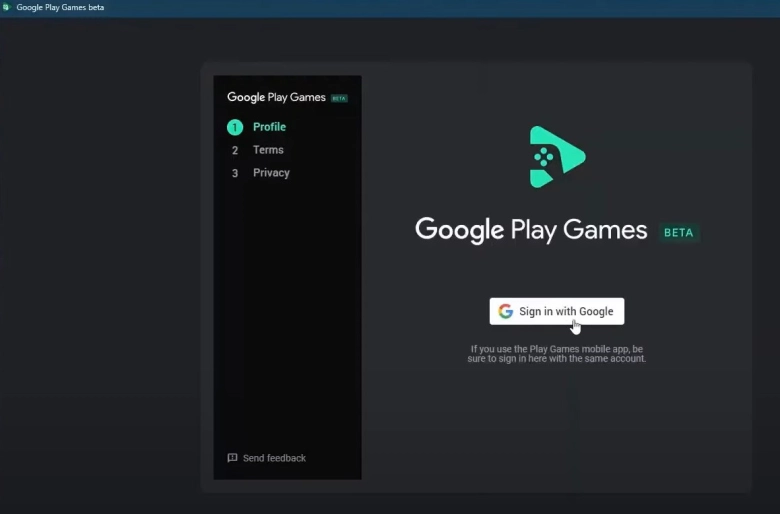
Google Play Games Beta for PC, a program that let you download and play select mobile games on Windows desktop or laptop, is now available to South Korea, Thailand, HK & Taiwan. Players in these countries can download and try the beta version on its official site.
In this article, we acollect everything you need to know before trying Google Play Games Beta and make a simple comparison with LDPlayer 9, an Android emulator in the current market.
Content
- 1. Google Play Games on PC - Minimum Requirements to Run
- 2. [Must-do] To Turn on Hardware Virtualization
- 3. Google Play Games Beta VS Android Emulator in the Market
- 4. For LDPlayer 9 Players - Settings You Need to Do
Google Play Games on PC - Minimum Requirements to Run
It's said that Google tried its best to enable different ends PCs. Here are the minimum requirements to run Google Play Games:
- Windows 10 (v2004)
- 8 logical cores of CPU
- 8 GB of RAM
- Game-class GPU (Not be clarified by the official)
- Solid state drive (SSD)
- Hardware virtualization must be turned on
[Must-do] To Turn on Hardware Virtualization
To meet the minimum requirements, you need to enable hardware virtualization. The hardware virtualization function allows one CPU to emulate multiple CPUs running in parallel, thus realizing the execution of multiple operating systems on a computer, such as virtual machines and various emulators. Google Play Games Beta for PC we talk today, which can run Android games on the computer, also requires hardware virtualization.
To turn on this function, you need to first check whether VT is supported by your PC. If so, you can directly turn on it in BIOS.
Detailed steps: How to enable VT on PC to Support Android Emulator
Google Play Games Beta VS Android Emulator in the Market
Hardware Acceleration
Google Play Games for PC uses Hyper-V or HAXM on your computer for hardware acceleration. While the Android emulators in the market use VirtualBox which directly calls on the CPU's hardware virtualization function. Users of the Android emulators in the market don't need to open the Hyper-V option on their computer, or it will lead to an emulator error. This is also the reason why the Google Play Game Beta is not compatible with the Android emulator in the market in the early.
Game Support
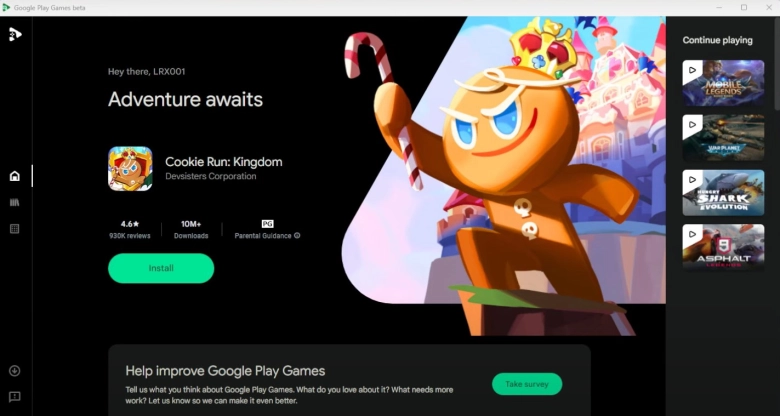
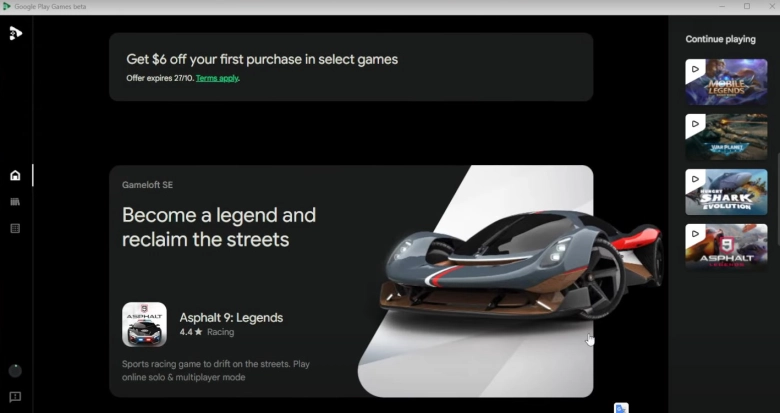
Currently, the support of Google Play Games for PC still needs to be strengthened. It only supports 40 or so games now like Genshin, Arknights, Cookie Run Kingdom, Asphalt 9: Legends, and so on. Google will add games on a regular basis.
But there are some problems with the existing games. For example, users cannot update Asphalt 9 and lag on low-end PC.
For LDPlayer 9 Players - Settings You Need to Do
Adopted by the Android Pie OS, LDPlayer 9 enables users to play Android games and use kinds of applications on PC. In the latest updates, it configures the 64-bit meta-framework which supports the apk of 64-bit and 32-bit to make it stronger in compatibility.
Since version 9.0.11, LDPlayer has been upgraded to use the latest version of VirtualBox, which allows players to play Android games normally with the Hyper-V function on their computer. But it's recommended to turn off it for a better gaming experience.
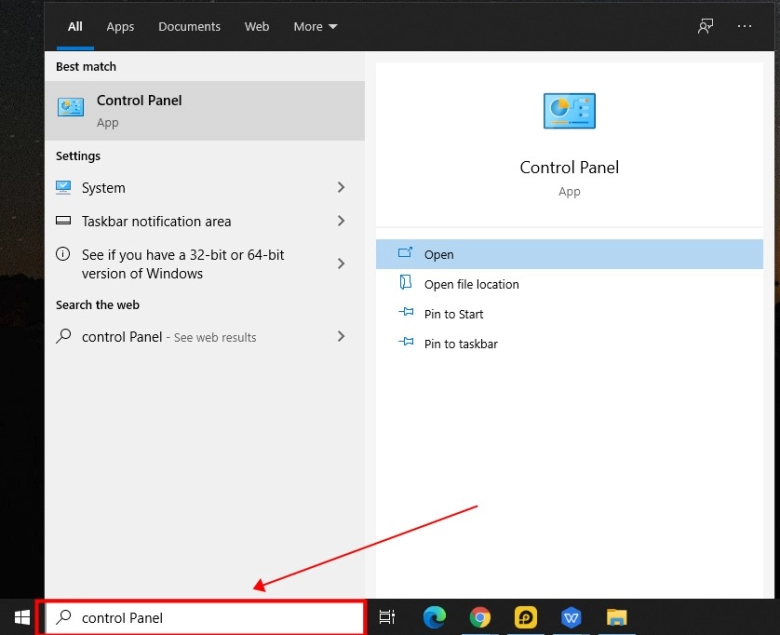
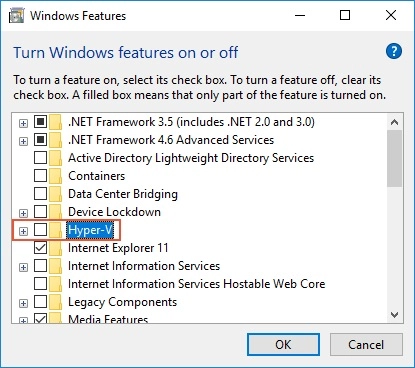
Steps to turn off Hyper-V: Enter into Control Panel > Turn Windows features on or off > Disable Hyper-V
Compared to Google Play Games for PC, LDPlayer 9 offers powerful gamer-oriented features so that players can play Android games faster and more conveniently, such as keyboard mapping, synchronizer tool, keyboard macro command, multiplayer, higher FPS and support gamepad controller.
You May be interested in: