How to Download and Play Ark Re:Code on PC - Beginners Guide
2024-12-03
Prepare yourself to fight alongside many attractive waifus on the battlefield and command them to defeat everyone in your way while having the most steamy experience with them in order to raise their attractiveness and power by playing Ark Re:Code on PC with the help of LDPlayer 9.0 in 2 easy steps.
Warning: Due to Ark Re:Code being a game with mature contents, please make sure that you are above 18 years of age before downloading the game.
Table of Contents
Play Ark Re:Code On PC With LDPlayer In 2 Easy Steps
Step 1: Download The Official LDPlayer 9.0 Emulator & Install Ark Re:Code On PC
For Players Who Have Yet To Install LDPlayer 9.0:
To start playing Ark Re:Code on PC, players will need to download the official LDPlayer 9.0 Emulator from the official LDPlayer website. Complete the download and installation process by simply following the instructions. Once the installation process is complete, simply launch an Emulator instance of LDPlayer 9.0 straight from your PC.
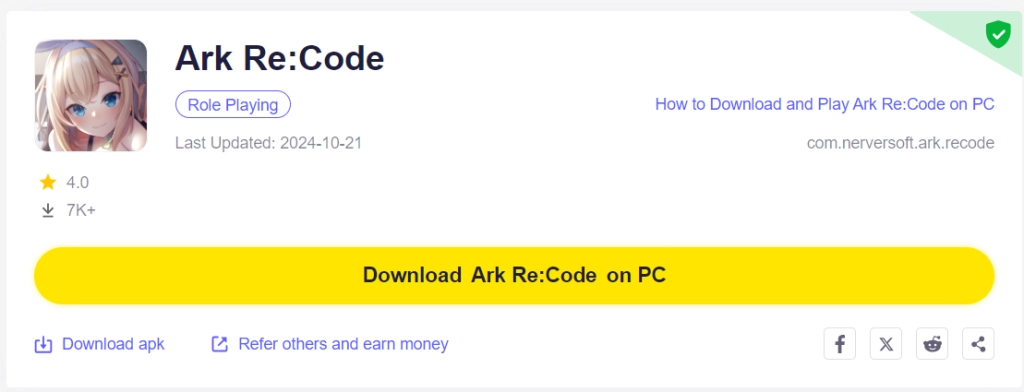
Once players have completed this step, simply continue with the following steps for those who have installed the LDPlayer 9.0 Emulator as shown below.
For Players Who Have Already Installed LDPlayer 9.0:
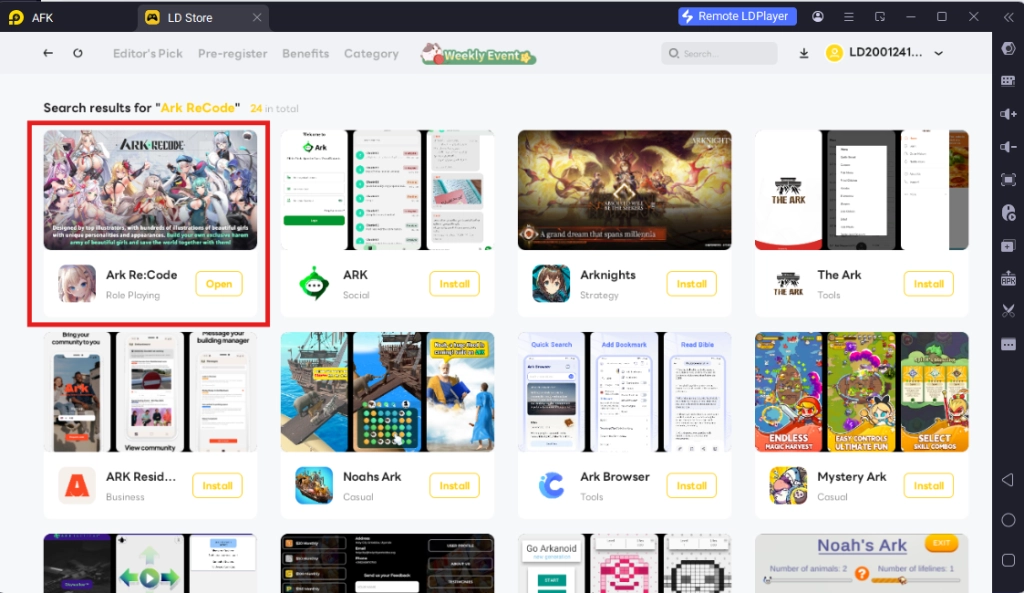
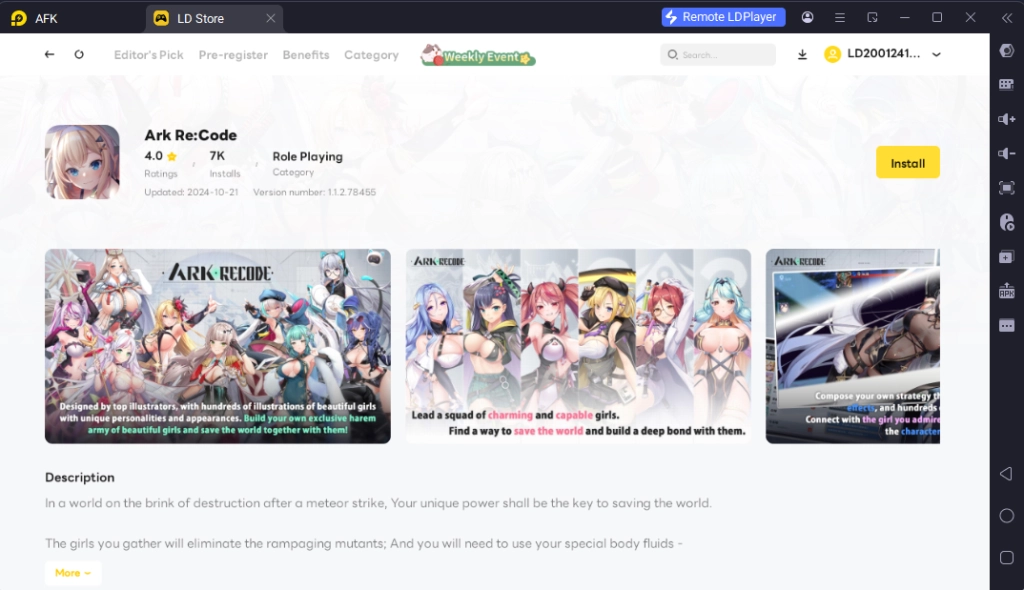
Once players have installed LDPlayer 9.0, to download Ark Re:Code, simply search “Ark Re:Code” on the search bar on the main screen and Install the game by clicking the “Install” button. Please make sure that the application being installed is the correct version of Ark Re:Code from EROLABS.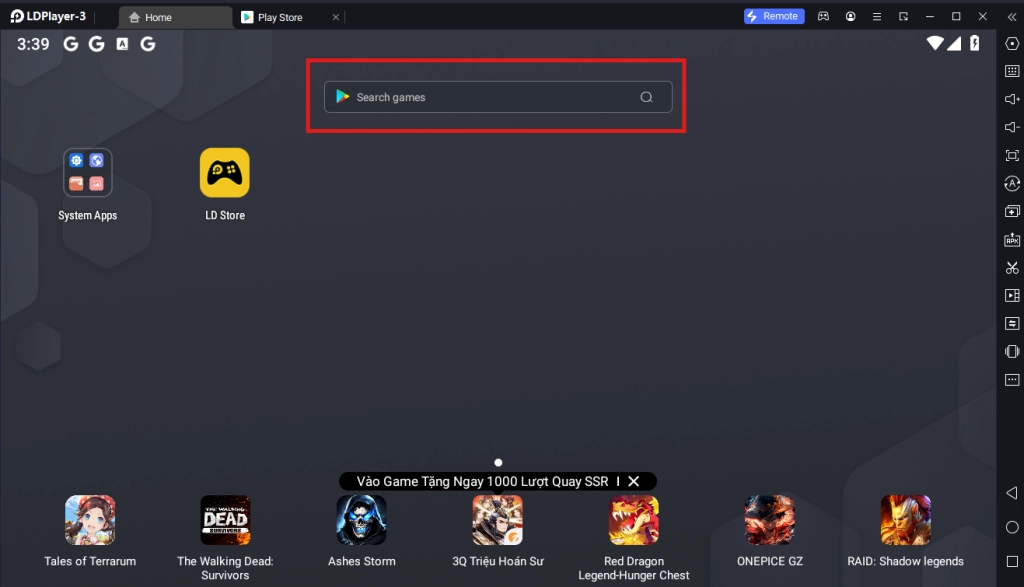
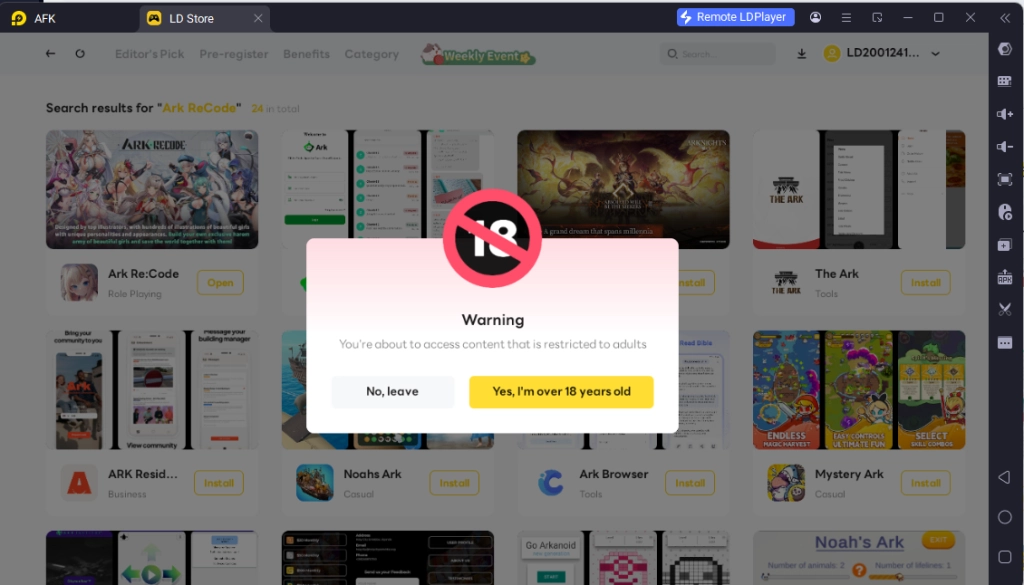
Once again, please make sure that you are above 18 years old before downloading the game, as the game features explicit content not suitable for all audiences.
Upon clicking the “Install” button, players will be able to immediately download the game resources and data onto the game instance right away without having to log into any type of account or log into the Google Play Store.
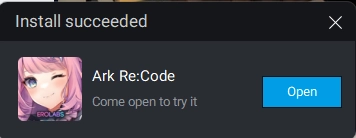
Once the application finishes downloading, players can launch the app directly from the home page of the Emulator instance after receiving a small notification notice.
Step 2: Game Data Download & Account Set Up
2.1 - Upon launching Ark Re:Code, players will immediately be prompted to log into one of 2 account options: Erolabs Account Login or Guest Account Login. For players who already have an Erolabs account, simply log into their pre-existing account by following the game instructions.
For new players or those who want to reroll in the game, simply choose the Guest Login Option to start a brand new account.
2.2 - After logging in, you can start playing the game right away by clicking the game’s title screen to start.
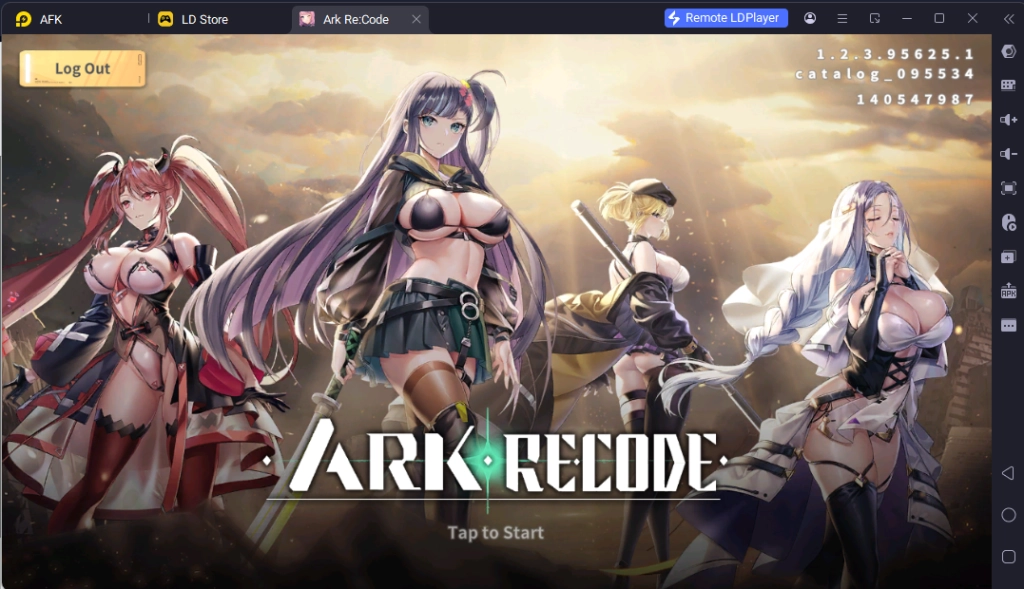
2.3 - Afterwards, players will be prompted to input their username while playing the game's initial story.
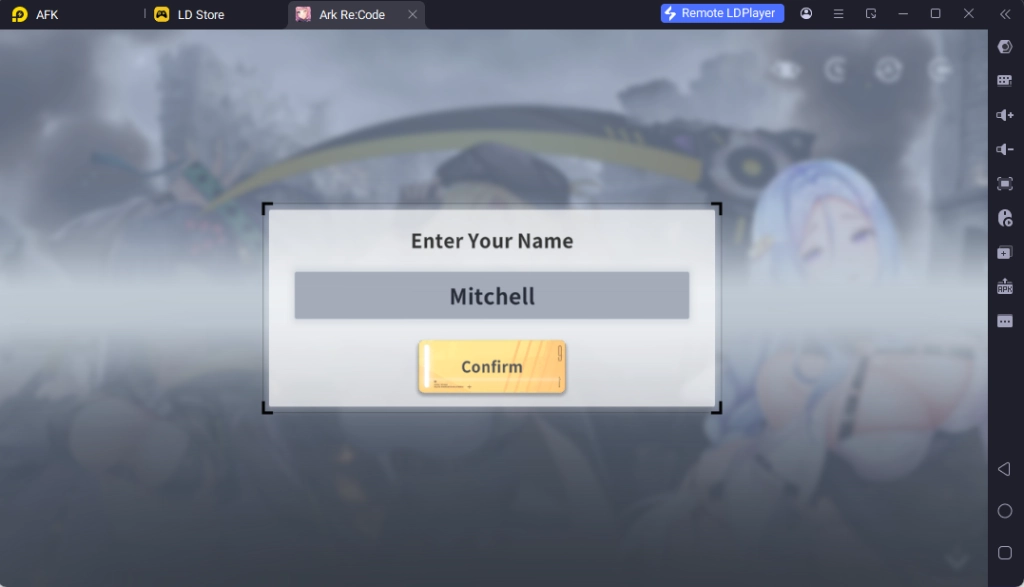
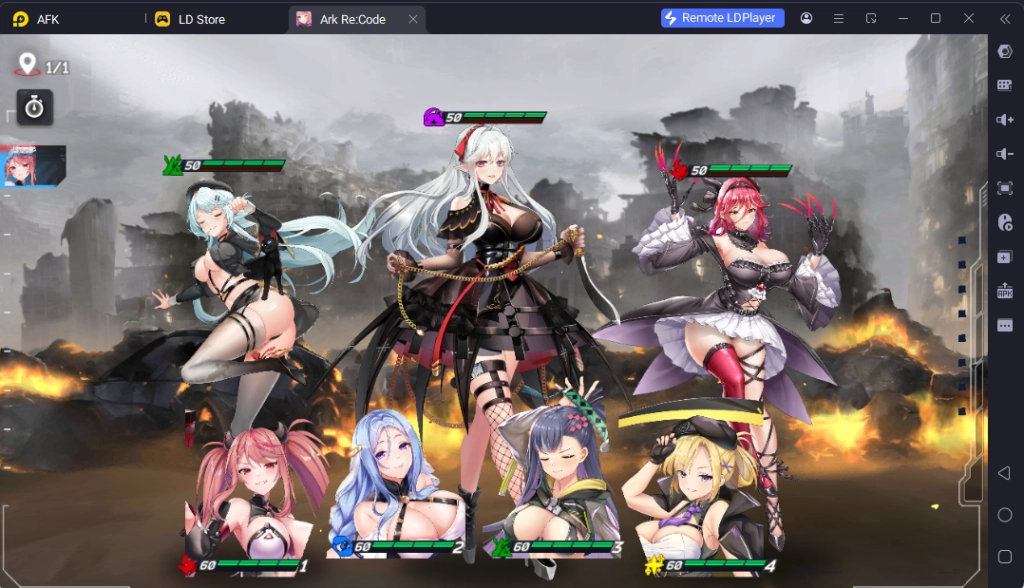
2.4 - Finally, to start playing the game, simply complete the game’s tutorial stage in order to proceed to the main game and start playing for real. To save your account data, simply link your current game data with an EROLABS account after you gain access to the game’s main menu.
Special Recommended Settings & Features
Multi-Instances For Best Account Rerolling
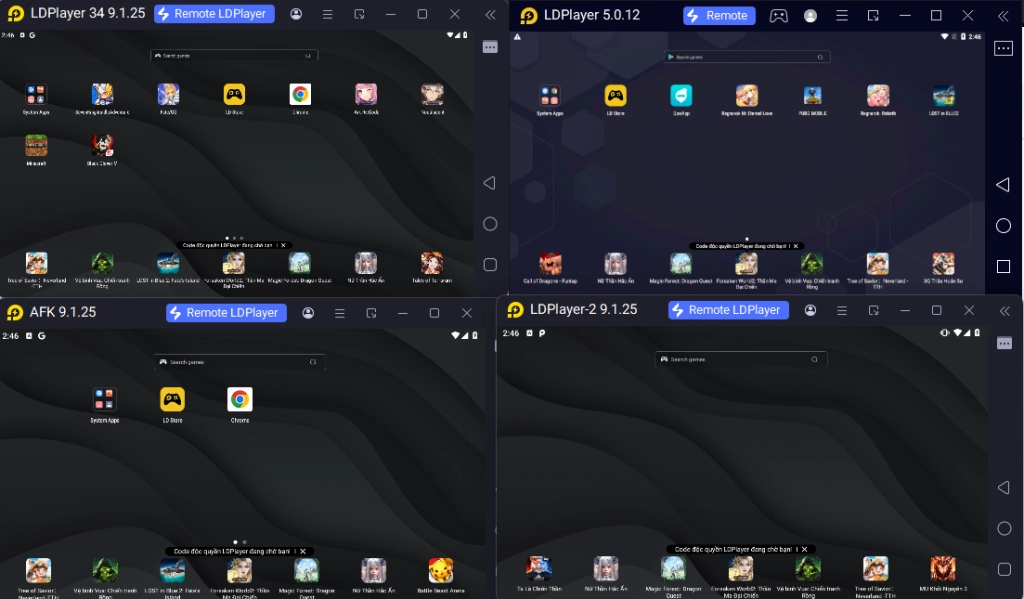
Since Ark Re:Code is a gacha mobile game, it is inevitable that you may not be able to get your favorite characters when drawing in the game at the start and want to start over by rerolling the perfect account for future gameplay. If this is the case, then you should take full advantage of LDPlayers’ Multi-Instances function that allows them to play multiple accounts of Ark Re:Code on PC.
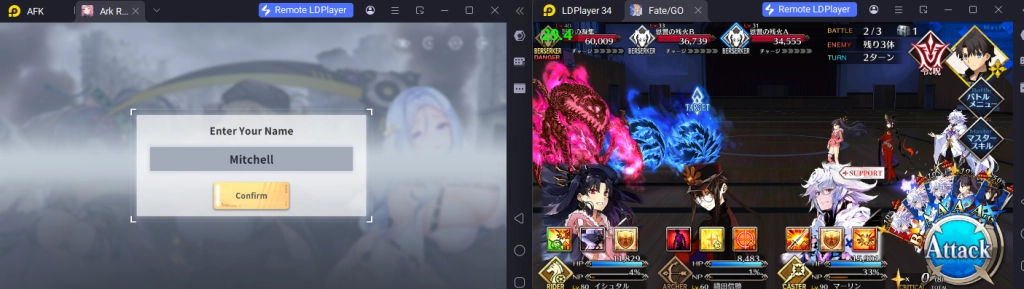
To play multiple instances of LDPlayer at the same time, you can access the LDPlayer Multi Instances application installed when downloading LDPlayer 9.0 on your desktop.

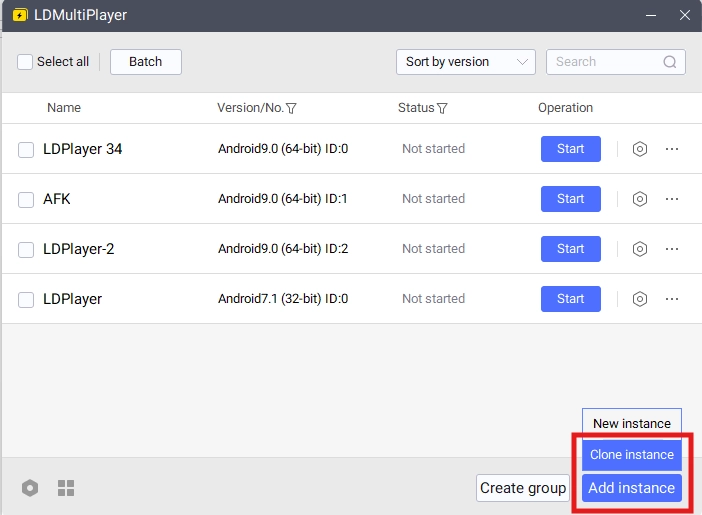
Once opened, you will be able to control the different instances for LDPlayer from this menu. To make a new Instance, simply click on the “Add Instance” button.
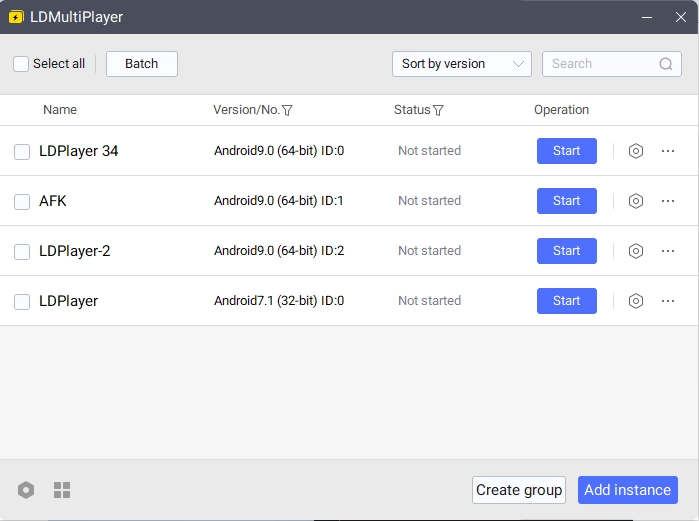
Once you have 2 or more instances, simply click “Start” on both of the Instances to open them both at the same time.
Special Tips: If you are rerolling for games, it is recommended that you download the full game data in one instance first, then use the special “Clone Instance” option to clone the data from an existing Instance immediately. This will help save you time from having to download the game data multiple times for multiple instances.
Mini Mode For Auto Battling
An additional amazing function players can use to help with their Ark Re:Code gaming experience is LDPlayer’s Mini Mode. By using this mode, players can make it so that the instance window is minimized, allowing players to do other things while Ark Re:Code does its auto-battling in the background.
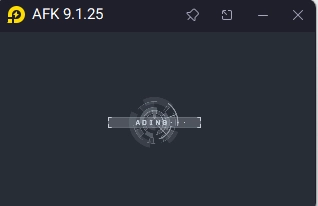
To use Mini Mode, players can simply click the button at the top right corner of the emulator or use the Ctrl + F1 command. Once in this mode, players can also pin the instance so that they can always follow the game’s progress even with the small window.
Conclusion
Then what are you waiting for? A selection of extremely attractive and eager waifus are readied for you to command and get intimate with by playing Ark Re:Code on PC with the help of LDPlayer 9.0, the best emulator today!
Some Ark Re:Code Game Guides to give you the best start on your journey to seduce your favorite waifus:
- Ark Re:Code - Game Review & Gacha Rates
- Ark Re:Code Codes Guide - Unlock Rewards and Save the Earth