How to Download and Play Golden Spatula on PC - Beginners Guide
2024-12-03
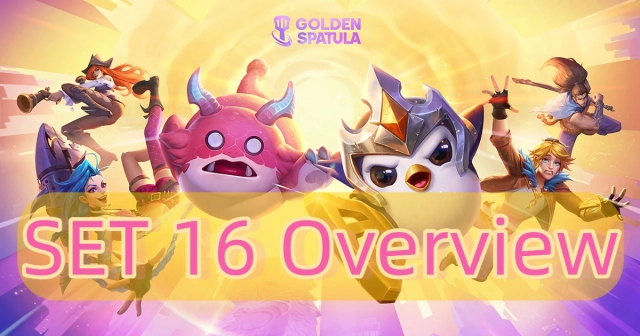
Being an exotic enthusiast of League of Legends while finding a game where you could put your team-building skills to the test? Then Golden Spatula is your best choice! Golden Spatula is a champion auto-battler strategy mobile game where your goal is to recruit and improve League of Legends heroes to build the most powerful team and eliminate other players. Play Golden Spatula on PC today with LDPlayer! Begin your journey along with Pengu to be the top tactician!
Table of Contents
Download and Play Golden Spatula on PC in 2 Steps
Step 1: Download LDPlayer 9.0 and Install Golden Spatula on PC
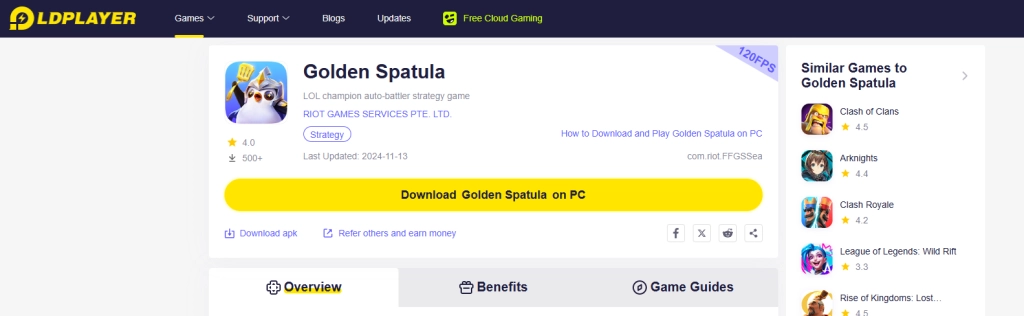
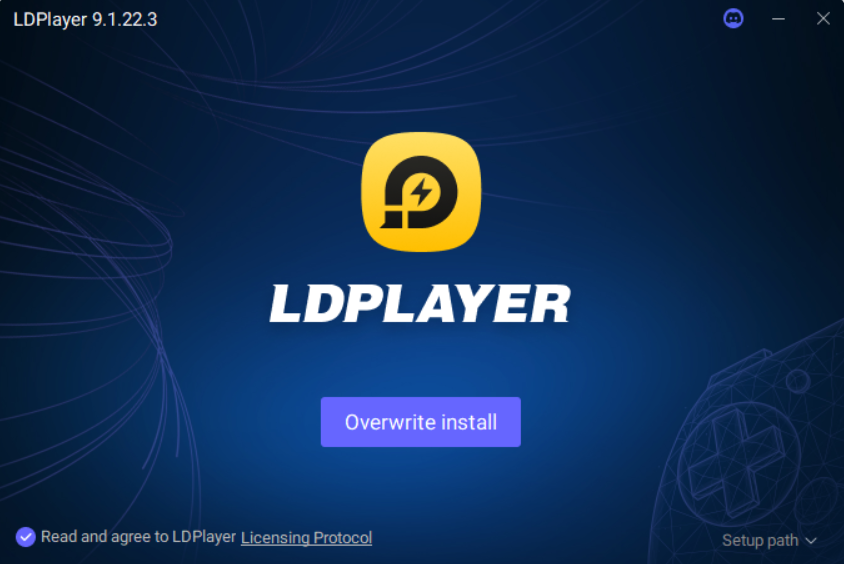
1.1 Click on the “Download Golden Spatula on PC” button on the official website and download LDPlayer.
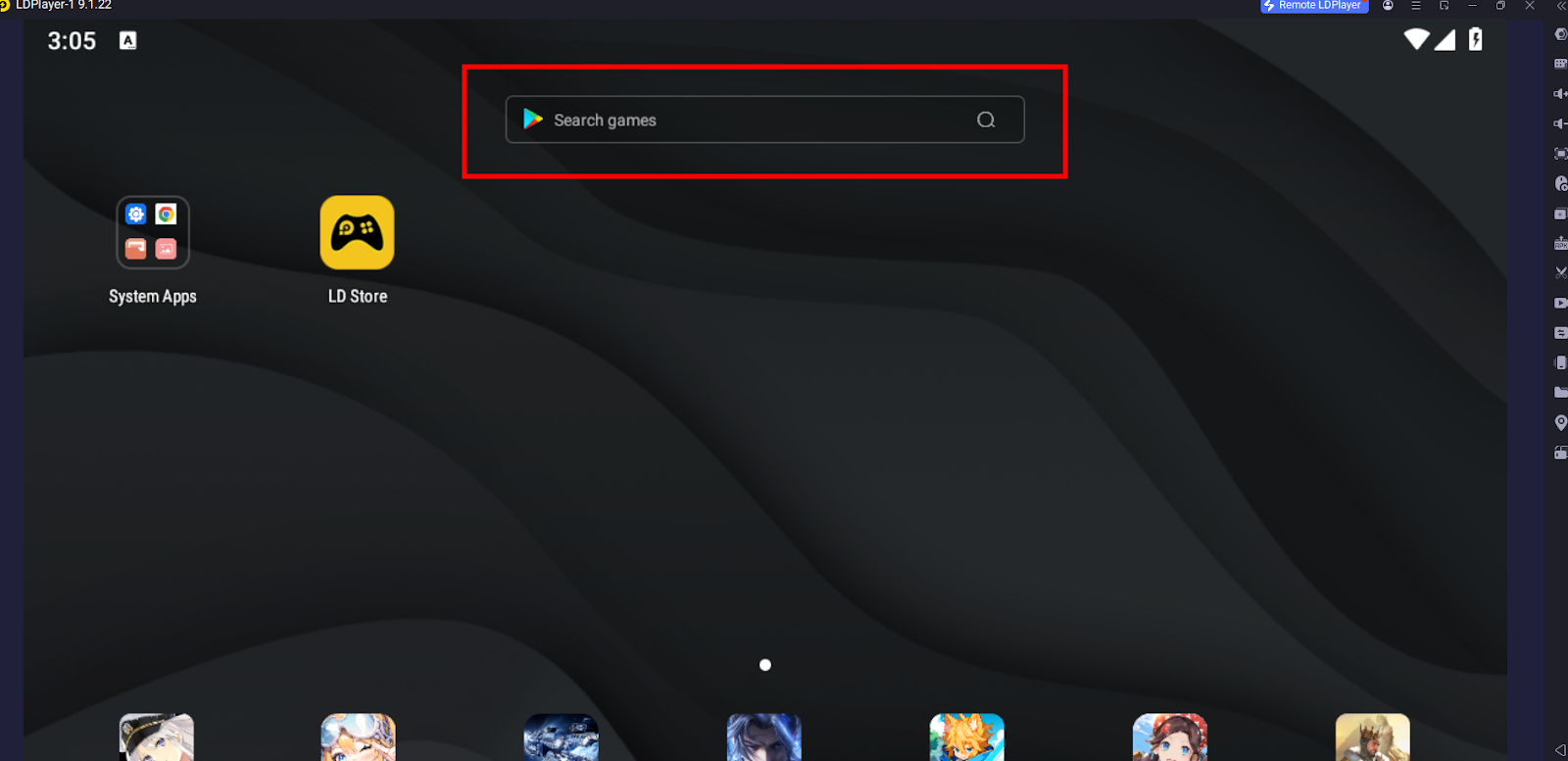
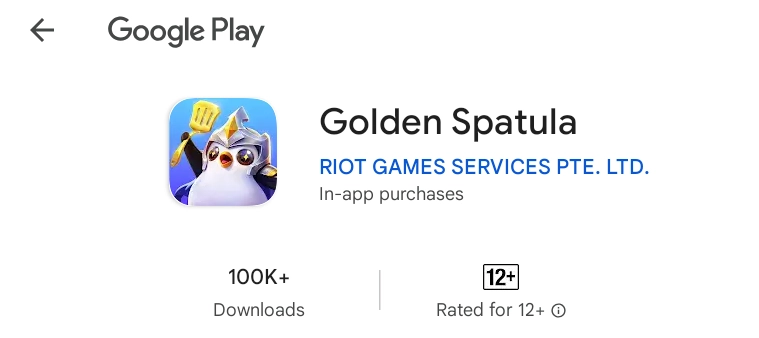
1.2 Enter the game name “Golden Spatula” into LDPlayer’s search bar. Find the right version developed by RIOT GAMES from the search results.
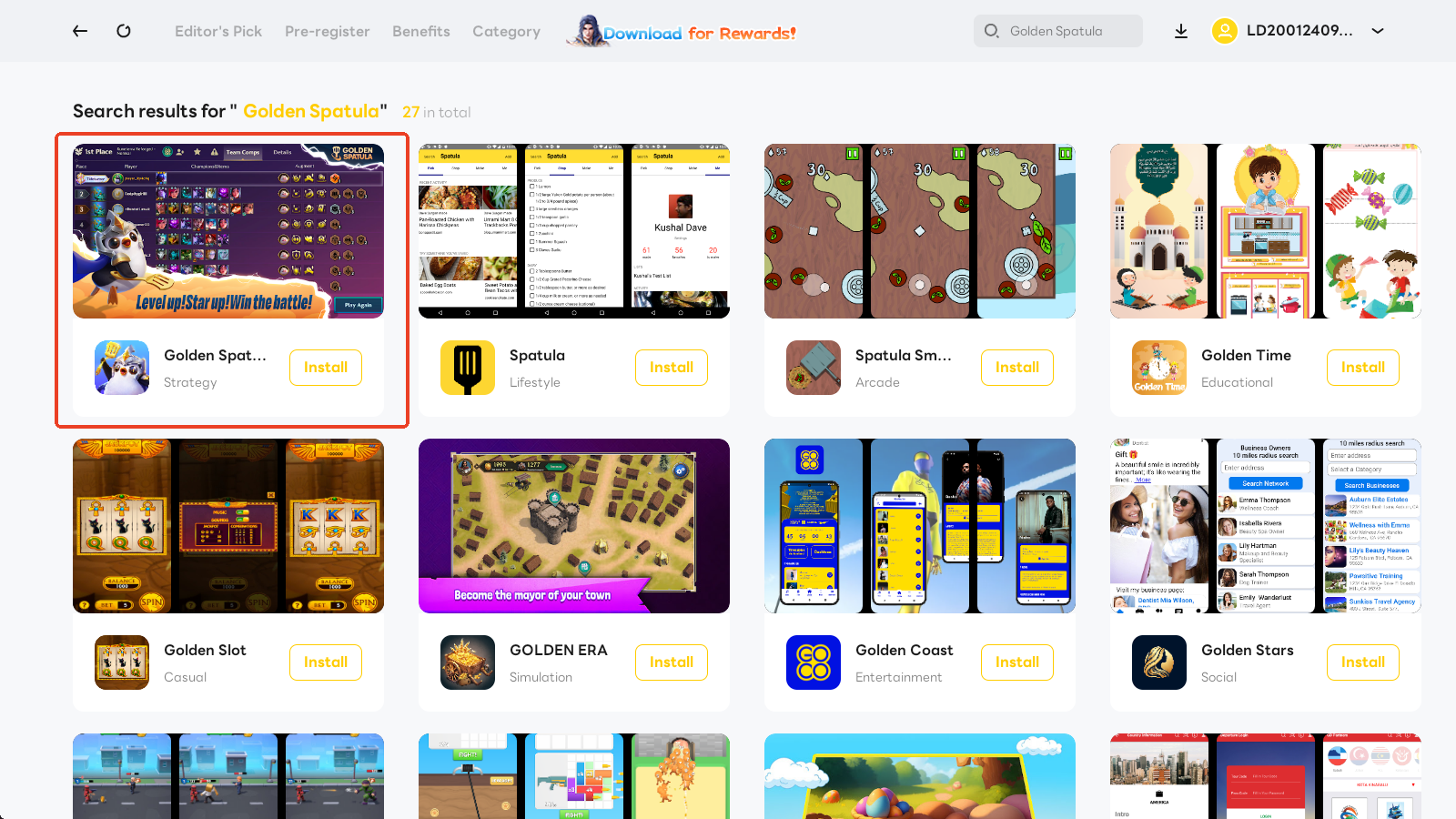
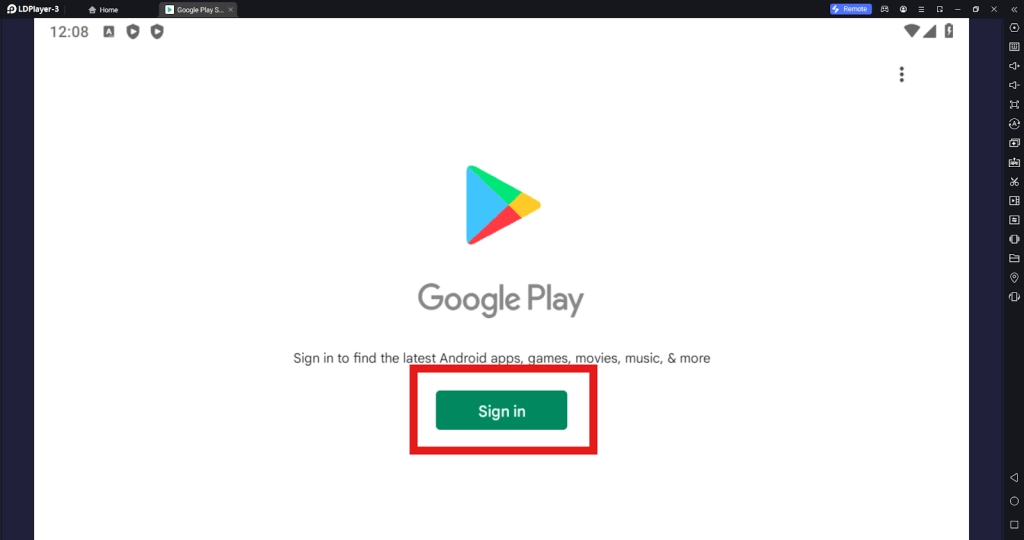
1.3 Sign in to your Google account and install the game from the Google Play Store.
Step 2: Launch and Play Golden Spatula on PC
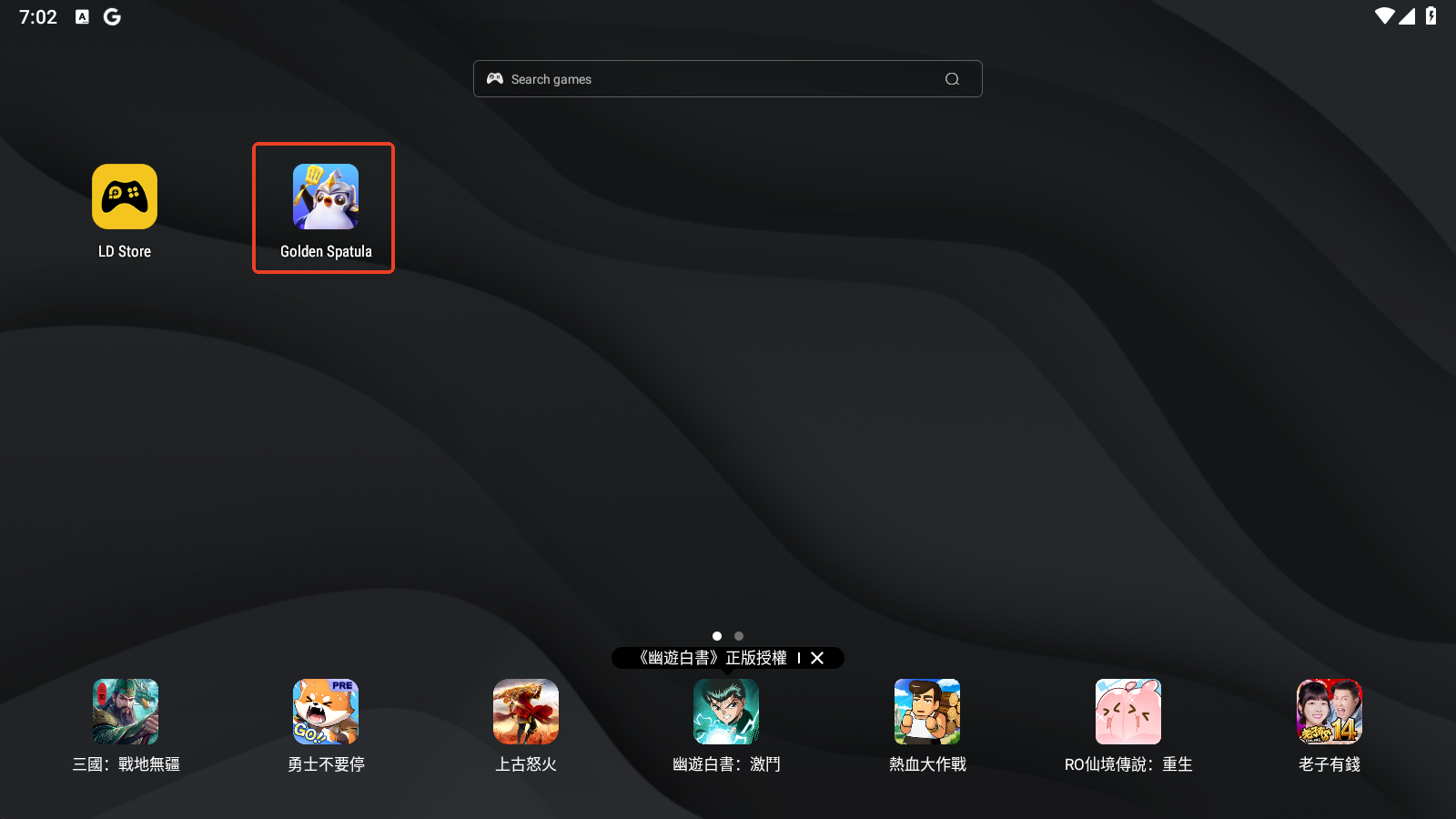
2.1 Click the Golden Spatula icon to launch the game on PC.
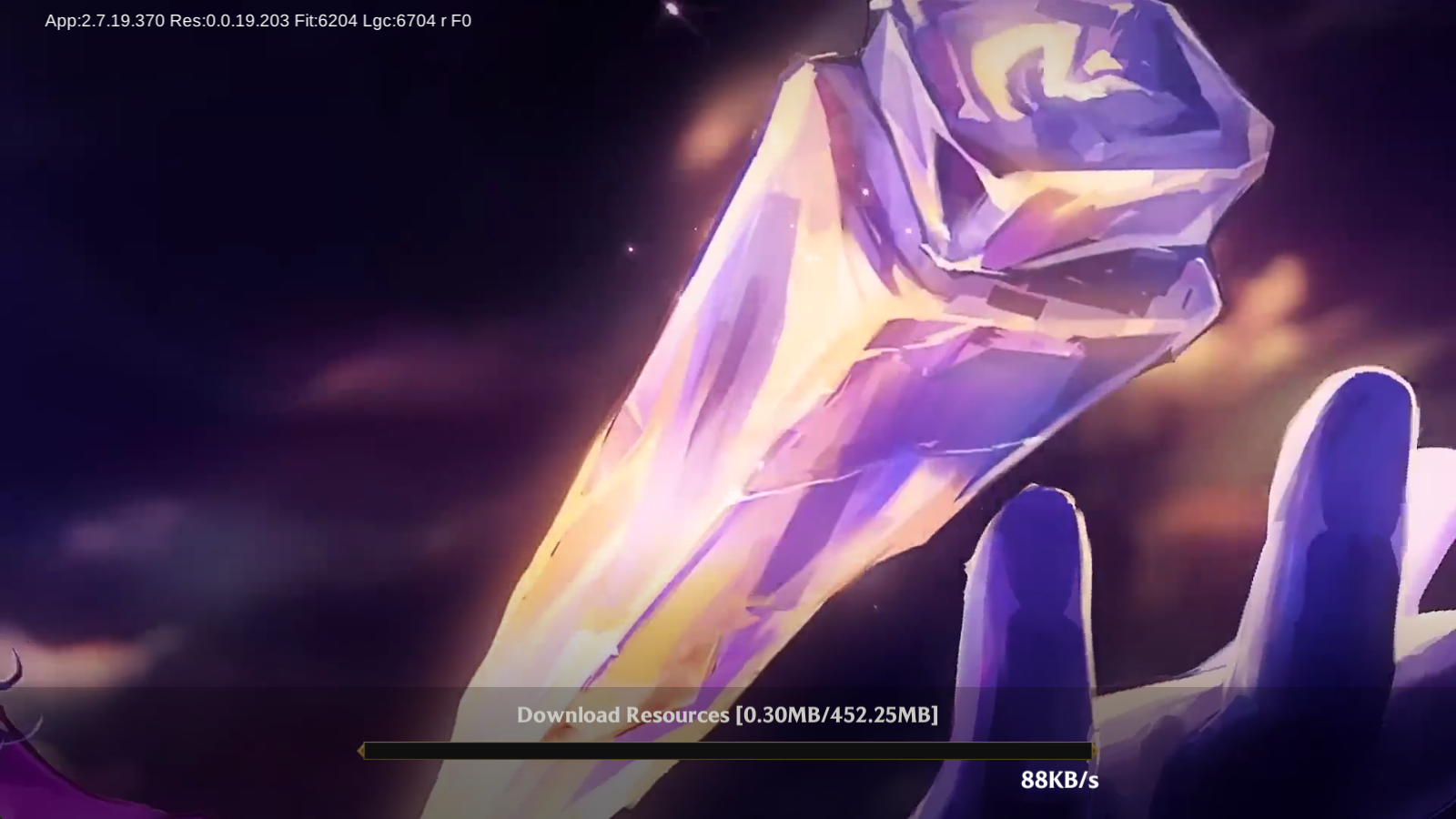
2.2 Wait for the game to update.
2.3 Login to the game. Click More Option button to see more login methods.
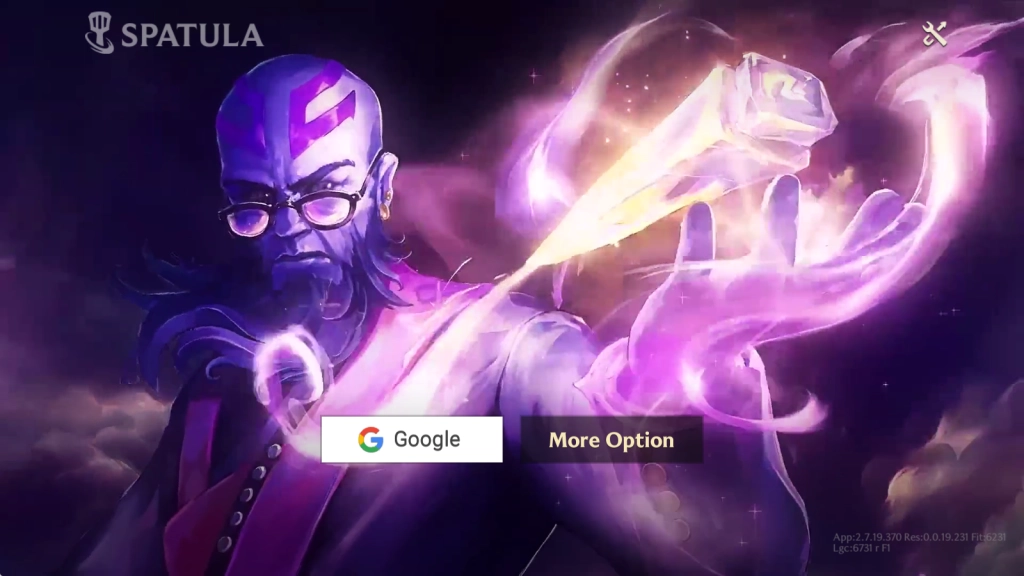

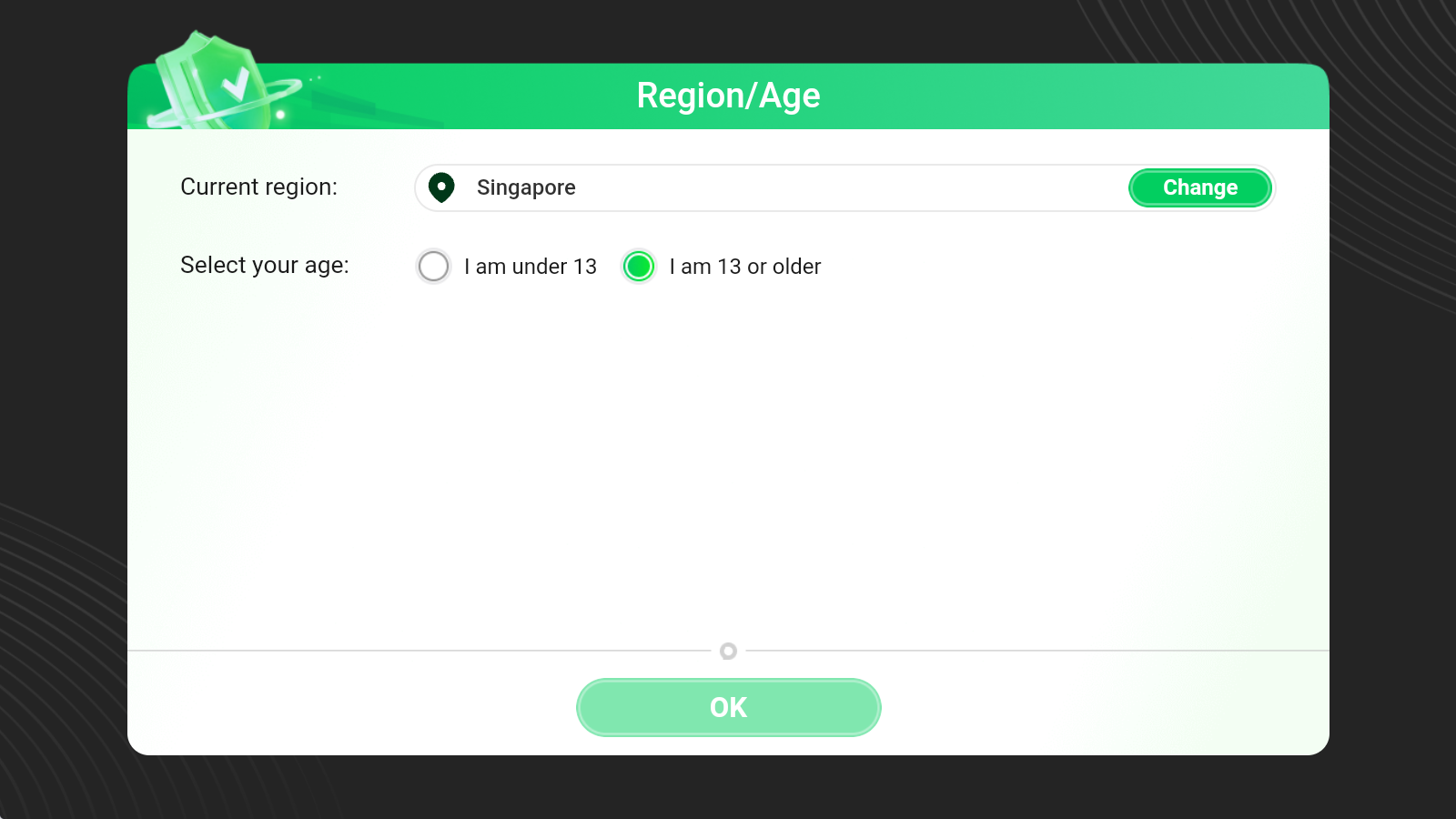
2.4 Fill in your region and age information. Kindly note that to play the game there are various age limitations in different regions. Please make sure that your age is beyond the requirements.
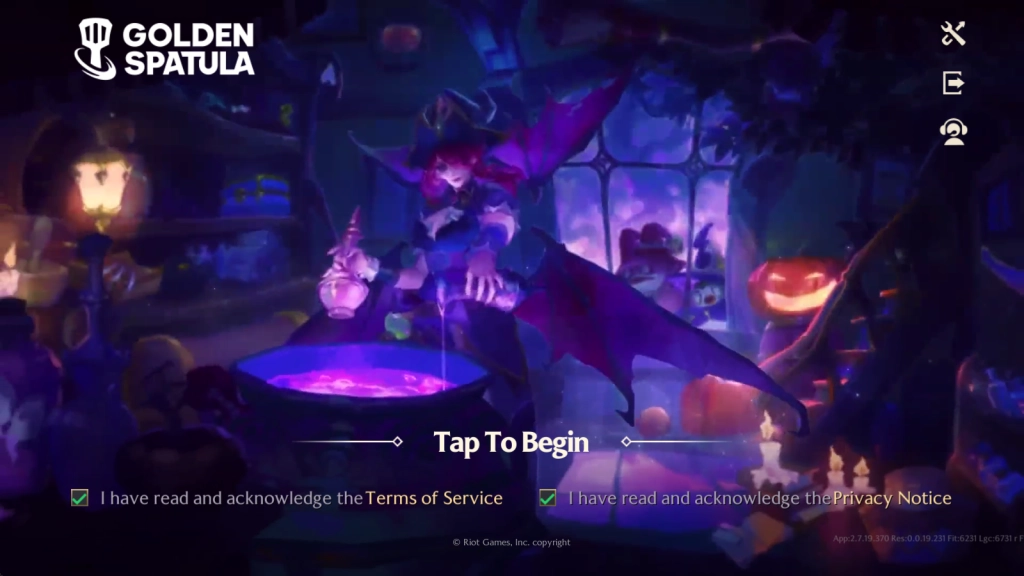
2.5 Tick to confirm your knowledge of all the terms and policies, and then tap to enter the game!
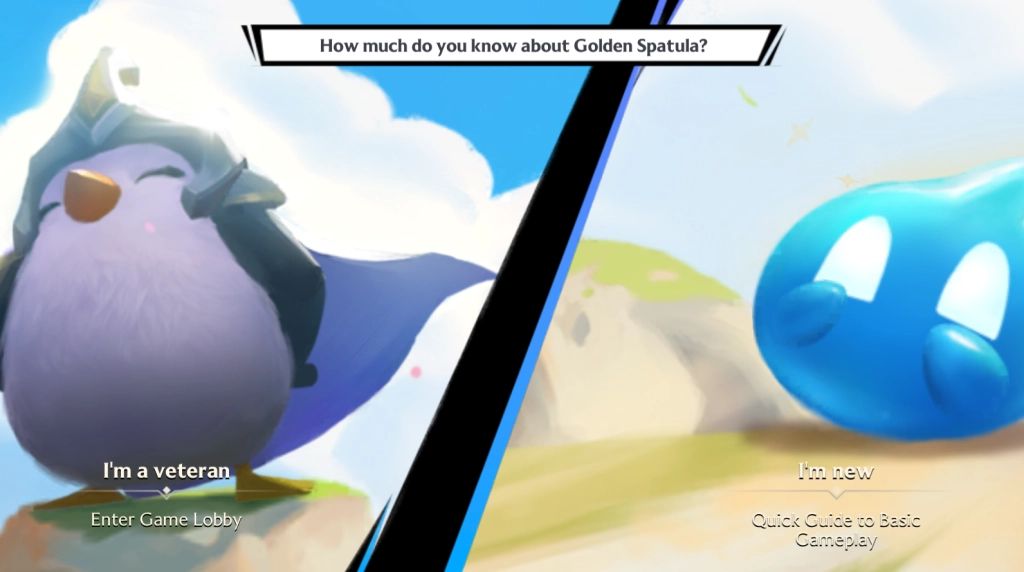
2.6 Upon entering, you will be prompted to choose whether you are a new or a veteran player of Golden Spatula.
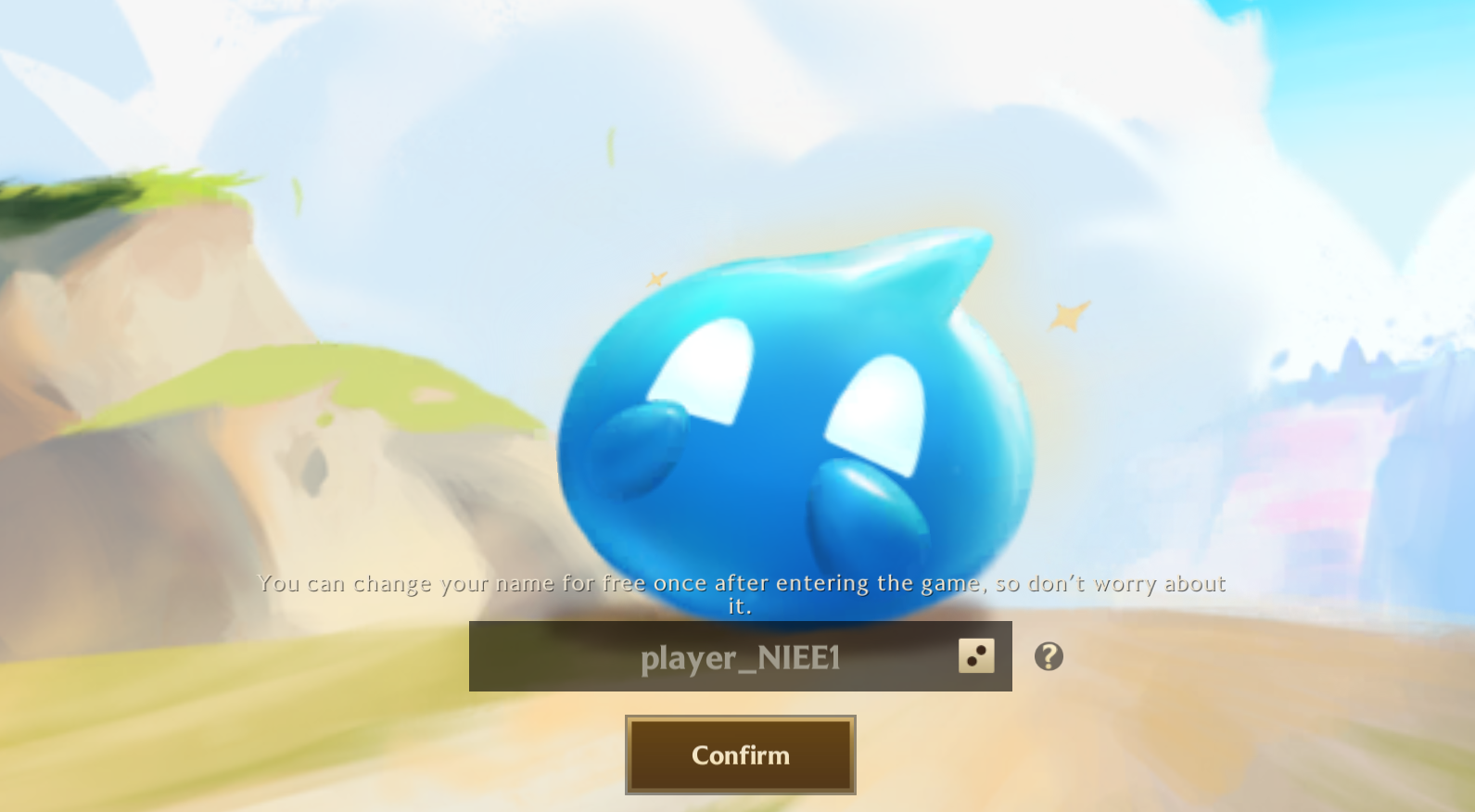
2.7 Enter your name in the game.
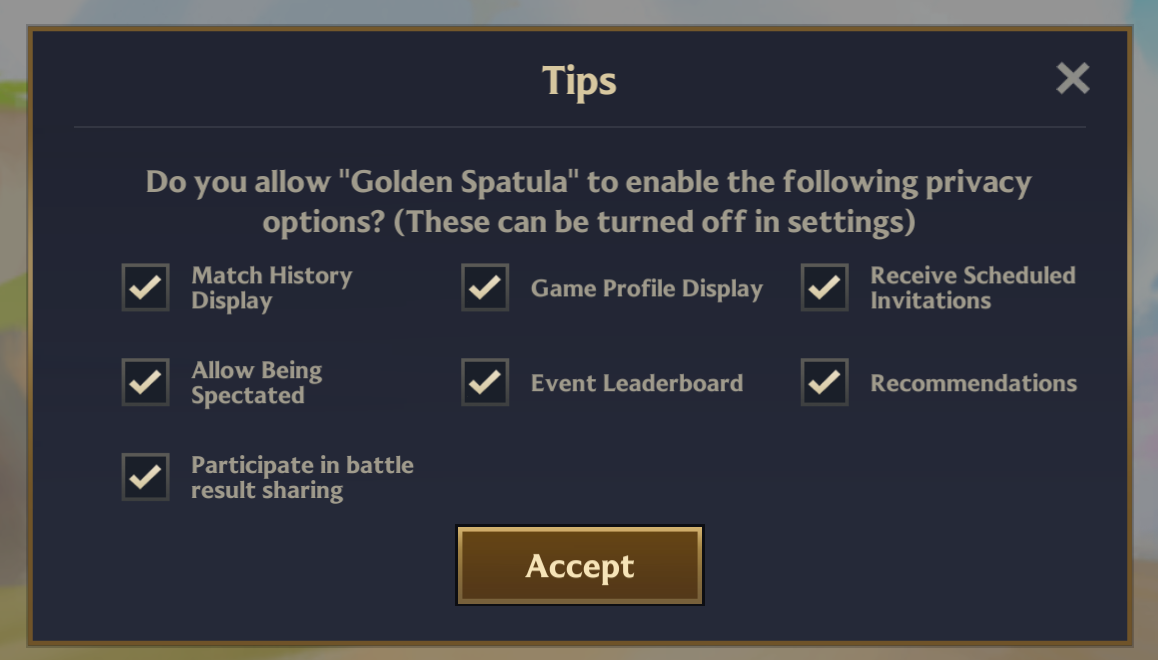
2.8 Then the game will ask for your approval to enable a series of privacy options in order to proceed. Please click Accept.
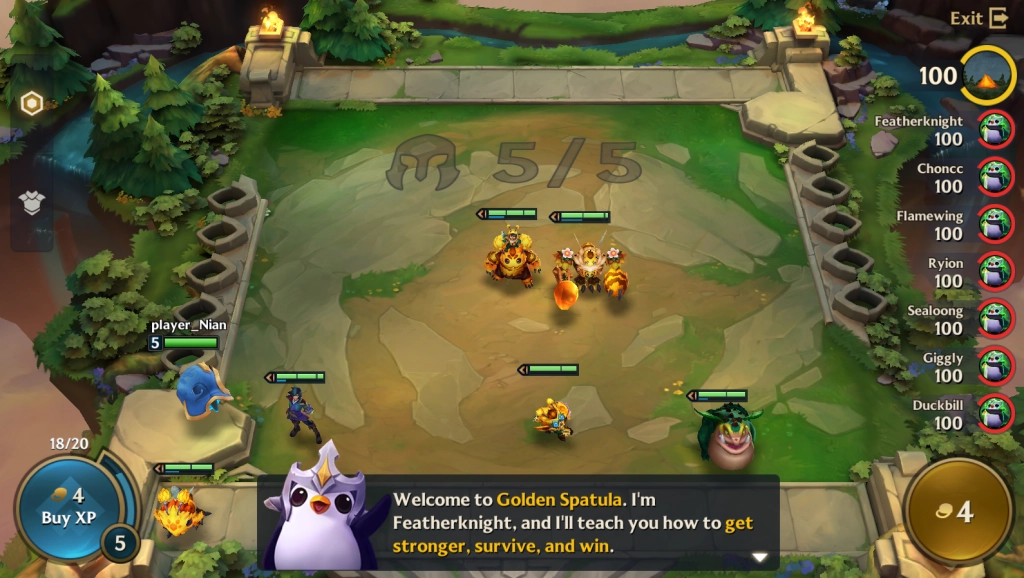
2.9 For the newers of Golden Spatula, a basic tutorial will be here for you. Go and claim your victory!
Common Problems You May Come Across and Possible Solutions
How to deal with network issues
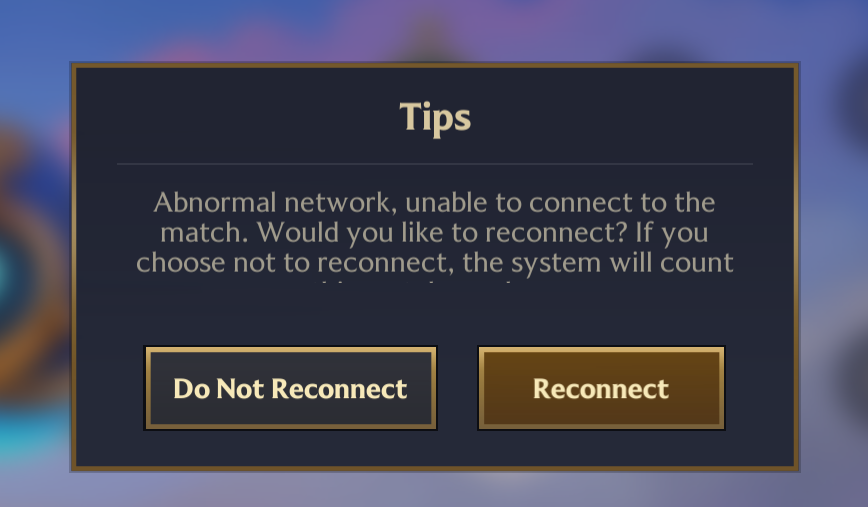
Since Golden Spatula is an online multiplayer PvP battler game, a flicker of network issues may be a grave cause to lose your victory. If you notice that there is an abnormal network condition during your gameplay, and after several attempts to reconnect you still lose your connection to the game, you may consider setting up Network Bridging to increase the quality of your emulator’s internet and deal with the network problems.
Special Features of LDPlayer for Playing Golden Spatula on PC
Higher FPS & Graphics Settings
By playing Golden Spatula on PC with LDPlayer, you can not only experience a wider field of view but can also enjoy the highest graphics and the best frame rate brought by the High FPS & Graphics Settings, through which you can play Golden Spatula on PC at 120 FPS and even 240 FPS.
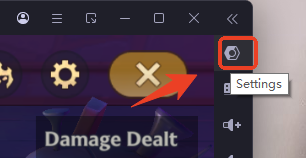
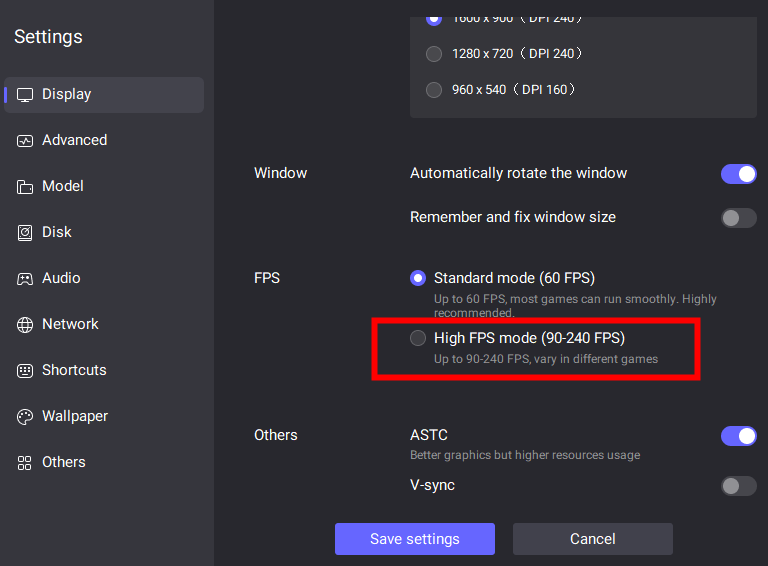
You can turn on the high FPS mode of LDPlayer in Settings.
Find the FPS settings on the Display page and select the High FPS mode.
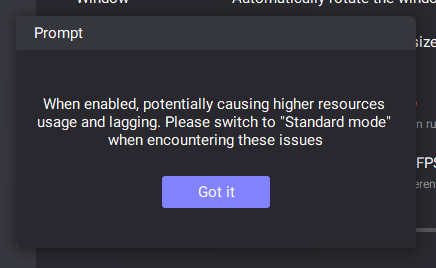
Click Got it.
Drag the slider to adjust the rate.

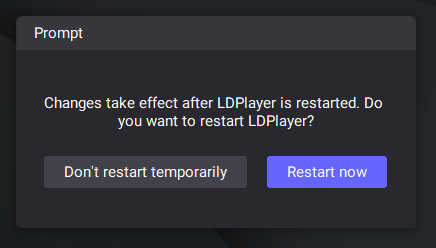
Save the settings and restart LDPlayer. Then the change will take effect. You can now have a smooth and fast performance at Golden Spatula’s arena!
Special Multi-Instances Tool
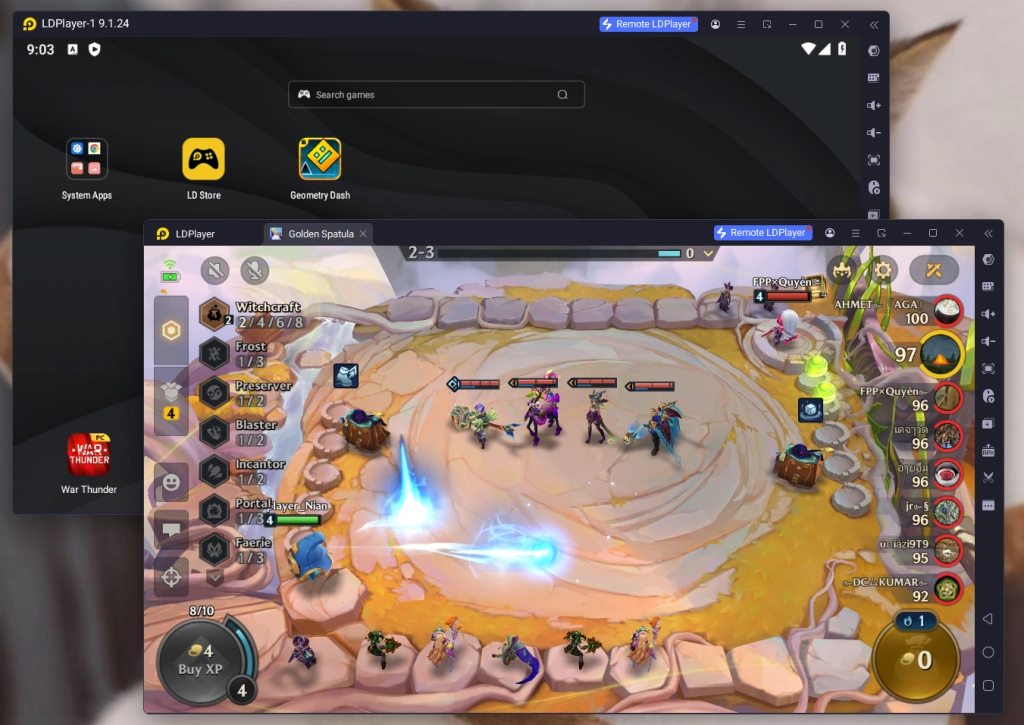
While Golden Spatula is an auto-battler game, by playing Golden Spatula on PC players can enjoy the benefits brought by the special Multi-Instances tool of LDPlayer to create and run multiple instances, which allows you to simultaneously manage multiple matches or engage in other games.
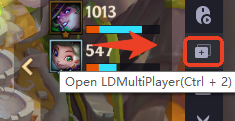
Simply find the Multiplayer button on the right sidebar of your emulator or press “Ctrl + 2” instead.
Conclusion
Play Golden Spatula on PC today with LDPlayer, the lightest and fastest emulator in the world! Go hone your skills on the battlefield and claim victory with the ultimate strategy! Good luck!
Other tips and guides for your Journey to become a top tactician in Golden Spatula on PC: