How to Download and Play Grand Theft Auto: Vice City on PC - Beginners Guide
2025-01-07
Experience a classic game by Rockstars Studio in the Grand Theft Auto Franchises where you will be able to commit crimes, fight gangs and collect money by playing Grand Theft Auto: Vice City on PC today!
Table of Contents
Play Grand Theft Auto: Vice City on PC In 2 Easy Steps
Step 1: Download The Official LDPlayer 9.0 Emulator & Install Grand Theft Auto: Vice City
For Players Who Have Yet To Install LDPlayer 9.0:
To start playing Grand Theft Auto: Vice City on PC, you will need to download the official Emulator from the official LDPlayer website. Complete the download and installation process by simply following the instructions. Once the installation process is complete, simply launch an Emulator instance of LDPlayer 9.0 straight from your PC.
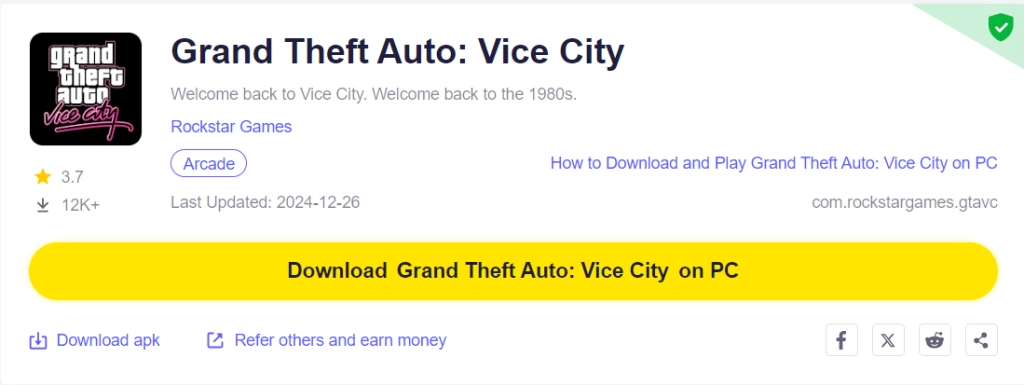
Once you have completed this step, simply continue with the following steps for those who have installed the LDPlayer 9.0 Emulator as shown below.
For Players Have Already Installed LDPlayer 9.0:
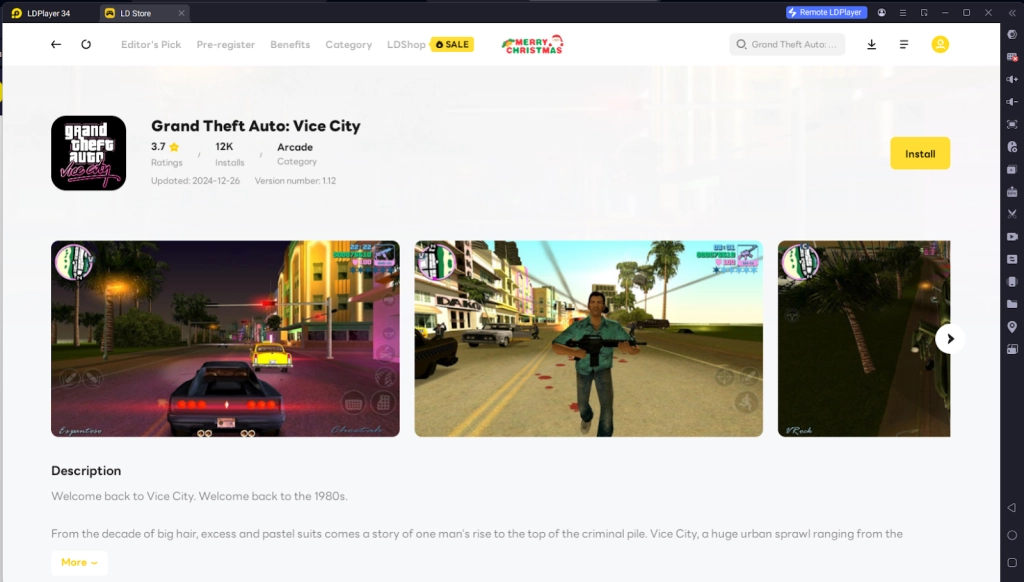
Upon starting the emulator instance, to download Grand Theft Auto: Vice City, simply search “Grand Theft Auto: Vice City” on the search bar on the main screen and Install the game by clicking the “Install” button. Please make sure that the application being installed is the correct version of Grand Theft Auto: Vice City from Rockstar Games.
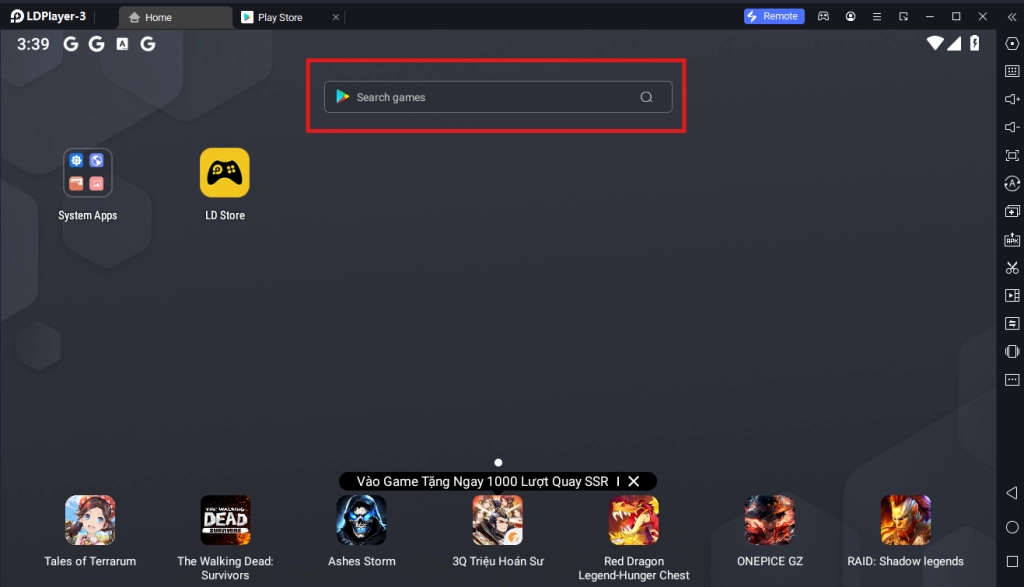
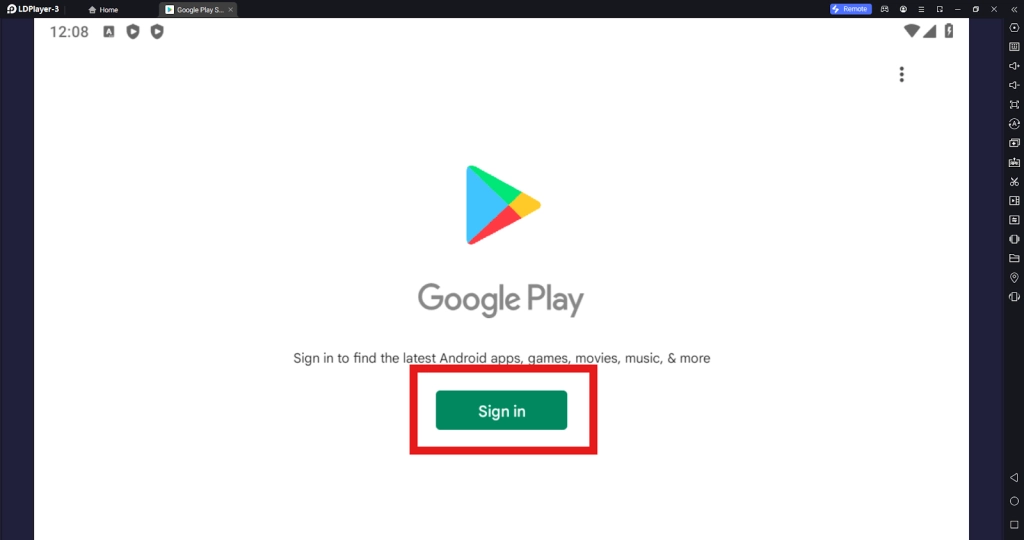
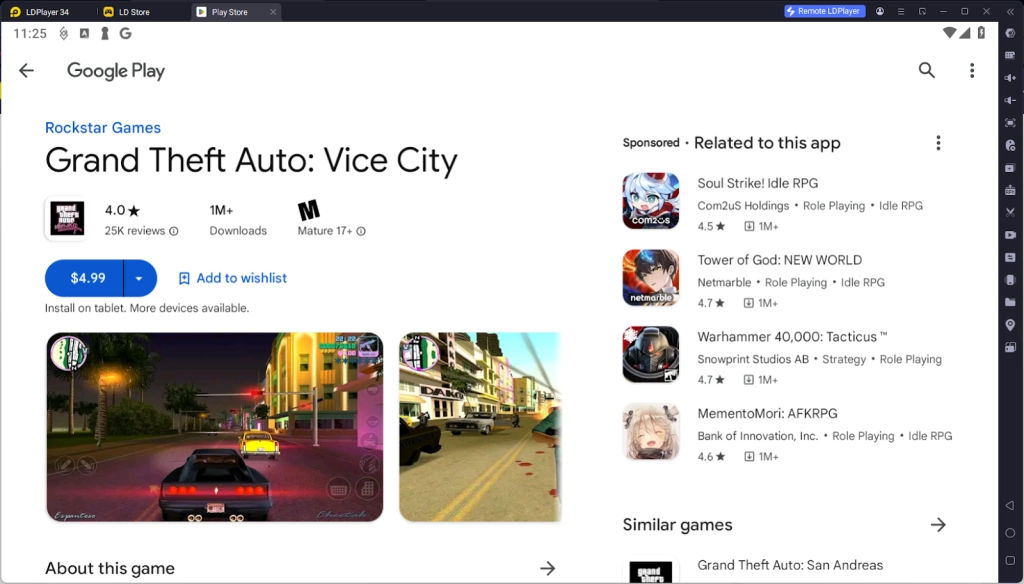
Upon clicking the “Install” button, you will be directed to the Google Play Store. Simply log into your pre-existing Google Play Account or create a new one by following the Google Play Store Instructions. Once finished, simply click the “Install” button on the Google Play Store page for Grand Theft Auto: Vice City.
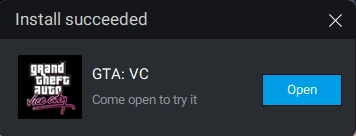
Once the application finishes downloading, you can launch the app directly from the home page of the Emulator instance after receiving a small notification notice.
Step 2: How To Download Data, Start New Game And Load Your Previous Game Files
2.1 - After installing the game, you will be treated with the game’s data download screen. Simply wait for it to finish downloading to start playing the game.
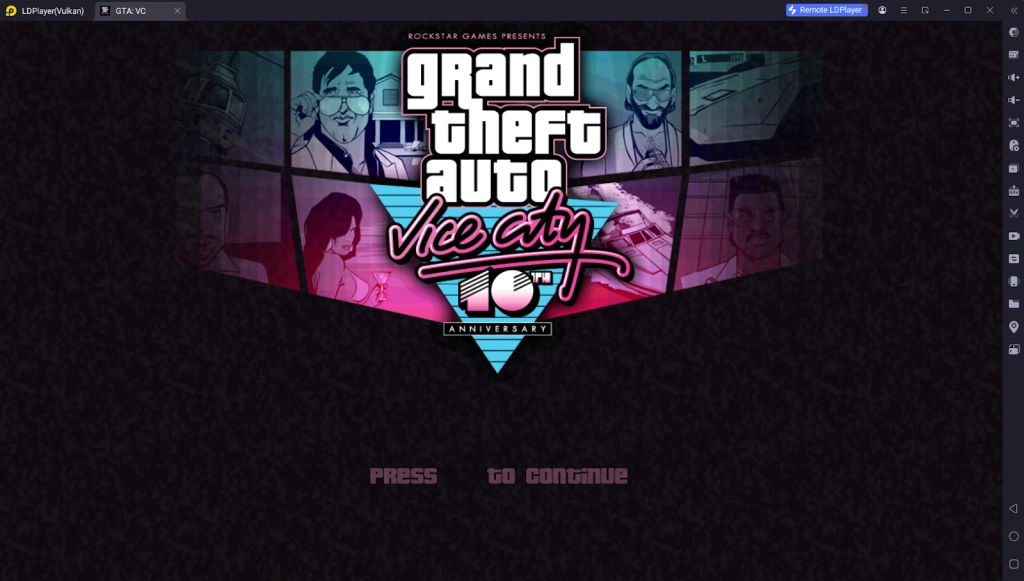
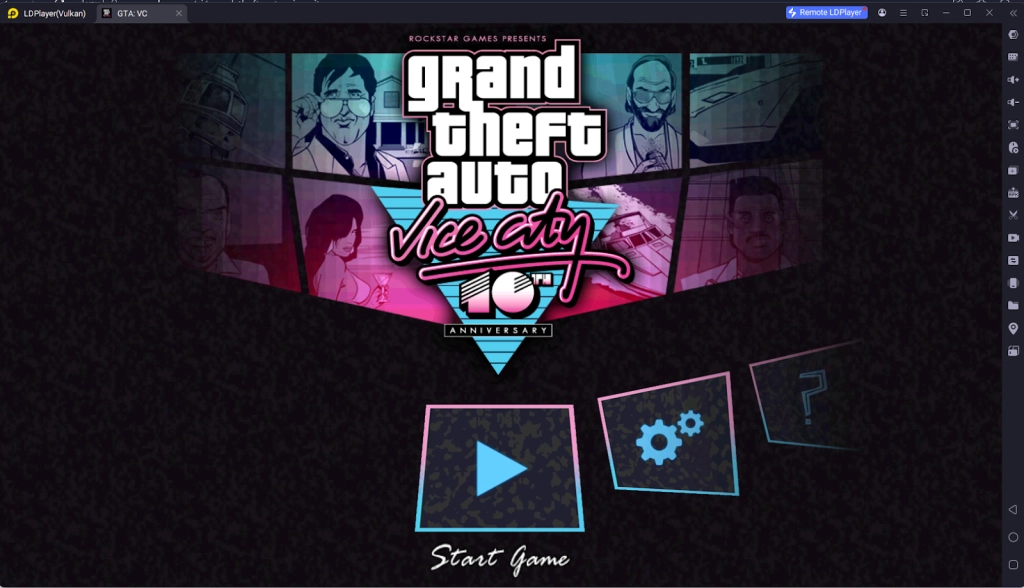
2.2 - Once the download process is complete, you will be able to start the game right away by clicking the “Start Game” option.
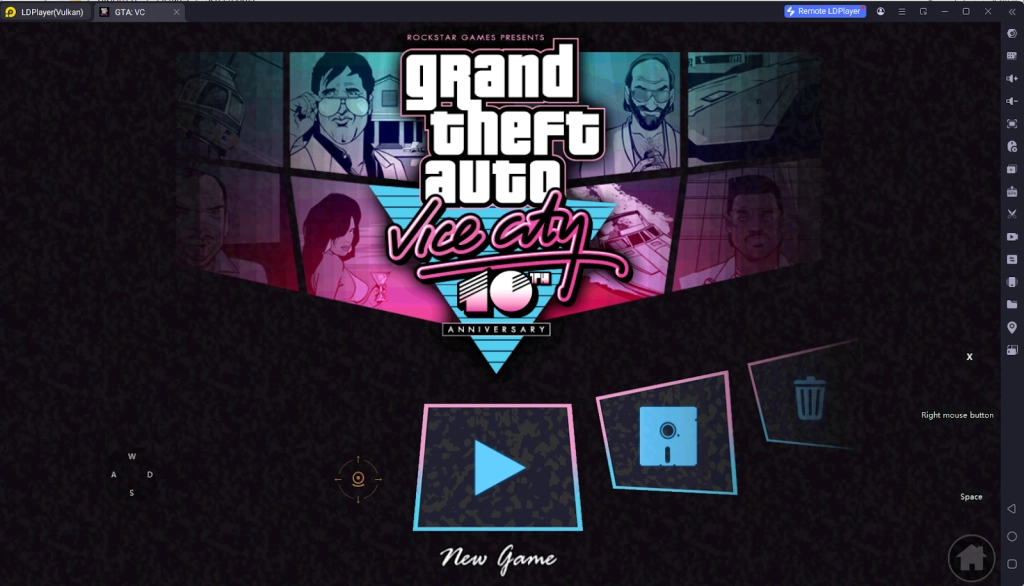
2.3 - To make a new game, simply start the game by clicking the “New Game option”, however, you need to remember to constantly save the game progress as you continue in the game. To continue where you left off last session, simply choose the Load game option and select your save file to continue.
Special Recommended Settings & Features
Play Grand Theft Auto: Vice City On PC For Free
Unlike the official PC version and the Google Play Store version of Grand Theft Auto: Vice City, with the help of LDPlayer 9.0, you can play the game completely free without having to buy the game from the official game store.
In order to play Grand Theft Auto: Vice City for free, simply download the APK file for the game from the official LDPlayer Website by clicking the “Download Apk File” Button on the screen.
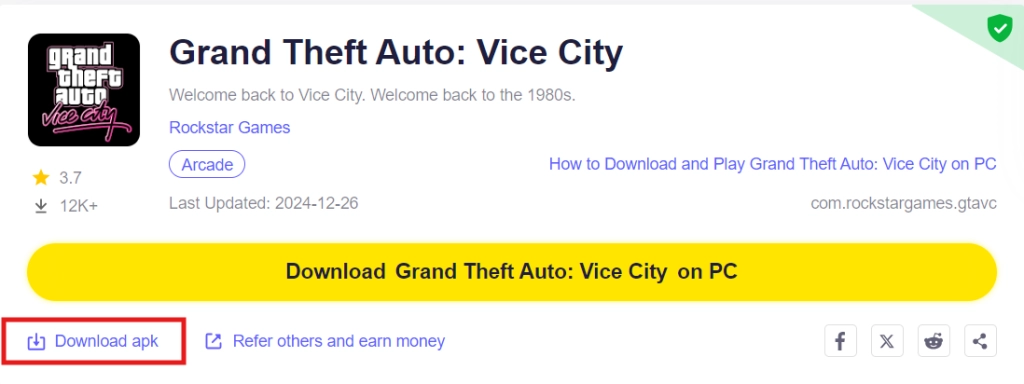
Afterward, simply follow the instructions to download the APK file for Grand Theft Auto: Vice City.
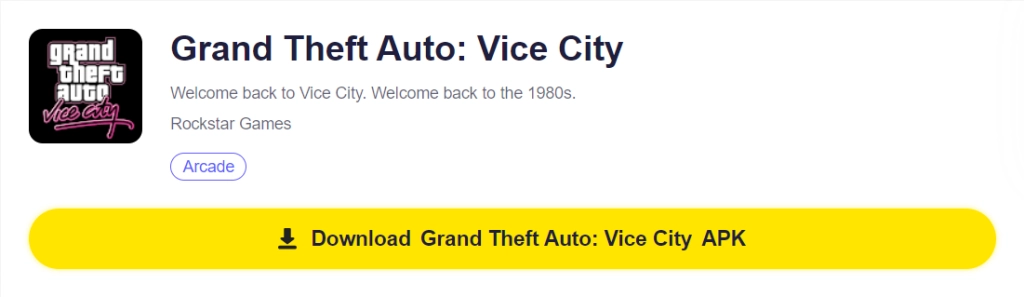
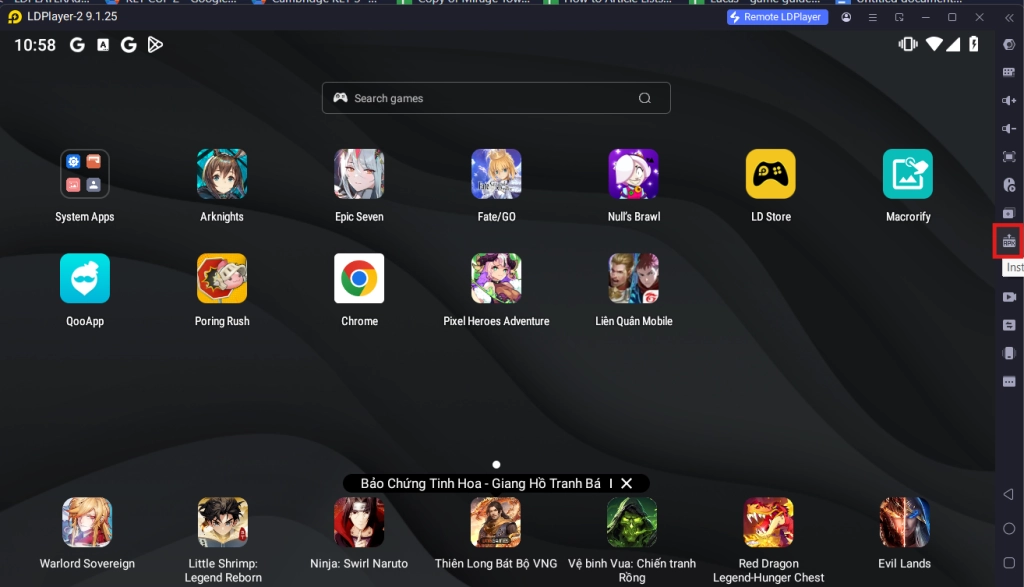
Once the file has been downloaded, you can install the APK file using the APK Installer or the Ctrl+3 key combination.
Control The Game Using Your Keyboard
With Grand Theft Auto: Vice City being a game developed for the phone, it is obvious that it will prove quite difficult for you to use all of the game’s mechanics like punching, interacting with cars and the likes all at once using your mouse. Well no need to fret as you can use LDPlayer 9.0’s Key Mapping function to be able to do all of that with your keyboard instead.
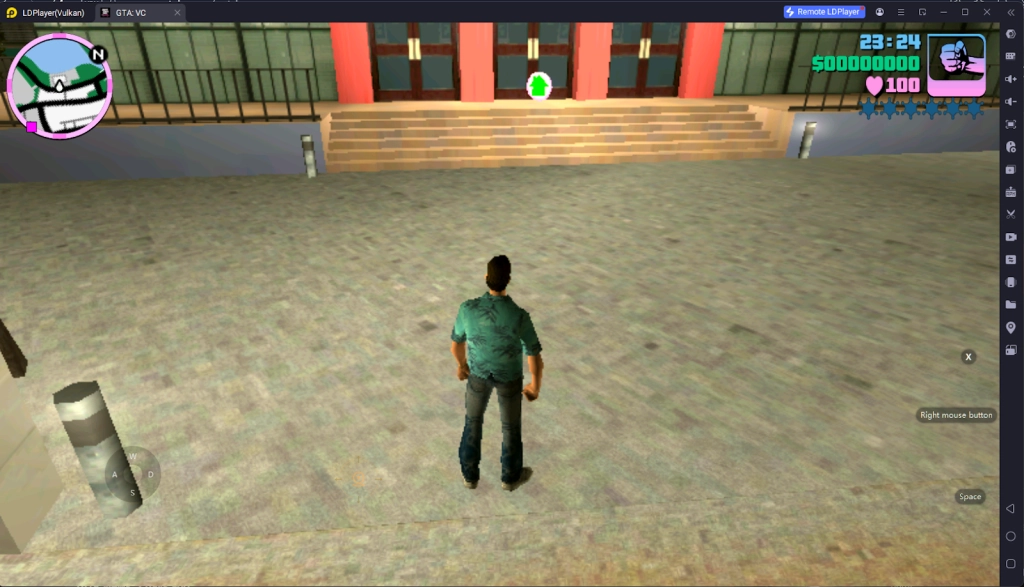
You can freely assign your keyboard buttons to the game’s controls, allowing you to play the game with your keyboard with ease. My personal recommendations for a control schemes when playing this game is as follows:
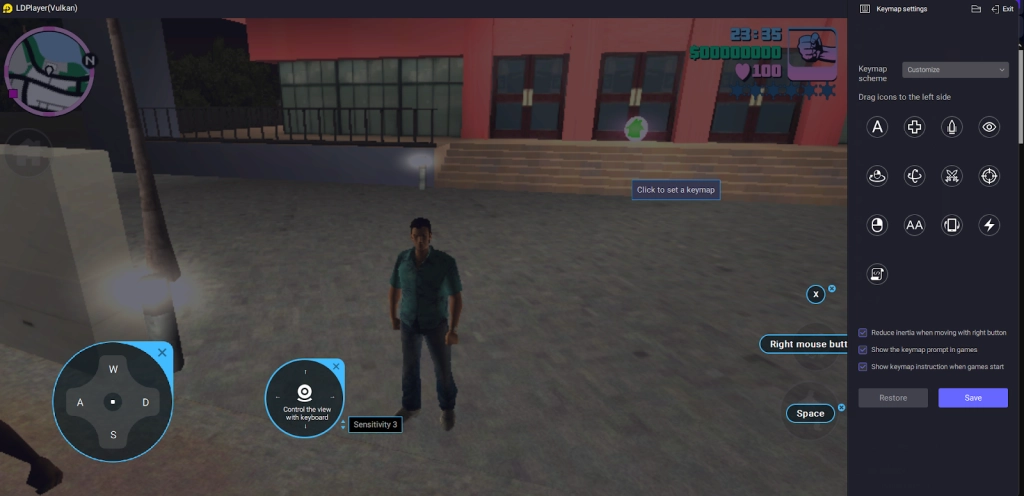
- For movements: Use the Controller ASDW button provided by overlaying the controller assignment on top of the game’s controller.
- For Punches: It is highly recommended that you assign the character’s attacks to the right mouse button to be able to quickly spam punches.
- For Interactions With Items: You should assign the interact button to the X key in order to be able to quickly interact with nearby items or cars whenever you need to as quickly as possible
- For Camera Angle Controls: To control the camera angles when playing the game, you can use the camera control button and use the 4 direction arrows to control the camera directions.
If you do not find the button's positions good enough or if you want to change the key binding for these movements, simply choose the Keyboard Mapping button on the Emulator side bar and adjust the buttons by dragging their positions and assigning new keys to them.
Minimum System Requirements for Playing Grand Theft Auto: Vice City on PC
System
Recommended Win10 and above 64-bit systems, including OpenGL 4.
CPU
8th Gen Intel Core i3-8100 4-core or higher, with VT option enabled
Graphics Card
NVIDIA GeForce GTX1050 Ti 2GB or higher
Memory
8GB or more
Storage Space
10GB or more available space for installation disk, 2GB or more available space for system disk
Conclusion
Play the classic Grand Theft Auto experience FOR FREE to experience the game that took old school gamers by storm by playing Grand Theft Auto: Vice City on PC with LDplayer 9.0 - the best emulator today!
Start your game with the best tips and tricks:
- GTA: Vice City – NETFLIX Guide, Tips and Tricks for Newbies