How to Download and Play Infinite Magicraid on PC in 2 Steps
2024-12-17
Are you looking for a Turn-based 3D RPG with a refreshing and immersive battle experience? If so, you will definitely want to play Infinite Magicraid, where you need to collect and train the heroes, hone your skills strategically, and cast out the evil forces to restore peace to the Lowes Continent. Today I will use my experience to help you feel prepared to play Infinite Magicraid on PC with LDPlayer. Let’s jump right in!
Download and Play Infinite Magicraid on PC in 2 Easy Steps
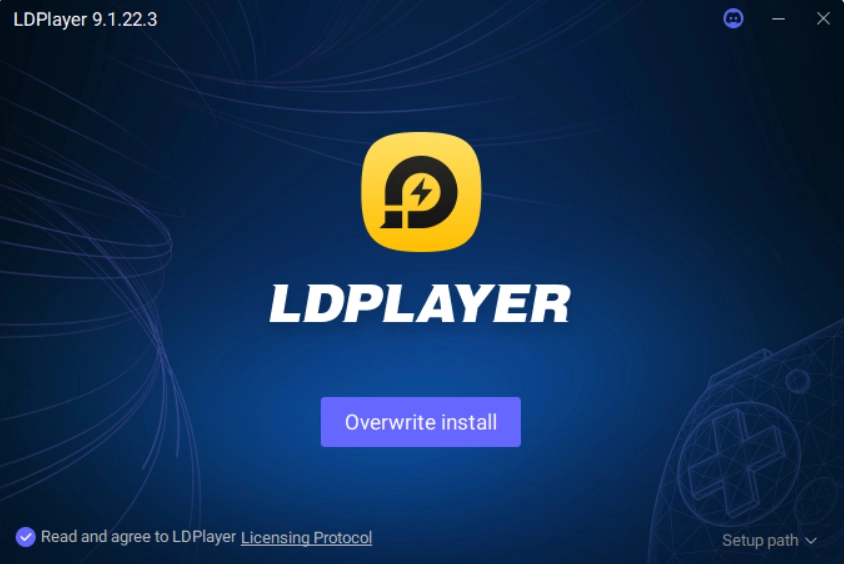
To install and play Infinite Magicraid on PC, we need to first download LDPlayer. If you already have LDPlayer 9.0 on your PC just like me, you can simply start from Step 1.2.
Step 1: Download LDPlayer 9.0 and Install Infinite Magicraid on PC
1.1 Click the “Download Infinite Magicraid on PC” button and download LDPlayer.

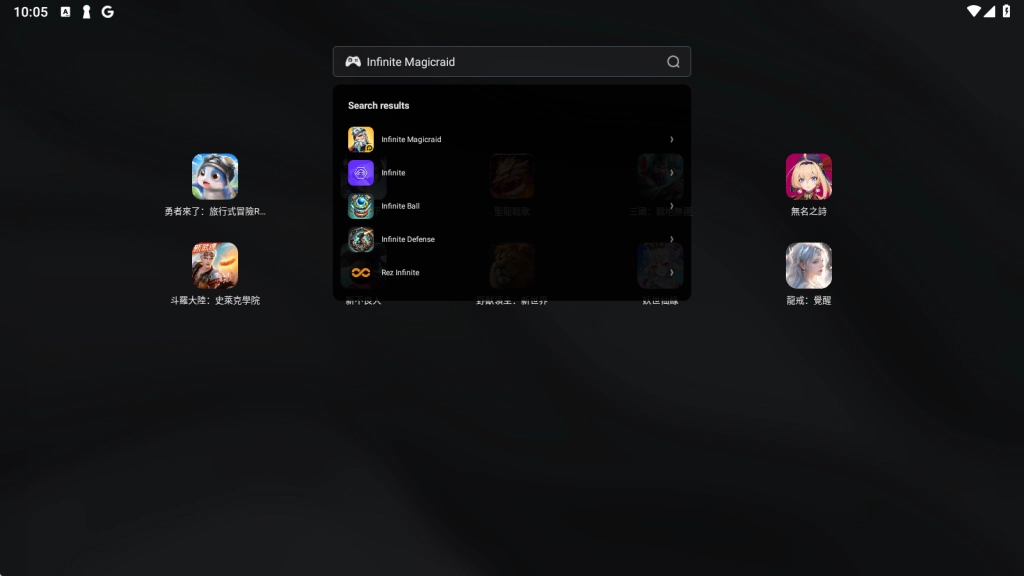
1.2 Search “Infinite Magicraid” and download the correct version by DHGAMES.
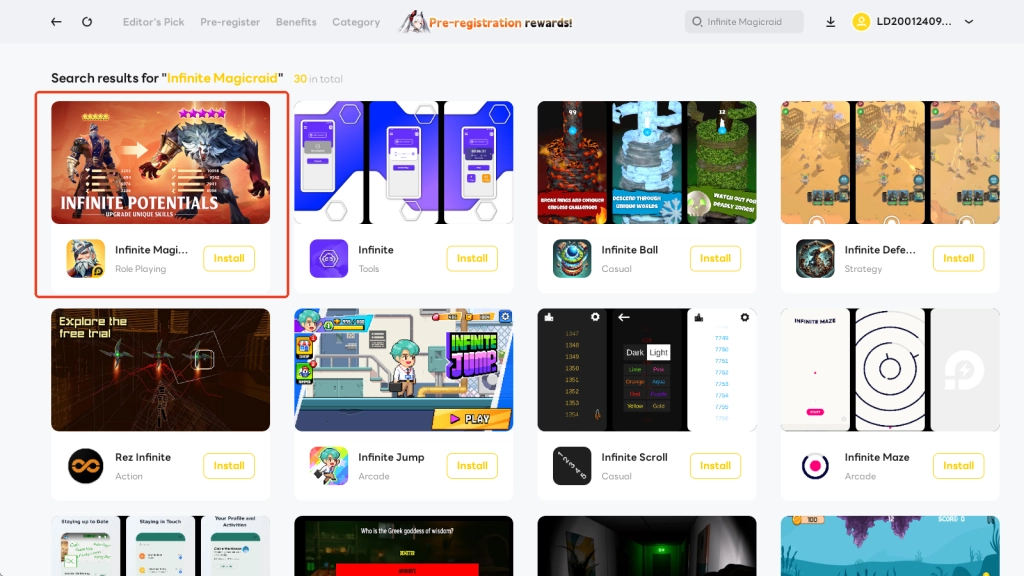
1.3 Click to install the game. Once the installation is complete, you will see a pop-up notice at the right bottom of your display.


Step 2: Play Infinite Magicraid on PC with LDPlayer
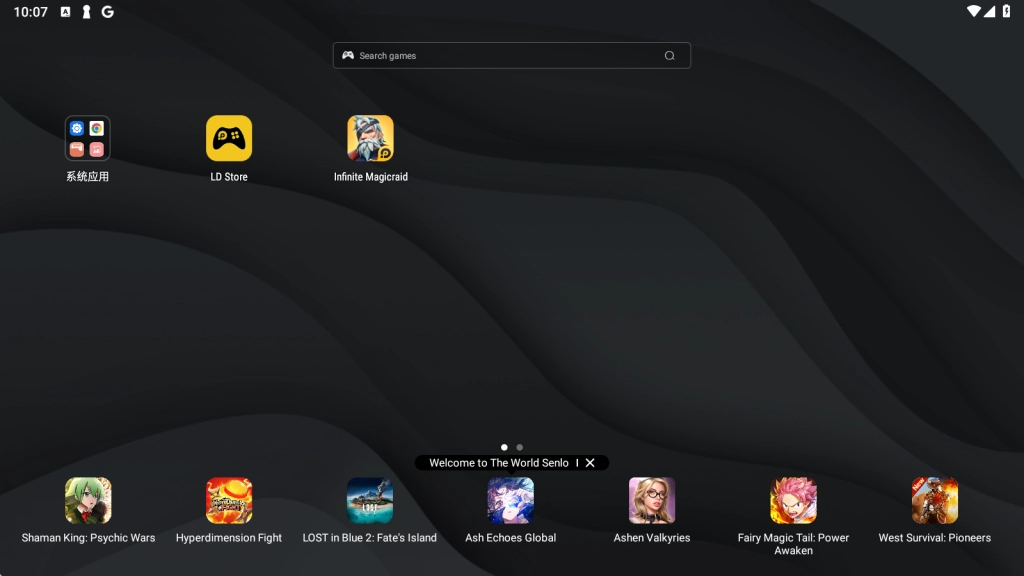
2.1 Launch Infinite Magicraid on PC through LDPlayer.
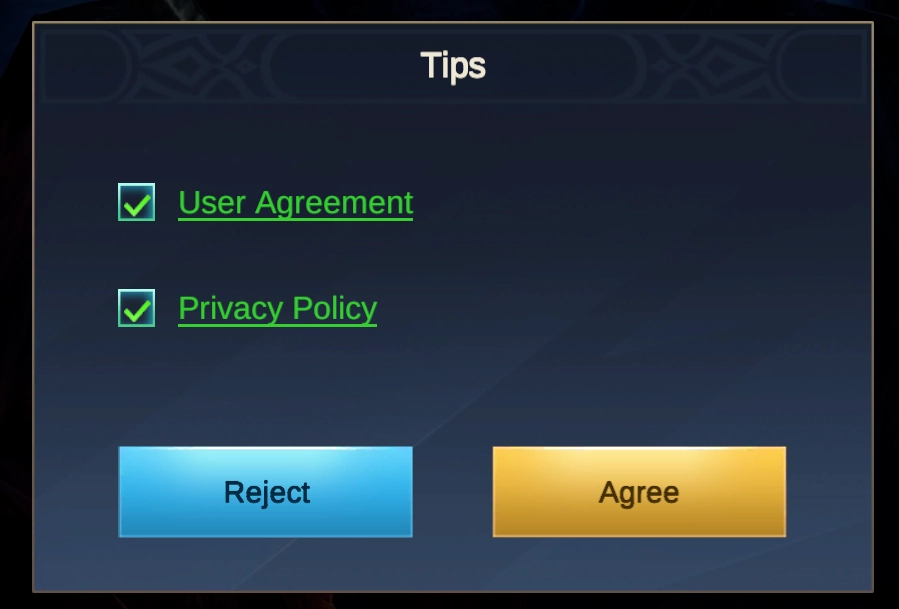
2.2 Read the terms and policy and click Agree.
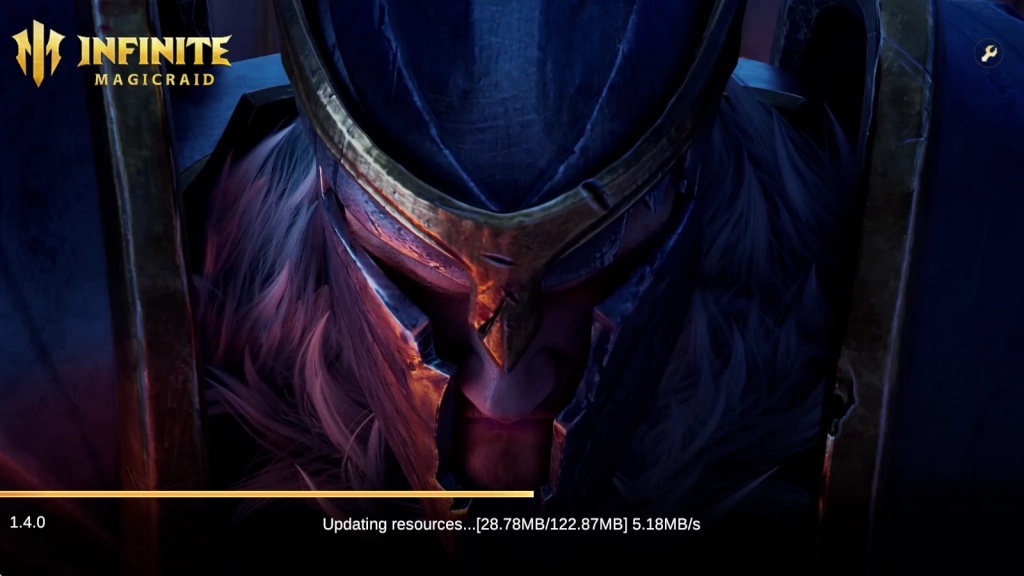
2.3 The game may need to update itself. Simply wait a few seconds to continue.
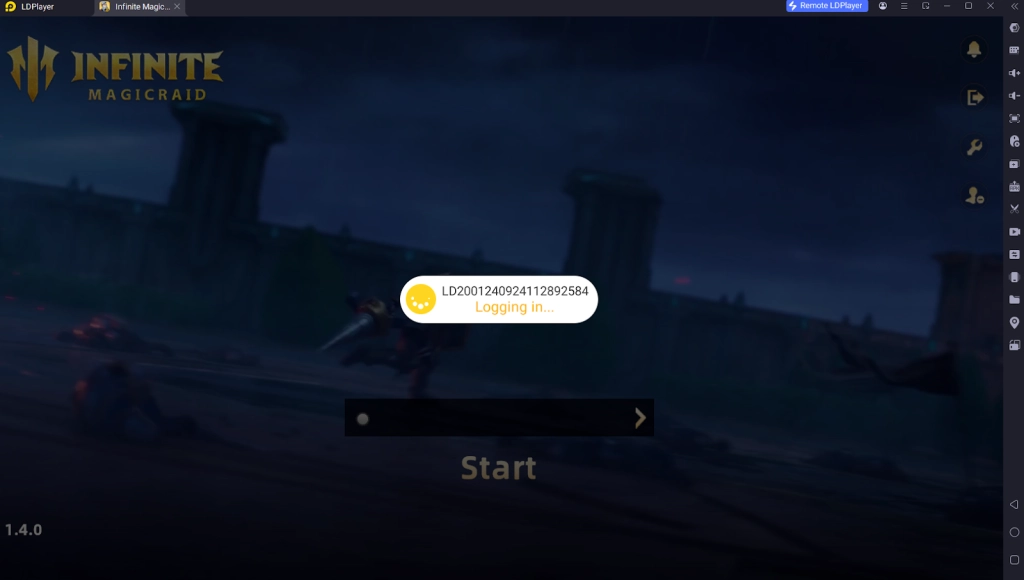
2.4 The game will log in with LD account automatically, which is my most used method. It’s also recommended that you log in with your LD game account for more special recharge discounts.
But if you would like to sign in with your other social accounts, you can just click the log-out button on the right side to proceed.
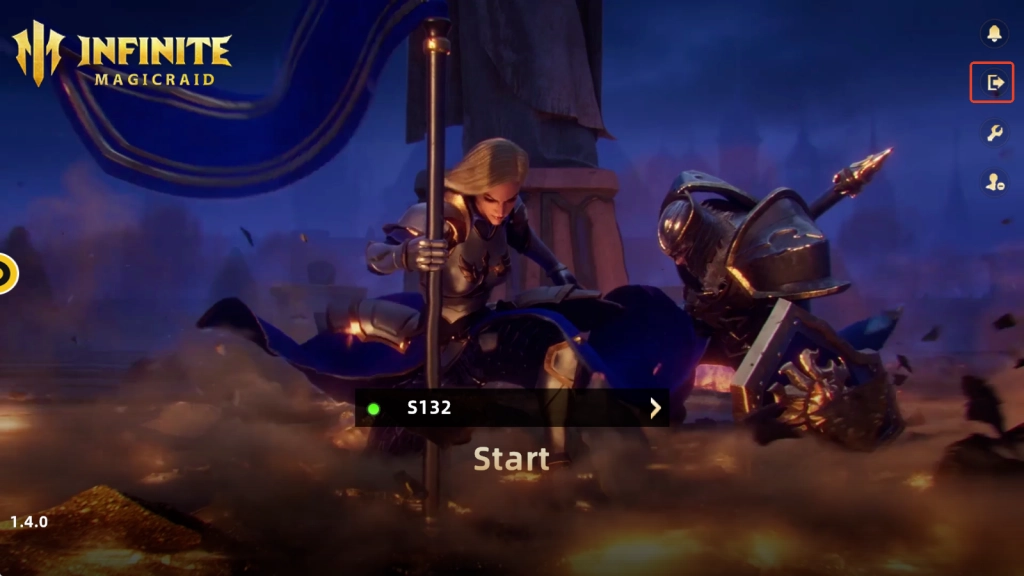

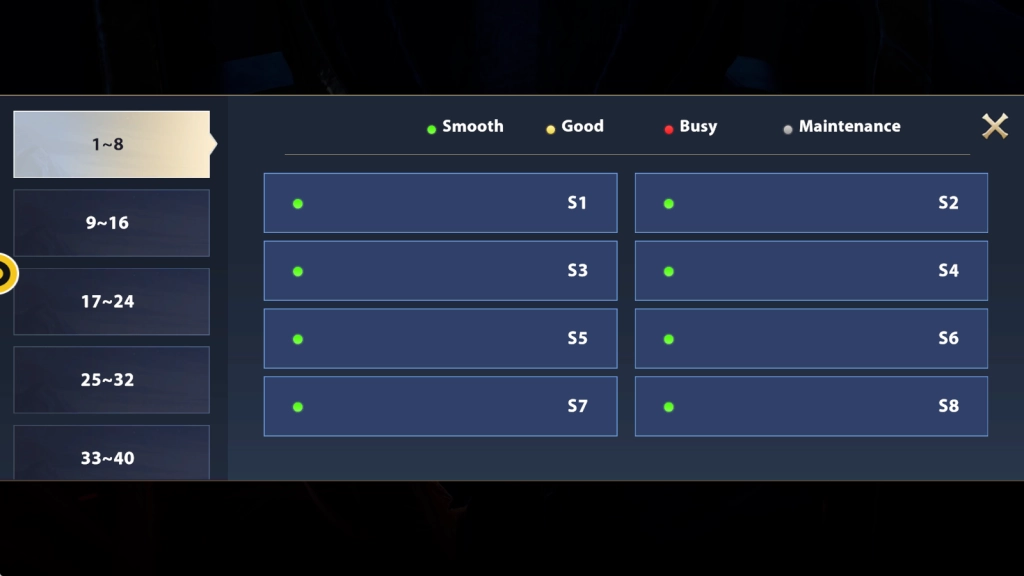
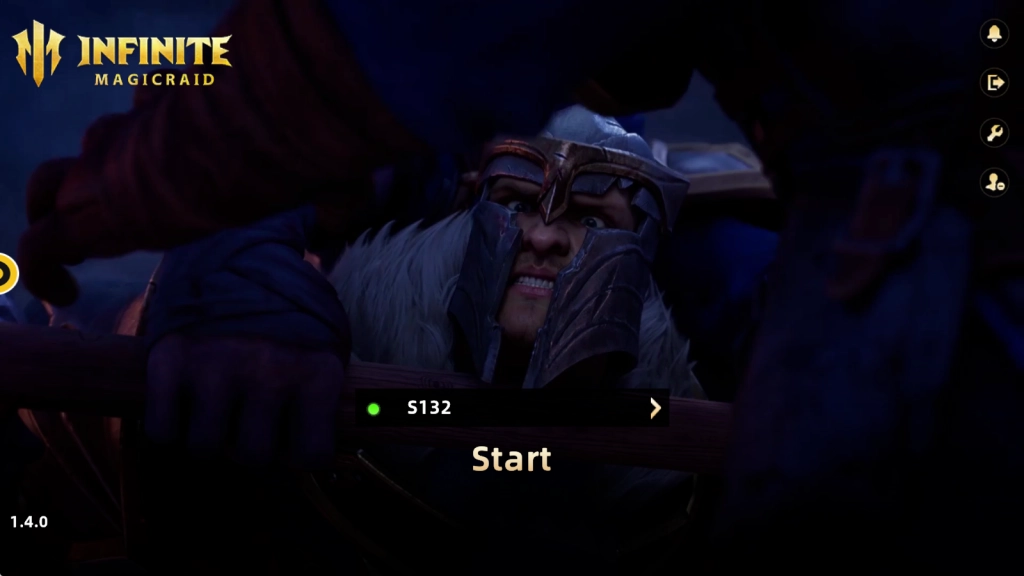
2.5 After logging in, choose a server and click to start.
Why Play Infinite Magicraid on PC with LDPlayer
Customized Control Scheme for Personal Preferences
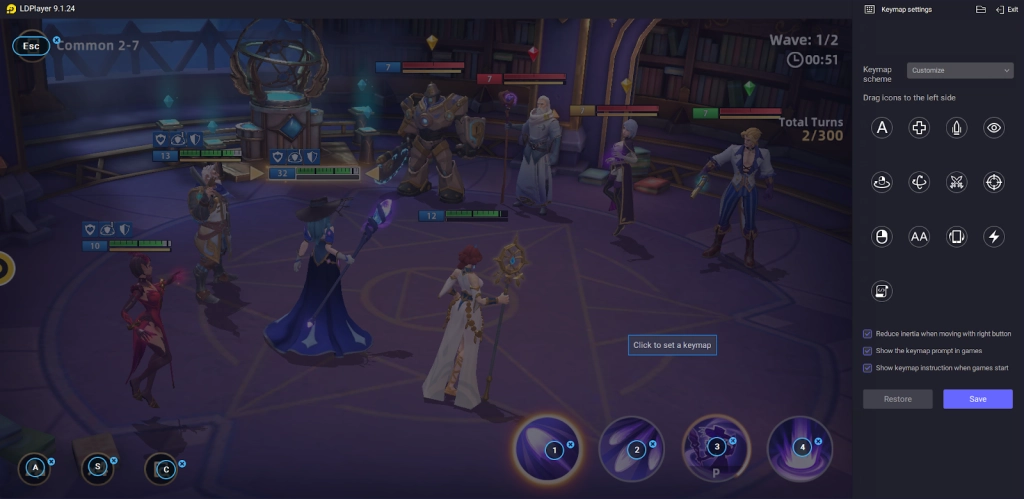
To free our fingers and improve gaming efficiency, we can use the Keyboard Mapping feature in LDPlayer, which allows us to set up the best suitable keymap for each skill and character’s movements, to perform different actions in battles with the keyboard instead of having to tap on several icons.
Faster Rerolling for Desired Heroes
Building an invincible lineup that consists of the best heroes in Infinite Magicraid is a must for continuous victories in the arena. While strategies count in Infinite Magicraid, a powerful team is also the cornerstone of success. Therefore, by playing Infinite Magicraid on PC with LDPlayer, we can take full advantage of the special Multi-Instance Sync feature to assemble a squad of the greatest fighters in the shortest time! This is how you do it:
-
Prepare several accounts for rerolling
-
Use the LDMultiPlayer tool to create multiplay instances(if you want to skip the process of installing the game again, you can use the tool to clone it right after you finish the installation in the original instance just like me)
-
Use the Synchronizer tool to replicate the rerolling mechanism in all instances

Better Playtime Management
Since Infinite Magicraid has an auto-battle mode, sometimes I tend to play Infinite Magicraid on PC while other games are running simultaneously. If you’re like me, you can rely on the Multi-Instances tool to play different games in multiple instances at the same time, allowing you to enjoy your playtime as effectively as possible.
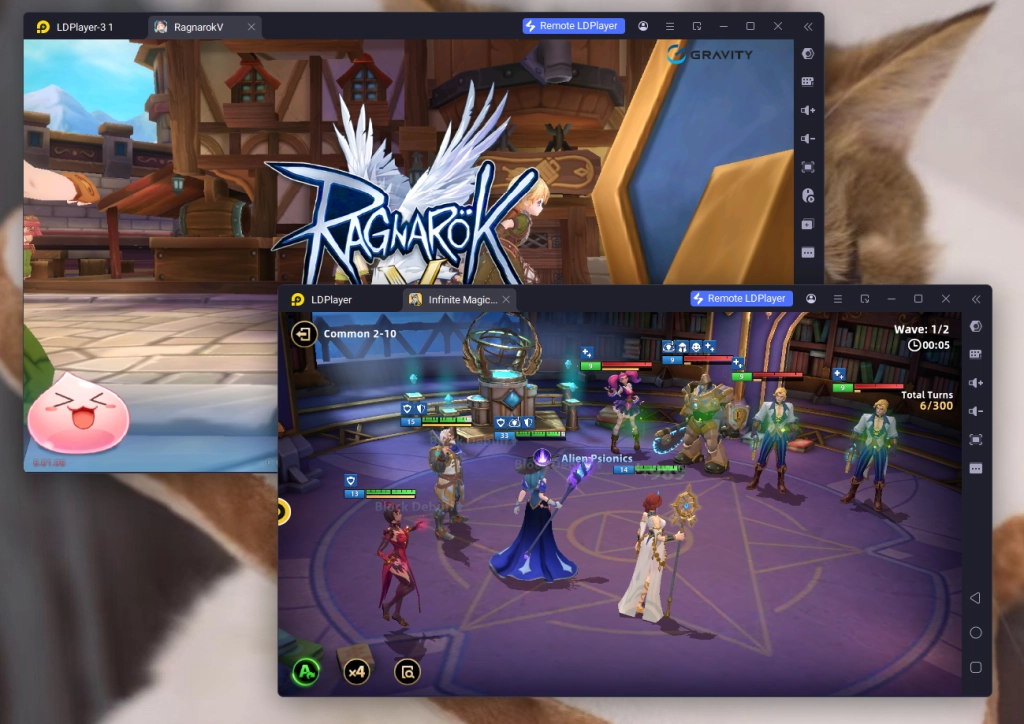
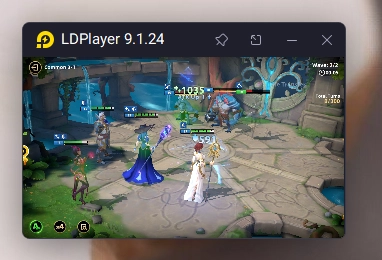
Another way that we can occupy ourselves with other stuff while running the game in the background is by turning on LDPlayer’s Mini Mode. By doing this, we can zoom out the gaming instance into a small window pinned on our PC’s display and monitor the game status at all times.
Special Top-Up Bonus in LD Platform
What I found most appealing is the exclusive top-up rewards when playing Infinite Magicraid on LD Platfrom. Using the special in-game LD-menu, I could achieve in-game purchases quickly and easily with a more favorable price for more currencies! I bought 4999 LD coins here at a lower price while gaining 610 additional coins.

Furthermore, if you want to use something other than Google Pay, LDPlayer provides more payment method options, making your purchase process here more flexible.

Minimum System Requirements for Playing Infinite Magicraid on PC
To run the Infinite Magicraid on PC via LDPlayer, you should at least have:
-
System: Recommended Win10 and above 64-bit systems, including OpenGL 4.x
-
CPU: 8th Gen Intel Core i3-8100 4-core or higher, with VT option enabled
-
Graphics Card: NVIDIA GeForce GTX1050 Ti 2GB or higher
-
Memory: 8GB or more
-
StorageSpace: 10GB or more available space for installation disk, 2GB or more available space for system disk
Conclusion
To conclude, it’s a fun and relaxed experience for me. So if your feet ever start itching, just jump in here and start playing Infinite Magicraid on PC with LDPlayer right now.
More best tips and guides for increased victories in Infinite Magicraid on PC can be found at: