How to Download and Play Noctilucent: Before Dawn on PC - Beginners Guide
2024-12-03
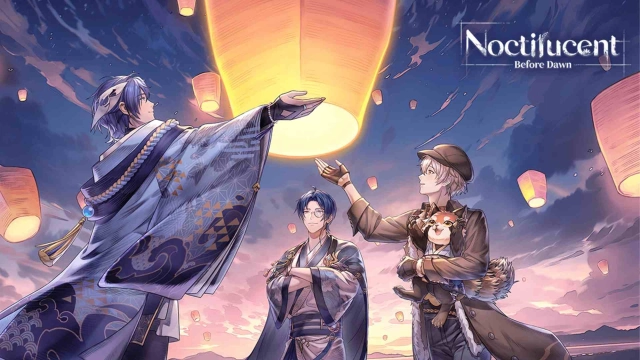
Experience a wonderful world of fantasy of the vast Nirai continent and find out the mystery of the mysterious legendary flowers while encountering and capturing the heart of the many attractive male companions on your way by playing Noctilucent: Before Dawn on PC with the help of LDPlayer 9.0 in 2 easy steps.
Warning: Due to Noctilucent: Before Dawn being a game with mature contents, please make sure that you are above 18 years of age before downloading the game.
Table of Contents
Play Noctilucent: Before Dawn On PC With LDPlayer In 2 Easy Steps
Step 1: Download The Official LDPlayer 9.0 Emulator & Install Noctilucent: Before Dawn On PC
To start playing Noctilucent: Before Dawn on PC, simply follow these steps:
1.1 - First, download the official LDPlayer 9.0 Emulator from the LDPlayer’s Official website and follow the instructions to install the Emulator onto your PC. Once the installation process is complete, simply launch an LDPlayer Emulator instance.
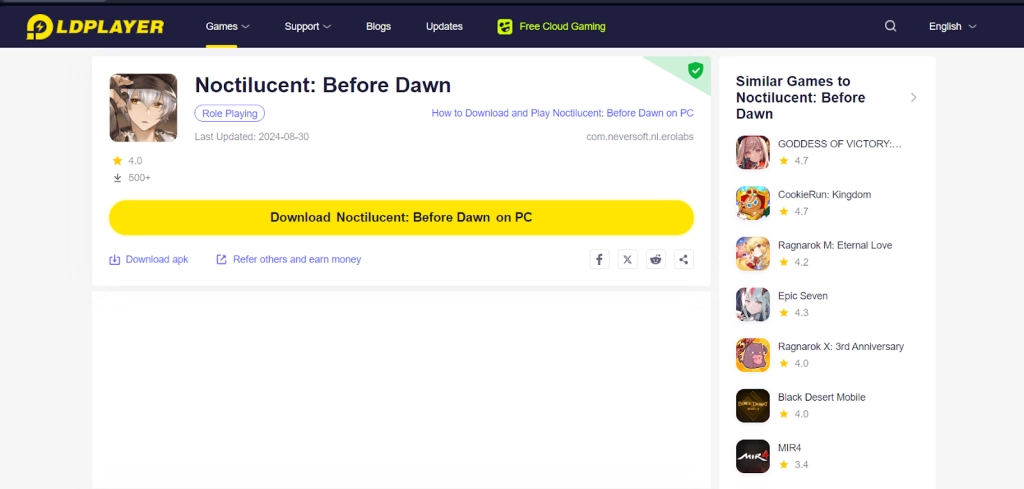
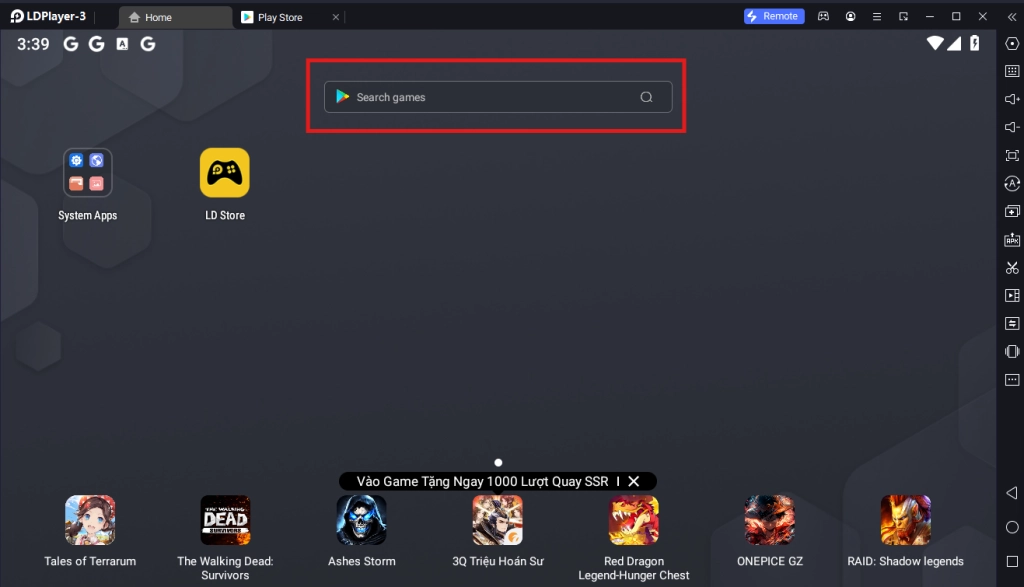
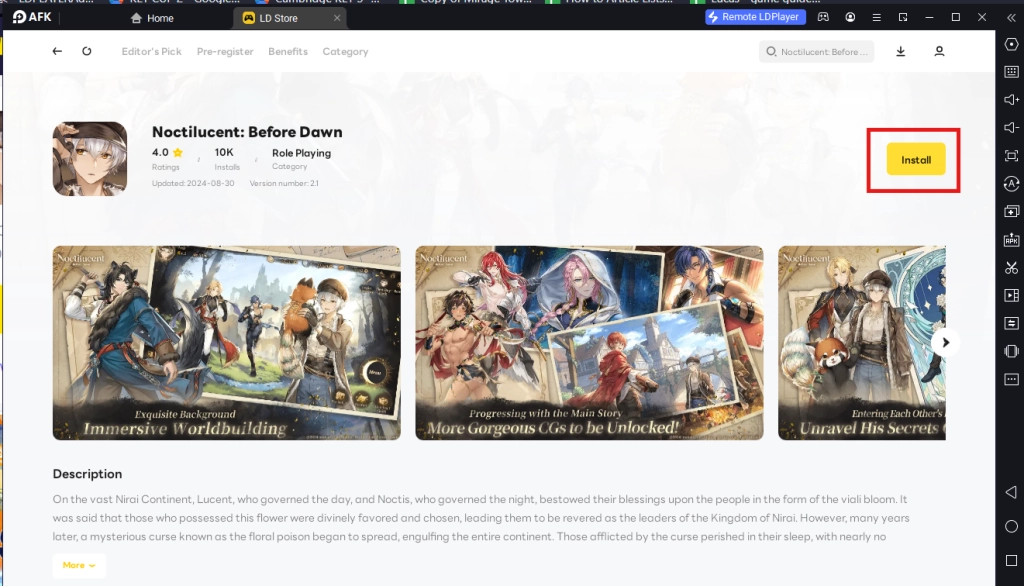
1.2 - Upon starting the emulator instance, to download Noctilucent: Before Dawn, simply search “Noctilucent: Before Dawn” on the search bar on the main screen and Install the game by clicking the “Install” button. Please make sure that the application being installed is the correct version of Noctilucent: Before Dawn from EROLABS.
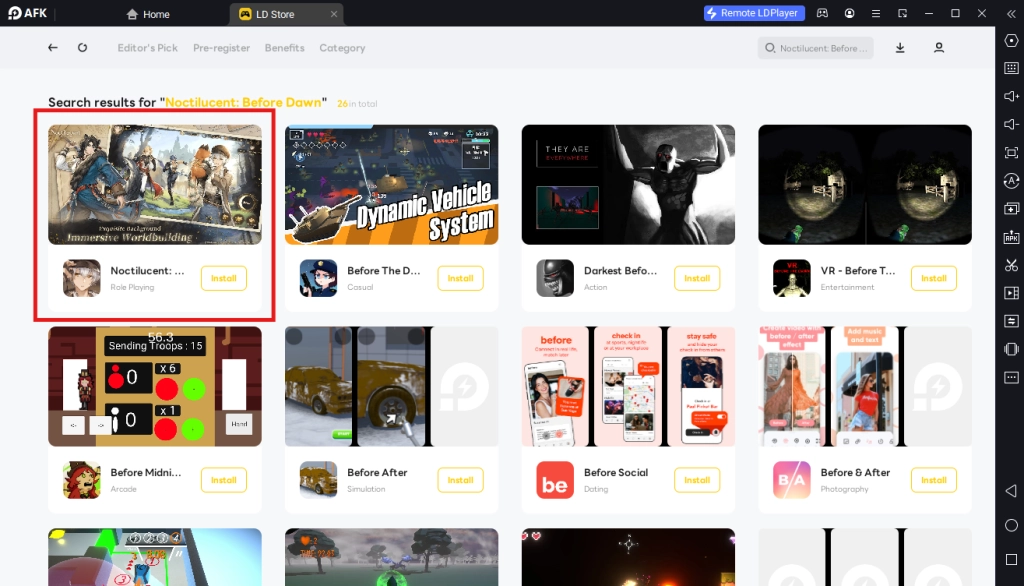
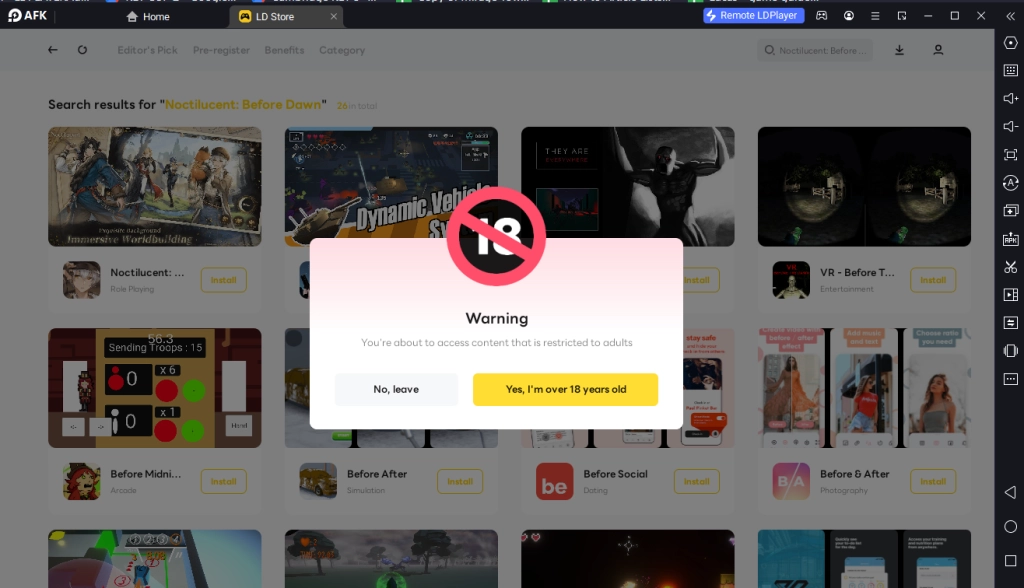
Once again, please make sure that you are above 18 years old before downloading the game, as the game features explicit content not suitable for all audiences.
1.3 - Upon clicking the “Install” button, players will be able to immediately download the game resources and data onto the game instance right away without having to log into any type of account or log into the Google Play Store.
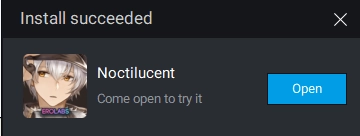
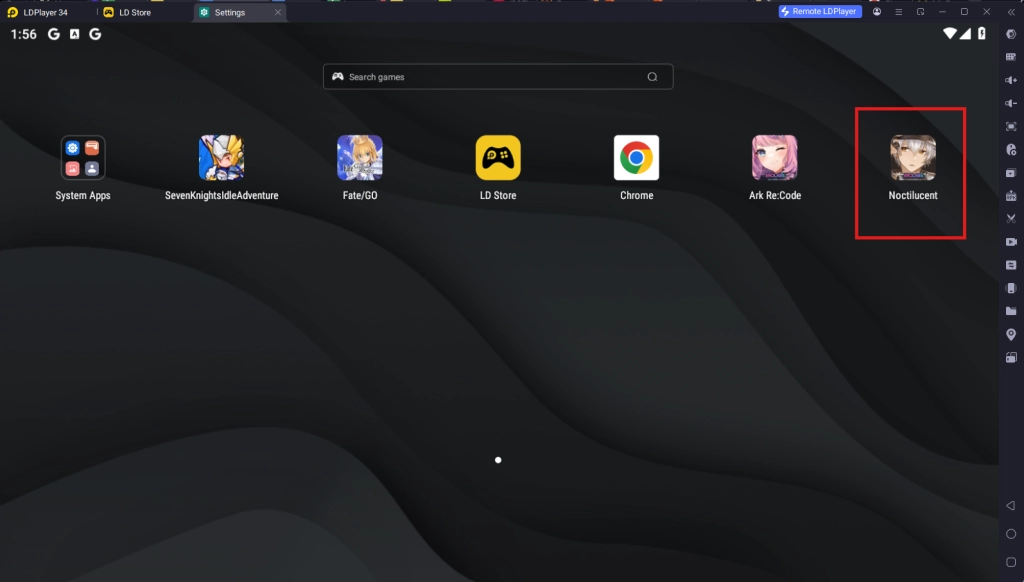
1.4 - Once the application finishes downloading, players will see a notification pop up and they can launch the app directly from the home page of the Emulator instance.
Step 2: Game Data Download & Account Set Up
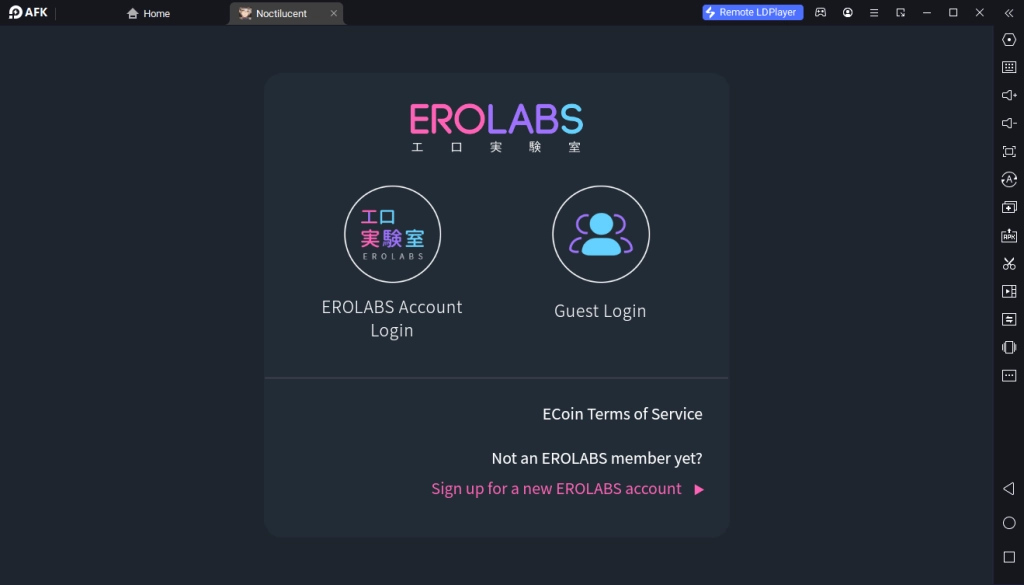
2.1 - Upon launching Noctilucent: Before Dawn, players will immediately be prompted to log into one of 2 account options: Erolabs Account Login or Guest Account Login. For players who already have an Erolabs account, simply log into their pre-existing account by following the game instructions. For new players or those who want to reroll in the game, simply choose the Guest Login Option to start a brand new account.
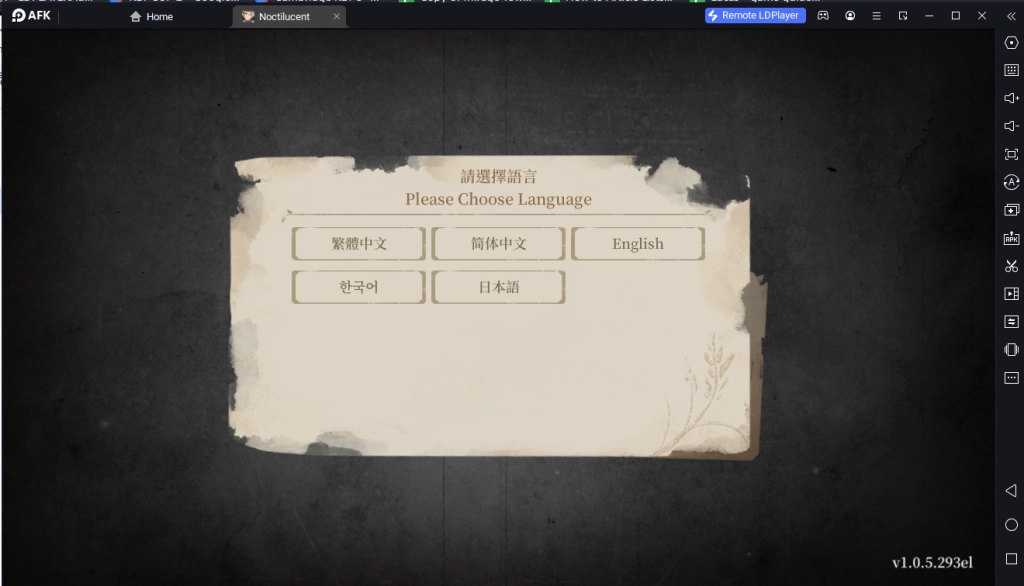
2.2 - After logging in, players will need to choose the game language settings. It is important to choose the language that players will use for the game correctly since if chosen wrong, players will need to reinstall the game in order to change this setting later on.
2.3 - After that players will be treated with the game's initial download prompt, requiring players to download the game’s first initial patch of data, and simply wait for the data to complete downloading to proceed.
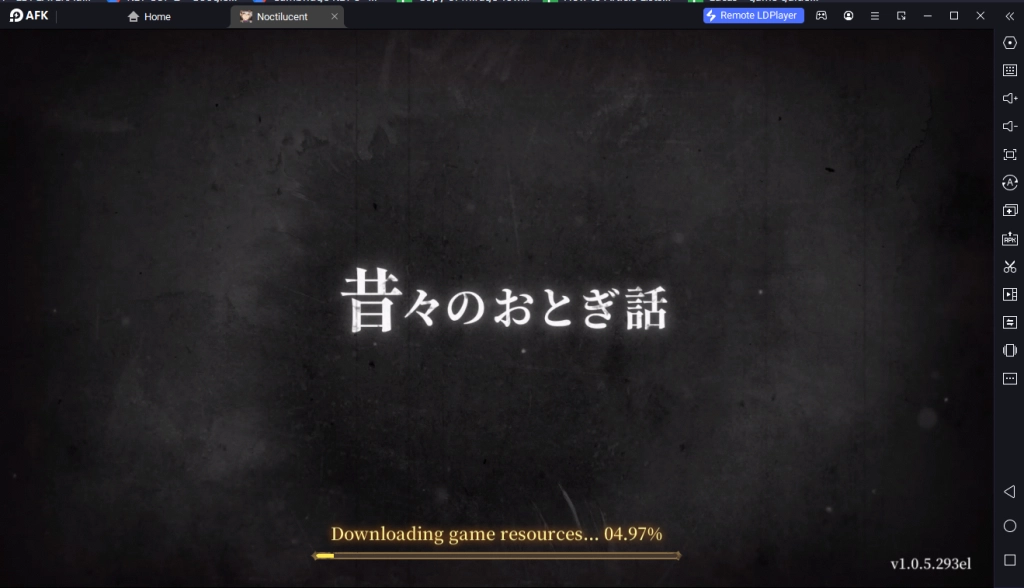
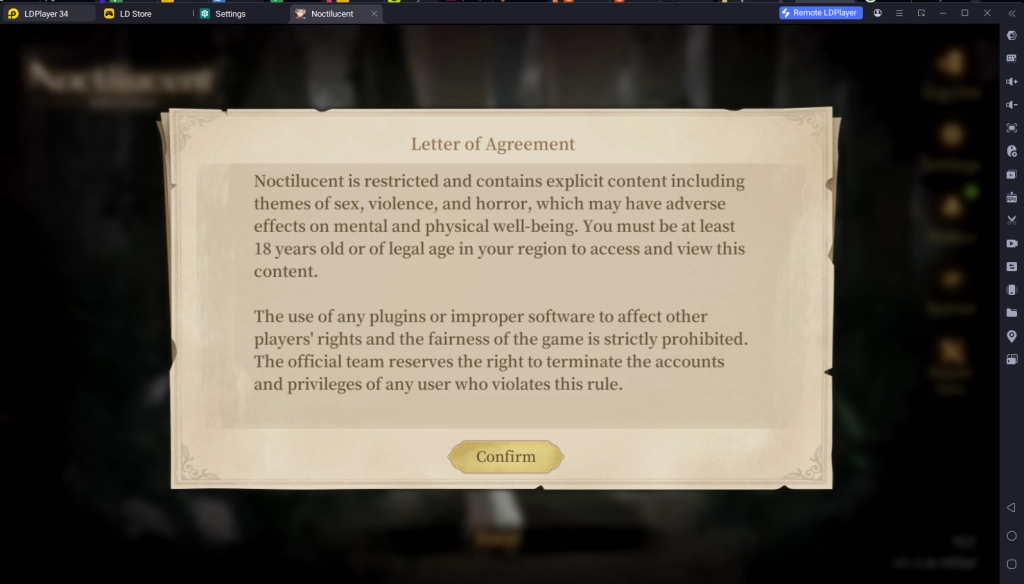
2.4 - Once the data download is completed, players will be able to access the game’s main title screen and be prompted to accept the game’s Letter of Agreement. Simply accept the letter in order to proceed to play the game.
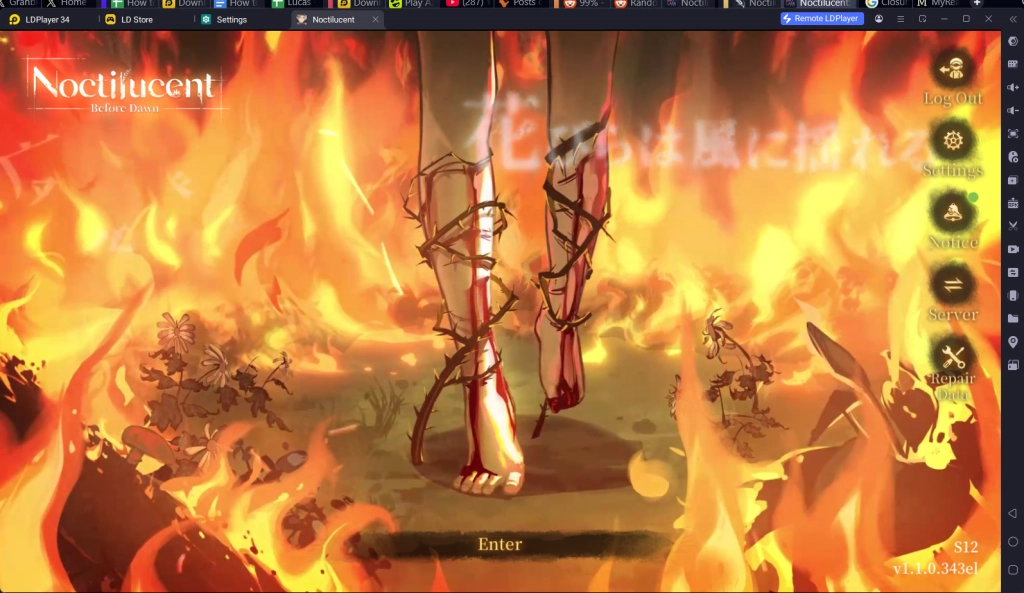
2.5 - To begin playing, players simply need to touch the title screen. However, it is important for players to pay attention to which game server they are starting their journey in, as data from different servers do not transfer between each other, so players need to be aware of which server they are connecting to for future logins.
Common Problems & Suggested Solutions
Game Is Stuck at 99% Resource Download
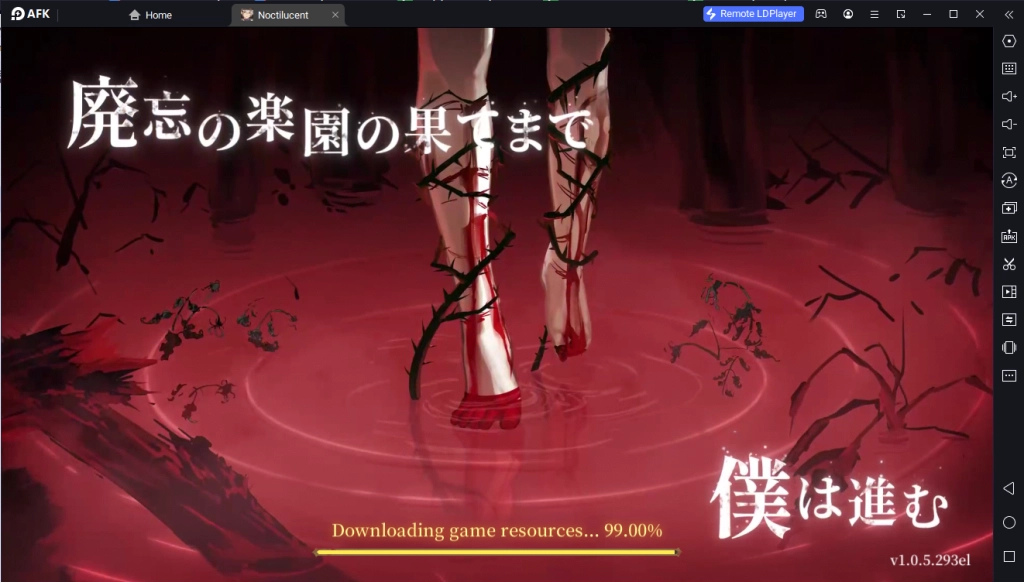
When playing Noctilucent: Before Dawn on LDPlayer, it is a known problem that some players may get the download screen to be stuck at 99% completion and are completely unable to start the game. When this problem occurs, players can try some of these solutions:
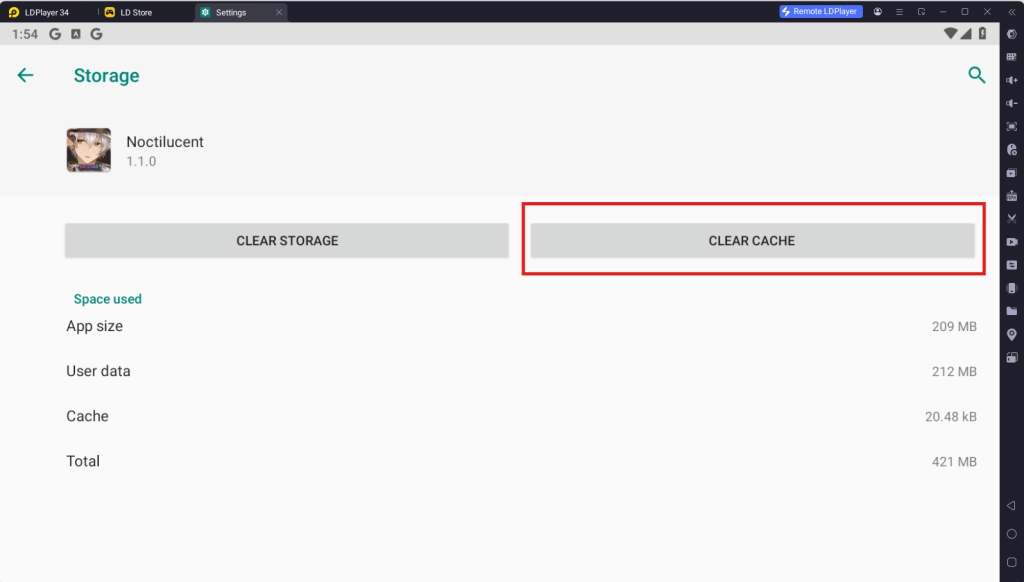
- Clear the game Cache data: Simply go to the phone settings > Storage > Other Apps > Noctilucent: Before Dawn > Clear Cache. This will help reset the game downloading process and allow it to renew.
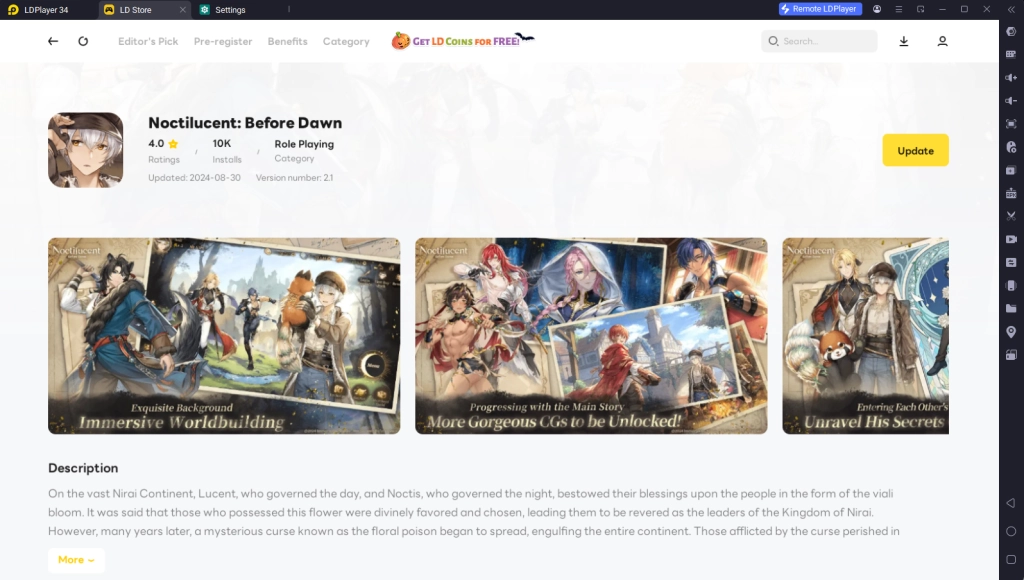
- Update the game Version on LDPlay Store: Simply repeat the installation process and find the game on the LD Store again, players may find that the version of the game may need to be updated, simply download the game update to continue.
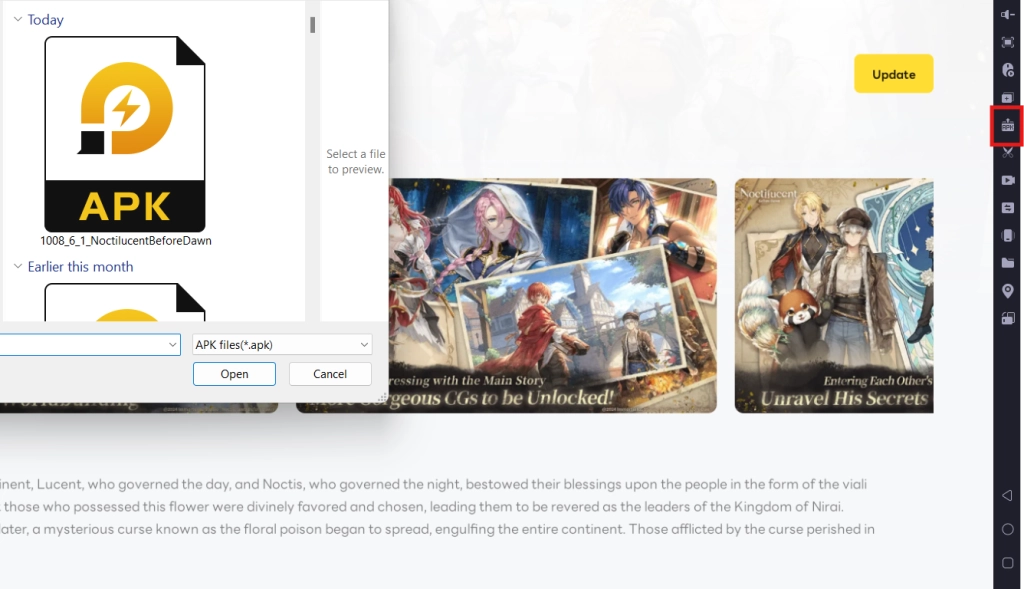
- Download the official APK update package of the Erolabs official website: Sometimes the app version conflict is not resolved by simply updating the app through the LD Store. When this happens, it is highly recommended that players download the official APK package from the official website of the game from Erolabs and install the app by using the “Install APK” button (Ctrl + 3) on the Emulator.
Special Recommended Settings & Features
Multi-Instances For Best Account Rerolling
In order to have the best Noctilucent: Before Dawn experience, players can reroll in the game by taking advantage of the special Multi-Instances to play multiple accounts of Noctilucent: Before Dawn at the same time, allowing players to reroll multiple accounts at the same time to get the best start in the game.
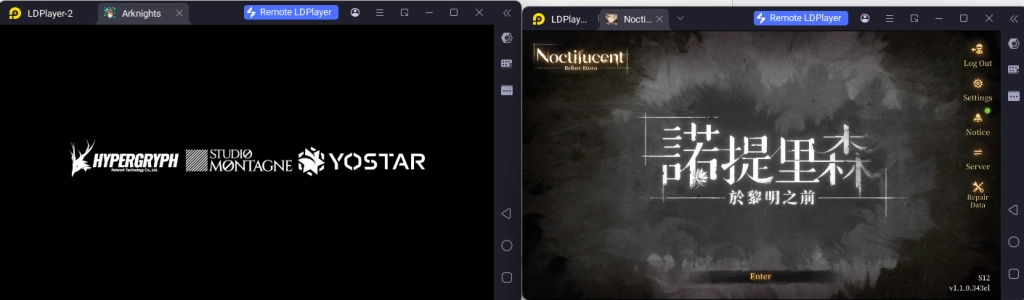
This function will also help players play Noctilucent: Before Dawn simultaneously with other games at the same time.
Mini Mode For Auto Resource Managing And Background Battling
An additional amazing function players can use to help with their Noctilucent: Before Dawn gaming experience is LDPlayer’s Mini Mode. By using this mode, players can make it so that the instance window is minimized, allowing players to do other things while Noctilucent: Before Dawn does its auto-battling in the background.
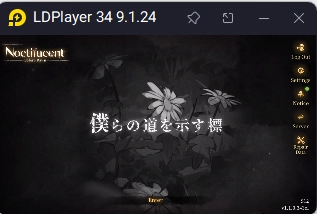
To use Mini Mode, players can simply click the button at the top right corner of the emulator or use the Ctrl + F1 command. Once in this mode, players can also pin the instance so that they can always follow the game’s progress even with the small window.
Conclusion
Experience one of a kind male on male gaming experience with your journey in the fantasy world of Nirai and capture the heart of many beautiful and powerful men while searching for the legendary flower to grant happiness by playing Noctilucent: Before Dawn on PC with the help of LDPlayer 9.0, the best emulator today!
Some Noctilucent: Before Dawn Game Guides to give you the best start on your journey across the fantasy continent of Nirai:
- A Beginner's Guide to NOCTILUCENT: BEFORE DAWN - Tips and Tricks for Your Journey