How to Download and Play ONEPIECE GZ on PC - Beginners Guide
2024-12-03
Become the pirate king by recruiting your teammates and form the best pirate crew ever known to the world by experiencing the world of One Piece by playing ONEPIECE GZ on PC with the help of LDPlayer 9.0 today in 2 easy to follow steps!
Table of Contents
Play ONEPIECE GZ On PC With LDPlayer In 2 Easy Steps
Step 1: Download The Official LDPlayer 9.0 Emulator & Install ONEPIECE GZ On PC
For Players Who Have Yet To Install LDPlayer 9.0:
To start playing ONEPIECE GZ on PC, simply download the official LDPlayer 9.0 Emulator from the official LDPlayer website by following the link. Once the installation process is completed after following the page’s instructions, simply launch an Emulator instance of LDPlayer 9.0 straight from your PC.
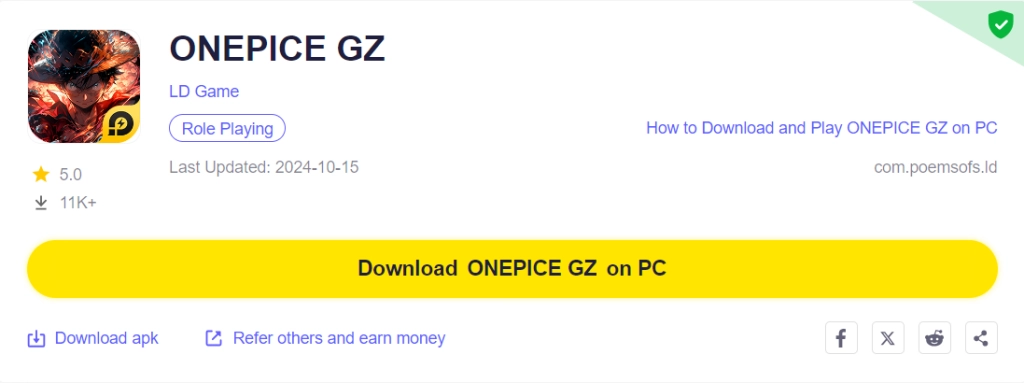
Once you have completed this step, simply continue with the following steps for those who have installed the LDPlayer 9.0 Emulator as shown below.
For Players Have Already Installed LDPlayer 9.0:
Once you have installed LDPlayer 9.0, to download ONEPIECE GZ, simply search “ONEPIECE GZ” on the search bar on the main screen and Install the game by clicking the “Install” button. Please make sure that the application being installed is the correct version of ONEPIECE GZ with the LDPlayer Symbol.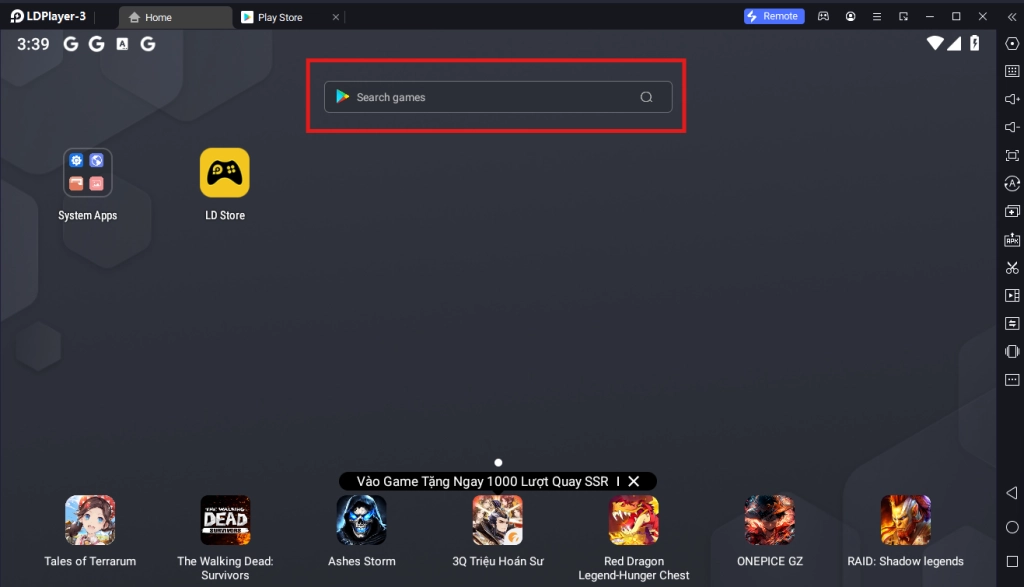
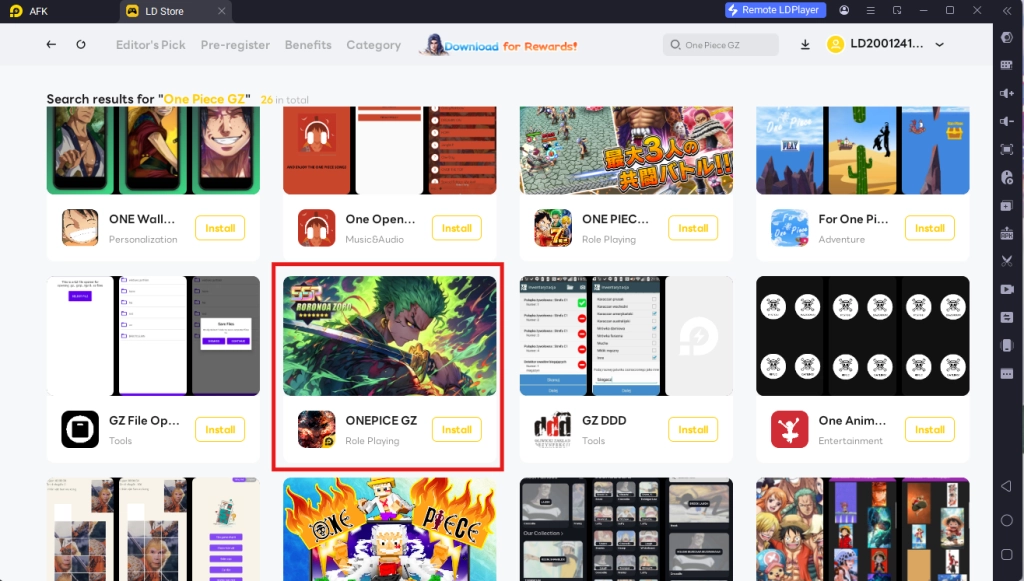
Upon clicking the “Install” button, you will be able to immediately download the game resources and data onto the game instance right away without having to log into any type of account or log into the Google Play Store.
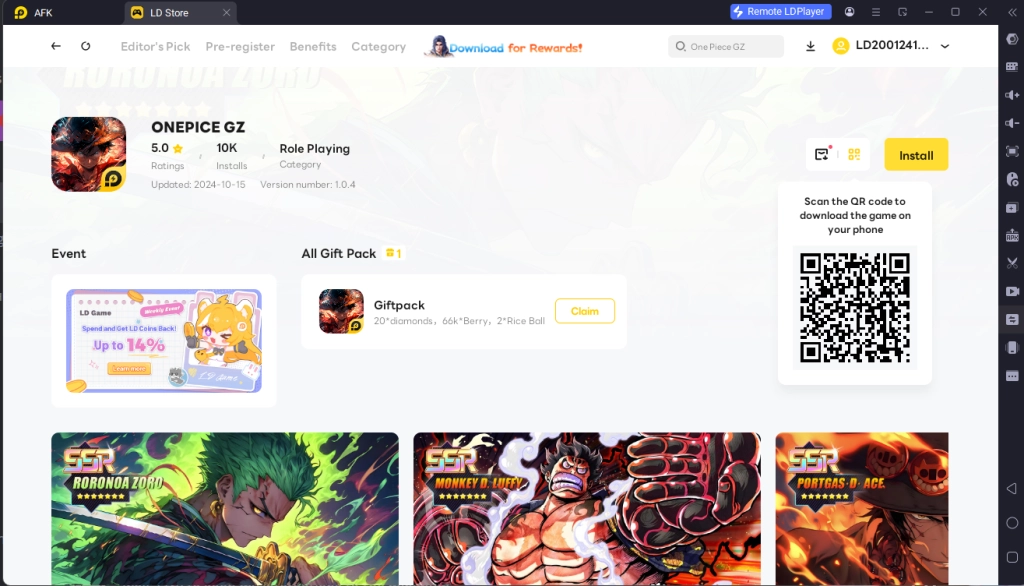
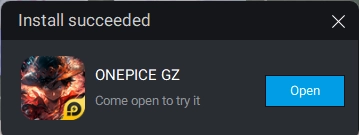
Once the application finishes downloading, you can launch the app directly from the home page of the Emulator instance after receiving a small notification notice.
Step 2: ONEPIECE GZ LDPlayer Account Log-In & Data Setup Process
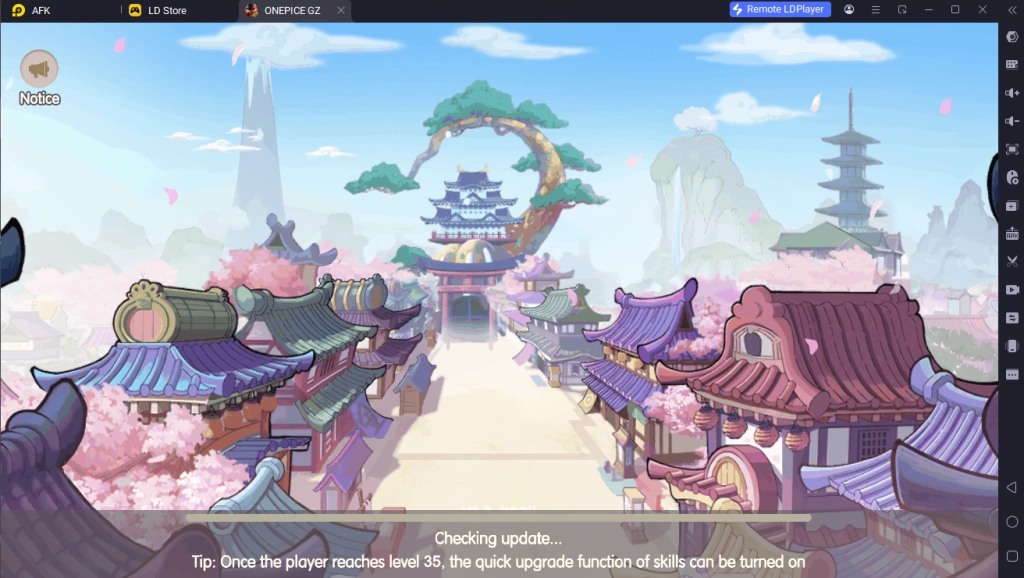
2.1 - Upon launching the app, players will be treated with the game’s data update screen, simply wait for the game to verify the app version and data to continue.
2.2 - For ONEPIECE GZ, when opening the game on an LDPlayer Instance, players will be able to log into the game by using their LDPlayer Account linked to their Email, allowing players to obtain special rewards when doing so.
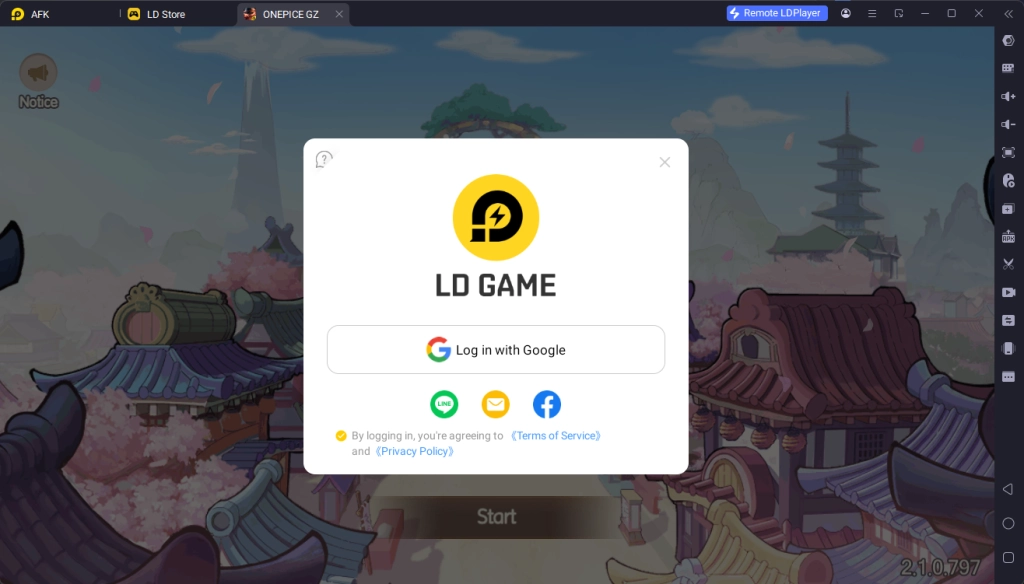
For players who want to reroll in the game, it is highly recommended that you prepare several gmail accounts that are linked to LDPlayer accounts in order to obtain the best rewards at the start.
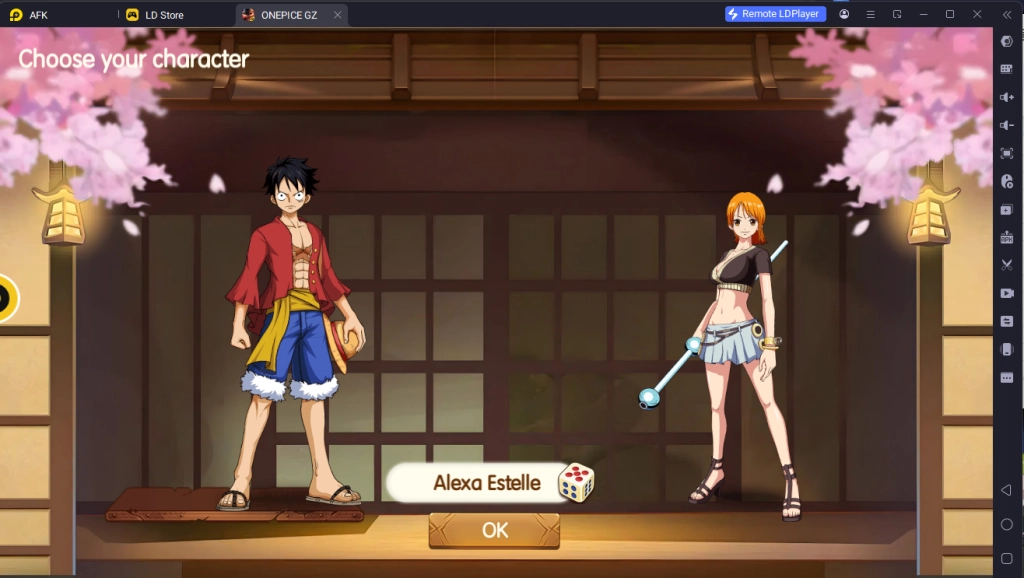
2.3 - Once you have logged into the game using your LDPlayer account, simply click the start button on the main menu to start your ONEPIECE GZ on PC adventure.
Special Recommended Settings & Features
Special LDPLayer Exclusive Deals & Rewards For ONEPIECE GZ
When playing ONEPIECE GZ on PC using the LDPlayer Emulator, you will be treated with a special LDPlayer Exclusive sidebar menu that allows players to manage LDPlayer accounts that were linked to ONEPIECE GZ.
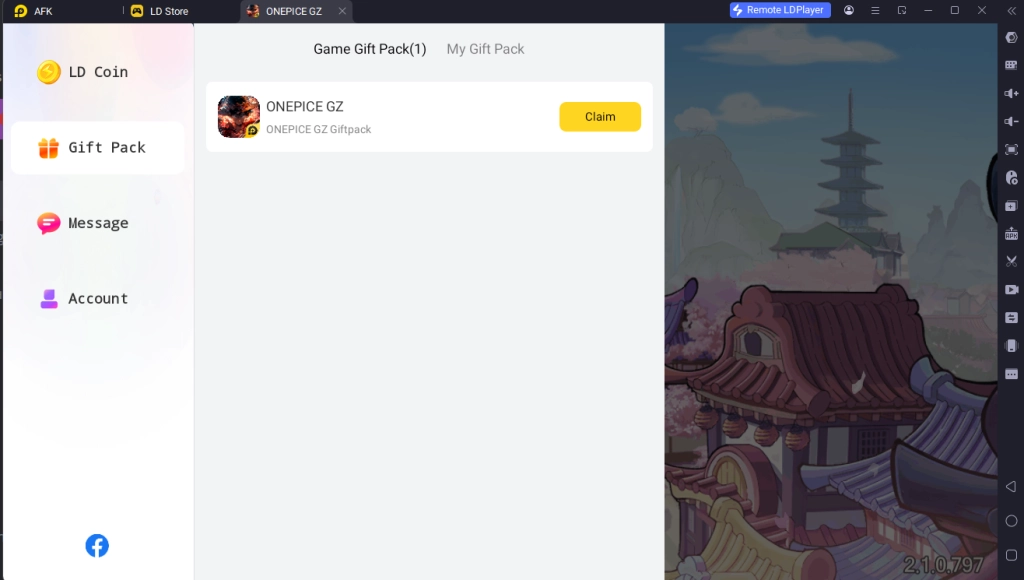
Using this special sidebar, you will be able to quickly purchase in-game currencies with a discounted price for more currencies, obtain special limited items and deals from the platform and even obtain the occasional special gift packs from LDPlayer that rewards you with special in-game items that will prove beneficial for your adventures when compared to other players on other platforms.
Multi-Instances For Best Account Rerolling
Take full advantage of LDPlayers’ Multi-Instances function that allows them to play multiple accounts of ONEPIECE GZ on PC at the same time to reroll the perfect account for your One Piece gaming pleasure today!
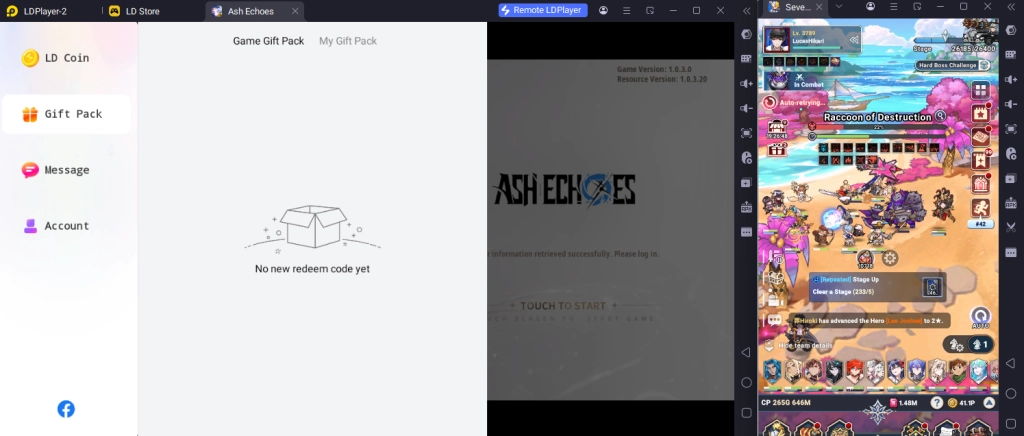
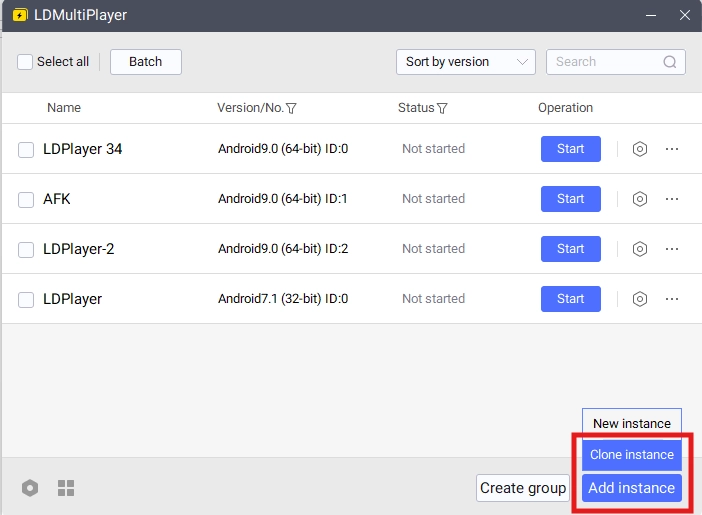
To play multiple instances of LDPlayer at the same time, you can access the LDPlayer Multi Instances application installed when downloading LDPlayer 9.0 on your desktop.
Once opened, you will be able to control the different instances for LDPlayer from this menu. To make a new Instance, simply click on the “Add Instance” button.
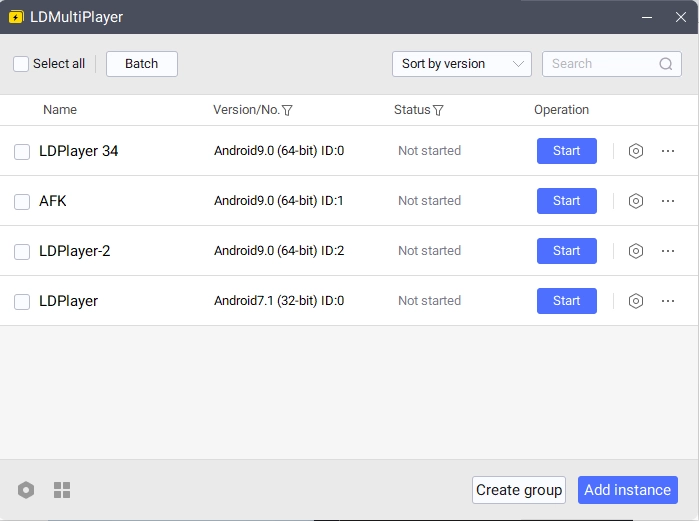
Once you have 2 or more instances, simply click “Start” on both of the Instances to open them both at the same time.
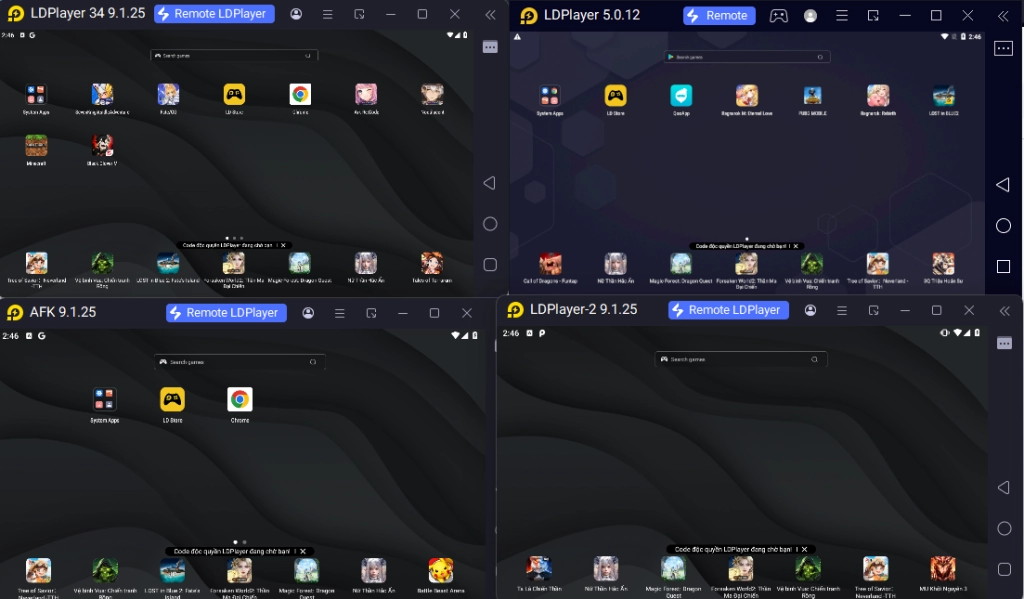
Special For Rerolling: When rerolling, it is recommended that you download the full game data in one instance first, then use the special “Clone Instance” option to clone the data from an existing Instance immediately to save time and effort.
Conclusion
So what are you waiting for? The One Piece treasure is out there for you to claim. Join many others and try your best to become the Pirate King by playing ONEPIECE GZ on PC with the help of LDPlayer 9.0, the best emulator today and obtain special features and discounts for the game!
Start your pirate king journey with the help of these game guides we have prepared just for you:
- ONEPICE GZ Beginner Guide - The Best Tips for a Best Battle