How to Download and Play Path To Nowhere on PC - Beginners Guide
2024-12-03
Becomes the Chief of Minos Bureau of Crisis Control, Shackle and Control the most vicious outlaw - Sinners, to Protect the city from falling. Hold on to the light in the darkness and salvage hope from despair by playing Path To Nowhere on PC with the help of LDPlayer 9.0 in 3 easy steps.
Table of Contents
Play Path To Nowhere On PC With LDPlayer In 3 Easy Steps
Step 1: Download The Official LDPlayer 9.0 Emulator & Install Path To Nowhere On PC
To start playing Path To Nowhere on PC, players should do the following actions:
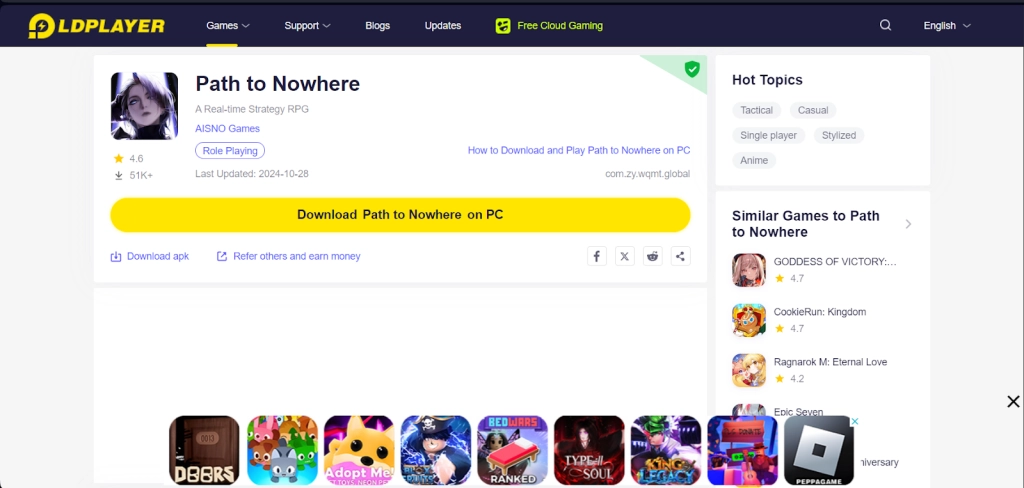
1.1 - To start the process, first players will need to download the official LDPlayer 9.0 Emulator from the LDPlayer’s Official website. Once the installation process is completed, players will simply need to launch the LDPlayer 9.0 emulator from their PC.
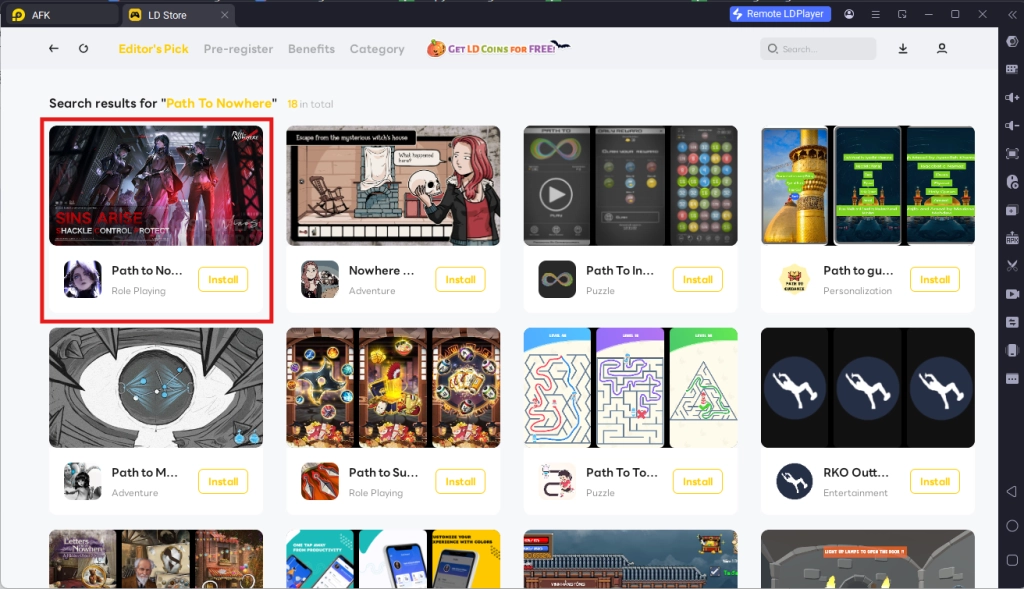
1.2 - Upon starting the emulator instance, to download Path To Nowhere, simply search “Path To Nowhere” on the search bar on the main screen and install the game by clicking the “Install” button. Please make sure that the application being installed is the correct version of Path To Nowhere from AISNO Games.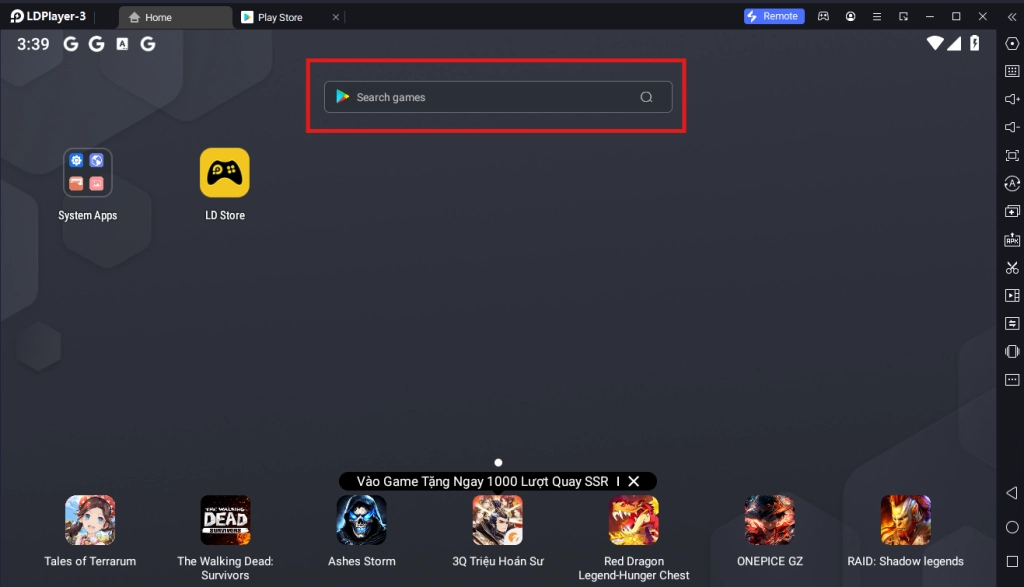
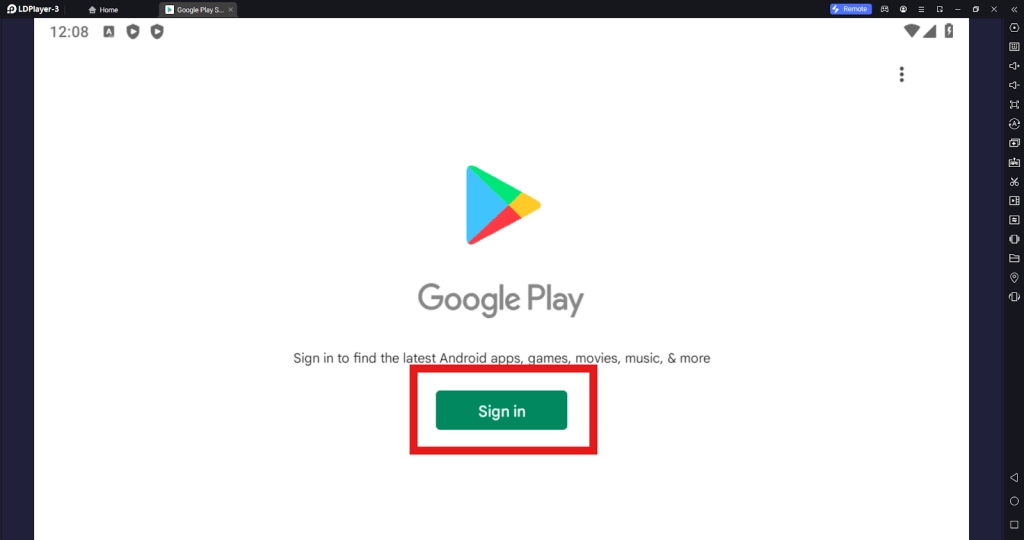
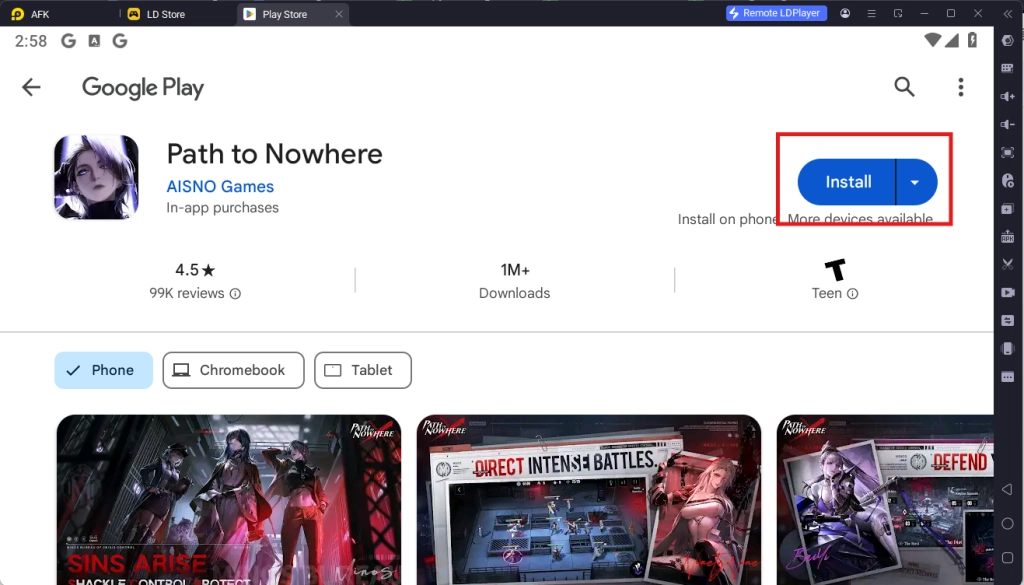
1.3 - Upon clicking the “Install” button, players will be directed to the Google Play Store. Simply log into your pre-existing Google Play Account or create a new one by following the Google Play Store Instructions. Once finished, simply click the “Install” button on the Google Play Store page for Path To Nowhere.
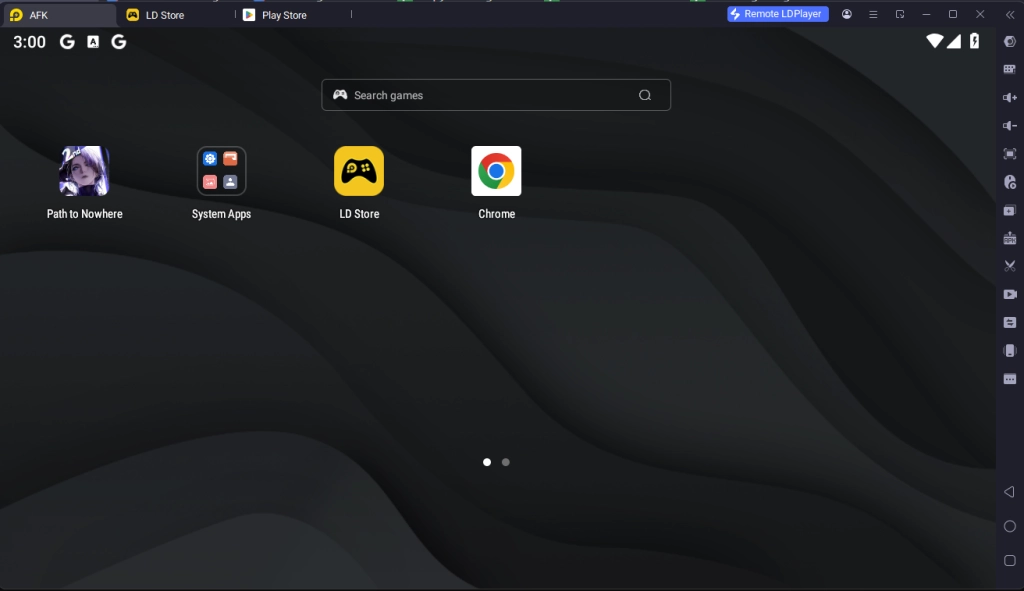
1.4 - Once the application finishes downloading, players can launch the app directly from the home page of the Emulator instance.
Step 2: Account Setup and Game Data Downloading Process
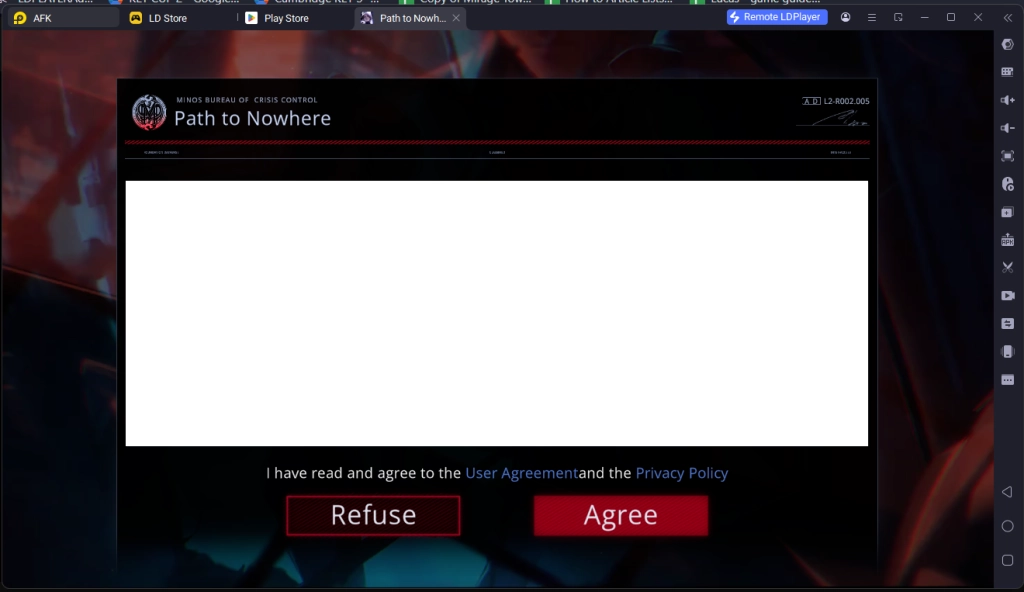
2.1 - Upon launching the game after installing, players will need to accept the game’s Terms of Service and Privacy Agreement. Simply accept both of these to continue.
2.2 - Afterward, players will be prompted to download the first initial patch of the game’s data, including the entire game resources and voice pack resources. Players can download additional voice options once they have access to them.

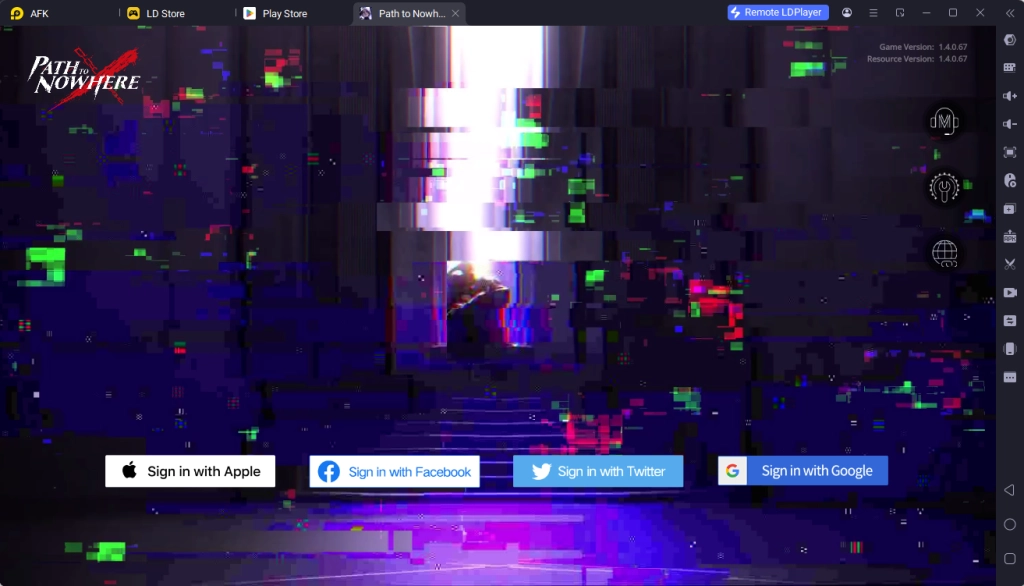
2.3 - Once the data has finished downloading, players will be treated with the account log in screen. Please note that players will need to log into one of the 4 types of accounts available in order to start the game, even if they are starting a brand-new account. So if players want to reroll in the game, it is recommended that players have a lot of email accounts prepared in advance.
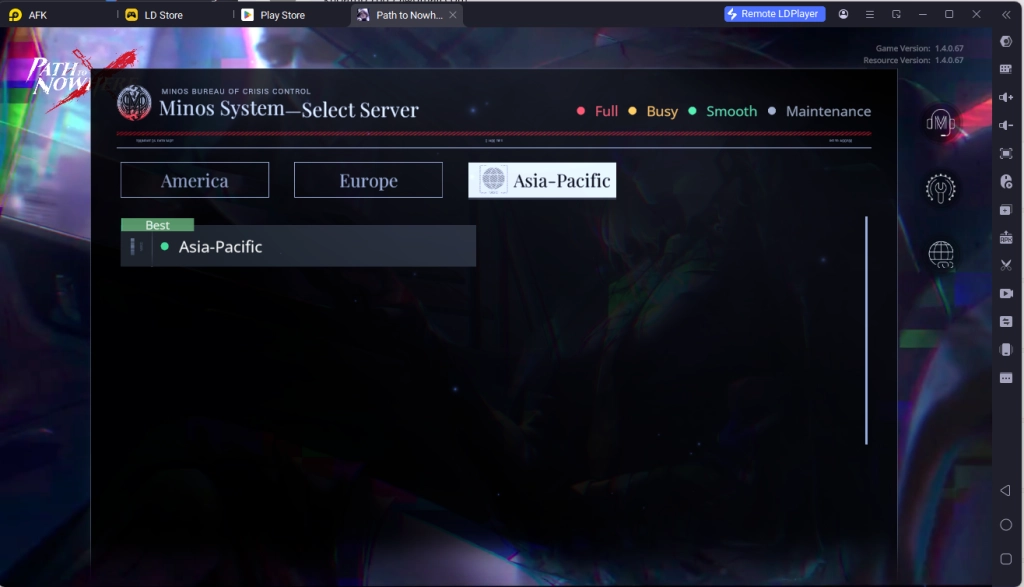
2.4 - After logging in, players will need to select a server to start the game. It is important to select the server that has the best connection and is the nearest to your geographical region to ensure the best gaming experience.
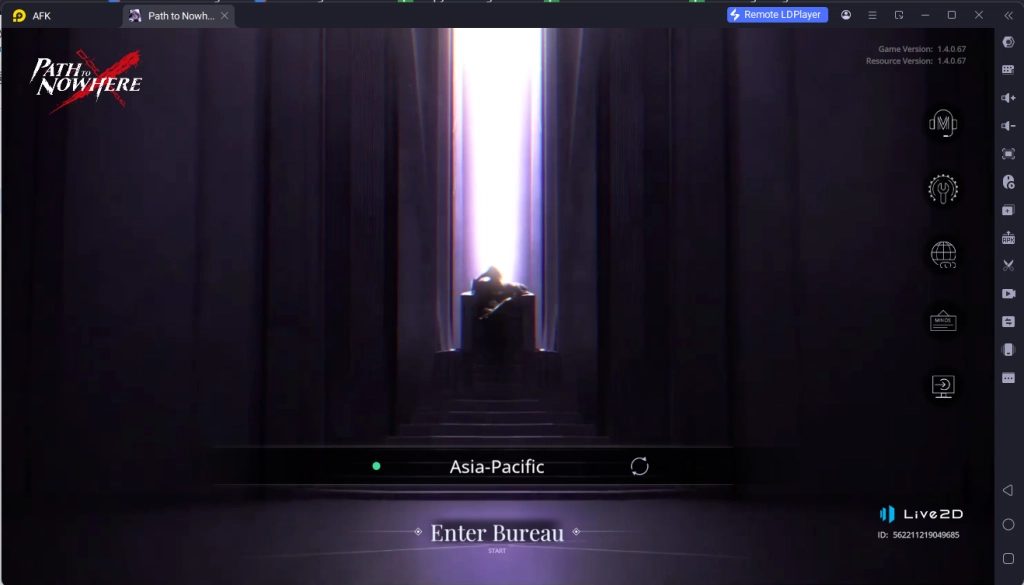
2.5 - Finally, simply click the title screen to start playing the game after completing the game’s tutorial.
Step 3: Play Path To Nowhere Online For Free
If players’ PC setup is not up to the bar to set up Path To Nowhere on LDPlayer, they will have the chance to experience the game online for free from the comfort of their browser.
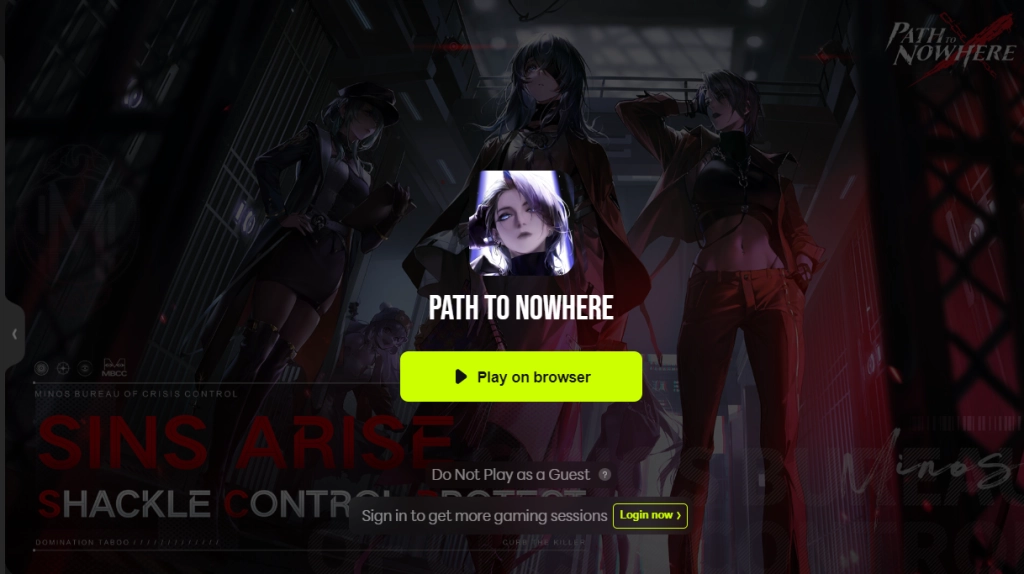
To experience this, players can simply go back to the LDPlayer website and use the special “Play Online For Free” option.
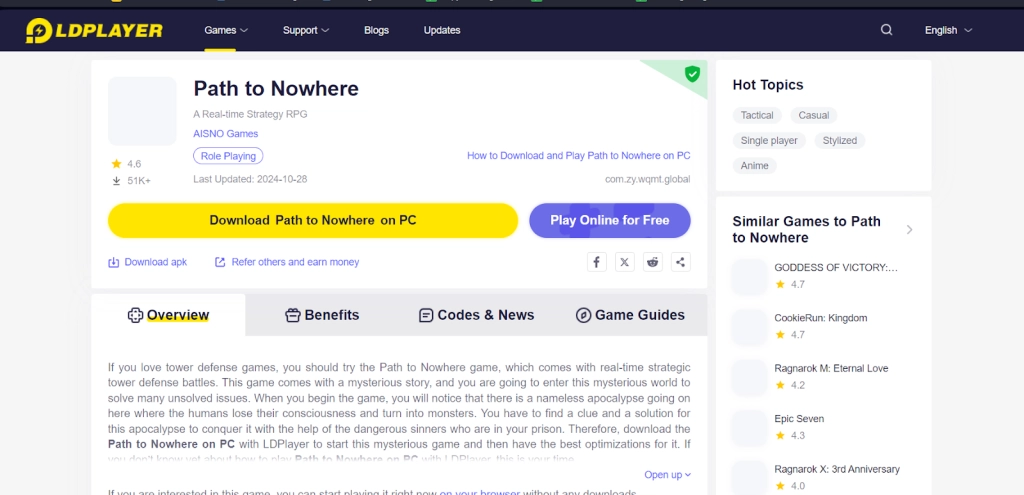
By clicking the option, they will be directed to the easyfun site for Path To Nowhere, allowing them to experience the game for a set amount of times each session without having to download any game data.
Special Recommended Settings & Features
Multi-Instances Function For Best Account Rerolling
In order to have the best Path To Nowhere experience, players can reroll in the game by taking advantage of the special Multi-Instances to play multiple accounts of Path To Nowhere at the same time, allowing players to reroll multiple accounts at the same time to get the best start in the game.
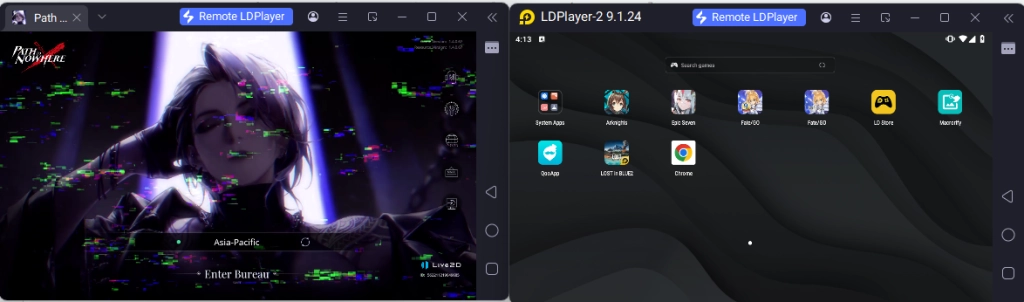
This function will also help players play Path To Nowhere simultaneously with other games at the same time.
Mini Mode For Auto Farming And Background Battling
An additional amazing function players can use to help with their Path To Nowhere gaming experience is LDPlayer’s Mini Mode. By using this mode, players can make it so that the instance window is minimized, allowing players to do other things while Path To Nowhere does its auto-battling in the background and helps players reap all of the best rewards without the players having to look at the game at all time
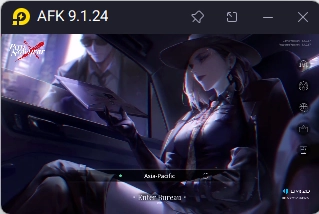
To use Mini Mode, players can simply click the button at the top right corner of the emulator or use the Ctrl + F1 command. Once in this mode, players can also pin the instance so that they can always follow the game’s progress even with the small window.
Conclusion
Suppresses the dangerous rise of crimes in the city of Minos by dominating and leading the most dangerous Sinners to fight against the forces of evil and bring justice to the unfortunate by playing Path To Nowhere on PC with the help of LDPlayer 9.0, the best emulator today!
Some Path To Nowhere Game Guides to give you the best strategies against your enemies:
- Path to Nowhere Reroll Guide for Sinners