How to Play Minecraft (Android) on PC
2020-03-26
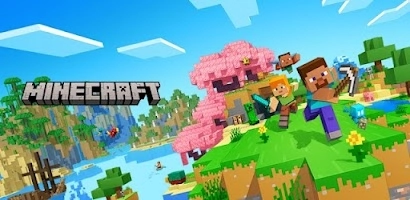
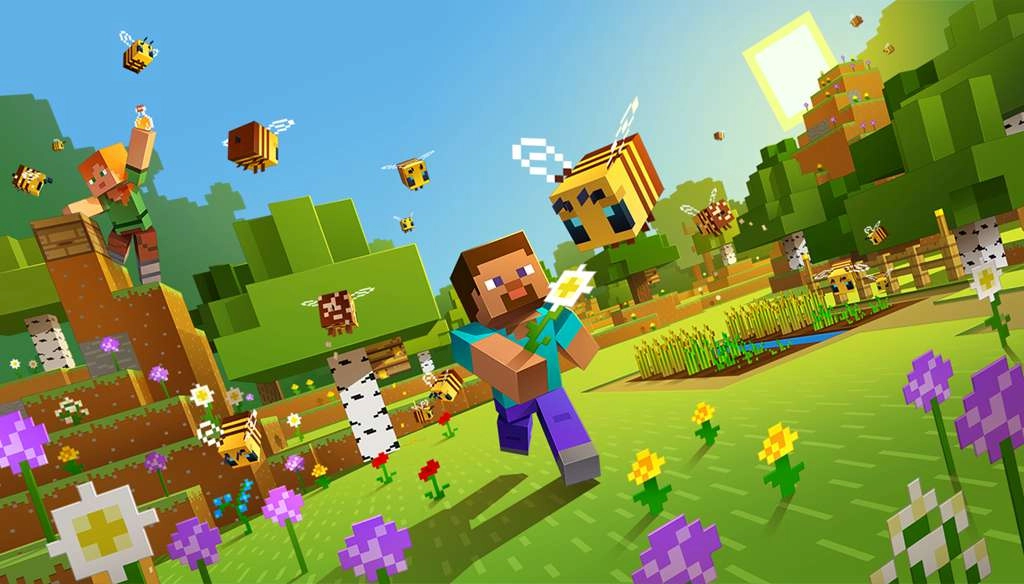
Minecraft, a sandbox video game developed by Mojang, officially released on November 18, 2011. There are two versions of Minecraft that gets millions of players: Minecraft Java(the original), and Minecraft Bedrock(the modern version). For Android users, there’s an option to play Minecraft on PC with an Android emulator and get better gameplay using your high performed computers. You can actually use keyboard and mouse to control the battles on Minecraft with the best emulator - LDPlayer.
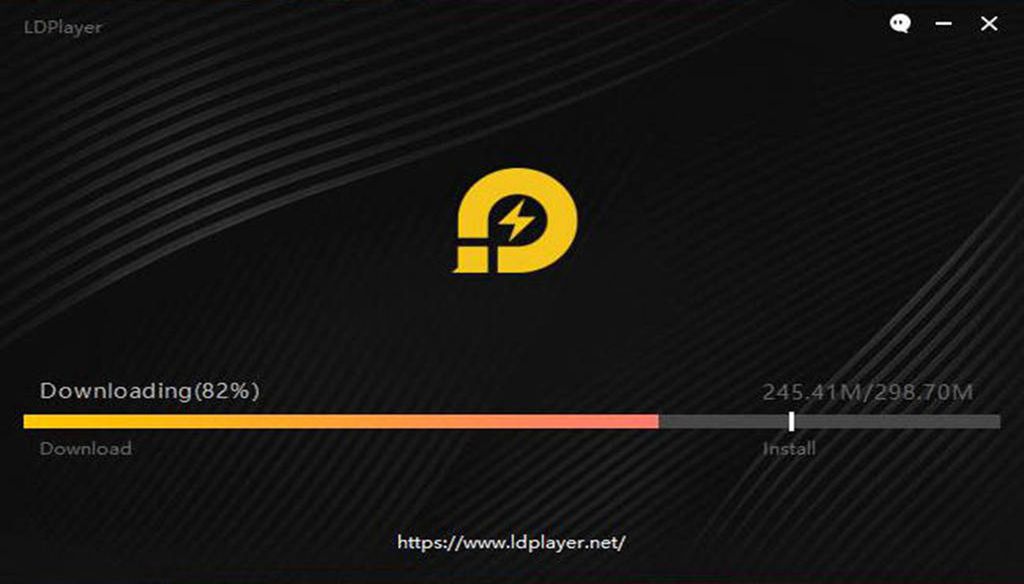
Setting up to play Minecraft on PC with LDPlayer is quite simple. You can download LDPlayer 3 simulating Android 5.1.2 or LDPlayer 4 using Android 7.1.2 first on your desktop. Both versions are capable of playing Minecraft smoothly on PC while LDPlayer 3 is more stable and LDPlayer 4 is faster. You can download LDPlayer 4 from our home page.
Note: If you already had LDPlayer 3 installed on your desktop and you want to try LDPlayer 4, then you should install LDPlayer 4 in a different path from your current version of LDPlayer 3. These two versions are separated.
How to Download Minecraft on PC
If you are looking for the best way to play Minecraft on PC, then LDPlayer is the recommended Android emulator that helps you to power up the gameplay. The following will show you how to install Minecraft on LDPlayer.

Step 1: Download and install LDPlayer on your desktop
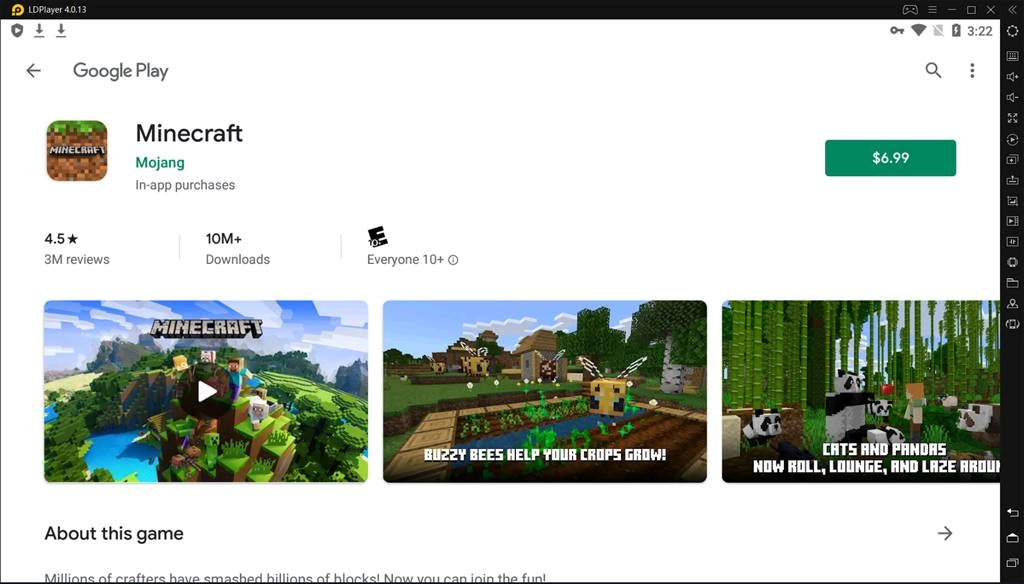
Step 2: Search and download Minecraft from LD Store or Google Play
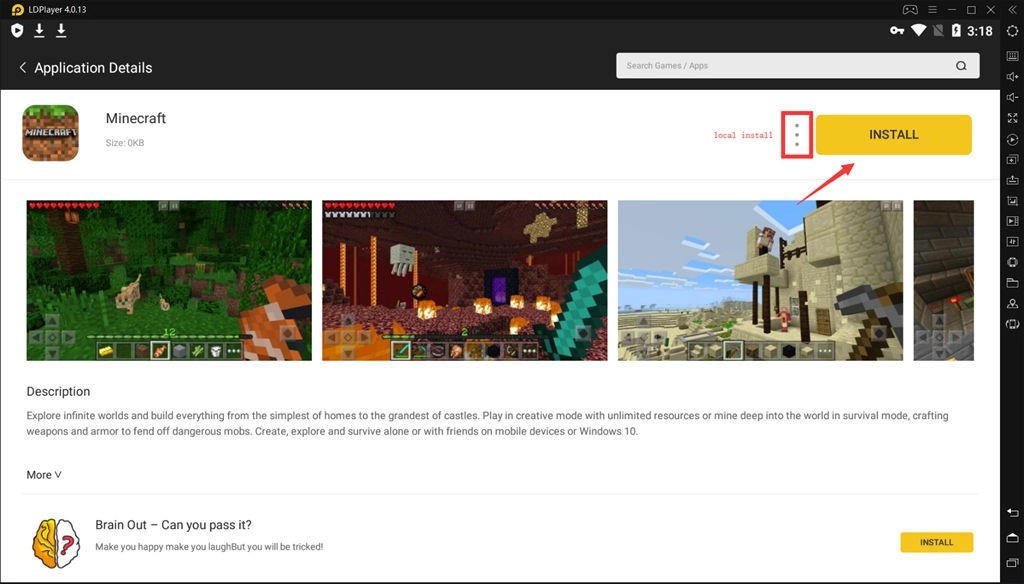
Step 3: Install Minecraft on your emulator ($6.99 Required)
Step 4: Enjoy playing Minecraft on PC with LDPlayer
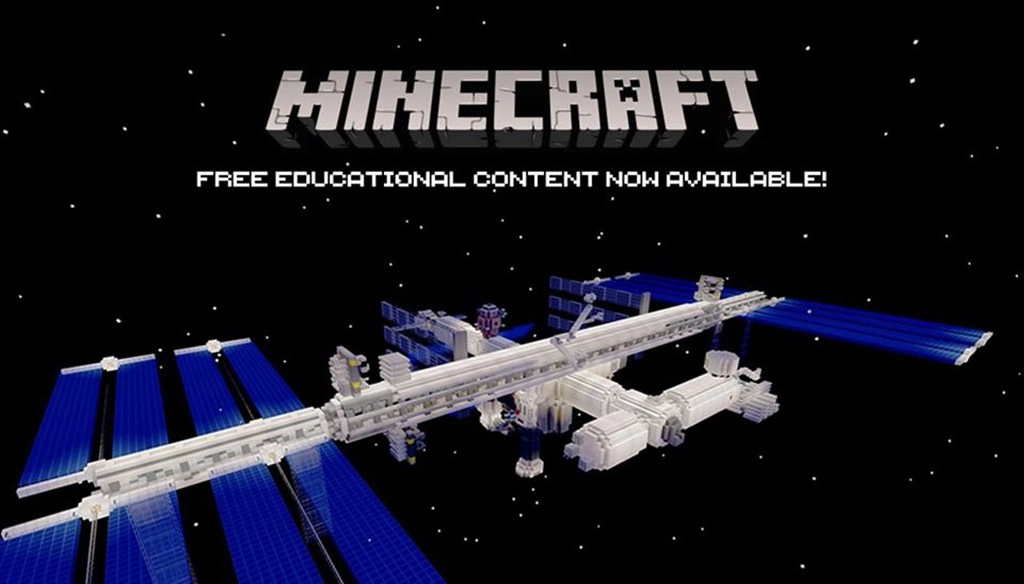
Minecraft is a fascinating place for players to build their homes from the simplest of homes to the grandest of castles. Players can get unlimited resources or even fly in creative mode or mine deep into the world in survival mode. The cool thing is that players can craft weapons and armor to fend off dangerous mobs. It’s available for players to create, explore and survive with friends on mobile devices or Windows 10. The game gets regular updates so you can always discover something fun to play.
How to Use Keyboard to Control Minecraft on PC
By using LDPlayer Android emulator, now you can use your mouse and keyboard to operate your Minecraft gameplay. After you enter the gameplay of Minecraft, you can go to the toolbar and enable keyboard mapping settings. You will see a panel with several icons that command different actions. You just drag the one you need to the exact input position and assign a key for that command.
Maxing out the Performance for Minecraft
If this is your first time playing Minecraft on PC with an Android emulator, then you can check the following tips to optimize your gameplay performance for Minecraft.
Enable Your Virtualization Technology
Most CPUs come with the Virtualization Technology(VT) and this technology can enable your CPU to act as if you have several independent computers. It’s designed to enable several operating systems to run at the same time on the same machine. That’s how LDPlayer Android emulator operates on your computer. By enabling VT, you can boost the performance of LDPlayer and Minecraft.
Read: How to Enable VT (Virtualization Technology)
Update Your Graphics Driver for Maximum Gaming Performance
Graphics driver is the software that allows your operating system and programs to use your computer’s graphics hardware. However, if you have both integrated graphics and dedicated graphics, you may want to make sure LDPlayer is using the dedicated graphics. After that, you can use a free Driver Booster to update your graphics driver, which will increase the graphics and FPS of Minecraft.
Read: How to Update Graphics Driver for Maximum Gaming Performance
Configure More CPU/RAM to LDPlayer
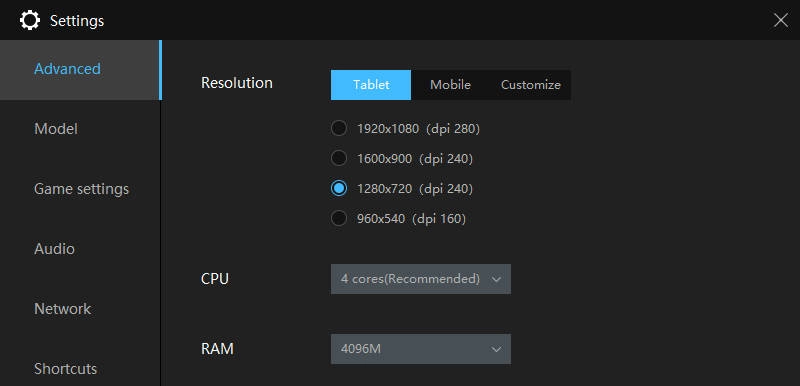
The performance of your LDPlayer emulator depends mostly on your computer. The most computer resources you assign to LDPlayer, the better performance you can get for your Minecraft gameplay. However, if you have a beast computer, there’s no need to allocate too many resources to LDPlayer as well. It might slow down your computer.
Conclusion
LDPlayer is one of the best Android emulators for playing Minecraft on PC. Get started to build your home in the infinite world of Minecraft. So many cool things you can build like 3 Story Tree House, Fishing shack next to a lake, A Small Arena, etc. Now, feel free to download LDPlayer as the Android emulator for Minecraft on PC.