Play Azur Lane on PC Guide | Best Emulator for Azur Lane
2019-10-16
Azur Lane is a battleship girls game centered around World War II. With glorious ships, gorgeous characters, and action-packed battles at sea, it provides a wonderful gaming experience for players interested in naval warfare and role-playing. To have a better control system and a larger screen, it is recommended that you download Azur Lane on PC with LDPlayer, one of the best Android emulators.
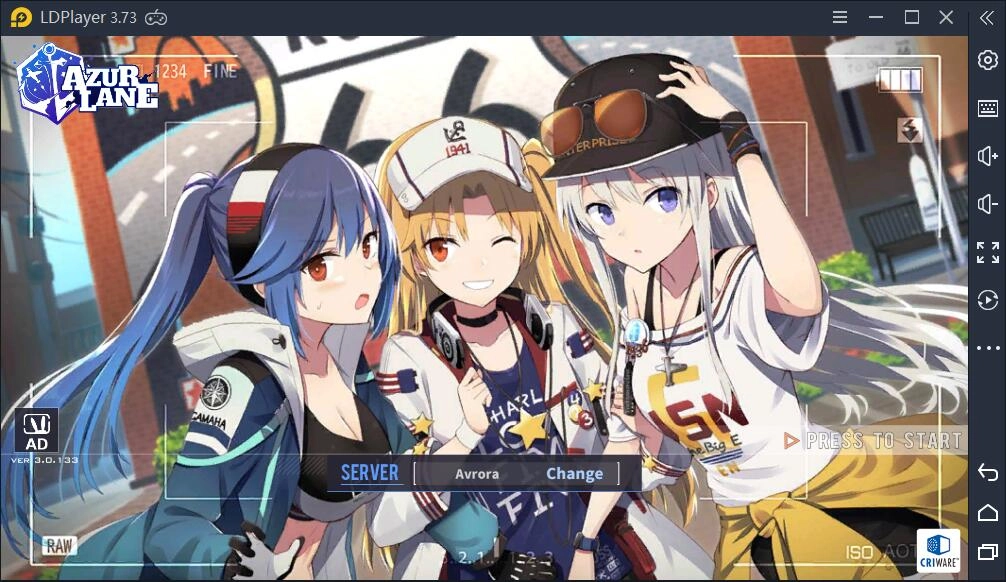
How to Play Azur Lane on PC
Azur Lane is a gacha based mobile game created by Chinese developers. But as the lines between mobile and PC gaming are blurred with Android Emulators, it is possible to have the PC version of Azur Lane to obtain a smoother experience.
1. Download an Android Emulator
The first thing you should do is to download an Android emulator. Among the current popular emulators, LDPlayer is a good choice for its smooth operation and space-saving. Click the Download Button below to download LDPlayer installer. When it is done, run the installer directly. LDPlayer is safe and clean, and the installing process won’t take you much time.

2. Install Azur Lane on LDPlayer
Having LDPlayer installed on your computer, you can open the emulator and head to LD Store, which is a free app store developed by LDPlayer. Search Azur Lane in the app store and download it on LDPlayer like what you normally do with your Android phone.
3. Run the game and get your fantastic trip
Once the installation is completed, just launch the game and wait a few seconds for the loading and extraction of the resources. Finally, you can log in your account and start your exciting marine adventure on PC with LDPlayer.
Benefits of Playing Azur Lane on PC with LDPlayer
Smooth Experience with Mouse&Keyboard
Azur Lane involves many naval battles where players should organize their own fleets and use different weapons to attack enemies. Such control is achieved through touch screen when you are using mobile phone. But as the battle gets fierce, it is hard for you to move fleets quickly and your character is more likely to fall in the battle.
So if you play Azur Lane on PC with LDPlayer, touch screen will be replaced by keyboard and mouse, which makes the control more flexible for your precise strike. Besides default keymapping preset by LDPlayer, you can free to set your own one according to your preference. Refer to this article: How to Use Keyboard Mapping if you want to learn more details about keyboard mapping on LDPlayer.
Sharper and more life-like visuals
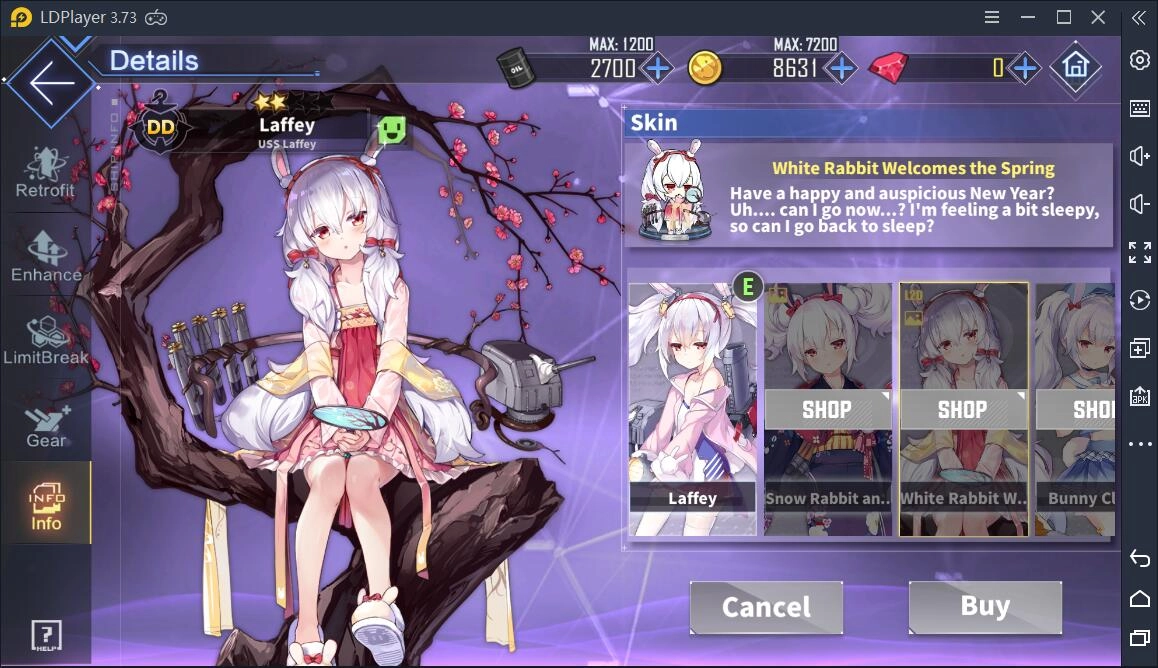
Playing games on PC will definitely give you a better sensory experience. In Azur Lane, many players are intrigued by the lovely female characters, which are called waifus. This is one of the reasons why the game becomes more and more popular in certain groups. With a larger screen, you can have a clearer and more vivid view of how your waifus fight in the battle.
Multiple accounts at one time
If you have several Azur Lane accounts and you want to manage them at one time, LDMultiPlayer, a built-in tool supporting multiple accounts in one big screen on PC, offers the possibility to run as many instances as you want. You don’t need a table of phones but a powerful computer to play several accounts. More details at How to Use LDMultiplayer Tool.
Azur Lane Game Features
As is mentioned before, Azur Lane is a side-scrolling shoot 'em up, simulation and role-playing video game. The main characters are a group of beautiful batttleship girls. They fight the Sirens, a race of alien invaders, to save the four major nations of the world. With its delicate artwork and cute little animations. It is an ideal naval warfare game like you always imagined!
Gameplay
At the beginning, players should select a starter ship from the personifications of American destroyer USS Laffey, British destroyer HMS Javelin and German destroyer Z23 or Japanese destroyer Ayanami.
Before you enter a map to do the main mode, you are allowed to build two fleets consisting of a front row and a back row, with up to six different ships allotted in each row. The combination of these ships can be changed to obtain the desirable outcome of the battle.
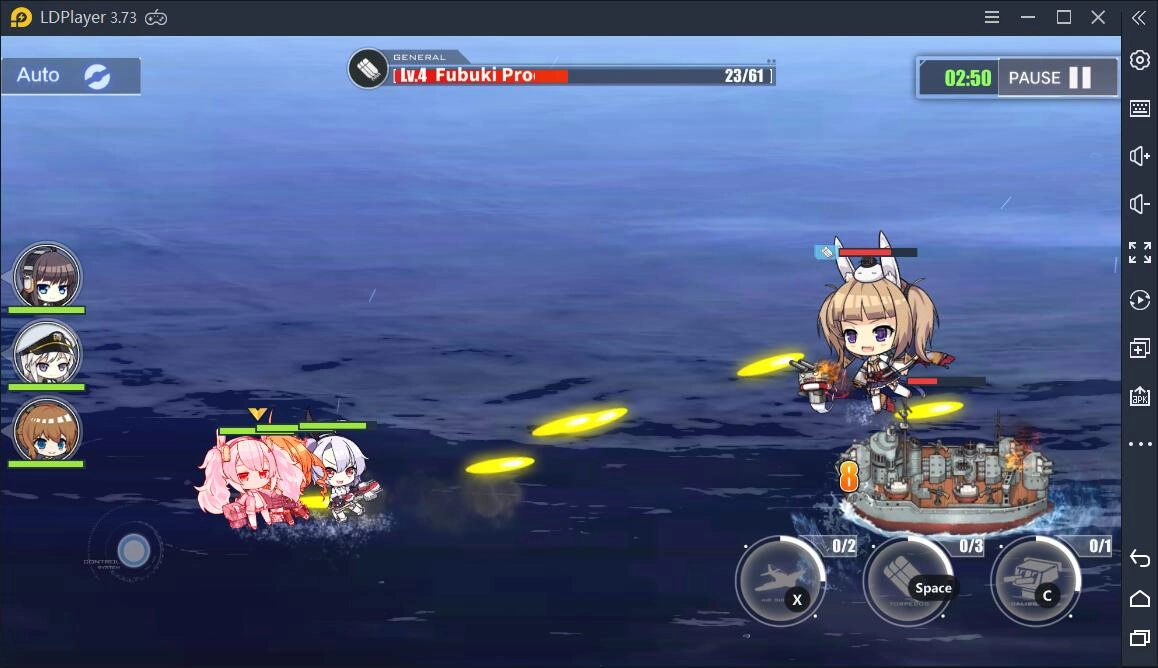
When you are in a battle, you can use a virtual joystick on the left of the screen to move the front row, and the fleet will automatically fire shells at enemies. Meanwhile, you can push the button at the right of your screen to manually launch torpedoes. As for the back row, it is responsible for airstrikes. And here is a auto mode option to help control your attack.
Synopsis
The story of Azur lane is mainly about a group of ship girls living in "Azur Lane" countries organized together to fight against the invasion of the Sirens. Different from those manipulated ship girls from the Sirens, Azur Lane is dedicated to preserving the "natural" evolution of humanity. And this is the key for their victory.
The background of AZUR Lane is based on WWII naval history. And a large part of the story is inspired by the naval war in the Pacific. When you are enjoying the joy of the naval battles, you can also find an amount of historical references in the game.
Conclusion
All in all, for those who prefer PC gaming experience, LDPlayer is the best choice to help you spare the limit of smart phones and run your favorite games more smoothly on a larger screen. And in Azur Lane, the interesting stories, sexy characters and adorable voice acting can bring you much fun. Just join the millions of players and start your adventure on the sea!