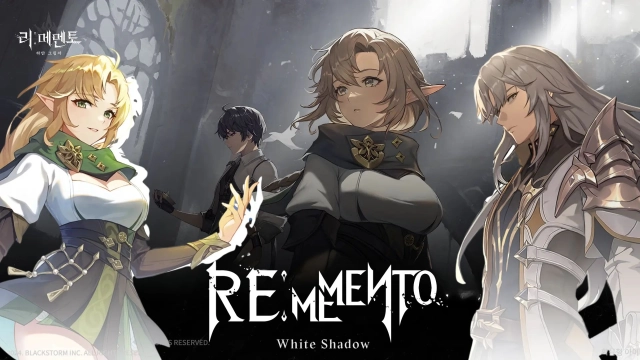
ReMemento: White Shadow Reroll Guide with LDPlayer – Pull Your Best Heroes
2025-06-02
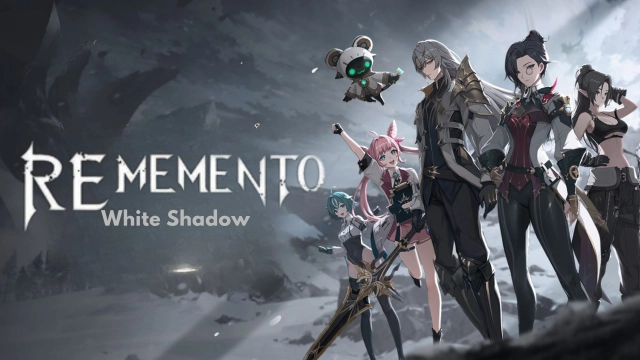
ReMemento: White Shadow is one of the best RPGs that makes you dive into PvP battles, and if you are trying to make a power move there, you have to go with some high-ranked heroes. For that, we need to know the ReMemento: White Shadow reroll process, as that is how we can summon them to the battleground. For those who have no idea how to do this effectively, here is your guide for rerolling.
Table of Contents
ReMemento: White Shadow Reroll Steps
-
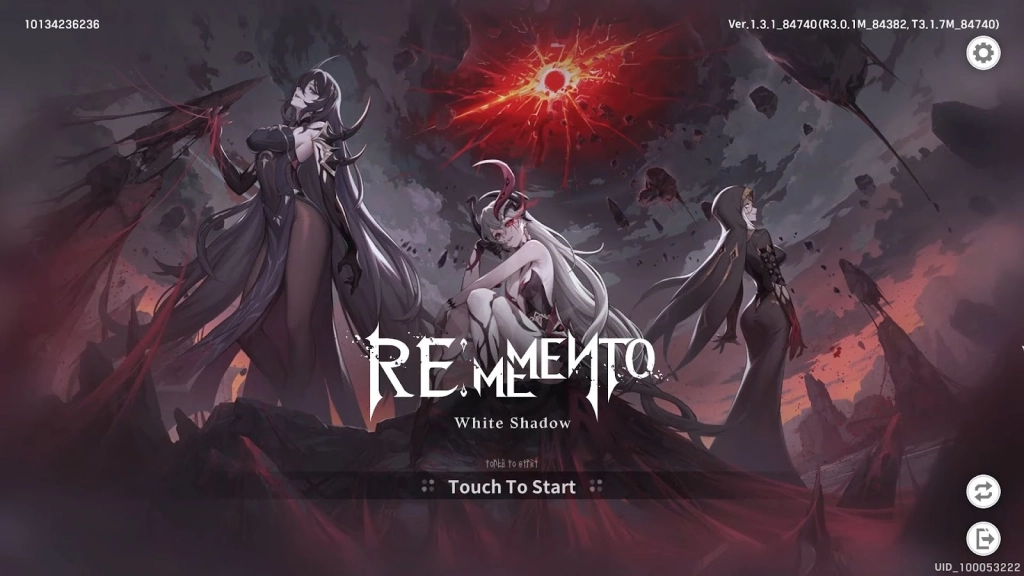
Download ReMemento: White Shadow from the Google Play Store, launch the game and skip the opening cinematic if possible to save time.
-
At the account login screen, select Sign in as a Guest. This avoids linking an email or social media account, making it easier to reset.
-
Follow the tutorial, which includes story missions and basic combat. This takes about 10-15 minutes.
-
The tutorial introduces the gacha system and gives you free pulls, including a ReMemento: White Shadow beginner 10-pull that can yield a 5-star character.
-
Progress through the main story until you unlock the summoning (gacha) menu. Completing early story missions also grants gems, the currency for pulls.
-
Check your in-game mailbox for pre-registration rewards, event bonuses, or free gems, and collect freebies from the ReMemento: White Shadow codes during this stage.
-
Complete early story missions to earn more gems. The main story unlocks resources and features, so focus on it.
-
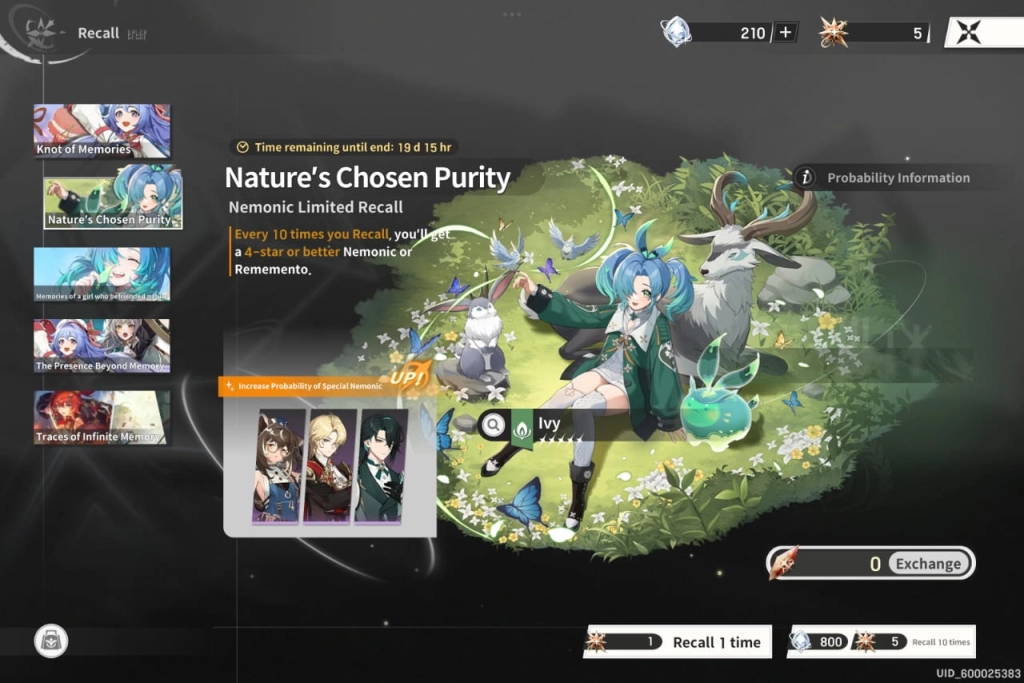
Go to the summoning menu and use your gems or free pull tickets.
-
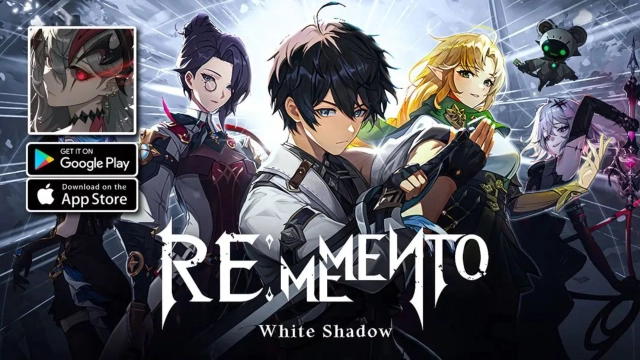
Focus on the beginner banner or featured banners, as they may have higher rates for S-tier characters like Libertas, Diana, Isania, Xeon, Beatrice, Hajin, or Lueseng.
-
The game has a pity system, guaranteeing a specific character after a set number of pulls, but this may take many attempts. For rerolling, aim for at least one S-tier character in your pulls.
-
Review the characters you get. If you get an S-tier character you’re happy with, proceed to the next step. If you are not, reset the game by uninstalling the game from your device. Start again from Step 2 (sign in as a guest).
Reroll with LDPlayer
As you can see, the whole ReMemento: White Shadow reroll process takes some time so if you want to decrease this unnecessary time and make the whole rerolling process more effective, a powerful android emulator like LDPlayer is the key. So, start playing ReMemento: White Shadow on PC and follow these steps for an efficient rerolling there.
-
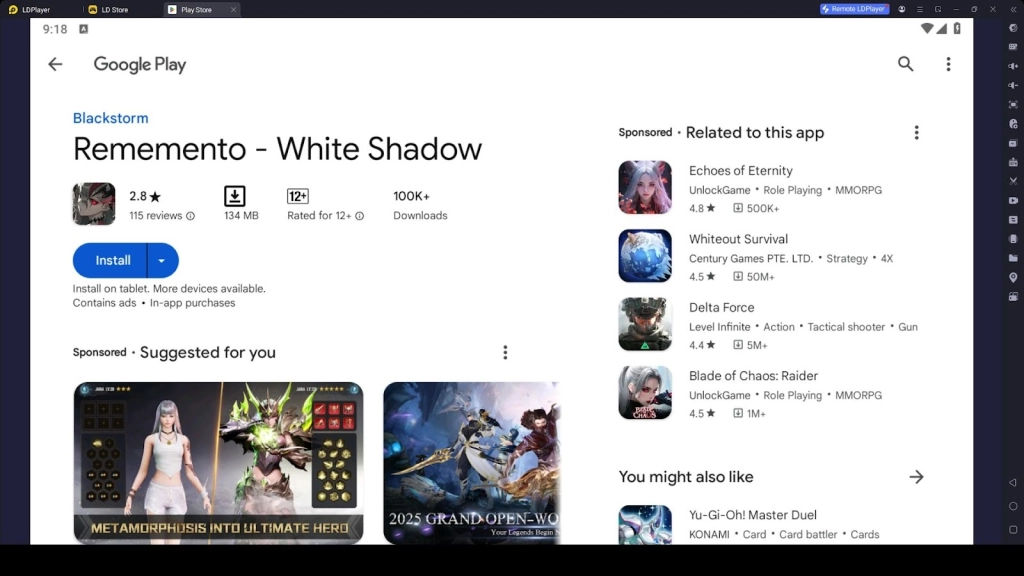
Install LDPlayer by downloading it from the official website

-
Install the ReMemento: White Shadow game, but do not open it
-
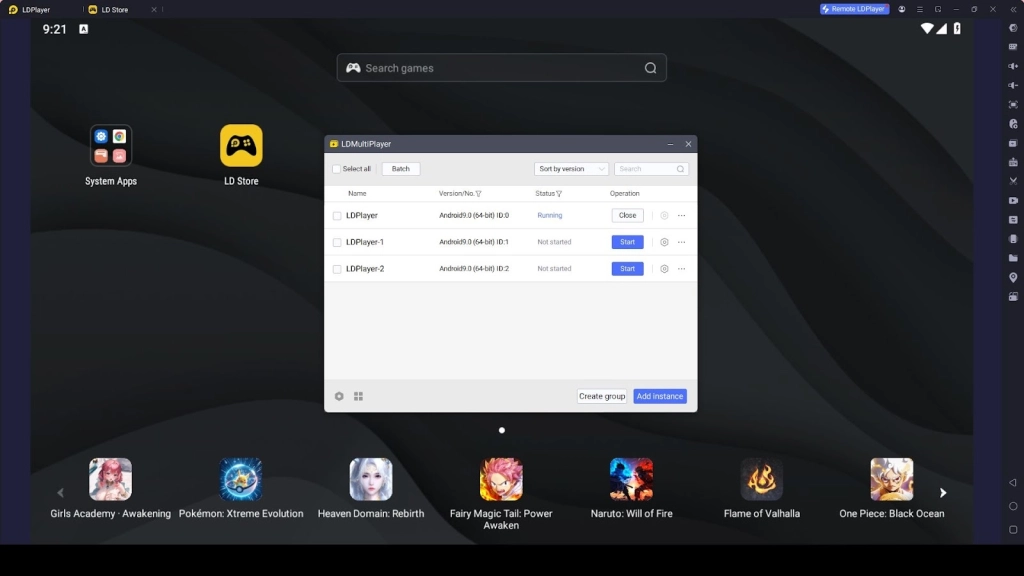
Open the LDPlayer menu and use the LDMultiplayer to create different instances of the game.
-
Sync all the instances you created by using the Synchronizer option
-
Follow the ReMemento: White Shadow reroll steps.
Once you’re satisfied with your pulls, bind your account to an email or social media account to save your progress. To do this, go to the account settings in the game and select the option to link your account. Follow the prompts to secure it, and this ensures you don’t lose your S-tier characters when switching devices or logging out.
Conclusion
So, what are you waiting for? It is time to do a perfect ReMemento: White Shadow reroll and make it happen to have the best heroes by your side. And yes, LDPlayer will make the process more efficient as well. Follow the steps, go for high-ranked heroes and make the victories of the battles solely yours.