Roblox Unblocked at School No Download Games 2025

Nipun Gimhan
|2025-10-04Are you looking for a method to play Roblox unblocked games at school? Whether you're interested in epic adventures like Adopt Me! or thrilling battles in Blox Fruits, we have the solution for you. Our guide offers various methods, including cloud gaming, VPNs, and proxies, along with clear instructions on how to use them effectively. Use these methods and enjoy your Roblox gaming experience!
Contents
- What is Roblox? Why Is It So Famous?
- Why Roblox Is Blocked at Schools
- Why Do Students Want to Play Unblocked Roblox?
- Cloud Gaming Platforms
- Use Web Proxy Sites
- Using a VPN
- Use Portable Browsers
- Get APK from Other Sources
- Crazy Games: Browser-Based Gaming Site
- Use with Caution
- People Also Ask
- Conclusion
What is Roblox? Why Is It So Famous?
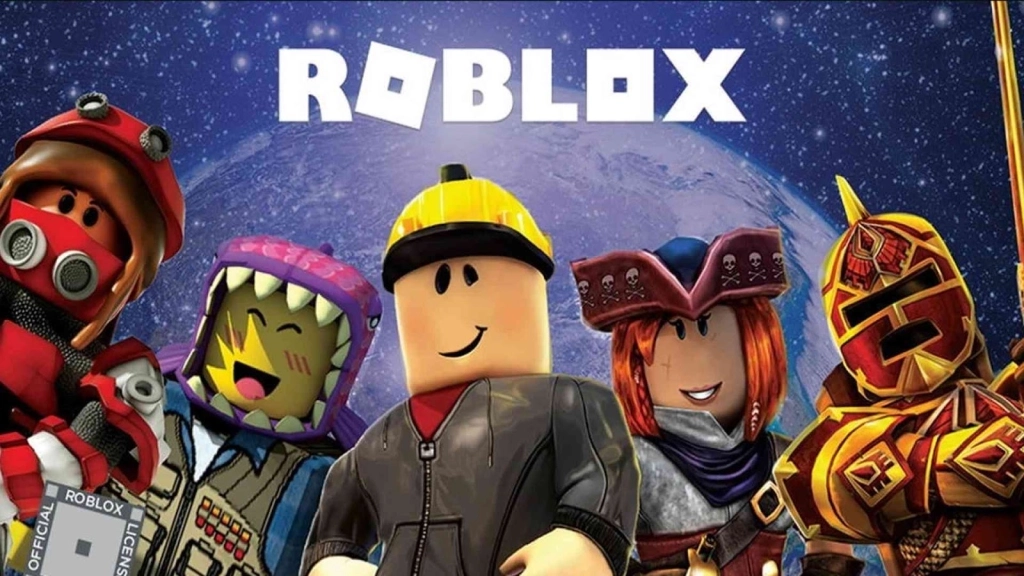
Roblox is a gaming platform where you can find all kinds of games, like racing, adventure, action, and shooting, all in one place. It’s not just a gaming world, it’s like a huge social network for gamers worldwide. On Roblox, you can create your own games, build unique worlds, chat with friends, join gaming groups, and even live inside the games you love most. That’s why Roblox is so popular around the world! It’s open to players of all ages, but students make up a big part of the community. They love diving into Roblox, creating their own gaming worlds, chatting with friends, and making new connections globally.
Why Roblox Is Blocked at Schools
Many schools block the Roblox platform to ensure students stay focused and safe. There are several reasons why schools choose to restrict access to Roblox:
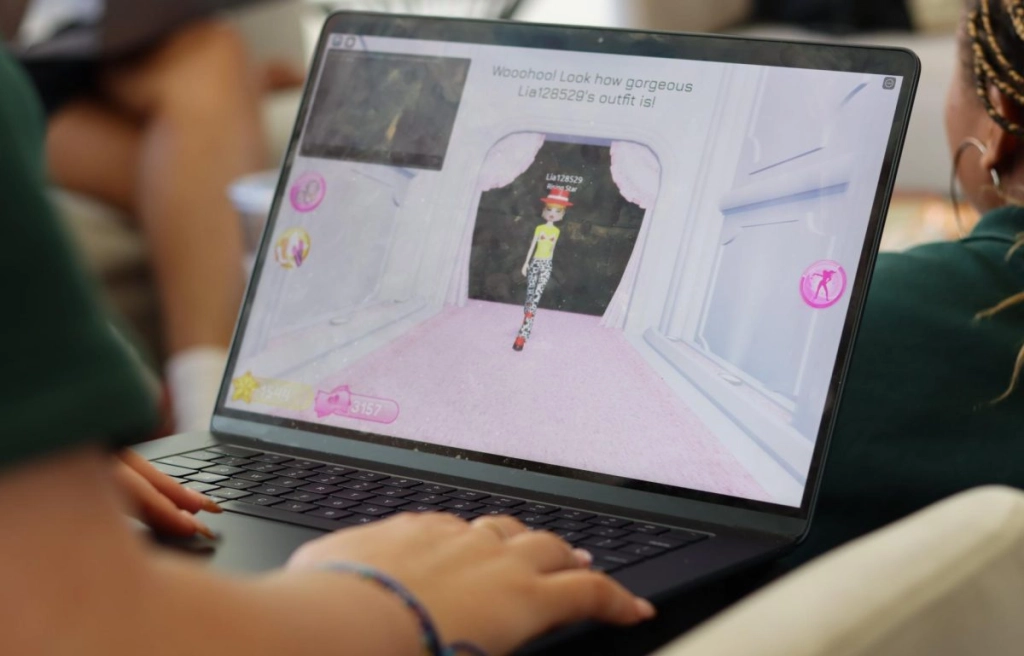
- Focus on Education: Roblox games can be very addictive, making it hard for students to focus on their schoolwork. Schools want students to pay attention to learning instead of playing games.
- Limited Internet Resources: Roblox uses a lot of internet data, especially when many students play at once. Schools often have limited internet for educational purposes, so playing games can slow down the network and affect learning.
- Safety Concerns: Roblox is like a global social media platform where students can chat with anyone, including strangers. While some interactions are friendly, there’s a risk of inappropriate conversations. Schools block Roblox to keep students safe.
- School Rules: Some schools have strict policies that ban gaming platforms like Roblox to maintain a focused and safe environment.
By blocking Roblox, schools aim to help students stay focused on their studies and stay safe online.
Why Do Students Want to Play Unblocked Roblox?
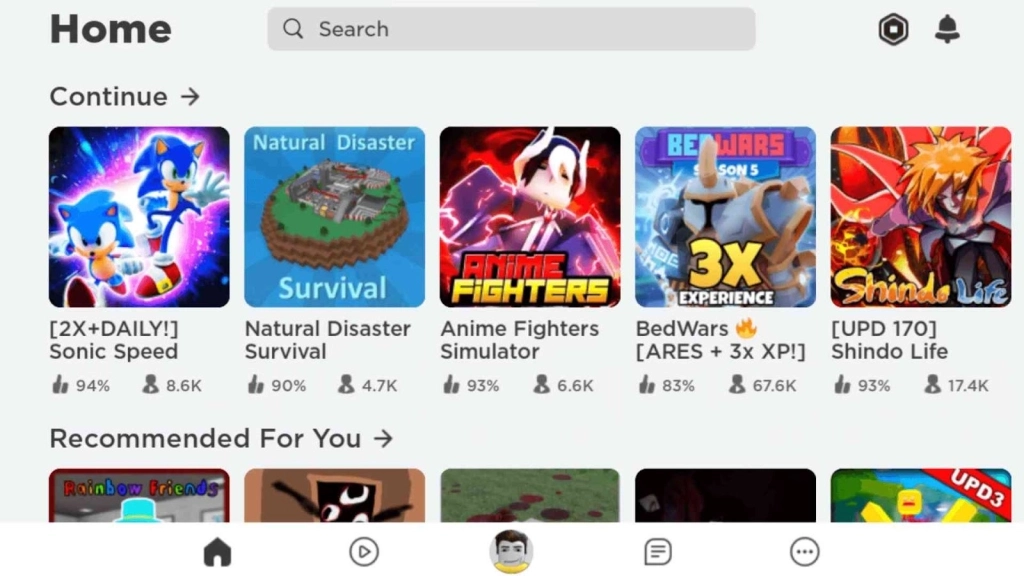
While schools restrict access to the Roblox platform, it serves as a source of relaxation and stress relief for students. It provides a low-pressure escape when they are feeling bored. Additionally, Roblox enhances creativity and fosters social connections among students worldwide. This is why many students are searching for ways to play Roblox unblocked at school. We are here to help you with options for accessing unblocked Roblox games from the school network.
Cloud Gaming Platforms
When school networks block gaming sites, cloud gaming platforms offer a great way to enjoy your favorite Roblox games, such as Murder Mystery 2, Adopt Me!, or Blox Fruits. While there are many cloud gaming options available, some may have safety concerns. In this guide, we’ll highlight two safe and reliable platforms like Now.gg roblox and Easyfun.gg, that allow you to play Roblox games without any worries.
These cloud gaming platforms let you play Roblox games directly in your browser, so you don’t need to download anything. Here’s how to play Roblox unblocked games on these sites:
- Open your browser and search for Now.gg or Easyfun.gg.
- Log in to the platform (or create an account if needed).
- Use the search bar to find the Roblox game you want to play.
- Click on the game and start playing. If you have a Roblox account, log in using Roblox sign in to pick up where you left off.
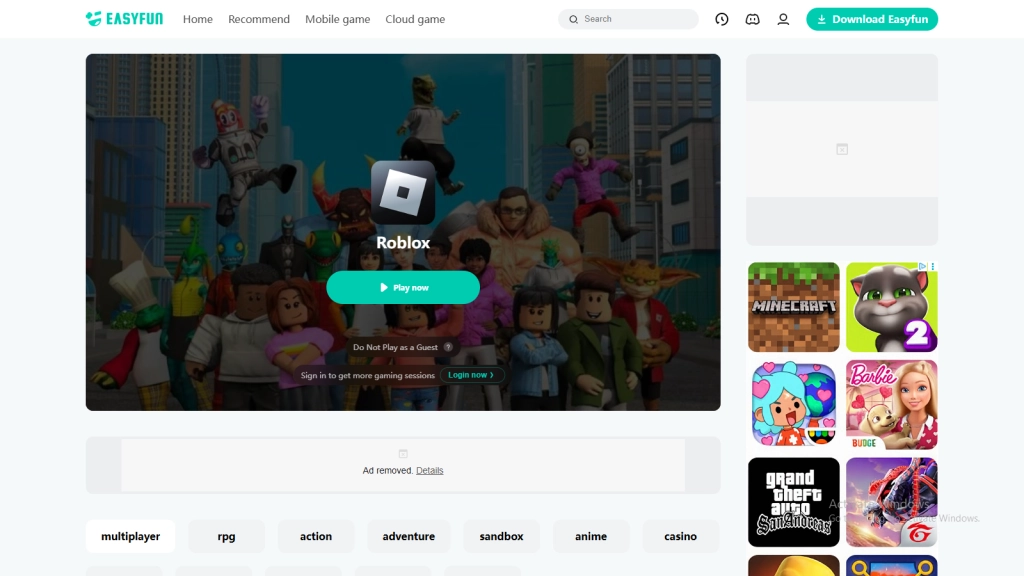
With Now.gg and Easyfun.gg, you can enjoy Roblox unblocked games easily and have fun like never before. If you face any problems with these sites, join the Now.gg Discord or Easyfun Discord to get help and fix issues quickly. Below are the pros and cons of these cloud gaming platforms:
Pros:
-
- Play games directly in your browser—no download required.
- Games are user-friendly and easy to play.
- Log in with your Roblox account to save your game data.
- Accessible on any device with a browser and internet connection.
Cons:
-
- A stable internet connection is necessary; without it, games may lag.
- Free users may encounter ads while playing.
- Users are required to log into the platform.
Use Web Proxy Sites
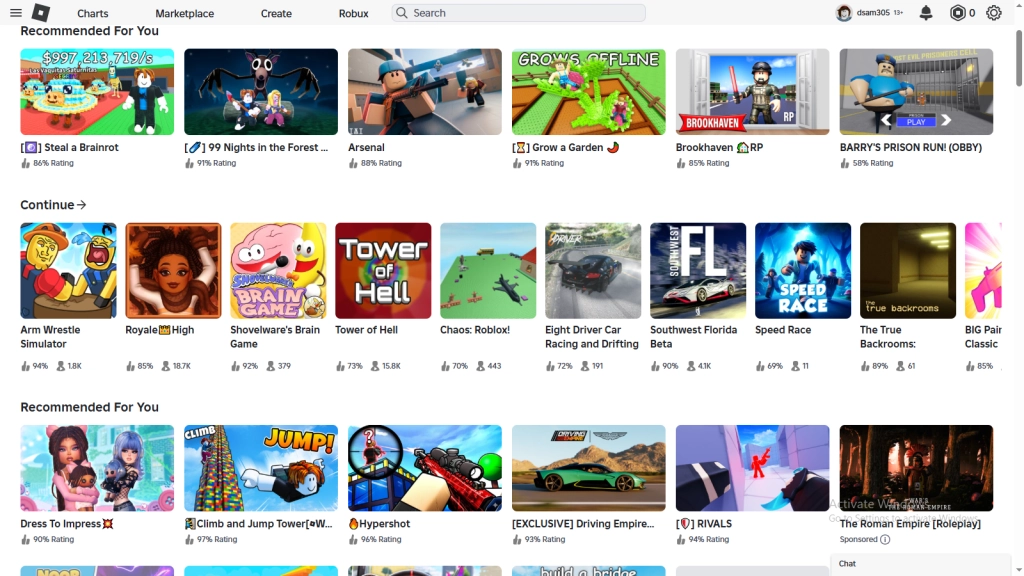
Using a proxy site is a great way to play Roblox unblocked games and get around school network restrictions. A proxy site works like you are just on the same site and hides what you are doing inside it. . When you use a proxy, it hides your school's IP address, so the network can’t see that you’re visiting Roblox or playing games. Here’s how to use a proxy browser to play Roblox, along with the pros and cons.
- Open your browser and search for a trusted proxy site like Kproxy, CroxyProxy, or Hide.me.
- On the proxy site, type https://www.roblox.com/ into the search bar.
- Log in to Roblox and play your favorite games as you normally would.
Pros:
-
- Keep your gaming private from the school network.
- Simple to use and now download is needed.
- No registration needed.
Cons:
-
- Proxies cause for slow connections
- Free proxies may have ads or restricted access
- Some proxy sites may not be safe or trustworthy.
Using a VPN
A VPN or Virtual Private Network is another great way to play Roblox unblocked games when your school network restricts access. A VPN changes your IP address and also encrypts your data, hiding your activity from the school’s firewall and letting you access Roblox by making it seem like you’re visiting a different website. VPNs are easy to download, install, and use to enjoy unblocked Roblox games. Below, we explain the process and the pros and cons of using a VPN.
LDPlayer - The Best Android Emulator to Play Roblox on PC
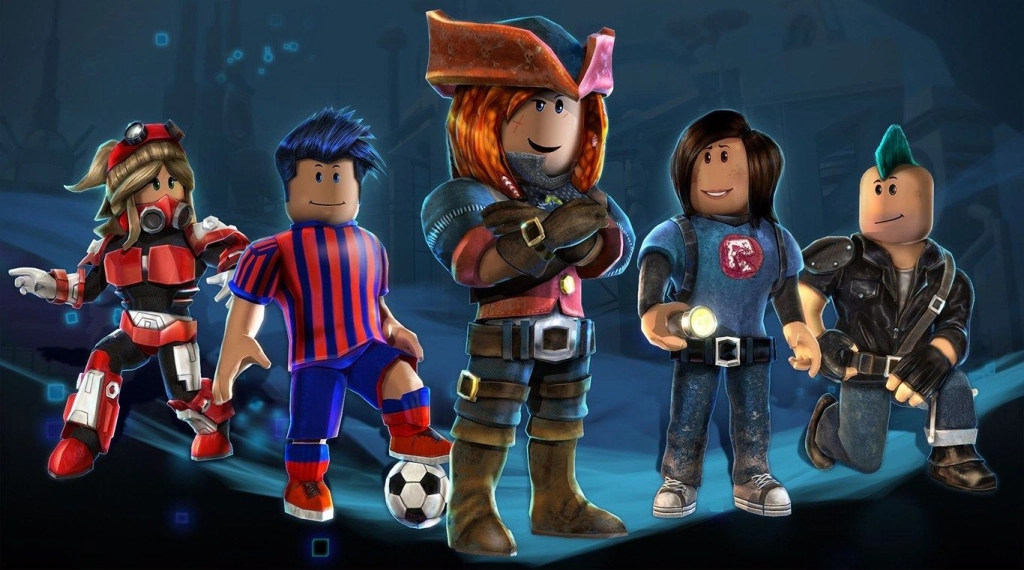
Multi-instance + Sync: Create multiple instance and execute the same operation simultaneously, upgrade your kingdom quickly
Ultra-Wide Screen: Get a full view of the battlefield and seize the strategic opportunities.
Keyboard Mapping: Constructe buildings, place combat units and release skills more convenient and accurately
Landscape: Widen vertical screen by landscape, with a wider field of view and smoother operation for SLG games.
Try LDPlayer now, Enhance your gaming experience
How to Use a VPN on Mobile Devices
- Download a trusted VPN app like Nord VPN or Surfshark from the Google Play Store (Android) or App Store (iOS).
- Open the VPN app and turn it on.
- Connect to a server (choose a location where Roblox is not blocked).
- Open your browser or the Roblox app and visit the Roblox website or play games.
How to Use a VPN on Chrome Web Browser
- Go to the Chrome Web Store and search for a VPN extension like DotVPN.
- Click "Add to Chrome" to install the extension.
- Open the extension, turn it on, and select a server location.
- Visit the Roblox website and start playing.
Pros:
-
- Bypasses school or network restrictions to access Roblox.
- Encrypts your data, keeping your browsing private and secure.
- Easy to set up and use on mobiles or browsers.
Cons:
-
- Some VPNs may slow down your internet connection.
- Free VPNs often have ads or limited server options.
- Not all free VPNs are safe or trustworthy.
Use Portable Browsers
Portable browsers are special versions of popular web browsers like Chrome, Firefox, or Edge. These browsers can be stored on an external device, such as a USB drive or external SSD, without needing to install them on a computer’s hard drive. By using a portable browser, you can plug your device into a school computer and play Roblox unblocked games easily. Below is the process to use a portable browser for Roblox, along with its pros and cons.
-
- Download a portable browser (like portable Chrome or Firefox) and save it to an external device.
- Plug the USB or external SSD into the school computer.
- Open the portable browser directly from the external device.
- Visit the Roblox website.
Pros:
-
- Helps bypass school network restrictions.
- No need to install software on the computer.
- Simple to set up and use
Cons:
-
- You need a USB or external SSD to store the browser.
- Needs a stable internet connection for smooth gameplay
Get APK from Other Sources
If you are unable to play Roblox games from the official Roblox app on the Play Store due to restrictions on school networks, you can still access Roblox unblocked games through sites like TapTap or APKPure. You can download the Roblox app or software from these sites and install it on your device. However, you'll need to turn on a VPN to continue playing Roblox unblocked games free.
Crazy Games: Browser-Based Gaming Site
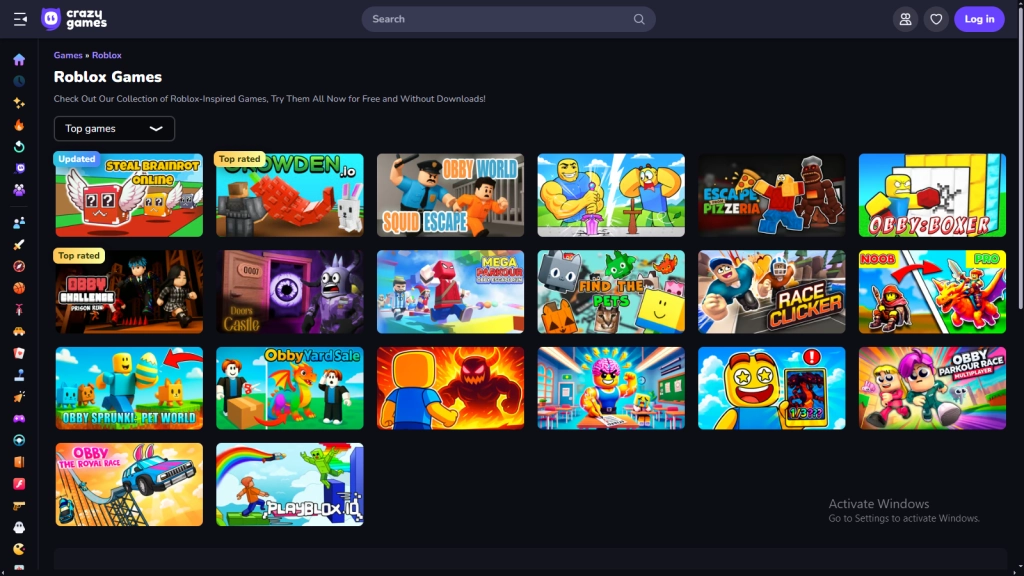
Crazy Games is a browser-based site similar to cloud gaming platforms. This site is also a better choice for playing Roblox unblocked games, even if they are restricted on school networks. The process is similar to that of now.gg and Easyfun.gg. You can enjoy Roblox games through your browser without any downloads needed.
Use with Caution
Even though these methods allow you to play Roblox unblocked games at school, it's important to exercise control and caution. Remember, you're at school to learn, and while games can enhance certain skills, not paying attention during class can make it difficult to grasp future lessons. These methods should only be used during long breaks, never while in the classroom.
Additionally, be aware that getting caught playing could result in consequences such as detention, informing your parents, loss of computer privileges, or other disciplinary actions as deemed appropriate by the administration. So, use these methods responsibly and prioritize your education over gaming.
People Also Ask
How to play Roblox unblocked no download?
To play Roblox unblocked without downloading, you can use cloud gaming platforms like Now.gg or Easyfun.gg. These platforms allow you to play Roblox games directly in your browser without the need for any downloads.
How to get Roblox unblocked at school?
There are several methods for playing Roblox unblocked, even on a restricted school network. These methods include cloud gaming, using a VPN, and other strategies that we’ve outlined in our guide.
How do you bypass school blocking on Roblox?
You can easily bypass the restrictions imposed by your school network by using a proxy server. This acts as a barrier between the internet and your device, enabling you to play games freely.
Conclusion
And that's it! You can play Roblox unblocked games at school, even if Roblox games are restricted on the school networks. Use the methods we discussed to access them. However, be mindful to prioritize your education, and only play Roblox during your free time or breaks at school. Additionally, if you’re playing Roblox games, don’t forget to use Roblox redeem codes to enhance your gameplay even further.