Tree Of Savior: Neverland Codes: Your Gateway to Epic Adventures – 2026 February
2026-03-01
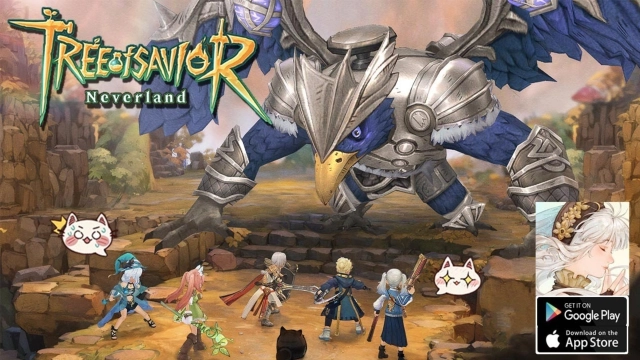
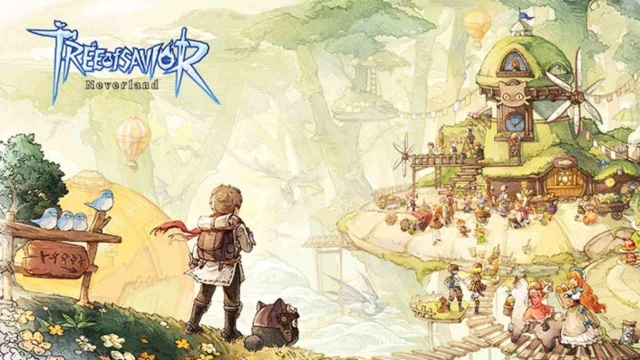
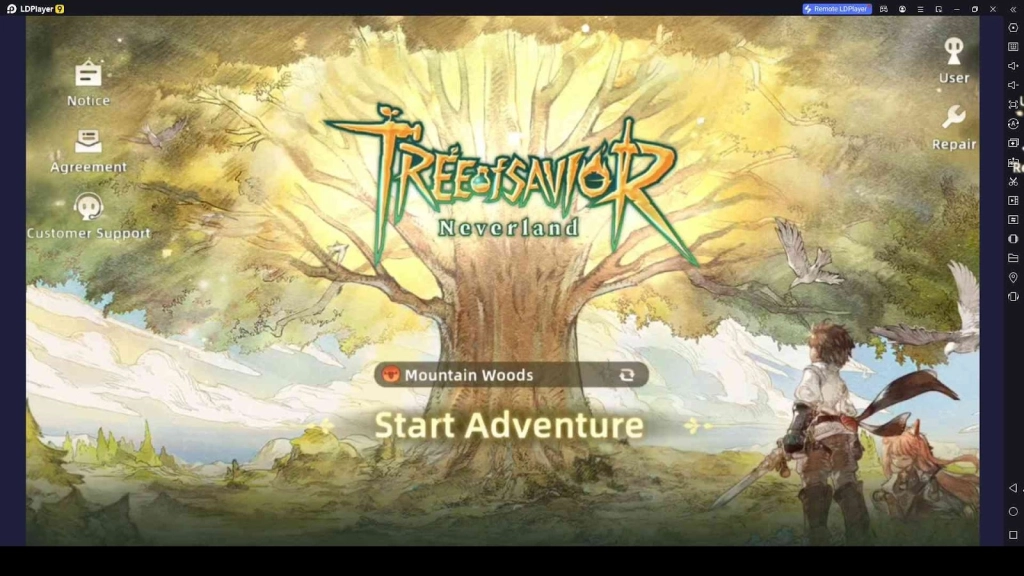
Tree of Savior: Neverland is a compelling MMORPG that takes players to a fantasy realm full of magic, legendary creatures, and rich lore. In this expansive universe, you can select from a number of distinct classes, each with its own set of skills and powers. As you embark on quests, battle powerful foes, and explore dungeons, you’ll need the right resources to advance and succeed. Tree of Savior: Neverland frequently offers redeem codes that players can use to claim in-game rewards like currency, items, and boosts. These codes help players gain a competitive edge and progress more efficiently. In this guide, we have gathered the most up-to-date Tree of Savior: Neverland codes, providing you with everything you need to enhance your gameplay experience.
Table of Contents
List of All Valid Tree of Savior: Neverland Codes
Below are the currently active codes for Tree of Savior: Neverland. Don’t forget to redeem these codes while they’re still valid to claim your benefits.
CHRISTMAS2025
(new)
TOSNTOGETHER
(new)
allthebest
(New)
TOSNFOREVER LVVH-KXYM-BWPZ
Light Gem x100, Catpal Gacha Tickets x2
TOSNGIFT
Catpal Gacha Coupons x2, Light Gem x200, and Mana x8000
TOSN888CPMJ-UGTM-UPASHMKS-GGPD-YFWZNBDL-WTGD-JRXETOSNASIATOSNxTGS2024Redeeming Process for the Codes in Tree of Savior: Neverland
If you want to redeem these amazing codes in Tree of Savior: Neverland, here are the steps you need to follow:
- Start playing Tree of Savior: Neverland
- Go to the settings
- Find the redeem code option
- Enter your code there and claim
How to Find More Redeem Codes on LDPlayer
1. Open LDPlayer, and then visit LD Store. There you can find and enter the [Benefits]
2. Now scroll until you find the [Popular Gift Pack] and [All Gift Pack].
3. Choose a gift pack there as you want and click on [claim] so you can copy the respective redeem code. Then use the redeem code in your LD Game.
Why My Tree of Savior: Neverland Codes Are Not Working?
Having trouble redeeming your codes? Here are some common reasons why your codes might not be working:
- Expired Codes: Some codes are only valid for a limited time. Make sure you redeem them before they expire.
- Case-Sensitive Entry: Codes are case-sensitive, so double-check that you have entered them correctly.
- One-Time Use: Most codes can only be used once per account. If you’ve redeemed the code before, it will no longer work.
- Typos: Ensure there are no extra spaces or incorrect characters when entering the code.
Playing Tree of Savior: Neverland on PC with LDPlayer
If you’re looking to enhance your gaming experience, LDPlayer is the perfect Android emulator to play the Tree of Savior: Neverland on PC. LDPlayer offers better performance, improved controls, and superior graphics compared to playing on mobile. Here’s how you can get started:
- Download LDPlayer from the official website at LDPlayer.net.
- Install LDPlayer on your PC and open the emulator.
- Search for Tree of Savior: Neverland in the LD Store.
- Download the game and launch it from the home screen.
- Enjoy the game with smoother controls and better visuals on your PC.
Conclusion
Tree of Savior: Neverland offers an enchanting experience for players who love exploration, adventure, and magical battles. Redeem codes are a fantastic way to claim extra resources that can help you on your journey. Whether you are a long-time player or just starting, these codes can give you the boost you need to make your adventure even more exciting. Keep checking back for updated Tree of Savior: Neverland codes and more in-game rewards to take your gameplay to the next level.