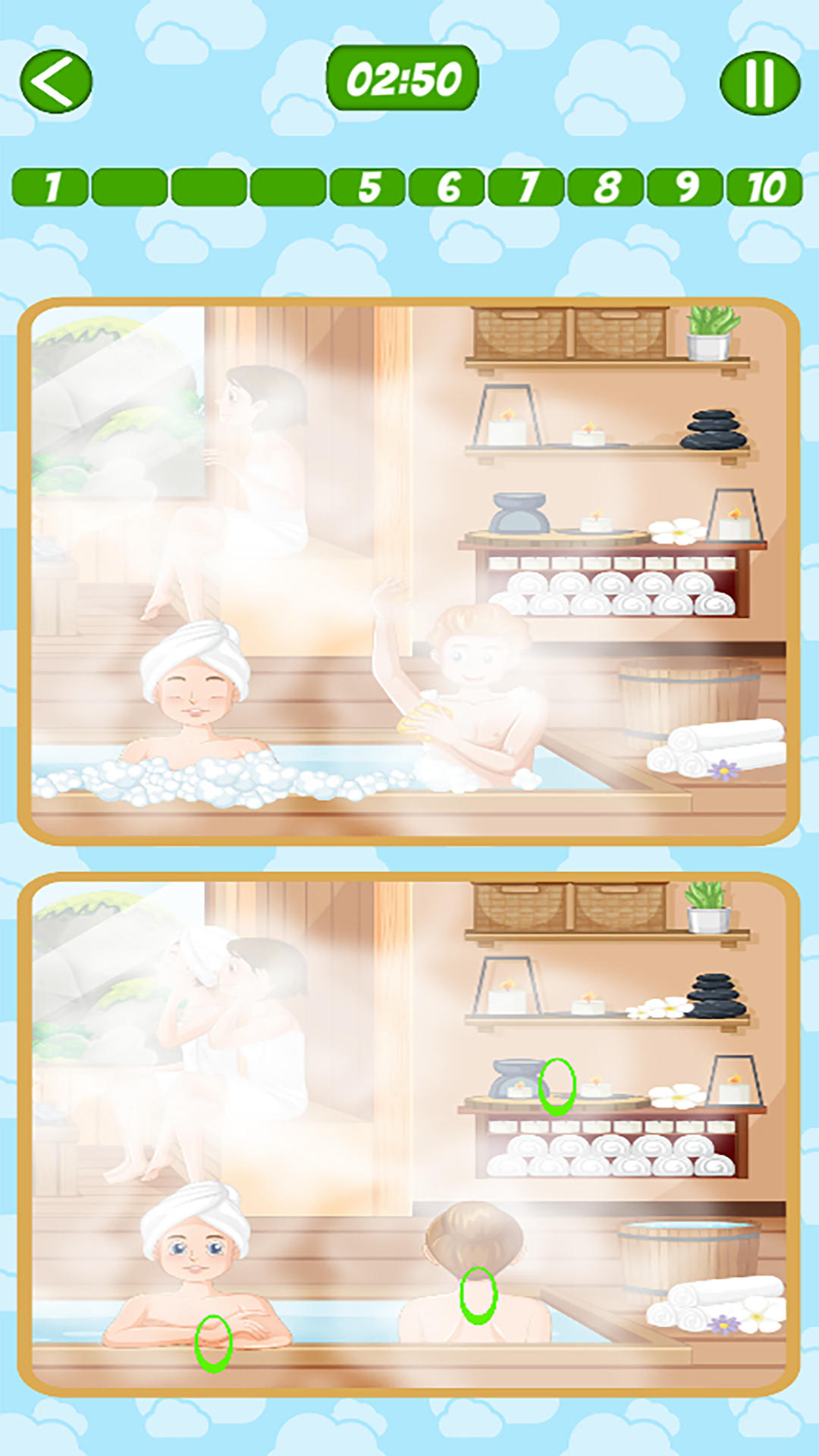
10 Difference - Find them all is a Puzzle application developed by Logarithm games, but with the best Android emulator-LDPlayer, you can download and play 10 Difference - Find them all on your computer.
Running 10 Difference - Find them all on your computer allows you to browse clearly on a large screen, and controlling the application with a mouse and keyboard is much faster than using touchscreen, all while never having to worry about device battery issues.
With multi-instance and synchronization features, you can even run multiple applications and accounts on your PC.
And file sharing makes sharing images, videos, and files incredibly easy.
Download 10 Difference - Find them all and run it on your PC. Enjoy the large screen and high-definition quality on your PC!
Find the differences between the two pictures! It takes concentration to understand the differences in the pictures, but this way you can develop your attentiveness and have a good time solving the puzzles. Try to find the differences!Go through all levels of 10 Difference - Find them all! You won't get bored while you try to find out where the differences are.
To test your attention and concentration skills, try to find the difference between two seemingly identical images. You'll be able to search for the differences until you run out of time!
Why everyone should play the 10 Difference - Find them all:
- By solving simple and complex puzzles, you'll learn to master looking for differences
- Colourful themed pictures referring to different politicians and locations await you.
- This distinction game helps adults to train their memory and keep their mind flexible. It's not so easy to find 10 differences!
- Complete the daily challenges of 10 Difference - Find them all to earn unique trophies
- If you can't figure out the difference between the images, you can always ask for a hint to find the differences.
- The puzzles are extremely simple and easy to understand
- Relax and have fun.
How to play and look for differences 10 Difference - Find them all:
- Compare the two pictures and find all the differences
- When you notice an item that is not in one of the pictures, click on it. Highlight all the differences!
- Try to find 10 differences in the allotted time - note that some of them are almost invisible.
- If you can't find the differences, you can always ask for a hint to solve all the puzzles.
- There are many levels in the game - find all the differences on each of them
The game 10 Difference - Find them all is sure to please everyone who is interested in exciting puzzles! Finding 10 Differences is the best way to develop your attention and concentration skills! Sometimes it can be difficult to find the differences between two seemingly identical images, but try to do it before time runs out!
How many differences can you find? It's time to take a closer look at the pictures! Don't give up and find all the differences between them!
Follow us on our social networks:
Website: https://putout.io/
Twitter account: https://twitter.com/LogarithmGames
Our Facebook account: https://facebook.com/profile.php?id=100086565892152
Instagram: https://instagram.com/Logarithm.Games
Discord server: https://discord.com/invite/7y2C3P7Jny
YouTube channel: https://www.youtube.com/channel/UCORrjgc80PvLjYdavKB7Ktw
Collaboration/Partnership:
sale@logarithm.games