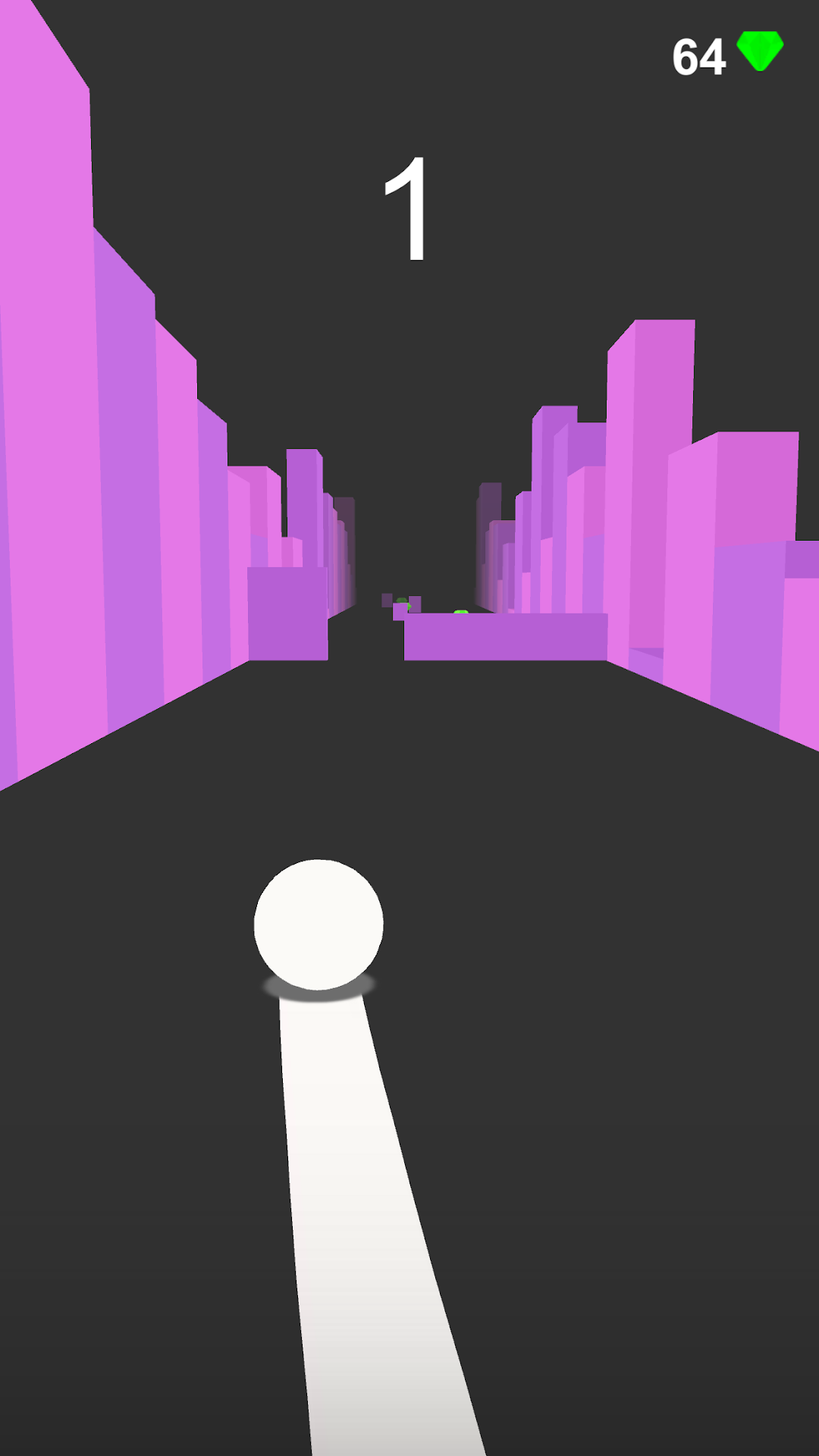
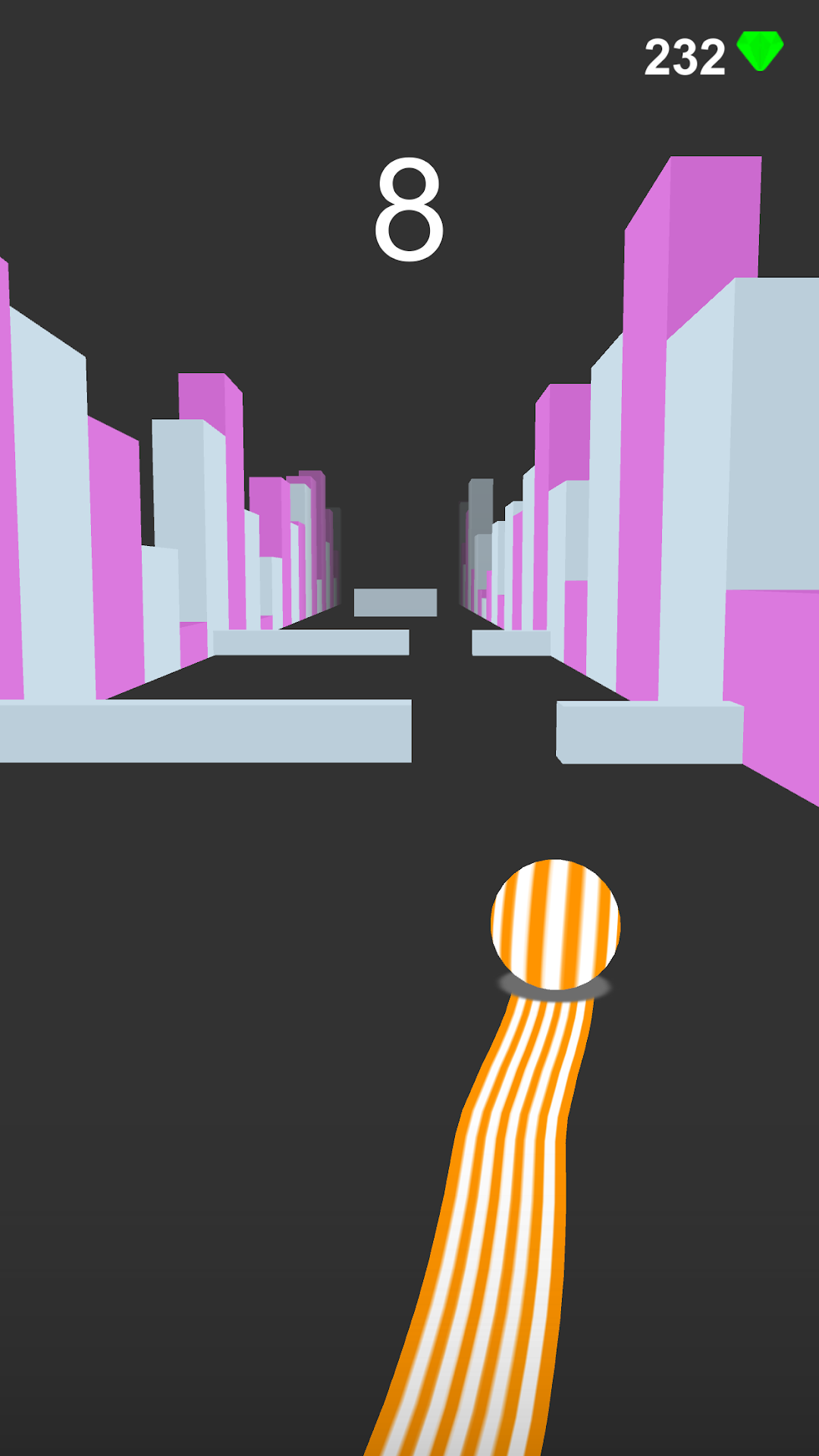
3D Ball Catch Up is a Arcade application developed by NESTED GAMES, but with the best Android emulator-LDPlayer, you can download and play 3D Ball Catch Up on your computer.
Running 3D Ball Catch Up on your computer allows you to browse clearly on a large screen, and controlling the application with a mouse and keyboard is much faster than using touchscreen, all while never having to worry about device battery issues.
With multi-instance and synchronization features, you can even run multiple applications and accounts on your PC.
And file sharing makes sharing images, videos, and files incredibly easy.
Download 3D Ball Catch Up and run it on your PC. Enjoy the large screen and high-definition quality on your PC!
How To Play Catch Up - Speed Ball-Catch Up The Speed Ball It Is Very Simple Game. You Can Do Only Ball Can
Not Touch
The Hurdles
- You Make The High Score In Over Game.
- Catch Up Available Many Ball Avatars Where You Enjoy My Game
Games Control
- You Play Game Only One Hands And Touch The Ball And Drag Ball And It is Move.....!
- When You See In Our Game Full Size Hurdles That Time Ball Drag On Red Circle And You
There are many different ball avatars available in the game, so you can choose one that you like.
The controls for the game are very simple. You simply have to drag the ball around the screen to avoid the obstacles. When you see a full-size hurdle, drag the ball onto the red circle to make a smooth jump.
The goal of the game is to get as far as you can without hitting any obstacles. The further you get, the higher your score will be. You can also collect green diamonds along the way to unlock additional balls.
Catch Up Racing Ball is a fun and challenging game that is sure to keep you entertained for hours on end.
Make A Smooth Jump..