8 to Glory - Bull Riding is a Sports game developed by Jumpgate AB. LDPlayer is the best platform for playing 8 to Glory - Bull Riding on Windows PC, offering powerful features to enhance your immersive experience in 8 to Glory - Bull Riding.
When playing 8 to Glory - Bull Riding on your computer, the larger screen and more powerful graphics performance enable you to enjoy clearer and smoother game visuals, enhancing the visual experience of the game.
The operation of peripherals such as gamepads is emulated to better mimic the feel of real sports, providing more precise control and richer operation options.
Furthermore, if you wish to execute a series of continuous key combinations, the one-click macro feature will be the functionality you've been dreaming of, allowing you to effortlessly stay one step ahead with one-touch operation. Start downloading and playing 8 to Glory - Bull Riding on your computer now!
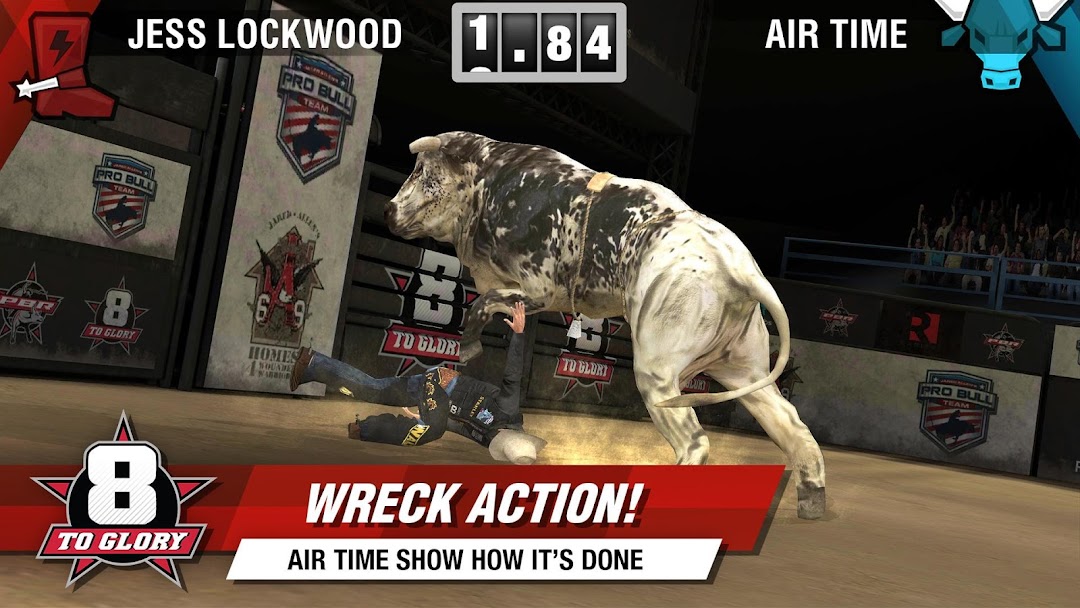
8 to Glory is the Official Bull Riding Game of the PBR, and the only real bull riding game for mobile! Do you have what it takes to make it 8 seconds on the top bulls in the worldl? 8 to Glory features more than 30 real riders including Kaique Pacheco, Fabiano Vieira, Joao Ricardo Vieira, Derek Kolbaba, Ryan Dirteater, Jess Lockwood, and more!Show off your skills and get a chance to ride Magic Train, Long John, After Party, and more of the rankest bulls in the PBR. Only the best riders will make the cut and prove they are the champion in this, the toughest sport in the world!
Features:
• The top professional bull riders in the world - built on 3D models created from scans of the actual riders' faces
• More than 30 real rank bulls to master, including the world's best Magic Train, Asteroid, Bruiser, Long John, After Party, and more.
• Collectible rider and bull cards that unlock them to play in-game
• Campaign mode where you follow the PBR circuit across the country to the annual World Finals in Las Vegas, Nevada
• Arcade mode letting you try a random bull and rider for the high score.
• In-game Buckles to memorialize your achievements
• Real input from professional bull riders and bull owners for accurate scoring and realistic rides
• Fast controls and feedback that let you position yourself in real-time as the bulls buck and kick with realistic physics
• Leaderboards so you can compete against friends and the world so everyone can see who is the true Pro Bull Champion
• Real bull riding action for real bull riding fans