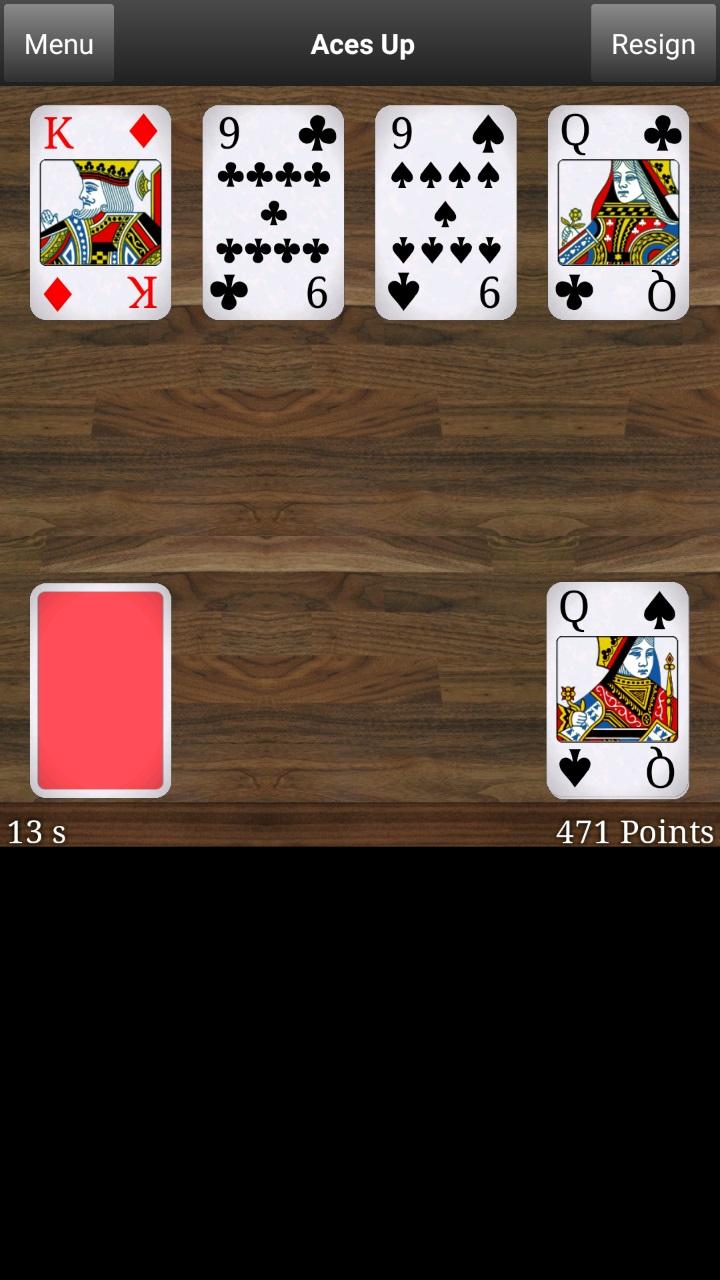
Aces Up is a Card application developed by Creative AI Nordic AB, but with the best Android emulator-LDPlayer, you can download and play Aces Up on your computer.
Running Aces Up on your computer allows you to browse clearly on a large screen, and controlling the application with a mouse and keyboard is much faster than using touchscreen, all while never having to worry about device battery issues.
With multi-instance and synchronization features, you can even run multiple applications and accounts on your PC.
And file sharing makes sharing images, videos, and files incredibly easy.
Download Aces Up and run it on your PC. Enjoy the large screen and high-definition quality on your PC!
Aces Up (idiot's delight, once in a lifetime, aces remain) is a classical and fun solitary card game where you should eliminate as many cards as possible from the card table. In a perfectly played patience, you only have the aces remaining on the card table. Aces up is easy to play, but hard to complete.In the solitaire Aces Up the cards are dealt four at a time to four different card piles. After deal you should try to eliminate as many cards as possible from the four piles. A card can be eliminated from a pile if the top card in any of the other piles is of the same suit and has a higher value. When no more cards can be eliminated, you deal four more cards from the deck in order to continue the elimination. You should in Aces Up aim at removing everything except the aces in as short time as possible and with as few actions carried out as possible. Are you ready to ace it?
This version of Aces Up has an optional small feature: you may use a temporary card slot two times in order to increase your chances of successfully finishing the game. The feature can be turned on and off from options. Use it wisely.
Aces Up features:
- Multiple card tables.
- Multiple card backsides.
- Highscore that you can use to compete with yourself.
- Function to resume unfinished games.
- Game statistics.
- Drag or tap to remove cards.
- Sound effects that can be turned on and off.
- Adjustable card animation speed.
- The option of playing with a memory slot.