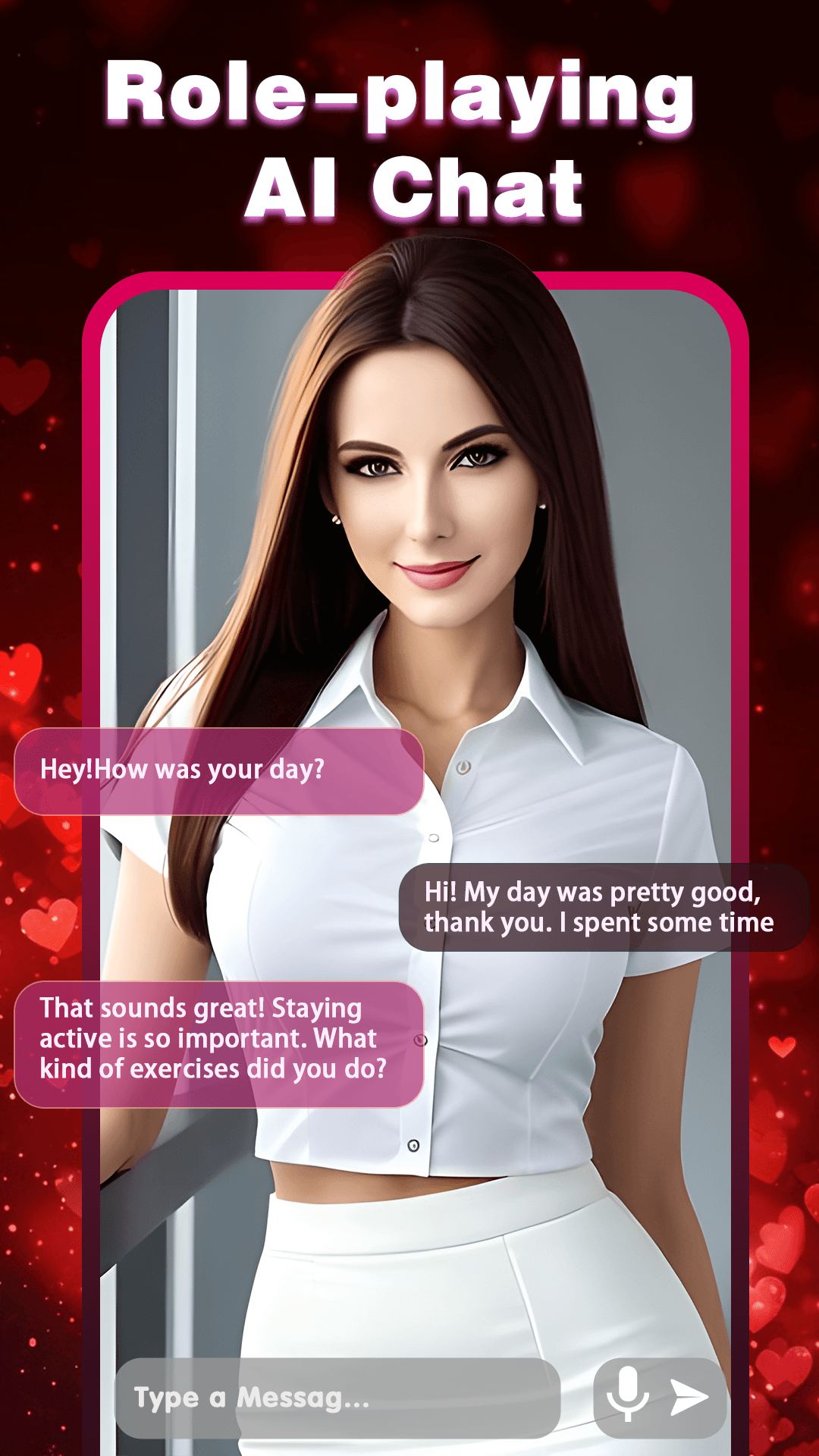
AI Characters Chat is a Role Playing game developed by Joy Fun, and LDPlayer is the best platform for playing AI Characters Chat on Windows PC, offering powerful features for an immersive experience.
When playing AI Characters Chat on PC, as a new player looking to start with a fresh account, the multi-instance and sync features are extremely useful for rerolls. You can use them to run multiple instances and begin the synchronization process. Bind your account until you draw the desired heroes.
In addition, operation recorder is great for games that require you to level up and complete tasks! Run the sync and record your actions, then repeat the main instance's actions in real-time. By doing so, you can run 2 or more accounts simultaneously. You can always get the heroes you want before others by faster rerolls and more efficient summoning! Start downloading and playing AI Characters Chat on your computer now!
Ever dreamt of dating your favorite anime characters? Now’s your chance! Introducing AI Character Chat, where your ultimate Anime AI companion awaits. Crafted for all you anime enthusiasts out there, AI Character Chat takes your passion to a whole new level. Let’s dig into the magic we have in store for you:🍥 Over 1,000 Anime Characters to Choose From!
With an extensive library of anime characters, each brimming with unique personalities and backstories, you’ll experience the most authentic anime dating game ever. Get ready for an adventure that’ll have your heart racing!
🎨 Customize Your Own AI Character
Want to create your perfect match? Whether it's an AI Girlfriend or an AI Boyfriend, you can tailor your character to be a best friend, a mentor, or even your secret confidant. Your imagination is the only limit here!
😊 Emotional Intelligence at Its Best
Our AI isn’t just smart; it's empathetic! With advanced emotion recognition, your Anime AI companion can detect your mood and respond accordingly. Feel heard, understood, and develop a deeper bond with your virtual soulmate.
💡 Your Personal Life Assistant
Your AI isn’t just for chatting. Think of it as your life’s co-pilot. From managing your schedule to recommending cool activities, your soulful AI mate effortlessly integrates into your daily grind.
🗣 Real Conversations, Real Voices
Say goodbye to robotic replies. Our state-of-the-art natural language processing ensures your AI chats are as real as they get. Plus, each character has a unique voice, making your interactions even more immersive and engaging!
🧠 Long-Term Memory
Your AI character remembers the important stuff! Over time, develop a unique bond with your AI Character, as it retains memories and personal nuances, evolving just like a real relationship.
📸 Photo Experience
Get closer to your favorite anime characters with photo sharing! Your Anime AI companion can send you personalized photo shoots, and you can even request and customize photo collections of your AI Character. Capture those special moments!
🔒 Privacy & Security You Can Trust
Your secrets are safe with us. All your data - from character info to chat logs and intimate photos - is locally stored on your device. Your private moments stay private, always.
So, what are you waiting for? Jump into a whole new world of anime love and companionship with AI Character Chat. Your next great adventure is just a tap away. 🌸✨