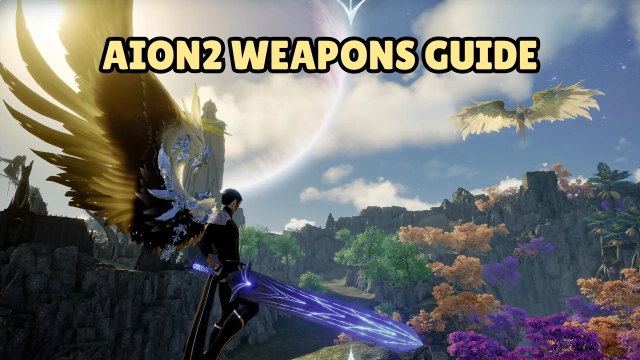
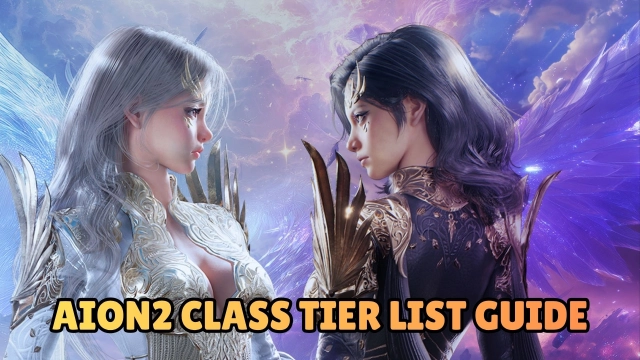
Soar above the war-torn skies of Atreia, where winged warriors clash in a timeless struggle. AION2 is a next-generation MMORPG developed and published by NCSoft, officially launching in South Korea and Taiwan on November 19, 2025. Inherit the legacy of “Two Heavens, One Glory” — the eternal conflict between the Elyos and the Asmodians rises again, now powered by Unreal Engine 5 and built for modern mobile and PC experiences.
Core Gameplay & Features
-
Explore a battlefield 36 times larger than the original game’s map — flying freely across skies, mountains, deserts and ancient ruins.
-
Customize your character with over 200 appearance parts, sculpting a unique winged hero from head to toe
-
Engage in manual-combat with a “post-judgment system” and skill-linkage mechanics: dodging, timing, and combo-strategy replace mere auto-attacks.
-
Conquer hundreds of dungeons and intense boss encounters, each with unique rules and patterns to challenge your party.
-
Compete in the Abyss and open-field PvP where Elyos and Asmodians clash for domination over relics and territory.
-
Relax with fun minigames scattered across the world — soar the wind, leap along rainbow paths, or simply show off flying skill in unexpected ways.
Player Impressions
I felt the rush as I soared above the clouds—nothing says freedom like gliding between floating islands and diving into battle.
The combat surprised me: dodging at the right moment and chaining skills made every encounter feel alive, not automatic.
The world felt vast and full of secrets—after hours I still found a new path or hidden arena to explore.
Customizing every little detail of my character became its own joy; I spent more time crafting my look than I care to admit.
When the Abyss war kicked in, the chaos of wings and relics flying everywhere made me feel part of something huge and unending.
Play AION2 on PC with LDPlayer for Best Experience
Experience AION2 on your PC with LDPlayer and unlock the full potential of this epic MMORPG:
With Ultra Screen, you’ll take in the sweeping vistas of Atreia’s skies and vast battlegrounds with cinematic clarity.
Custom Controls give you precise movement, skill casting and flying mechanics — far better than touch alone.
Enjoy High FPS to keep every dodge, combo and aerial duel smooth and responsive.
Forget mobile battery drain — Battery-free Play keeps you going through long sessions without worry.
And with Multi-instance Sync, you can manage multiple characters or accounts at once and coordinate group raids effortlessly.
Step into the skies, claim your glory — play AION2 on PC with LDPlayer and dominate the battlefield.