Sticker Match is a Board application developed by Ganko, but with the best Android emulator-LDPlayer, you can download and play Sticker Match on your computer.
Running Sticker Match on your computer allows you to browse clearly on a large screen, and controlling the application with a mouse and keyboard is much faster than using touchscreen, all while never having to worry about device battery issues.
With multi-instance and synchronization features, you can even run multiple applications and accounts on your PC.
And file sharing makes sharing images, videos, and files incredibly easy.
Download Sticker Match and run it on your PC. Enjoy the large screen and high-definition quality on your PC!
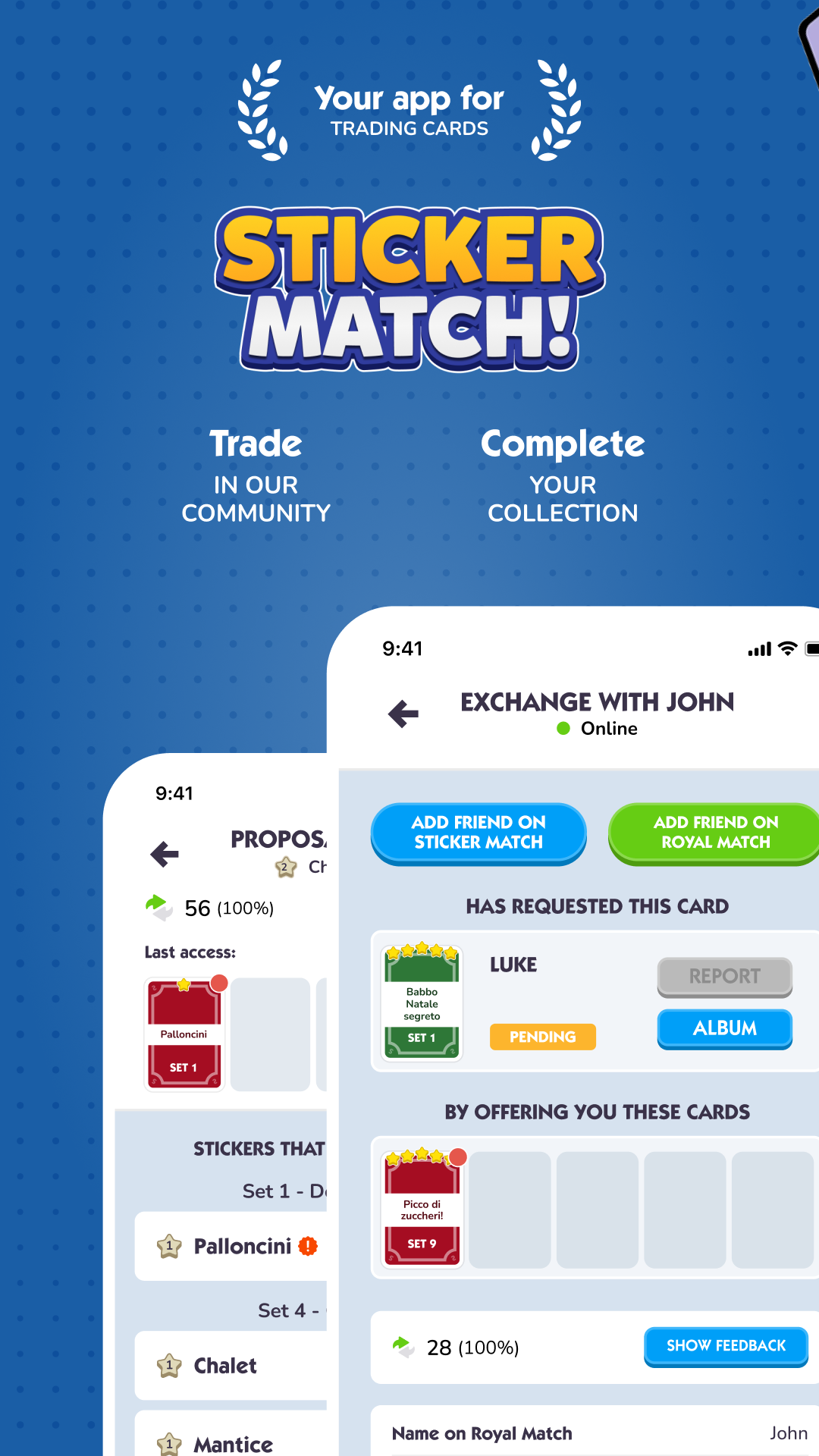
Trade cards and complete your Royal Match album with Sticker Match!Sticker Match is the perfect app for all Royal Match fans who want to trade cards easily and securely, complete their album, and enjoy an even more immersive gaming experience. With an active community and advanced tools, achieving your goals has never been so simple, fast, and fun!
What you can do with Sticker Match:
🎴 Trade cards easily and securely:
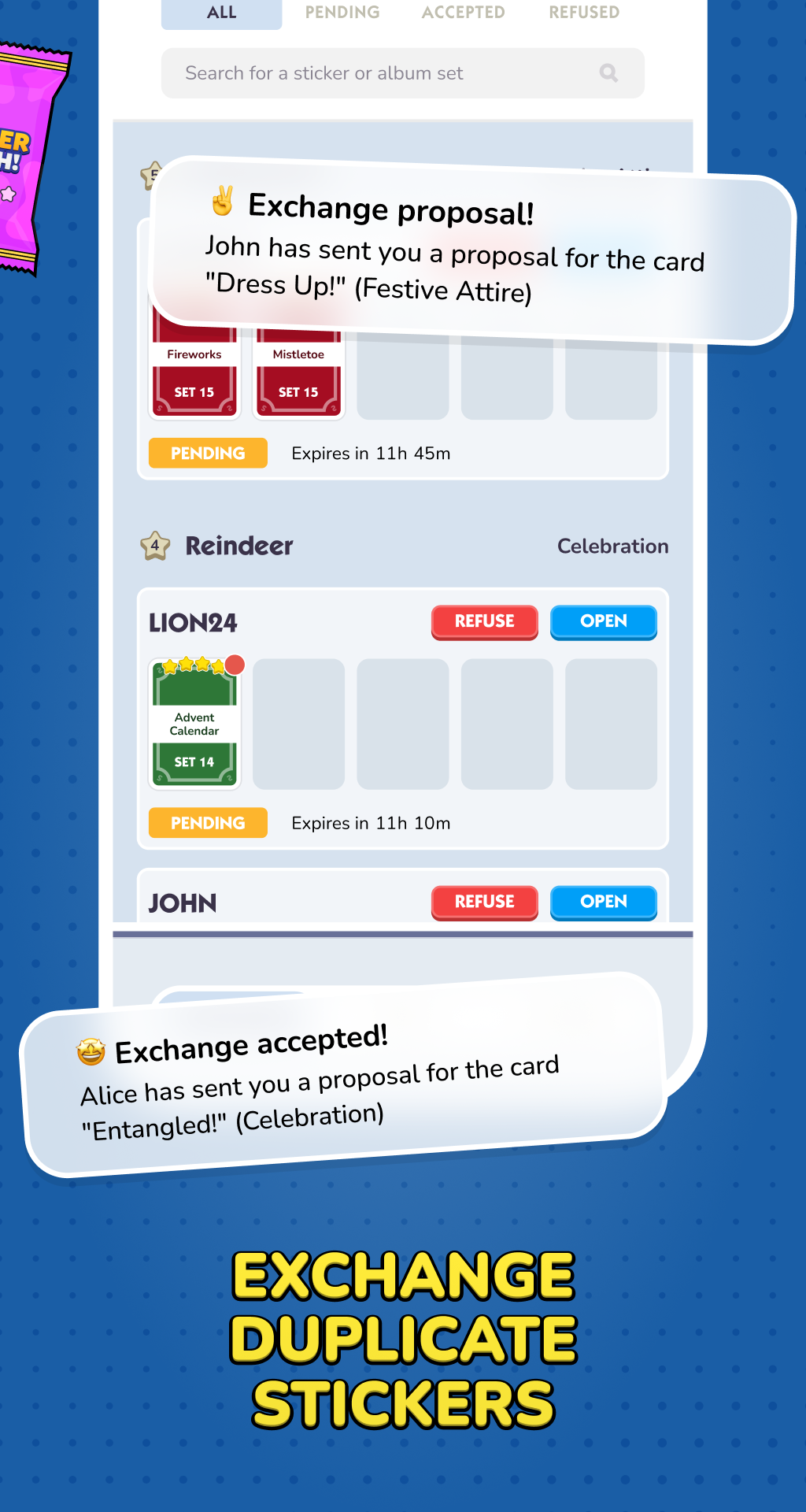
Receive offers from other players, check user reliability through our rating system, and accept the best proposals. Finding missing cards has never been easier!
🌍 Connect with a global community:
Trade cards, share strategies, and discover new ways to enhance your game.
🗂 Manage your collection effortlessly:
Organize your cards, identify missing ones, and quickly find the right players to complete your album. With Sticker Match, building a perfect collection is just a step away.
Sticker Match is more than just an app for trading cards: it’s your ideal companion to complete your album and make the most of your Royal Match experience. Whether you’re a beginner or an expert, you’ll find all the features you need to reach your goals.
Download Sticker Match today and complete your album like a pro!
Privacy Policy: www.stickermatch.app/privacy-policy/
Terms and Conditions: www.stickermatch.app/terms-of-use/