Home/

Games/

Role Playing/

Car Racing Games 3D: Car Games

Car Racing Games 3D: Car Games
4.0100+

Car Racing Games 3D: Car Games

Racing Cars with lot of amazing mission in multiple modes of game to play

Play on PC with LDPlayer
recommend
Randomly Gaming Tech
How to Download&Play Car Racing Games 3D: Car Games on PC?
Last Updated: 2024-11-13
com.RandomlyGamingTech.CarRacingGames
Share:
  • Overview

  • FAQ

Use LDPlayer to Play Car Racing Games 3D: Car Games on PC

Car Racing Games 3D: Car Games is a Role Playing game developed by Randomly Gaming Tech, and LDPlayer is the best platform for playing Car Racing Games 3D: Car Games on Windows PC, offering powerful features for an immersive experience.

When playing Car Racing Games 3D: Car Games on PC, as a new player looking to start with a fresh account, the multi-instance and sync features are extremely useful for rerolls. You can use them to run multiple instances and begin the synchronization process. Bind your account until you draw the desired heroes.

In addition, operation recorder is great for games that require you to level up and complete tasks! Run the sync and record your actions, then repeat the main instance's actions in real-time. By doing so, you can run 2 or more accounts simultaneously. You can always get the heroes you want before others by faster rerolls and more efficient summoning! Start downloading and playing Car Racing Games 3D: Car Games on your computer now!

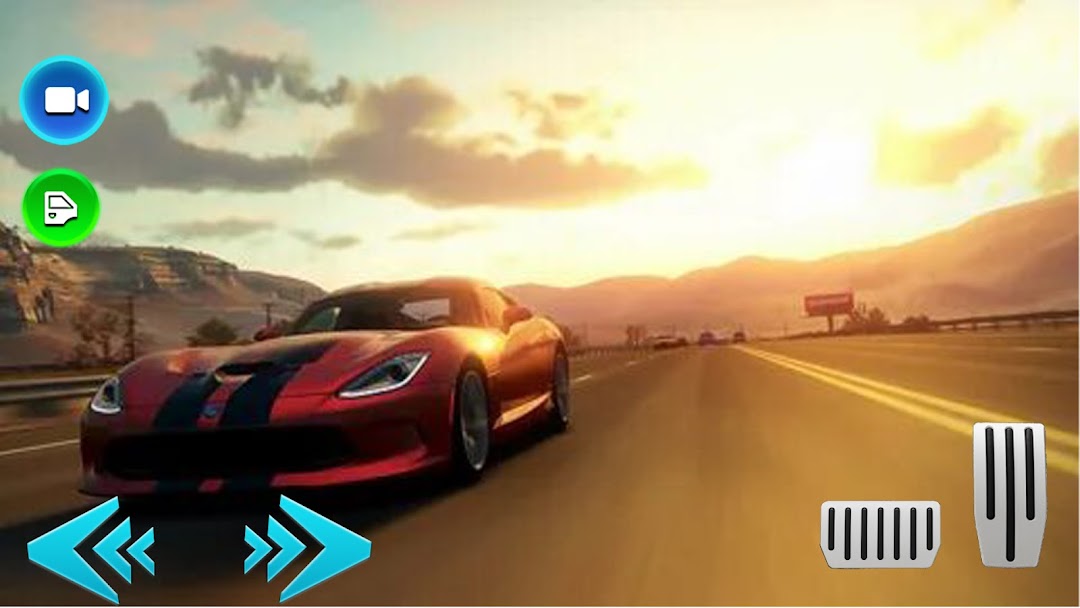
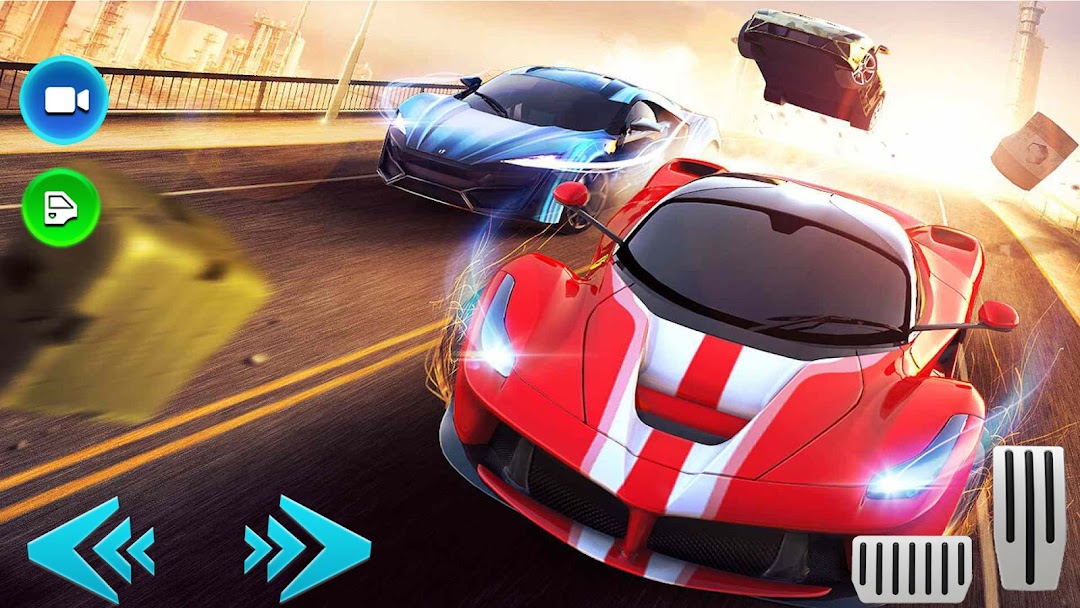
Keep your finger to the screen and be ready for absolutely anything in this ridiculously entertaining mobile car racing game where you really never know what’s around the next corner. Fine-tune your ride, keep your foot on the gas, dodge the endlessly varied obstacles, and try to keep out the way of your equally manic rivals in super-fast, super-exciting, psychedelic races that always offer something new and unexpected. Feel the need for speed?

Features of Racing Master: Car Racing Game:
Realistic 3D graphics
Using 3D technology with truth and details of the vehicles and scenes. You can feel you are driving the real car.
Numerous amazing and cool cars: high-performance car racing with different speeds for you to drive. You can choose your favorite car to drive!
Upgrade the engine and speed up your car to bring your street racing to a new height.
Paint your car, change the rims, design your car to your favorite look and drive it on the road.
Open up

Screenshots and Videos of Car Racing Games 3D: Car Games PC

Experience a wider field of view, exquisite game graphics, and cooler combat skills and effects by downloading and playing Car Racing Games 3D: Car Games on PC with LDPlayer. Enjoy the ultimate gaming experience with LDPlayer.

Why Play Car Racing Games 3D: Car Games on PC with LDPlayer?

LDPlayer offers unique emulator features including multi-instance support, macros, operation recorder, and other functions not available on mobile devices.

Multi-Instance & Sync

Remote Control

Operation Recorder

Multi-Instance & SyncRemote ControlOperation Recorder

Effortlessly clone multiple instances and initiate synchronization until you draw the desired hero before binding your account, enhancing efficiency in rerolls in Car Racing Games 3D: Car Games.

  • High FPS

    With support for high FPS, Car Racing Games 3D: Car Games's game graphics are smoother, and actions are more seamless, enhancing the visual experience and immersion of playing Car Racing Games 3D: Car Games.
  • Keyboard & Mouse

    In Car Racing Games 3D: Car Games, players frequently perform actions such as character movement, skill selection, and combat, where keyboard and mouse offer more convenient and responsive operation.

How to Download&Play Car Racing Games 3D: Car Games on PC?

  • 1

    Download and install LDPlayer on your computer

  • 2

    Locate the Play Store in LDPlayer's system apps, launch it, and sign in to your Google account

  • 3

    Enter "Car Racing Games 3D: Car Games" into the search bar and search for it

  • 4

    Choose and install Car Racing Games 3D: Car Games from the search results

  • 5

    Once the download and installation are complete, return to the LDPlayer home screen

  • 6

    Click on the game icon on the LDPlayer home screen to start enjoying the exciting game