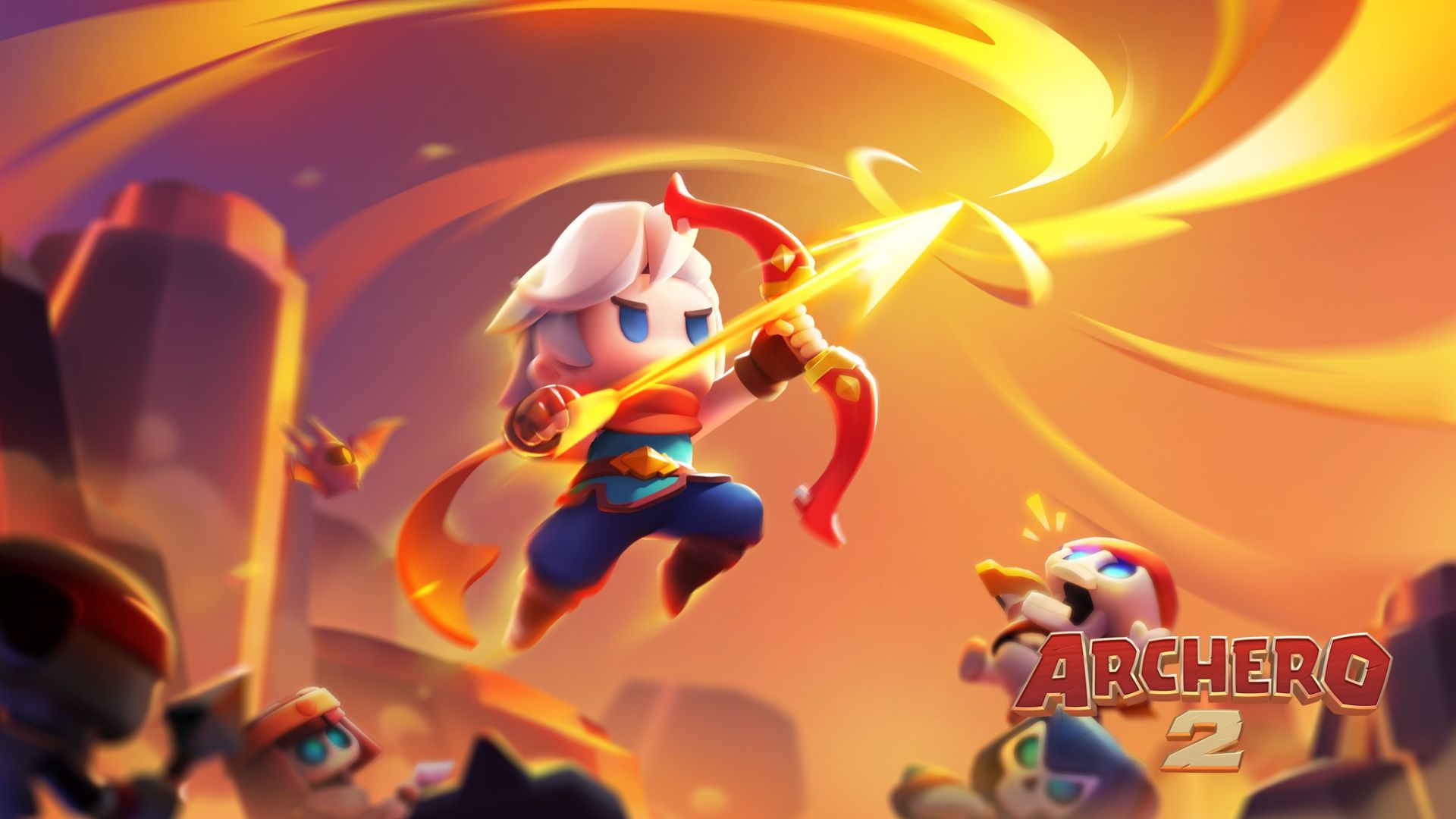
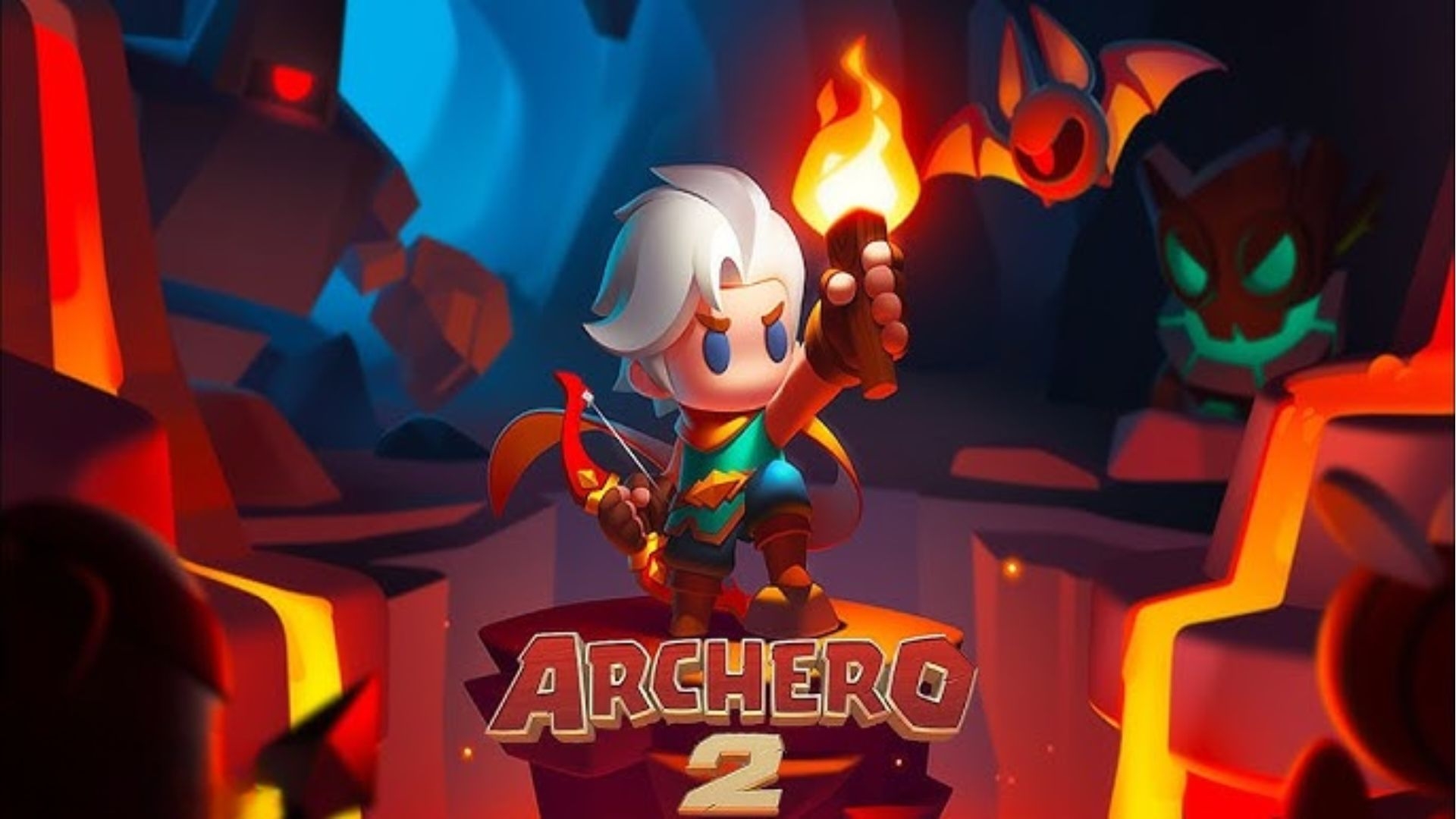
Archero 2 takes the excitement and action of its predecessor to new heights. Dive into a thrilling roguelike experience where your strategy and reflexes are your greatest allies. As a lone hero, it’s your duty to confront a shadowy force threatening the land. Packed with dynamic challenges, powerful upgrades, and exhilarating combat, Archero 2 is the ultimate test of skill and resilience.
Game Features
Fast-Paced Roguelike Action
-
Dynamic Gameplay: Take on relentless waves of enemies, each with unique attack patterns, in ever-changing dungeons.
-
Epic Boss Fights: Test your skills against powerful bosses that demand quick reflexes and strategic thinking.
-
Legendary Skills and Upgrades: Choose from a variety of blessings and skills to customize your playstyle and build the ultimate hero.
Upgraded Gear and Customization
-
Advanced Gear System: Collect, upgrade, and merge items like bows, amulets, and armor to enhance your power.
-
Skill Cards and Blessings: Tailor your hero’s abilities to match your strategy with an array of upgrades and buffs.
-
Unique Game Modes: Engage in diverse challenges such as the Trial Tower and Gold Cave for endless replayability and rewards.
Stunning Visuals and Immersive Design
-
Enhanced Graphics: Explore beautifully designed levels with detailed environments and vibrant effects.
-
Fluid Animations: Enjoy seamless transitions and action-packed sequences that keep you on the edge of your seat.
-
Engaging Soundtrack: Immerse yourself in a rich audio experience that perfectly complements the fast-paced gameplay.
Why Play Archero 2 on PC with LDPlayer?
Transform your Archero 2 gameplay experience by playing it on PC with LDPlayer, the ultimate Android emulator designed for gamers.
-
Customizable Controls: Use LDPlayer’s Keyboard Mapping feature to create your own control scheme. Precision and ease of movement are at your fingertips, giving you a competitive edge in dodging enemy attacks and executing combos.
-
Enhanced Graphics and Display: Experience Archero 2 in full HD on a larger screen. With LDPlayer’s optimized graphics settings, every detail of the game comes alive, delivering a visually superior experience.
-
Seamless Performance: Avoid interruptions from lags or battery issues. LDPlayer ensures smooth gameplay with consistent performance, even during extended gaming sessions.
-
Macro Support: Simplify complex moves with LDPlayer’s macro system. Record your inputs and execute them with a single click, making repetitive tasks a breeze.
Unleash Your Heroic Potential
The world of Archero 2 is teeming with danger and opportunities for greatness. Challenge yourself to master the art of survival, unlock your hero’s potential, and reclaim the land from darkness.
Download Archero 2 today and experience the best of roguelike action on PC with LDPlayer. Elevate your gameplay with precise controls, stunning visuals, and an uninterrupted gaming experience. The adventure awaits—will you rise to the challenge?