Home/

Games/

Action/

Arena Breakout

Arena Breakout
4.08K+

Arena Breakout

Play on PC with LDPlayer
recommend
How to Download&Play Arena Breakout on PC?
Last Updated: 2024-04-06
Arena Breakout
Share:
  • Overview

  • FAQ

  • Game Guides

Use LDPlayer to Play Arena Breakout on PC

Play Arena Breakout on PC

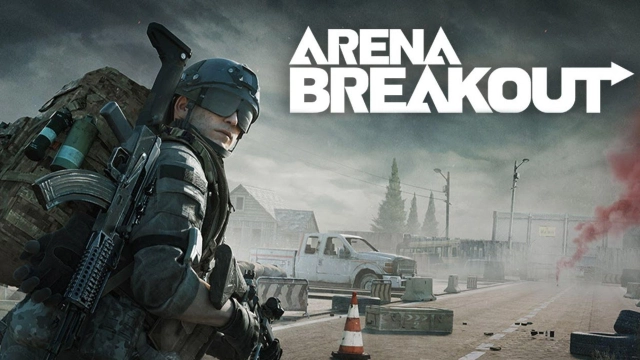
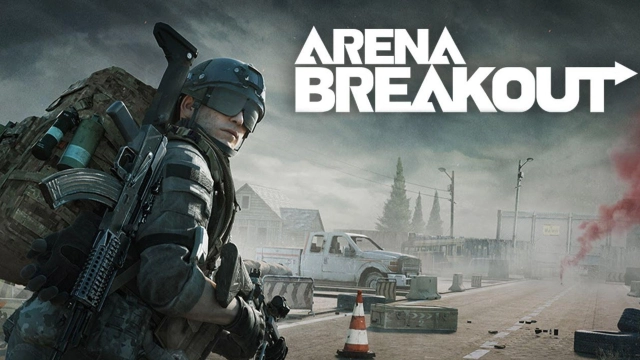
Arena Breakout is Level Infinite’s new tactical FPS that makes your way through a new mission, and this shooter game will simulate a war environment there with all its features. You can build some of the realistic guns here with more empty mags, and there are so many battles that you will have to go through too. And they all are highly filled up with risks, and there is no way to lose here. You can fight however you want; it is about fighting and surviving. LDPlayer 9 is the best emulator to run Arena Breakout on PC.

Shoot, Win, or Lose in a Realist Gunplay

You have to shoot others and then loot as much as you can, and that is how you can make yourself the winner here. You can loot all as a winner, and every effort needs to be put into the game to ensure your survival within the combat. Although you have to put your all to risk, that is how you win, and when there are high stakes, you are taking more rewards.

There is an advanced Gunsmith system to deal with here, and all the players can customize it according to their choices. More than 700 guns are there to be matched and mixed in this realistic gunplay, and the best quality of gameplay will be taken here.

The Best Aims within the Best Gameplay Environment

If you want to have a perfect aim against your target, then it is better to play the game through LDPlayer 9 because it can provide you with the best FPS settings to have the best gameplay taken from Arena Breakout. Since you have a PC to play this game, nothing can beat you without making a challenge.
Open up

Screenshots and Videos of Arena Breakout PC

Experience a wider field of view, exquisite game graphics, and cooler combat skills and effects by downloading and playing Arena Breakout on PC with LDPlayer. Enjoy the ultimate gaming experience with LDPlayer.

Why Play Arena Breakout on PC with LDPlayer?

LDPlayer offers unique emulator features including multi-instance support, macros, operation recorder, and other functions not available on mobile devices.

Ultra-Wide Screen

Keyboard Mapping

One-Click Macro

Ultra-Wide ScreenKeyboard MappingOne-Click Macro

Utilizing the expansive screen, it offers a panoramic, all-encompassing view of the game in Arena Breakout, leaving no blind spots. Players can observe game details with crystal clarity and react instantaneously.

  • High FPS

    With support for high FPS, Arena Breakout's game graphics are smoother, and actions are more seamless, enhancing the visual experience and immersion of playing Arena Breakout.
  • Extended Battery Life

    When running Arena Breakout on your computer, you need not worry about low battery or device overheating issues. Enjoy playing for as long as you desire.

How to Download&Play Arena Breakout on PC?

  • 1

    Download and install LDPlayer on your computer

  • 2

    Locate the Play Store in LDPlayer's system apps, launch it, and sign in to your Google account

  • 3

    Enter "Arena Breakout" into the search bar and search for it

  • 4

    Choose and install Arena Breakout from the search results

  • 5

    Once the download and installation are complete, return to the LDPlayer home screen

  • 6

    Click on the game icon on the LDPlayer home screen to start enjoying the exciting game