

Athar Craft is a Adventure application developed by Atharcraft Survival Creative, but with the best Android emulator-LDPlayer, you can download and play Athar Craft on your computer.
Running Athar Craft on your computer allows you to browse clearly on a large screen, and controlling the application with a mouse and keyboard is much faster than using touchscreen, all while never having to worry about device battery issues.
With multi-instance and synchronization features, you can even run multiple applications and accounts on your PC.
And file sharing makes sharing images, videos, and files incredibly easy.
Download Athar Craft and run it on your PC. Enjoy the large screen and high-definition quality on your PC!
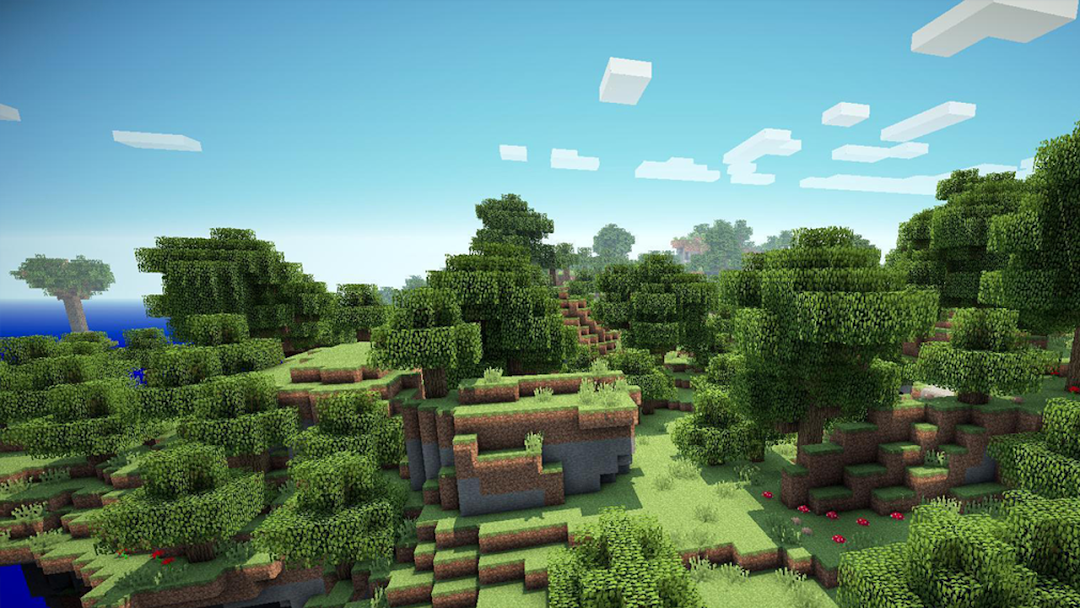
Athar Craft Survival Creative Building Mastercraft Exploration Mini World Crafting game:Athar Craft is a Sandbox Game, you can create the smallest buildings from
from homes to luxurious palaces with your family, friends and friends in a
a small world with vast and infinite maps in Miniworld.
in survival mode you have to try to survive and fight many enemies when night comes.
Athar Craft Survival Creative Craftsman Mini Craft Block Craft Clever Sun :
In creative mode you can create any creations including mini worlds with
unlimited resources without having to bother mining to collect them.
And you can be creative to make high-rise buildings, playgrounds, small villages and much more,
there are also maps and mini worlds that you can explore with friends RealmCraft 3D Mine Block World.
Atharcraft Survival Creative Lokicraft Building Minicraft Game Realm Craft Worldcraft :
You can also play with your family or friends in Multiplayer mode
and you can work together in building and creating to your heart's content.
Make a great and strong team and colonize against the many enemies that will come your way.
invite real friends to play on the world map server that you created
and you can play and chat with real friends in your server Eerskraft - Explorations.
DISCLAIMER
All files provided for download in this application are provided under a CREATIVE COMMON LISENSE.
We (Atharcraft Survival and Creative - Survival And Creative Exploration Building Craftsman)
in no way claim any copyright or intellectual property.
If you feel that you have violated your intellectual property rights, or other agreements,
please contact us via e-mail, we will immediately take the necessary action.