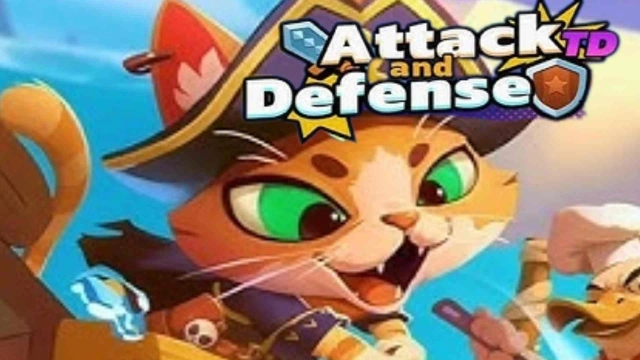
Pirate Captain:Tides of War TD is a Casual game developed by FangQu. LDPlayer is the best platform for playing Pirate Captain:Tides of War TD on Windows PC, offering powerful features to enhance your immersive experience in Pirate Captain:Tides of War TD.
When playing Pirate Captain:Tides of War TD on your computer, if you find repetitive actions or tasks tedious and time-consuming, fret not! Macro can alleviate your concerns. Simply record your actions with a click of the screen recording feature and let macros take care of the rest. Macros automate your operations, allowing you to effortlessly conquer the game with minimal effort! Start downloading and playing Pirate Captain:Tides of War TD on your computer now!
In this exciting and innovative tower defense game, players are tasked with the challenge of not only defending their base by building powerful defensive towers, but also actively constructing troops to attack and overpower enemy bases. This game combines strategy, resource management, and tactical planning to create a fast-paced and dynamic gameplay experience.As a player, you’ll be able to build various defensive towers that are essential for fending off waves of enemy attacks. But the twist is that, in addition to defending, you’ll also need to use your resources to train and deploy units to push back against enemy forces and capture their base. Whether you’re fortifying your defenses or planning the next offensive strike, every decision counts in determining your success!
Features:
-Strategic Battle: Balance between building defenses and deploying units.
Multiple Units and Towers: Unlock various types of towers and troops, each with unique abilities.
-Challenging Enemies: Face waves of enemies with different strengths and weaknesses.
-Resource Management: Carefully manage your resources to build, upgrade, and deploy your forces.
-Tactical Combat: Use strategic thinking and timing to outsmart your opponents.
-Dynamic Levels: Enjoy a variety of challenging levels with unique maps and obstacles.
Whether you're a casual player or a strategy enthusiast, this game offers a fun and engaging experience that will keep you coming back for more. Can you outsmart your enemies on both the defense and offense? Play now and put your strategic skills to the test!