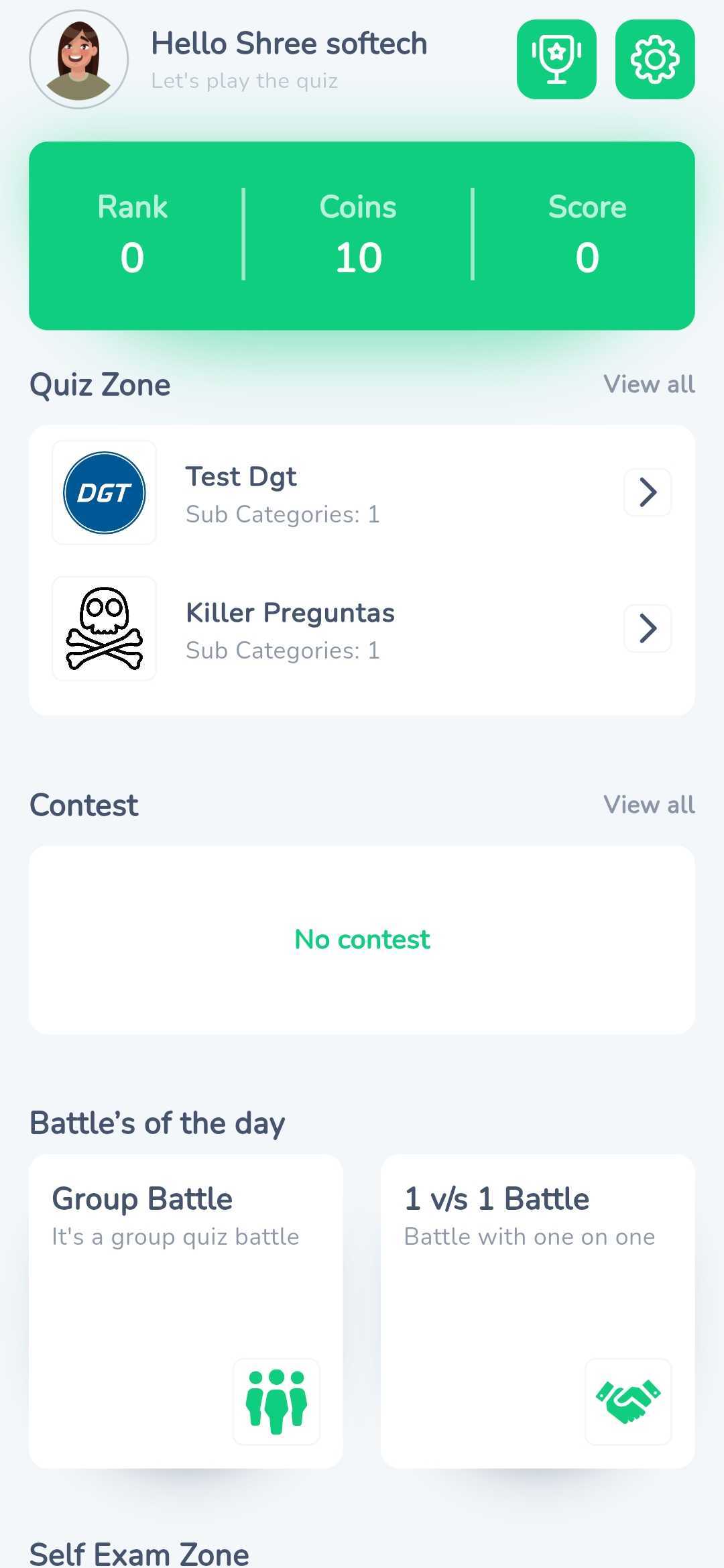
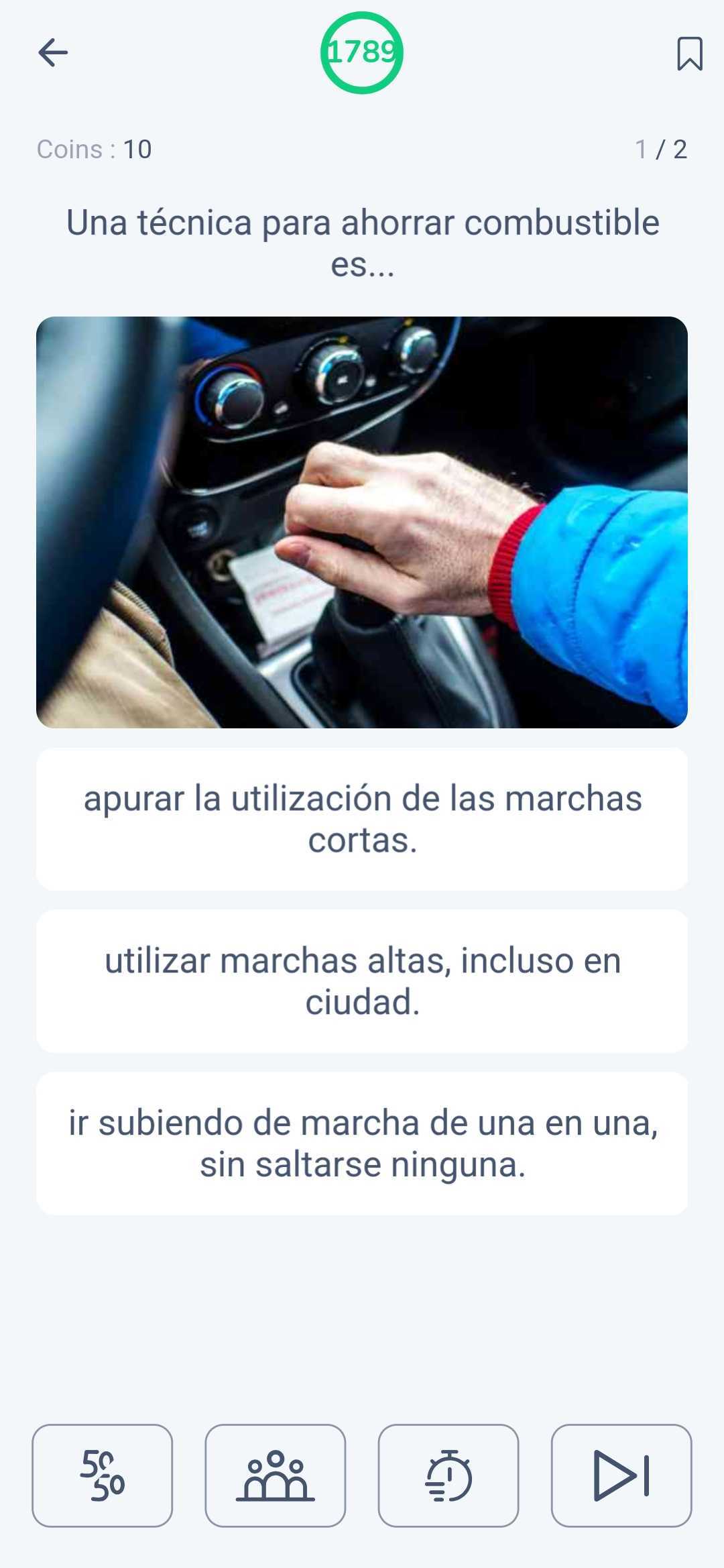
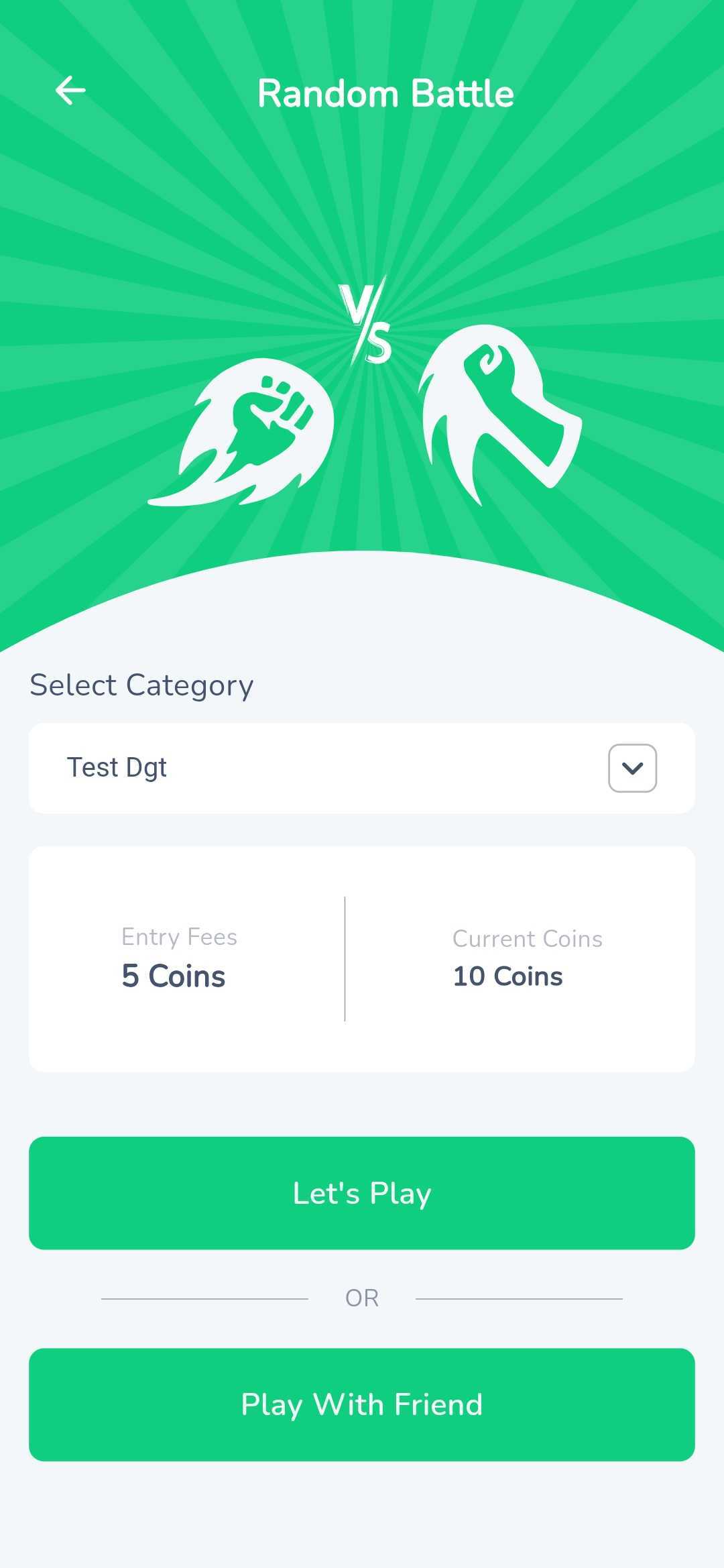
Auto App is a Trivia application developed by AutoescuelaApp.es, but with the best Android emulator-LDPlayer, you can download and play Auto App on your computer.
Running Auto App on your computer allows you to browse clearly on a large screen, and controlling the application with a mouse and keyboard is much faster than using touchscreen, all while never having to worry about device battery issues.
With multi-instance and synchronization features, you can even run multiple applications and accounts on your PC.
And file sharing makes sharing images, videos, and files incredibly easy.
Download Auto App and run it on your PC. Enjoy the large screen and high-definition quality on your PC!
Get your Driving LicenseOur goal is to help you obtain your driver's license in the most efficient way possible:
Updated Tests: Access hundreds of questions regularly updated according to current regulations. Practice with tests that simulate the real exam.
Interactive Lessons: Enjoy interactive and easy-to-understand theory lessons, designed for you to learn at your own pace.
Custom Statistics: Track your progress with our detailed statistics. Identify your strengths and areas you need to improve.
2. Have Fun Learning with Friends
Learning has never been so fun. With [Name of your App], you can:
Knowledge Battles: Compete in exciting knowledge battles with your friends and show who knows the most about driving theory.
Leaderboard: Track your progress and compete with other users to reach the top places on our leaderboard.
Life Lines: Stuck on a question? Use our Life Lines to get clues and increase your chances of success.
3. Earn Money Recommending the App
In [Name of your App], learning can also make you earn money. For each friend you refer who joins, you can:
Earn Real Money: Earn real money every time a friend registers and uses the app through your recommendation.
Rewards and Bonuses: Get additional rewards for being an active user and referring more people.
4. Study Anytime, Anywhere
Don't let time or place be a limitation to your learning:
Offline Mode: Study anytime, anywhere, even without an internet connection.
Total Compatibility: Compatible with all your devices, whether mobile, tablet or computer.
Reminders and Suggestions: Receive study reminders and personalized suggestions to optimize your learning and preparation.