Baby Panda's Animal Puzzle is a Educational application developed by BabyBus, but with the best Android emulator-LDPlayer, you can download and play Baby Panda's Animal Puzzle on your computer.
Running Baby Panda's Animal Puzzle on your computer allows you to browse clearly on a large screen, and controlling the application with a mouse and keyboard is much faster than using touchscreen, all while never having to worry about device battery issues.
With multi-instance and synchronization features, you can even run multiple applications and accounts on your PC.
And file sharing makes sharing images, videos, and files incredibly easy.
Download Baby Panda's Animal Puzzle and run it on your PC. Enjoy the large screen and high-definition quality on your PC!
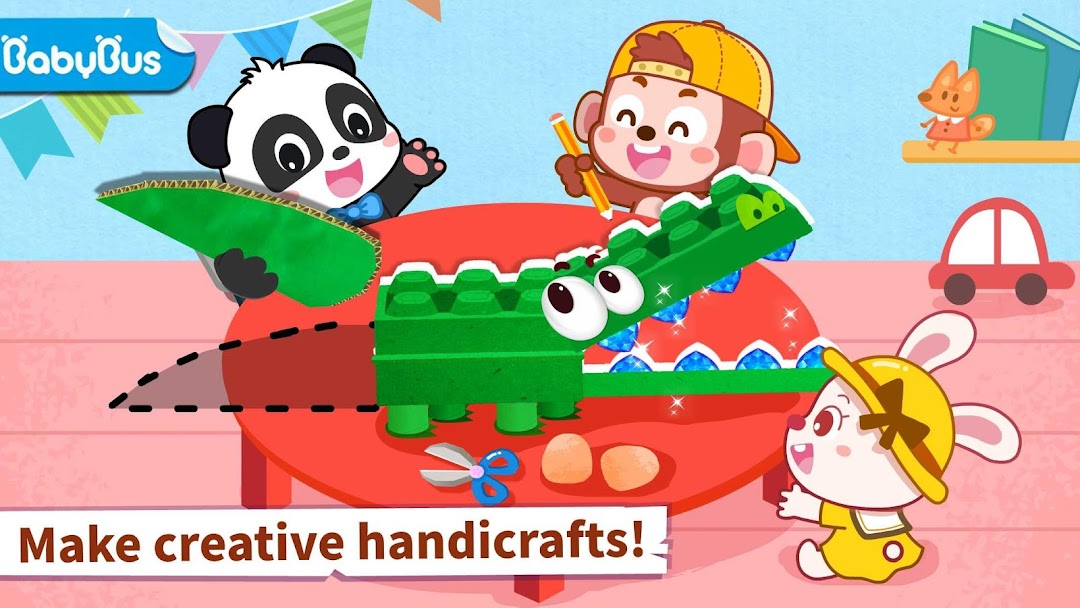
Welcome to Baby Panda's handicraft studio! DIY handicraft with Baby Panda!String pearls together, blow up balloons, and design creative animal puzzle. Color and shape to decorate your animal handicraft. What are you waiting for? Design your own handicraft using your imagination!
Penguin
Clean the light bulb, lay down newspapers, apply glue and blow dry the glue to design the penguin's body. Draw the hands and feet of the penguin. Cut, assemble, and color them. The penguin is ready! Remember to put on hat and scarf for the penguin and decorate your penguin puzzle!
Butterfly
Can pearls and stones be made into butterfly? Come and give it a try! String together pearls and put stones on to make a butterfly's body; cut the bamboo to make the butterfly's wings and color the wings. Wow, it's a colored butterfly ! Decorate with sprinkled sequins to make the butterfly puzzle look even better!
Lion
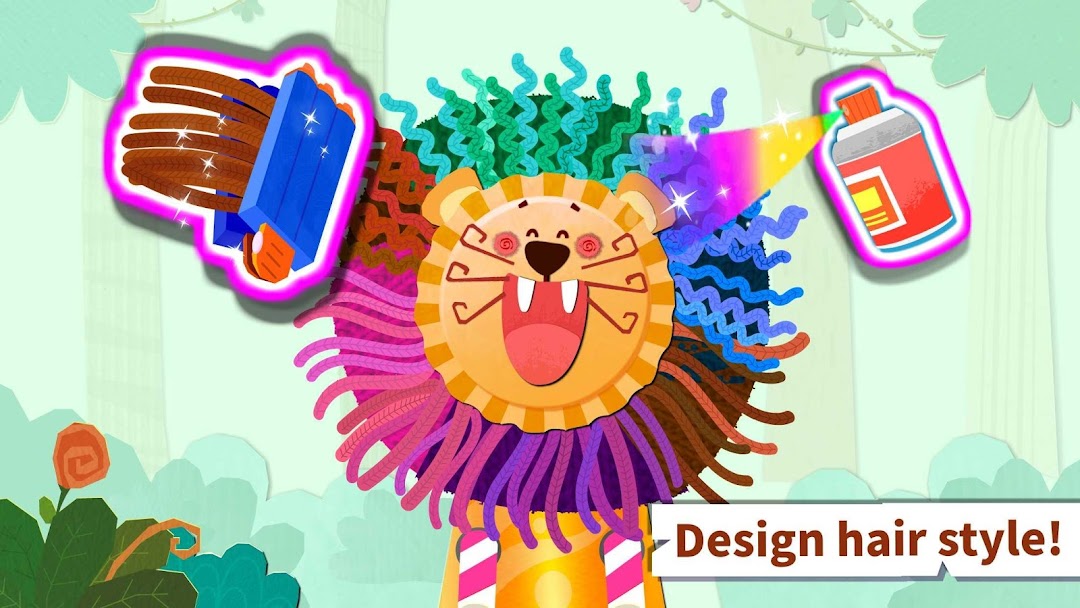
Knock flat the cap and paste the eyes, mouth, and hair to DIY the lion's face. Be sure to paste the lion's beard as well! Use the can to make the body and the lion is ready. Squeeze on foam to wash the lion's hair. Blow with hair dryer to create a stylish wavy hair style!
Sheep
Cut the wood to assemble the sheep's body and head. Take out cotton and paste it on the sheep to make the sheep. You can also interact with the sheep: chase the sheep into the sheep pen. One, two, three...all the sheep are in the sheep pen. Great job!
Features:
- DIY 6 kinds of animals: penguin, lion, sheep, hen, butterfly, and crocodile.
- Design animal puzzle with pearl, balloon, can, straw, and more.
About BabyBus
—————
At BabyBus, we dedicate ourselves to sparking kids' creativity, imagination and curiosity,and designing our products through the kids' perspective to help them explore the world on their own.
Now BabyBus offers a wide variety of products, videos and other educational content for over 400 million fans from ages 0-8 around the world! We have released over 200 children's educational apps, over 2500 episodes of nursery rhymes and animations of various themes spanning the Health, Language, Society, Science, Art and other fields.
—————
Contact us: ser@babybus.com
Visit us: http://www.babybus.com