

Bag Fight:Backpack Game is a Casual game developed by Tweleve Studio. LDPlayer is the best platform for playing Bag Fight:Backpack Game on Windows PC, offering powerful features to enhance your immersive experience in Bag Fight:Backpack Game.
When playing Bag Fight:Backpack Game on your computer, if you find repetitive actions or tasks tedious and time-consuming, fret not! Macro can alleviate your concerns. Simply record your actions with a click of the screen recording feature and let macros take care of the rest. Macros automate your operations, allowing you to effortlessly conquer the game with minimal effort! Start downloading and playing Bag Fight:Backpack Game on your computer now!
"Bag Fight" is a game that combines strategy, item synthesis and role-playing elements. In this magical world, players need to resist the continuous invasion of monsters by collecting resources, synthesizing powerful weapons and props, and managing backpack space reasonably.Gameplay introduction:
**Item collection: In the game, players need to collect different resources and items in each level and environment. These resources include various minerals, herbs, monster drops, etc., which will serve as the basic materials for synthesizing weapons and props.
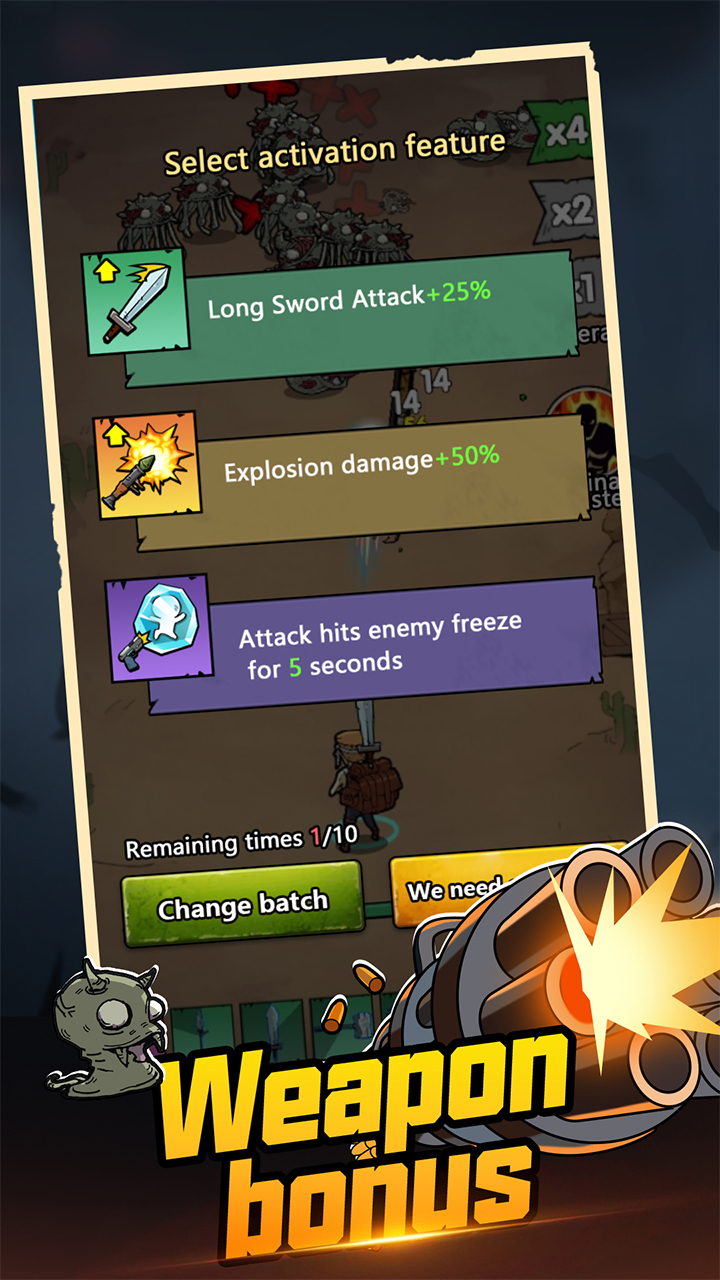
**Item synthesis system: One of the core gameplays of the game is item synthesis. 2 identical weapons can be synthesized into a higher-level weapon.
Backpack management: The player's backpack space is limited, and deciding which weapons to carry and how to place them is crucial to survival.
**Weapon and armor upgrade: The synthesized weapons and armor can be upgraded through game drop materials to improve their properties.
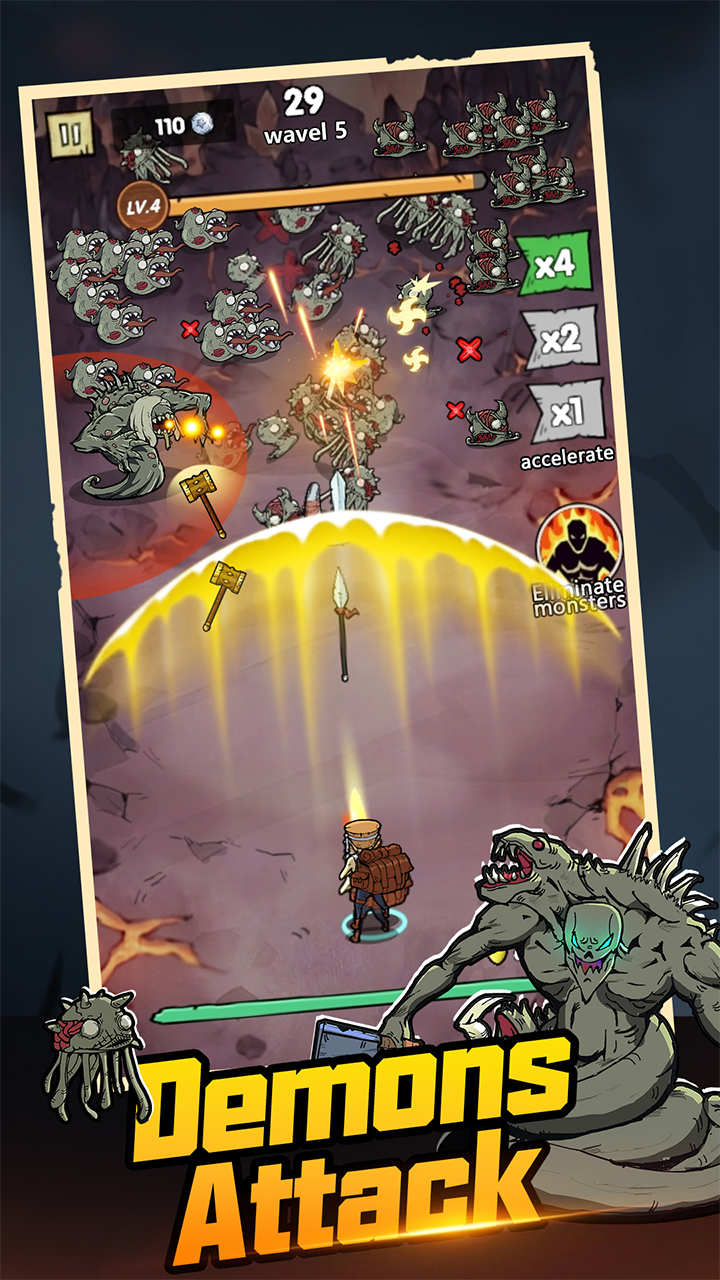
**Diverse enemies and boss battles: The game has designed a variety of enemies and bosses, each with its own characteristics and weaknesses.
**Diverse environment and level design: The game map contains a variety of different environments, such as forests, deserts, snow, etc., each environment has its own unique resource distribution and monster types.
Whether you are a strategy game enthusiast or a loyal fan of role-playing games, you can find fun in this game. Prepare your courage and wisdom, accept the challenge, and protect your world!