

Bangbang Rabbit! is a Action game developed by 91Act.com, and LDPlayer is the best platform for playing Bangbang Rabbit! on PC, offering powerful features to immerse you in the game.
When playing Bangbang Rabbit! on computer, you can adjust frame rate settings for smooth gameplay and stunning visuals.
LDPlayer also provides pre-configured keyboard mapping for convenient control of the entire game. Continuous optimization of keyboard mapping enhances key sensitivity and skill accuracy. Additionally, LDPlayer offers special buttons like shoot, hide mouse, and continuous key press for an enhanced gaming experience.
If you prefer using a gamepad, the automatic gamepad detection allows you to customize controls with just a few clicks, enabling you to freely maneuver your hero. Start downloading and playing Bangbang Rabbit! on your computer now!
The best role-play battle game is coming!Monsters are invading your Rabbit Kingdom! Jump into the arena, take up your sword, guard your home, be the legend!
Join the fight for a truly endless adventure! You can show off your fighting skills with abandon and earn amazing rewards!
🔸 How to play🔸
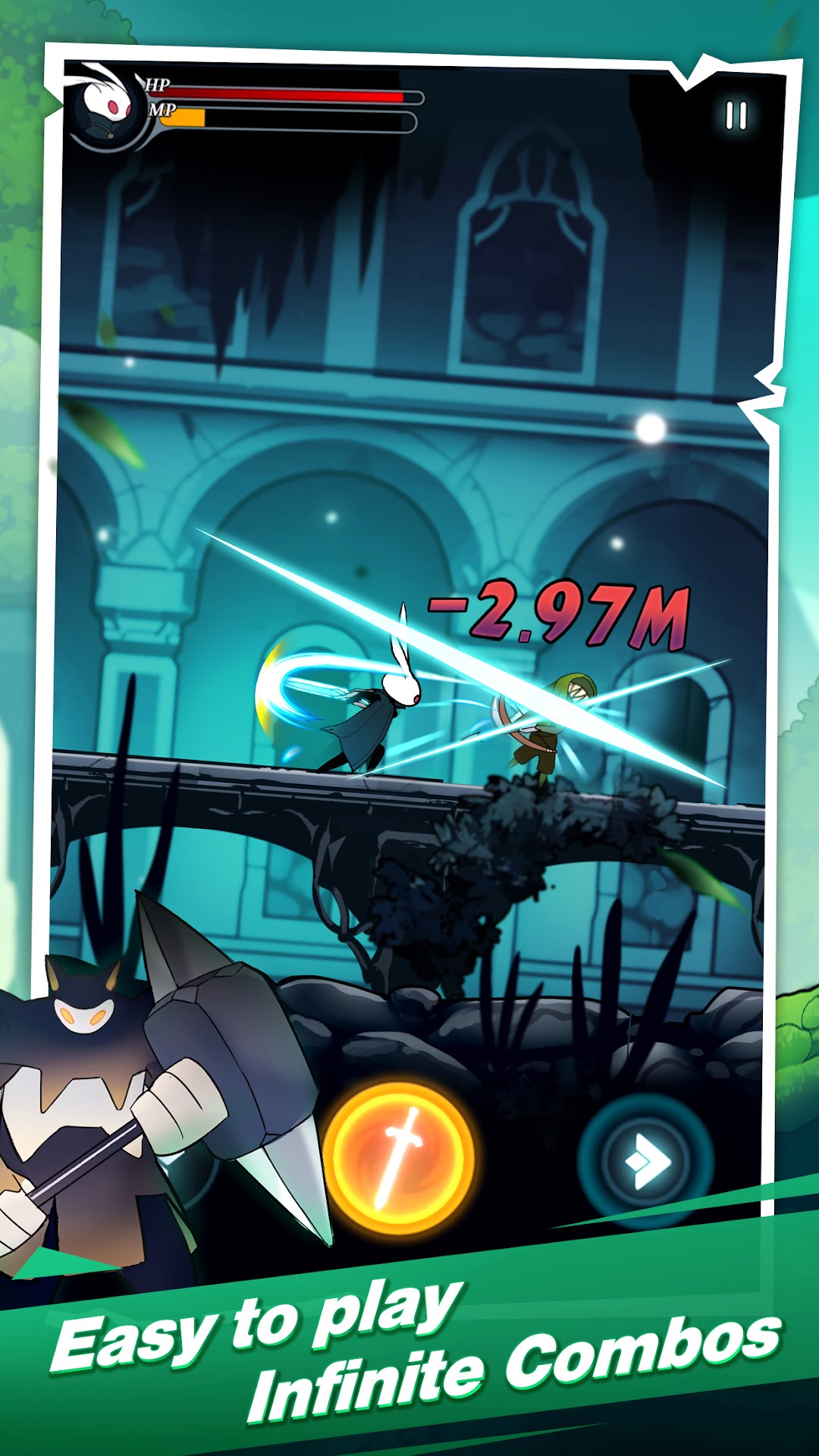
•TAP to attack hundreds of monsters and enemies on various exciting scenarios
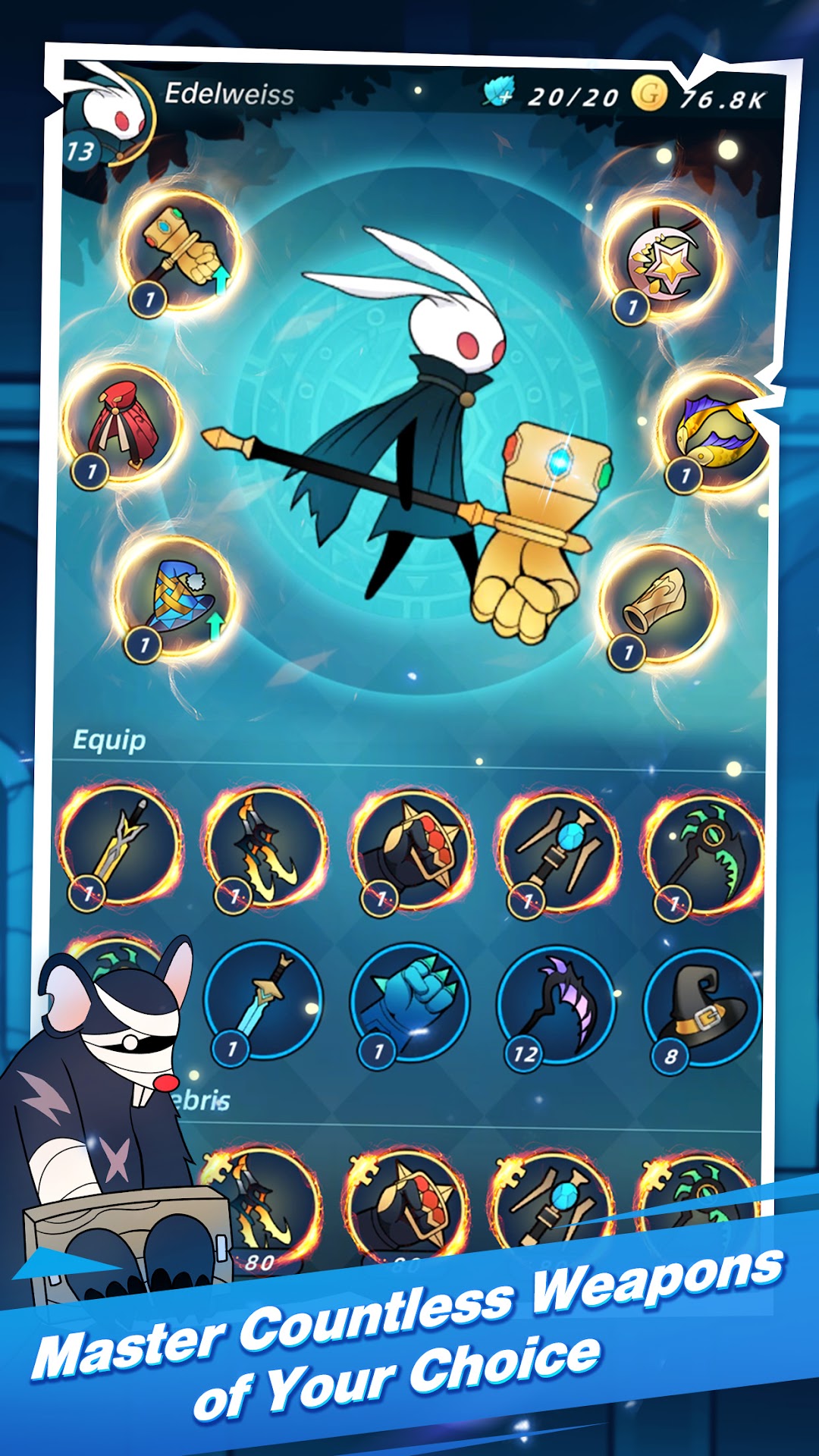
• Collect precious weapons and armors from various randomized events, to help you fully customize your rabbit warrior and defeat the evil enemies!
• Acquire countless combinations of unique skills to help you survive.
• Fight your way through monster-ridden worlds!
🔸Features🔸
• You will be immersed in a dark fantasy world setting with hack and slash gameplay!
• Easy to play, make super punchy attacks just through arrow keys!
• Very satisfying role play experience with epic graphics and great battles!
• Random and unique skills to build a special fighting mode!
• Improve your equipment and try out different combat tactics!
• Acquire adequate rewards including golds and gems by fighting and making right choices on random events !
Come on! Let’s fight!!!
Support:
* Follow us on social media for more information and get support:
Facebook: https://www.facebook.com/BangbangRabbit
Email: xlandcontact@gmail.com