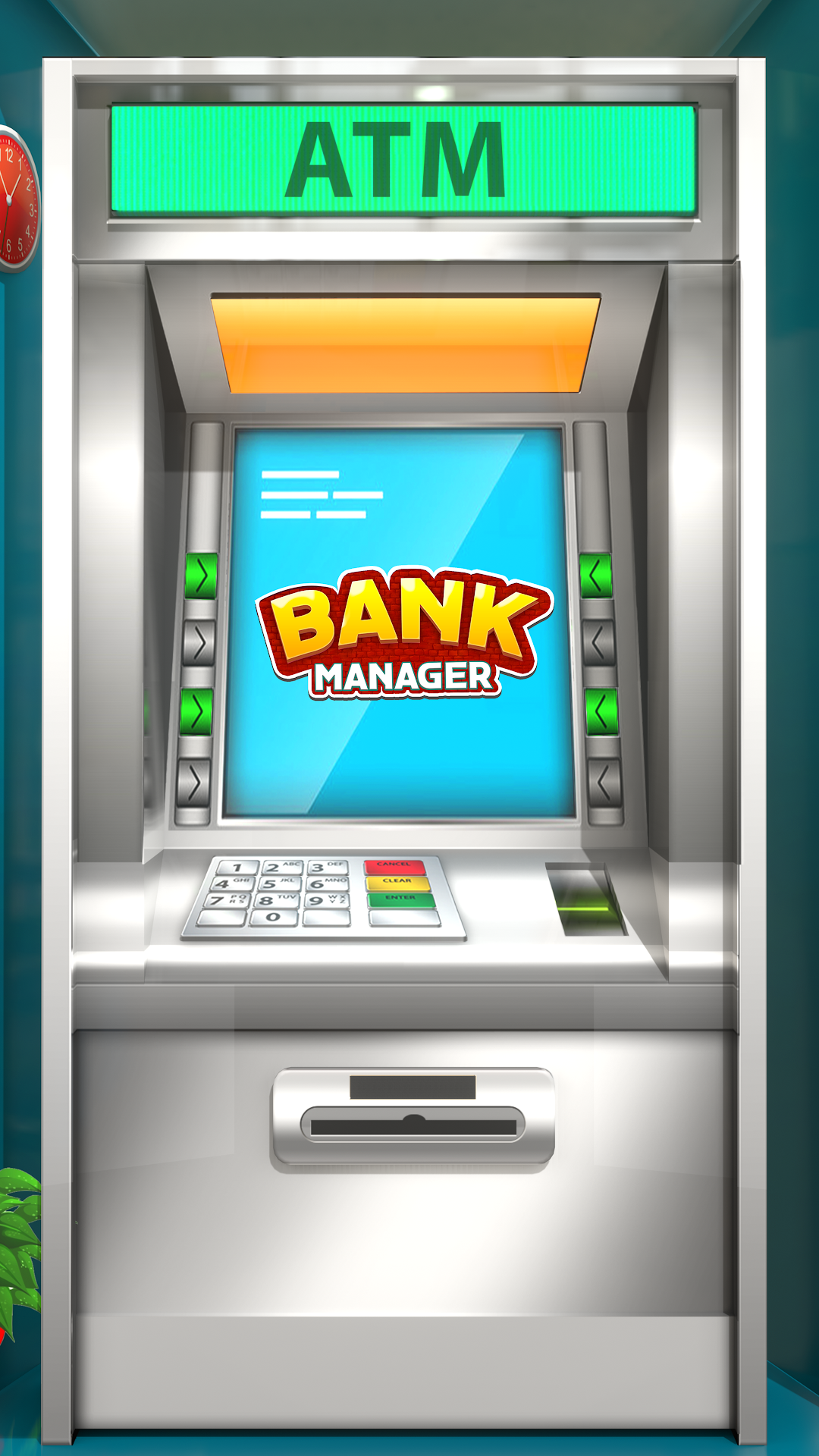
Bank ATM Machine Simulator is a Simulation application developed by PlayMax Studios, but with the best Android emulator-LDPlayer, you can download and play Bank ATM Machine Simulator on your computer.
Running Bank ATM Machine Simulator on your computer allows you to browse clearly on a large screen, and controlling the application with a mouse and keyboard is much faster than using touchscreen, all while never having to worry about device battery issues.
With multi-instance and synchronization features, you can even run multiple applications and accounts on your PC.
And file sharing makes sharing images, videos, and files incredibly easy.
Download Bank ATM Machine Simulator and run it on your PC. Enjoy the large screen and high-definition quality on your PC!
It is a great opportunity for you to play ATM Machine Simulator - Virtual ATM Game. A gameplay for those who really love and want to experience virtual ATM Game. ATM Machine Simulator is not limited to cash machine only. It is the whole practice of Virtual bank where you will be playing bank cashier role. It is a realistic ATM Machine game where you as player can use ATM Simulator game to draw some cash, make payments and check deposits. Virtual ATM Game allows you to make some cash transfers in others account using virtual ATM simulator games. It allows you to enjoy the real time baking experience.You can play this Virtual ATM game as the only bank cashier where you will be managing bank cash register as well. Cash register management is not that easy task and in this game you will learn bank cash register while playing Virtual ATM Machine simulator game. Virtual bank Cashier should know about virtual ATM Machine activities. Bank cashier has the right update ATM machine simulator for each visitor. Player may also appreciate virtual atm simulator games as bank customer where you can visit in virtual bank to withdraw and deposit in cash machines.
Work Hard in the Virtual Bank Cashier game and always do your best to maintain Virtual ATM Simulator game. Your hard work will lead you towards new position in bank as Bank Manager. As one of the bank manager your responsibility will be to safely move ATM cash from one place to another. Sometime you have to call and get some ATM cash from other banks or may be from head office. This ATM cash game will help you to learn banking experience and will allow you to withdraw some cash and make deposits in ATM Machine simulator.
Virtual ATM games are always full of learning and gives you the real feeling of doing banking transactions. Player can enjoy Virtual ATM Games with the friends & Family. You can transfer cash from your ATM simulator to you friends card so that he may buy some gifts for you. Most important is never share your ATM password with anyone and always enter ATM card key in ATM machine simulator by your own self
So gear up and start using your ATM card and make transfers and enjoy bank transaction in ATM Games