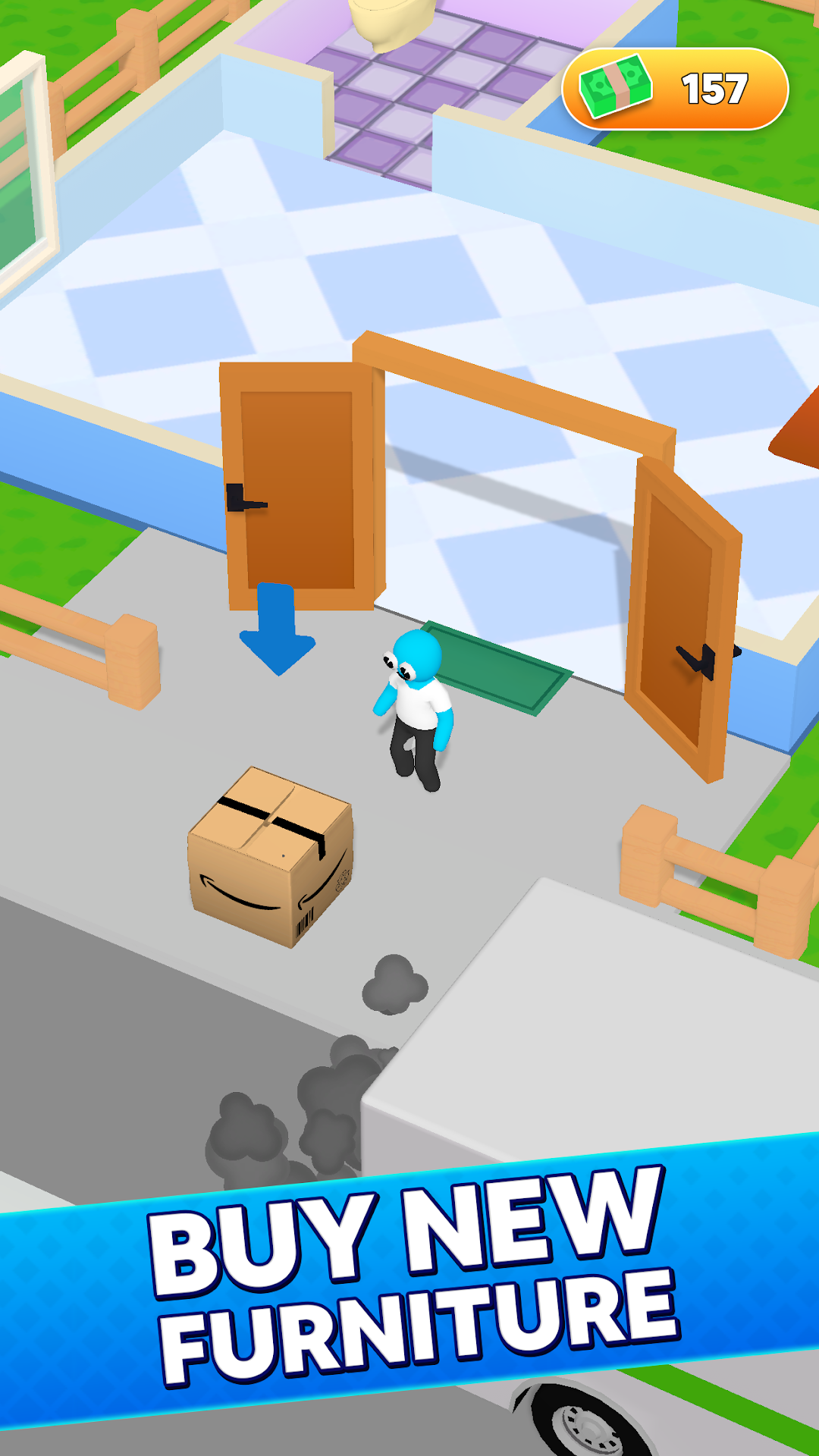
Be My Guest - Landlord Sim is a Simulation application developed by Panteon, but with the best Android emulator-LDPlayer, you can download and play Be My Guest - Landlord Sim on your computer.
Running Be My Guest - Landlord Sim on your computer allows you to browse clearly on a large screen, and controlling the application with a mouse and keyboard is much faster than using touchscreen, all while never having to worry about device battery issues.
With multi-instance and synchronization features, you can even run multiple applications and accounts on your PC.
And file sharing makes sharing images, videos, and files incredibly easy.
Download Be My Guest - Landlord Sim and run it on your PC. Enjoy the large screen and high-definition quality on your PC!
🏠 Build an accommodation empire📦 Order new furniture
🧻 Be the perfect host
👮🏻 Improve your hospitality
⭐️ Become a five-star rated landlord
The perfect game for aspiring real estate millionaires! Become a wealthy landlord and build your hotel empire from the ground up.
In this sim game, you'll start with a small property and a limited budget. Your goal is to strategically invest, buy, and manage properties to grow your rental income and become the most successful landlord in the city. Please be sure to make shrewd decisions, negotiate deals, and maximize your profits to become a tycoon in the competitive real estate market.
Invest wisely: Choose from a variety of properties, from cozy apartments to luxurious houses, and invest your funds wisely to earn maximum returns.
Upgrade and renovate: Improve your properties' value by adding amenities, upgrading facilities, and renovating interiors to attract high-paying tenants.
Strategic management: Make calculated decisions on prices of rent, negotiate contracts, and handle tenant issues to keep your properties running smoothly.
Expand your portfolio: Grow your empire by buying new properties in different locations, diversifying your investments, and increasing your rental income.
Financial planning: Keep an eye on your finances, manage expenses, and balance your budget to ensure long-term success and financial stability.
Unlock achievements: Complete challenging tasks and unlock achievements to earn rewards and boost your reputation as a top-tier landlord.
Are you ready to take the leap into the world of real estate and prove your skills as a savvy landlord? Download Be My Guest now and start building your property empire today!