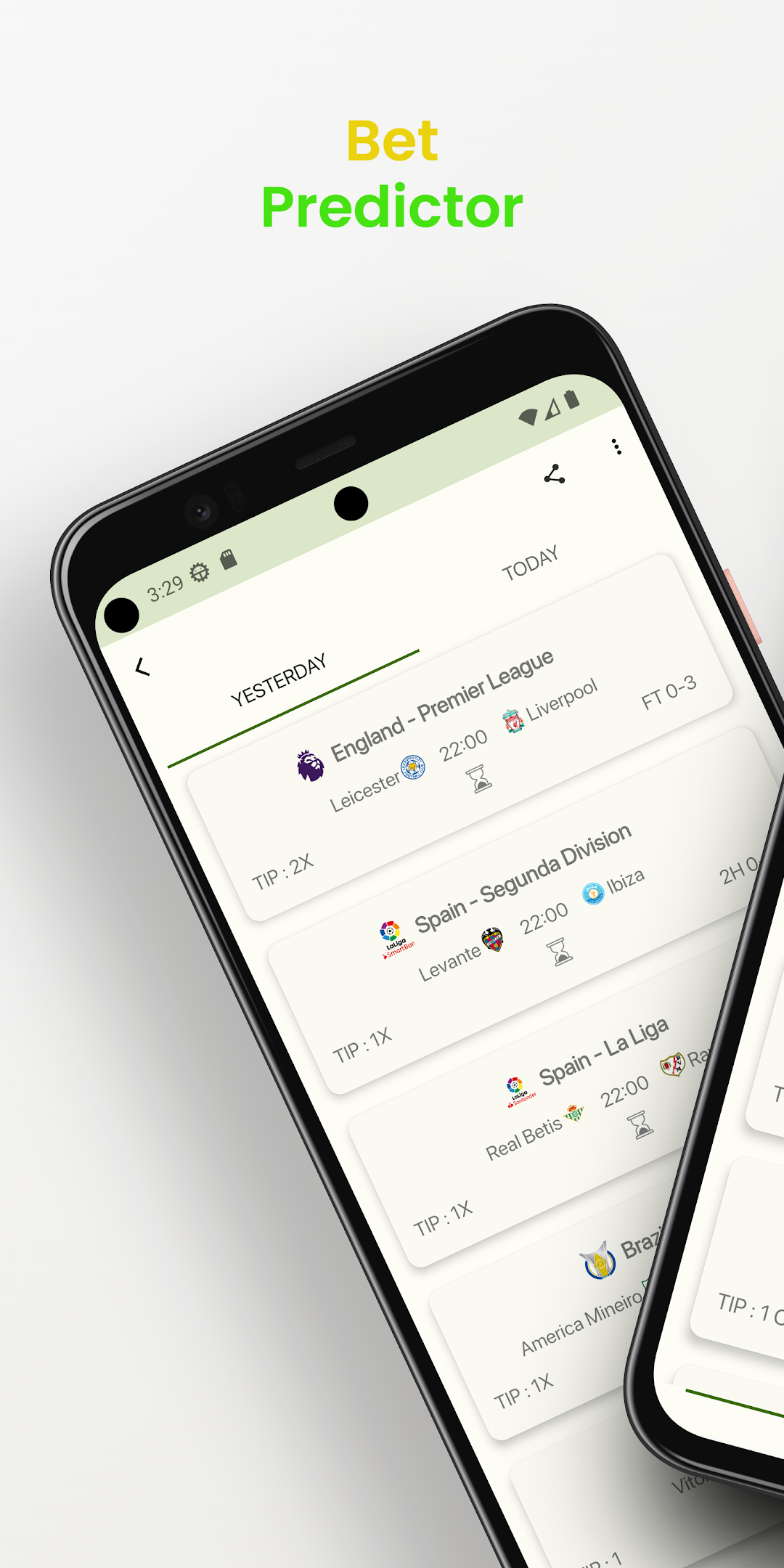
Bet Predictor is a Sports game developed by Tech House Daily. LDPlayer is the best platform for playing Bet Predictor on Windows PC, offering powerful features to enhance your immersive experience in Bet Predictor.
When playing Bet Predictor on your computer, the larger screen and more powerful graphics performance enable you to enjoy clearer and smoother game visuals, enhancing the visual experience of the game.
The operation of peripherals such as gamepads is emulated to better mimic the feel of real sports, providing more precise control and richer operation options.
Furthermore, if you wish to execute a series of continuous key combinations, the one-click macro feature will be the functionality you've been dreaming of, allowing you to effortlessly stay one step ahead with one-touch operation. Start downloading and playing Bet Predictor on your computer now!
"Take Your Betting Game to the Next Level with our Comprehensive Bet Analysis App! Gain valuable insights, track statistics, and make informed decisions to maximize your winning potential. Our app offers a user-friendly interface and advanced analytics tools to help you analyze historical data, predict outcomes, and stay ahead of the competition.Key Features:
- Real-time odds analysis: Stay updated with the latest odds from multiple bookmakers and identify the best value bets.
- Historical data analysis: Dive deep into past matches, teams' performance, and player statistics to uncover trends and patterns.
- Accurate predictions: Leverage machine learning algorithms and statistical models to receive accurate match predictions and betting suggestions.
- Customizable alerts: Set personalized alerts for specific events, odds changes, or team updates to never miss an opportunity.
- Expert insights: Access expert tips, strategies, and analysis from professional bettors to enhance your betting strategy.
Whether you're a seasoned bettor or just starting out, our Bet Analysis App equips you with the tools and knowledge to make smarter bets and increase your profitability. Download now and elevate your betting experience!"
Keywords: bet analysis, betting app, odds analysis, sports betting, predictive analytics, historical data, match predictions, betting tips, bankroll management, betting strategy