BibiLand—Preschool Learning 2+ is a Educational application developed by Bibi.Pet - Toddlers Games - Colors and Shapes, but with the best Android emulator-LDPlayer, you can download and play BibiLand—Preschool Learning 2+ on your computer.
Running BibiLand—Preschool Learning 2+ on your computer allows you to browse clearly on a large screen, and controlling the application with a mouse and keyboard is much faster than using touchscreen, all while never having to worry about device battery issues.
With multi-instance and synchronization features, you can even run multiple applications and accounts on your PC.
And file sharing makes sharing images, videos, and files incredibly easy.
Download BibiLand—Preschool Learning 2+ and run it on your PC. Enjoy the large screen and high-definition quality on your PC!
A drum roll and the blare of trumpets… are you ready for the big news? The wait is over — all Bibi.Pet games are now available in a single app!Welcome to BibiLand, a world of fun preschool and kindergarten learning games designed to help kids grow and explore. With over 200 educational games, this app offers everything your child needs to start learning numbers, letters, tracing, puzzles, colors, shapes, and logic — all through play!
From exploring jungles to running a restaurant, from meeting farm animals to swimming under the sea, Bibi.Pet invites kids on a magical journey packed with preschool and kindergarten-friendly educational activities.
What’s inside BibiLand:
- Cooking & Restaurant Games: Fun cooking games where kids become little chefs and master recipes.
- Farm Games: Manage a farm, care for animals, and play preschool alphabet and shape educational games.
- Jungle Games: Solve exciting puzzles and meet animals in an adventurous jungle setting.
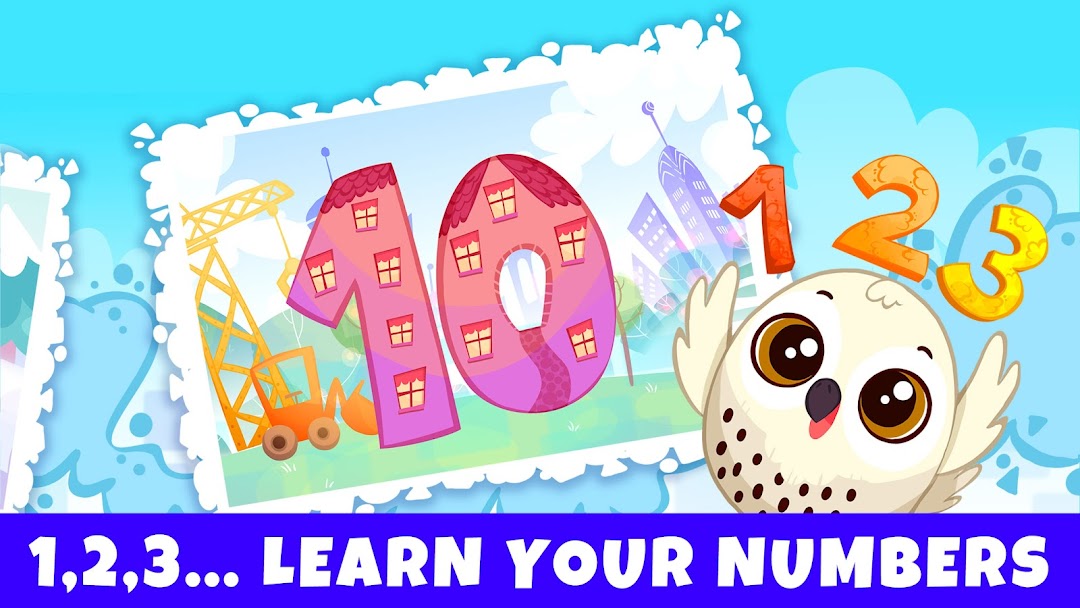
- Numbers & Counting: Help toddlers and kids learn numbers, tracing, and counting.
- ABC & Phonics Educational Games: Easy and fun alphabet learning and pronunciation practice for kindergarten and preschool kids.
- Puzzle Games: Drag, drop, and complete colorful jigsaw puzzles designed for kindergarten and preschool minds.
- Color Games: Explore colors through tracing, matching, and play-based learning.
- Dinosaur Educational Games: Discover dinosaurs and have fun exploring the prehistoric world.
Key Features:
- Includes all Bibi.Pet games: over 200 educational activities!
- Early access to new preschool and kindergarten games
- Frequent updates with fresh learning content
- Designed for children aged 2–6: baby, toddler, preschool, and kindergarten
- No reading required: perfect for little kids
Subscription Details:
- Free to download with limited content
- 7-day free trial unlocks all educational games
- Cancel anytime without extra fees
About Bibi.Pet:
At Bibi.Pet, we create games we’d want for our own kids — safe, ad-free, and packed with preschool and kindergarten learning fun. With a mix of colors, shapes, dress-up, dinosaur, and mini-games, our apps help children discover and grow at every stage.
Thank you to all the families who trust Bibi.Pet to support their child’s early learning journey!