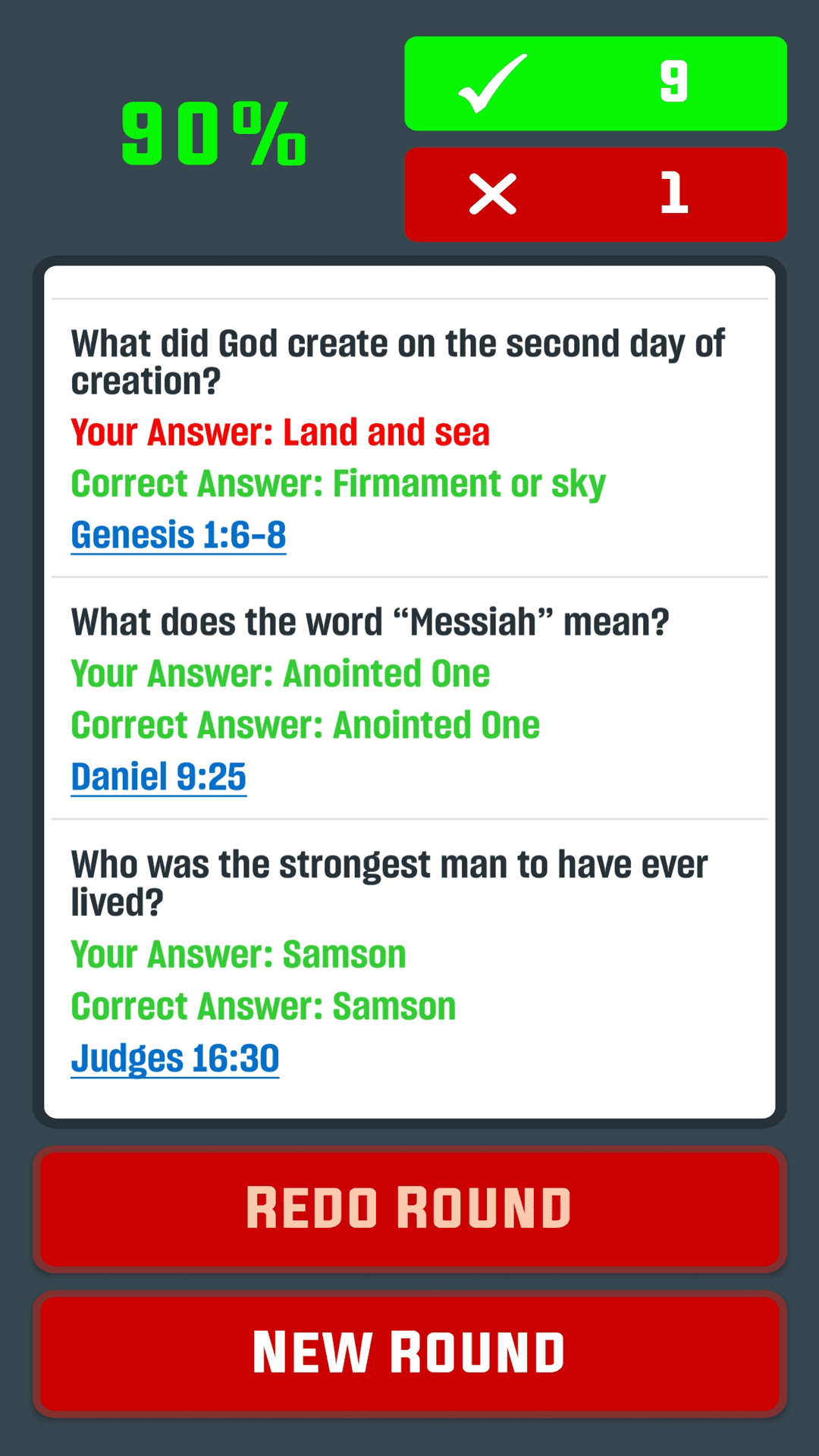
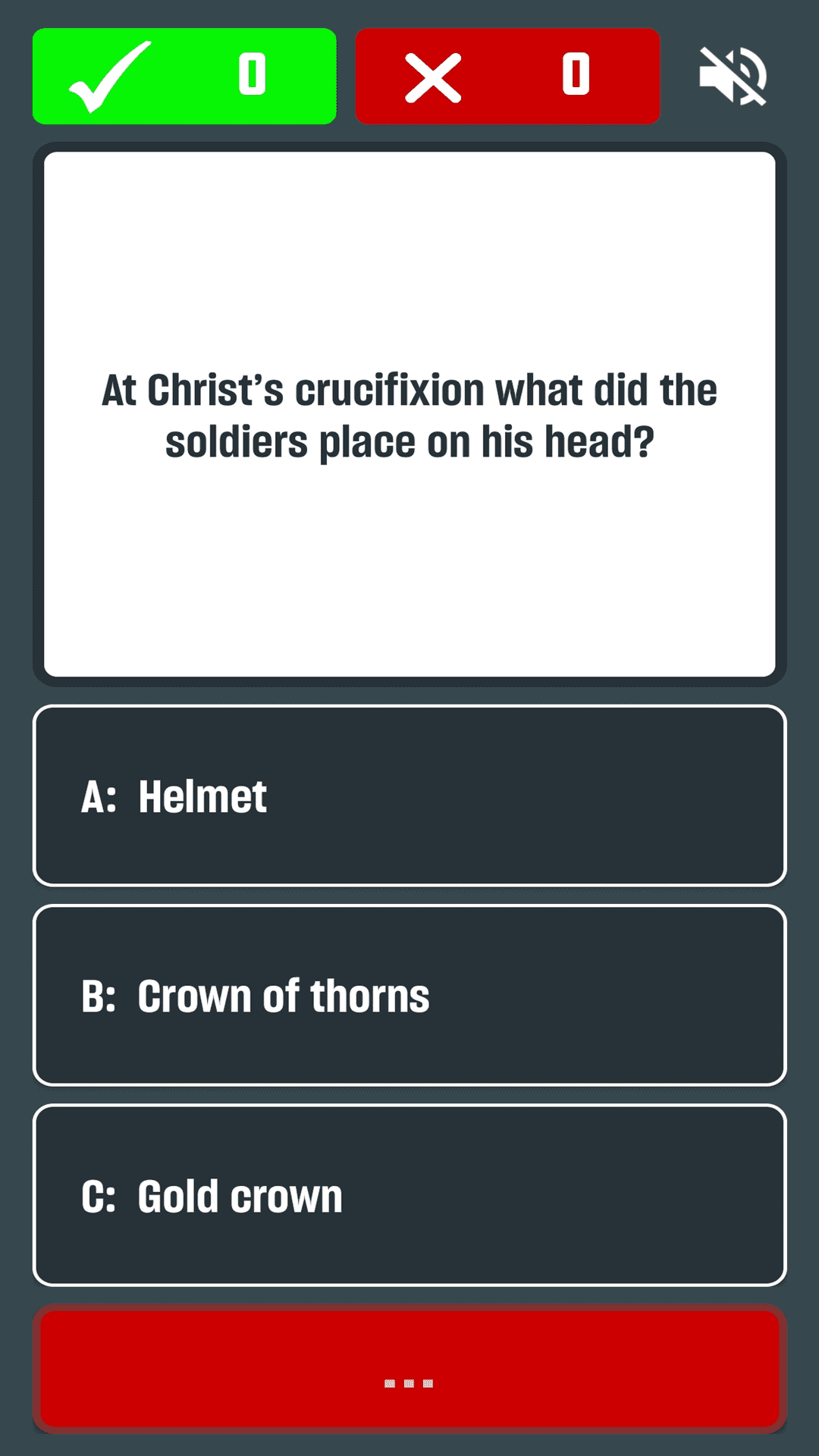
Bible Quiz is a Trivia application developed by Ronasoft Media, but with the best Android emulator-LDPlayer, you can download and play Bible Quiz on your computer.
Running Bible Quiz on your computer allows you to browse clearly on a large screen, and controlling the application with a mouse and keyboard is much faster than using touchscreen, all while never having to worry about device battery issues.
With multi-instance and synchronization features, you can even run multiple applications and accounts on your PC.
And file sharing makes sharing images, videos, and files incredibly easy.
Download Bible Quiz and run it on your PC. Enjoy the large screen and high-definition quality on your PC!
Bible Quiz is a beautifully designed and thoughtfully crafted Bible trivia experience for believers, families, students, and anyone who wants to grow deeper in their knowledge of Scripture. Whether you are new to the Bible or have been studying it for years, Bible Quiz helps you strengthen your understanding of God’s Word in a simple, engaging, and meaningful way.Bible Quiz transforms Scripture learning into an interactive journey. Instead of passively reading, you actively recall, reflect, and engage with biblical stories, teachings, people, places, and events. From Genesis to Revelation, Bible Quiz challenges your knowledge across both the Old and New Testaments, helping you sharpen your memory while deepening your spiritual insight. Each question is carefully structured to encourage learning, not just guessing, making every session valuable and rewarding.
Designed with clarity and ease of use in mind, Bible Quiz provides a clean and distraction-free experience. Bible Quiz has a simple, intuitive, and focused interface, helping you engage with the content. You can jump into a quiz within seconds, making it perfect for daily devotion time, church groups, Bible study sessions, youth gatherings, or even quick knowledge checks throughout the day.
Bible Quiz is suitable for individuals, families, and church communities. Parents can use it as a fun and educational way to help children learn Scripture. Youth groups can turn it into friendly competitions. Pastors and teachers can use it as a supplemental learning tool. Individuals can use Bible Quiz to test personal understanding and identify areas for deeper study. The app adapts naturally to both personal reflection and group engagement.
Learning the Bible should never feel overwhelming. Bible Quiz breaks Scripture knowledge into manageable, engaging challenges that make spiritual growth feel achievable. Instead of reading long passages without feedback, you get immediate responses that reinforce correct answers and gently guide you when you make mistakes. This approach strengthens retention and builds confidence in your understanding of biblical truths.
Bible Quiz covers a wide range of topics including key Bible characters, major events, important teachings, parables, miracles, prophecies, wisdom literature, and foundational doctrines. Questions are designed to encourage both recall and comprehension, helping you not only remember what happened, but understand why it matters. As you continue using Bible Quiz, you will notice growth in your ability to connect stories, recognize themes, and appreciate the depth of Scripture.
Consistency is key when it comes to spiritual growth. Bible Quiz makes it easy to build a daily habit of engaging with the Word. Even a few minutes a day can strengthen your knowledge and keep Scripture fresh in your mind. Over time, Bible Quiz becomes more than a trivia game — it becomes a meaningful part of your devotional rhythm.
Bible Quiz is built to be accessible and welcoming to everyone. Whether you belong to a specific denomination or are simply exploring faith, the focus remains on the biblical text itself. The goal is to inspire curiosity, deepen understanding, and encourage reflection.
Bible Quiz also encourages steady progress through repetition and reinforcement. As you revisit themes, stories, and teachings, your understanding becomes clearer and more deeply rooted. Bible Quiz supports that journey by turning learning into an active experience.
Whether you are preparing for a church quiz competition, strengthening your personal devotion life, teaching your children biblical foundations, or simply challenging yourself to grow, Bible Quiz provides a structured and inspiring way to stay engaged. Every question is an opportunity to learn something new or reinforce something eternal.
Bible Quiz is a step toward knowing the Bible with clarity, confidence, and purpose. Download Bible Quiz today and strengthen your relationship with God.