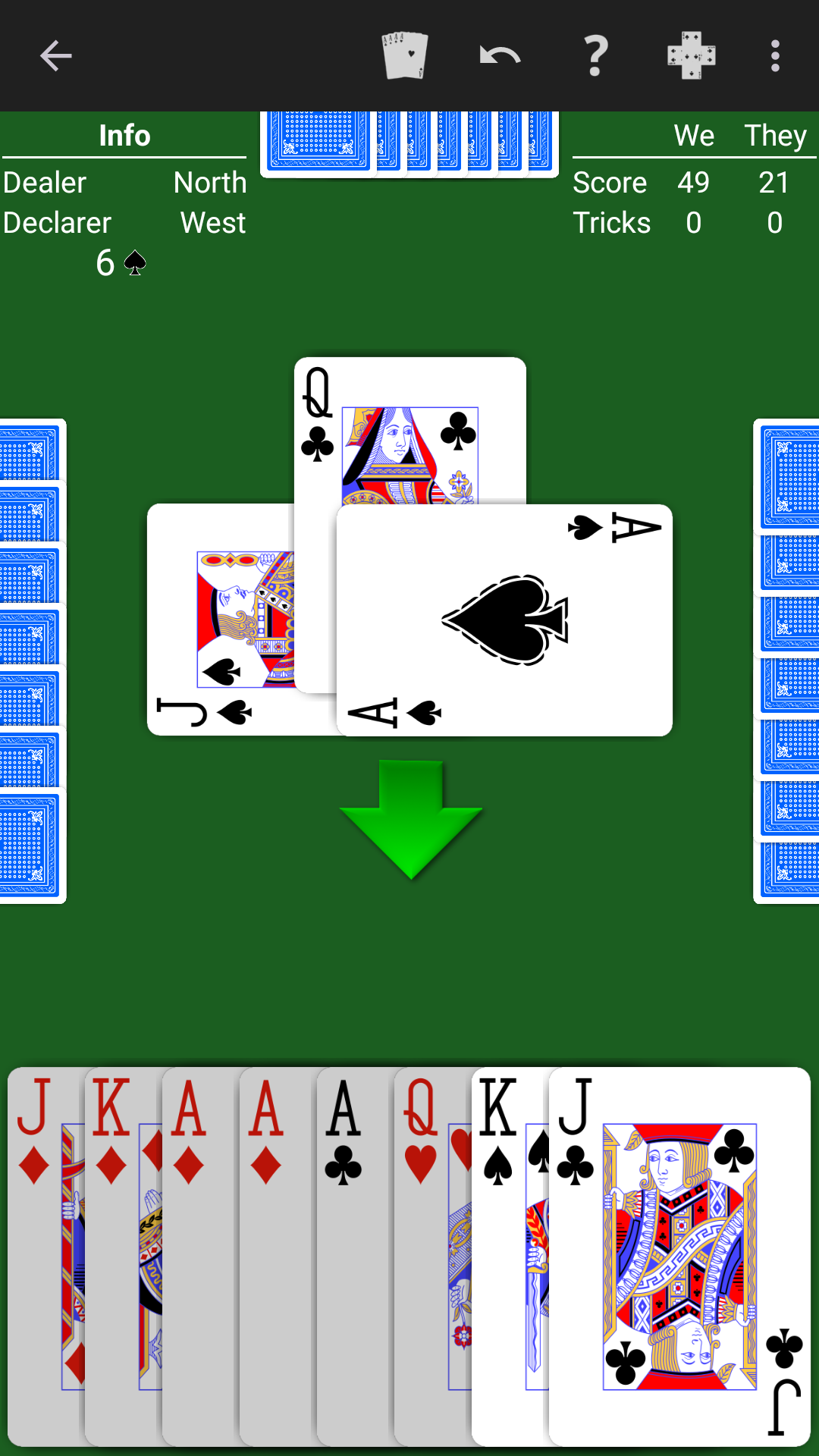
Bid Euchre - Expert AI is a Card application developed by NeuralPlay, LLC, but with the best Android emulator-LDPlayer, you can download and play Bid Euchre - Expert AI on your computer.
Running Bid Euchre - Expert AI on your computer allows you to browse clearly on a large screen, and controlling the application with a mouse and keyboard is much faster than using touchscreen, all while never having to worry about device battery issues.
With multi-instance and synchronization features, you can even run multiple applications and accounts on your PC.
And file sharing makes sharing images, videos, and files incredibly easy.
Download Bid Euchre - Expert AI and run it on your PC. Enjoy the large screen and high-definition quality on your PC!
Learning Bid Euchre? The AI will show you suggested bids and plays. Play along and learn. For experienced players, six levels of AI play are ready to challenge you!Play single, double, or triple deck Bid Euchre. NeuralPlay Bid Euchre offers many rule options and features and for you to enjoy. Customize and let the NeuralPlay AI challenge you with your favorite rules!
Features include:
• Undo.
• Hints.
• Offline play.
• Replay hand.
• Skip hand.
• Detailed statistics.
• Customization. Choose the deck backs, color theme, and more.
• Bid and play checker. Let the computer check your bids and plays throughout the game and point out differences.
• Play review. Step through the play of the hand to review and improve your play.
• Six levels of computer AI to provide challenges for beginning to advanced players.
• Unique thinking AI to provide a strong AI opponent for different rule variations.
• Claim. Claim the remaining tricks when your hand is high.
• Achievements and leaderboards.
Rule customizations include:
• Deck size. Play with a 24, 32, 40, 48, or 60 card deck.
• Bidding rounds. Choose a single round or multiple rounds.
• Bidding trump choice. Choose suits only, suits and high notrump, or suits with high and low notrump.
• Minimum opening bid. Set the minimum opening bid from 1 to 6.
• Special bids. Choose whether or not to play with the Call 3, Call 2, Call 1, Shoot the Moon, and the Big/Little Pepper bids.
• Dealer can steal. When playing with a single round of bidding, optionally allow the dealer to steal the bid.
• Stick the dealer. Optionally require the dealer to bid when all players have passed.
• Notrump bid rank. Play with notrump bids ranked lower than suit bids.
• Game over. Choose whether the game ends at a predetermined number of points or after a certain number of hands.