

Bini Drawing games for kids is a Educational application developed by Bini Games, but with the best Android emulator-LDPlayer, you can download and play Bini Drawing games for kids on your computer.
Running Bini Drawing games for kids on your computer allows you to browse clearly on a large screen, and controlling the application with a mouse and keyboard is much faster than using touchscreen, all while never having to worry about device battery issues.
With multi-instance and synchronization features, you can even run multiple applications and accounts on your PC.
And file sharing makes sharing images, videos, and files incredibly easy.
Download Bini Drawing games for kids and run it on your PC. Enjoy the large screen and high-definition quality on your PC!
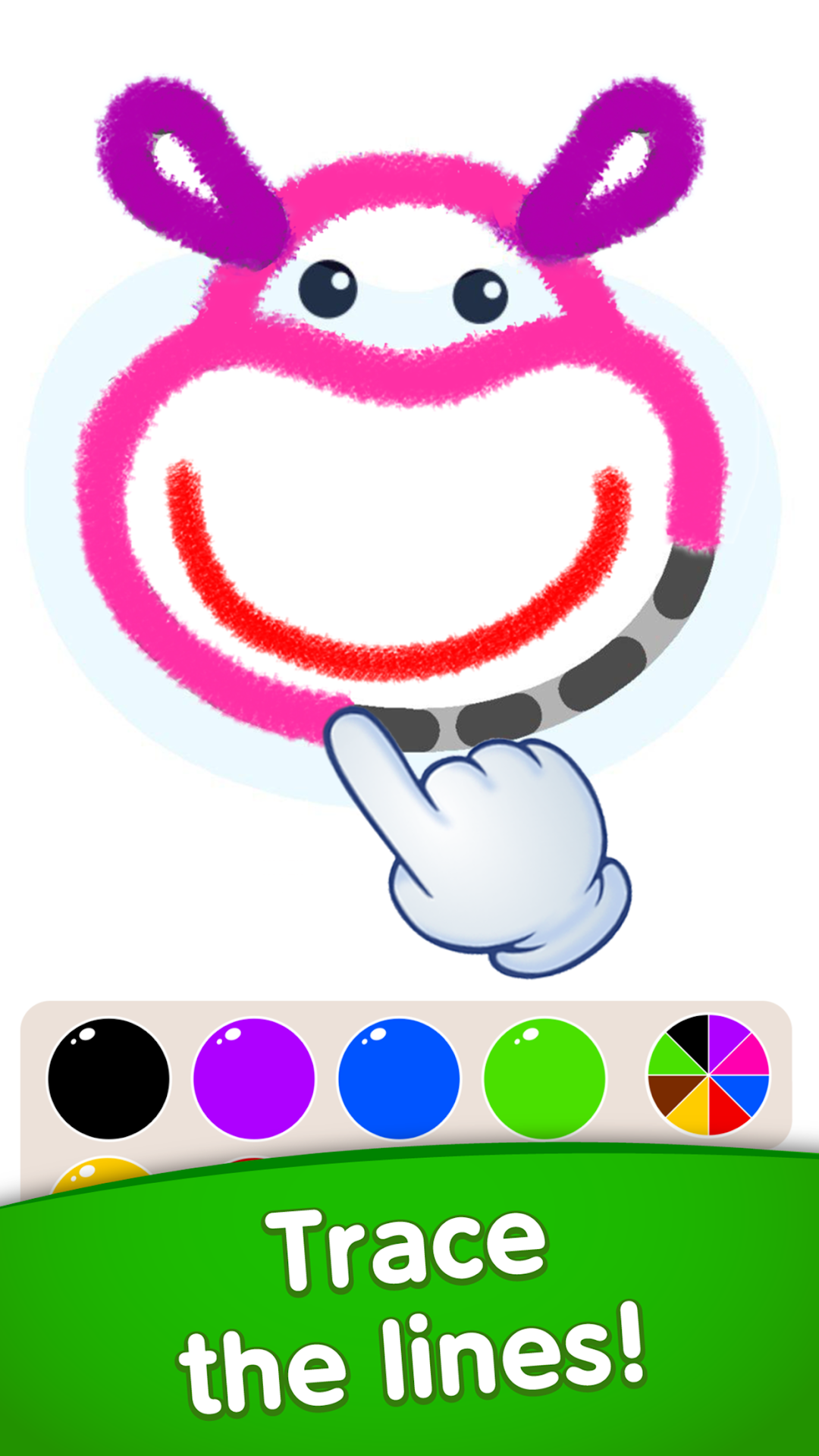
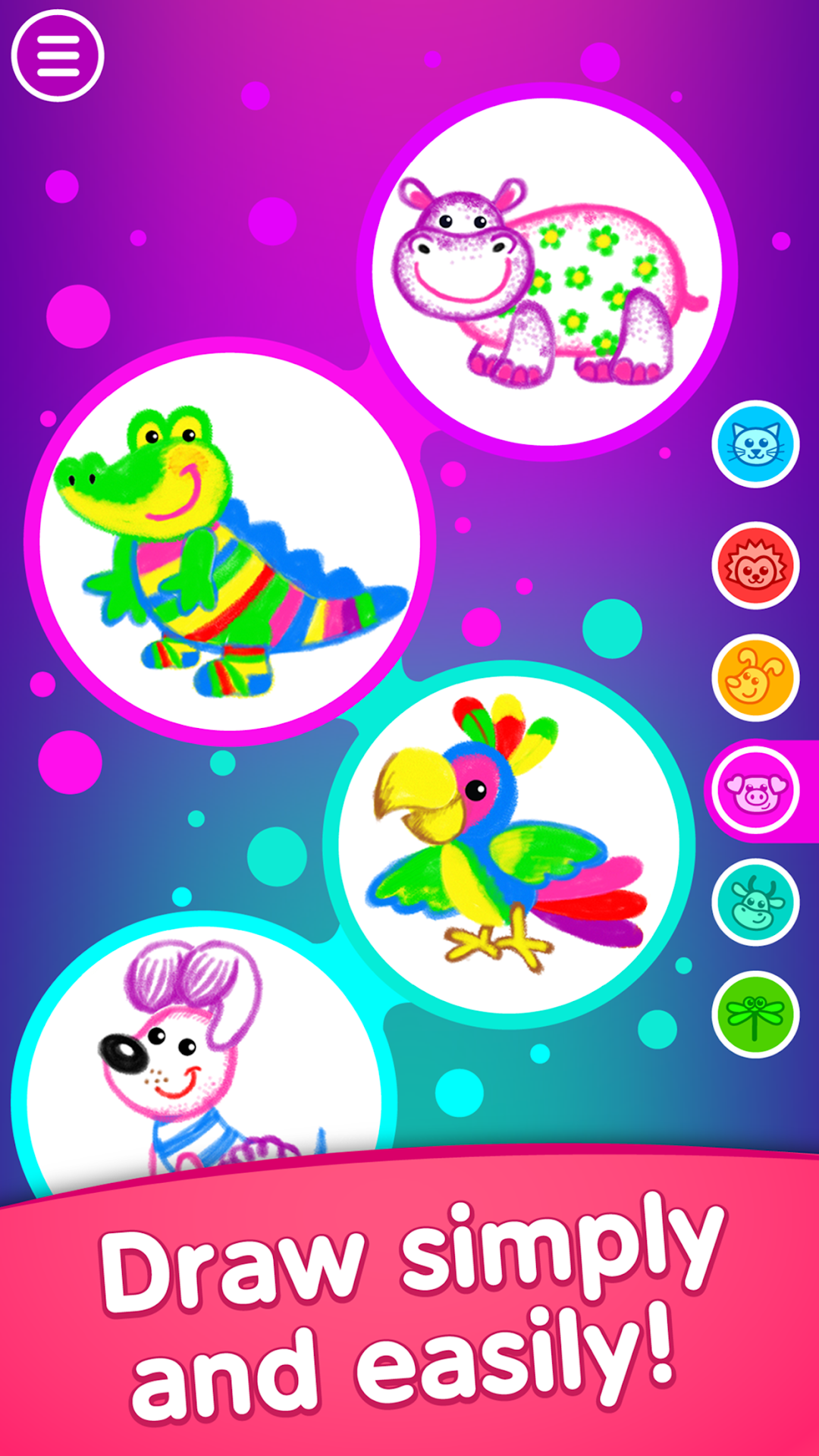
Enjoy our awesome kids coloring apps for toddler! These games for 3-5 year olds will help your child to draw cute characters! Try our toddler coloring pages and you'll see animals that comes to life!🌈🐶 Draw all the colorful animals step by step. Painting for kids will be the best pastime! Watch as a drawn crocodile comes to life and dances to rock-and-roll, or a fox performs a salsa dance in our toddler coloring pages.
😍 Press the buttons and guide the steps of a hippo, kitty-cat or one of the many other characters. Create a unique dance for each of funny dancing animals for kids. Speed it up or slow it down. Mix and combine the different actions in our toddler coloring book!
✨ Think up and draw a dancer of your very own! We provide the pencils in our kids drawing apps for free, and you decide what color your dancer will be! Every character can be redrawn an unlimited number of times. Show off your imagination and draw a new dancer every time in our coloring games for kids!
🤗Colouring app "Draw & Dance" is:
👉 Draw and guess 30 funny animals for kids
👉 Drawing games for kids
👉 More than 100 funny animations and sounds
👉 Drawing for children through contour tracing
👉 30 best dance songs
👉 A simple interface intuitively clear for toddler drawing
👉 A drawing game for children of ages from 2 to 6
👉 Parental control
Drawing for kids free on the screen entertains children and brings them joy and happiness. Even toddlers will find it simple and easy to draw the cute characters! Enjoy our drawing games for kids with animations!😃
👌 Drawing for kids "Draw & Dance" will help your child learn to draw kids animals in a funny and playful manner. The novel combination of drawing for toddlers and dancing animation makes this app for coloring animals truly unique! Download these kids coloring apps for toddler drawing and see it for yourself! Play and progress! Draw, dance and have fun with "Draw & Dance".
Please note, there is just a part of the content available in this version of our toddler drawing games for 5 year olds. Make an in-app purchase to gain access to the full version of these drawing apps.
🌟About BINI GAMES (ex-Bini Bambini):🌟
These games for 3 year olds have been created by Bini Games (ex-Bini Bambini), a software company which develops drawing kids games. Our toddler coloring apps for kids and drawing games for girls and boys are distinguished by high quality content with particular attention to design. The simple and user-friendly interfaces of our kids drawing games for free have been especially created for little ones.
If you need help or have questions about our drawing apps and painting games for kids, get in touch at feedback@bini.games.
https://binibambini.com/
https://www.youtube.com/channel/UCzNqervZjsZCgNaWLMwlOSA/
http://binibambini.com/privacy-policy/