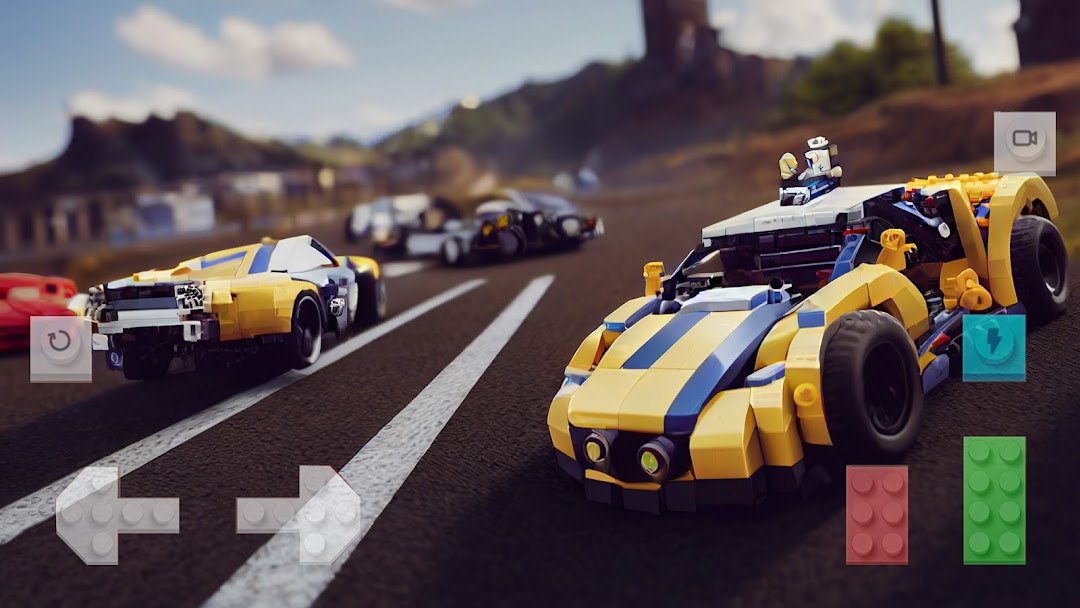
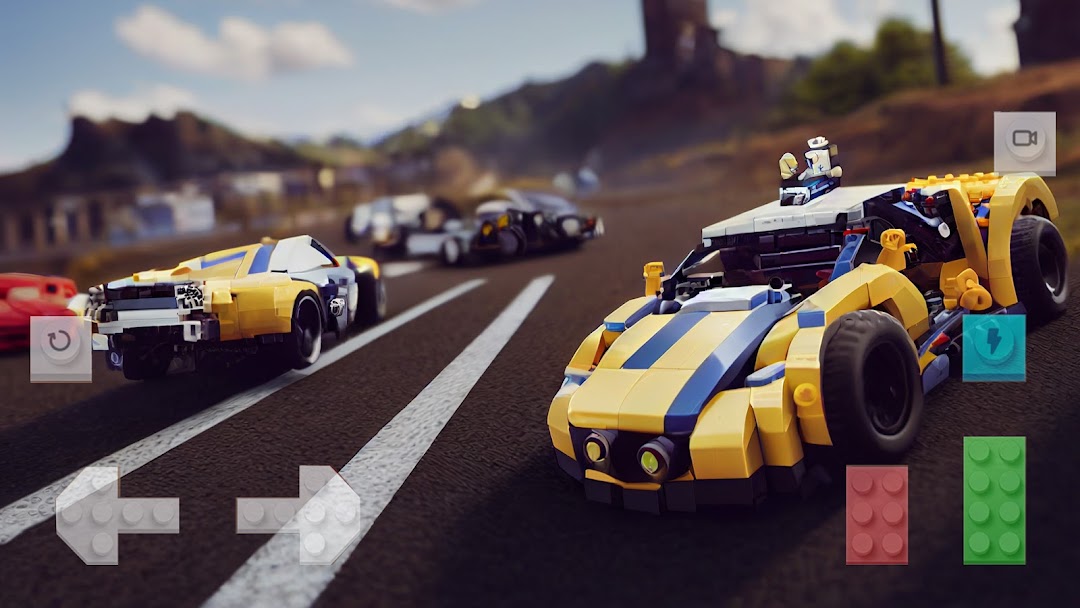
Block Car Wars Brick Car Crash is a Racing game developed by SM Games & Apps from Ukraine. LDPlayer is the best platform for playing Block Car Wars Brick Car Crash on Windows PC, providing robust features to help you achieve an immersive experience in Block Car Wars Brick Car Crash.
When playing Block Car Wars Brick Car Crash on your computer, if you prefer using your own gamepad to control the game, LDPlayer's automatic gamepad detection can assist you in customizing controls with just a few simple clicks, allowing you to enjoy more realistic racing scenes and challenges.
With support for high frame rates, the game's diverse track designs and rich terrain and environmental changes become even more lifelike and detailed.
Additionally, the video recording feature makes it easy for you to capture all the exciting and amusing races and game content, making it convenient to share with friends or create videos. Start downloading and playing Block Car Wars Brick Car Crash on your computer now!
Get behind the wheel of the legendary Block Car Wars Brick Car Crash in this addictive racing game. Tiny cars are back and ready to race in a variety of home environments.Tiny cars with big power!
Brick Leg Cars may be small, but in this game they are certainly capable of racing at high speeds. The unique thing about this racing game is that due to the size of the cars all the tracks are built around everyday environments like pool tables, kitchen sinks and work surfaces or desks in an office.
Fantastic entertainment in a unique and colorful setting
Racing one of the tiny micro-machines around the kitchen or office is more fun than you think! . The large collection of available vehicles is very diverse and includes fire trucks, police cars and hovercraft, providing the player with many options. Exciting fast and addictive gameplay on a micro level!
Peculiarities:
- 3D car games;
- Crash, break cars and smash cars;
- Realistic car deformation and car crushing;
- Free Russian destruction machines;
- Cars are completely destroyed;
- Realistic handling, as in driving simulators;
- Car crash test map
"Block Car Wars Brick Car Crash" is a multiplayer mobile game developed by SM Games. Players drive various vehicles and fight each other in the arena.
The main goal of the game is to collect coins and various bonuses, as well as destroy other cars in order to earn points and win the match. Players can drive different types of vehicles, each with their own unique characteristics such as speed, power, armor, and weapons.
Block Car Wars Brick Car Crash offers multiple game modes including Capture the Flag, Battle Royale, Team Deathmatch and more. The game also has many levels, each offering its own unique challenges and conditions for victory.
One of the main features of the game is its multiplayer mode, which allows players to fight each other in real time. Players can create their own teams and fight for leadership in the multiplayer leaderboard.
The game also features a large number of unique weapons and power-ups that you can use to destroy opponents and increase your chances of winning.
"Block Car Wars Brick Car Crash" has a simple and intuitive interface, as well as nice graphics and sound. The game is available as a free download on mobile devices, but also has in-app purchases to speed up the game.