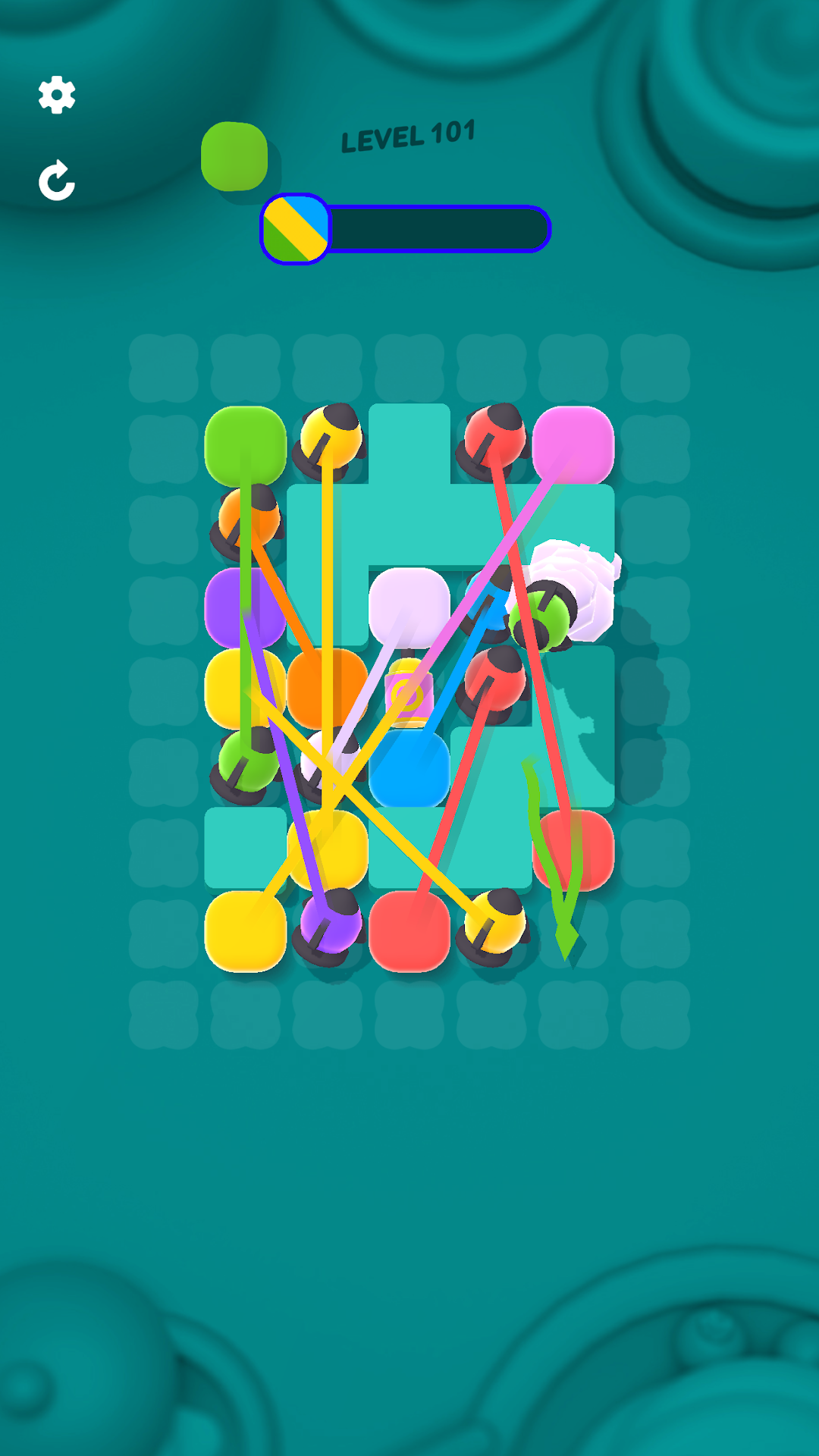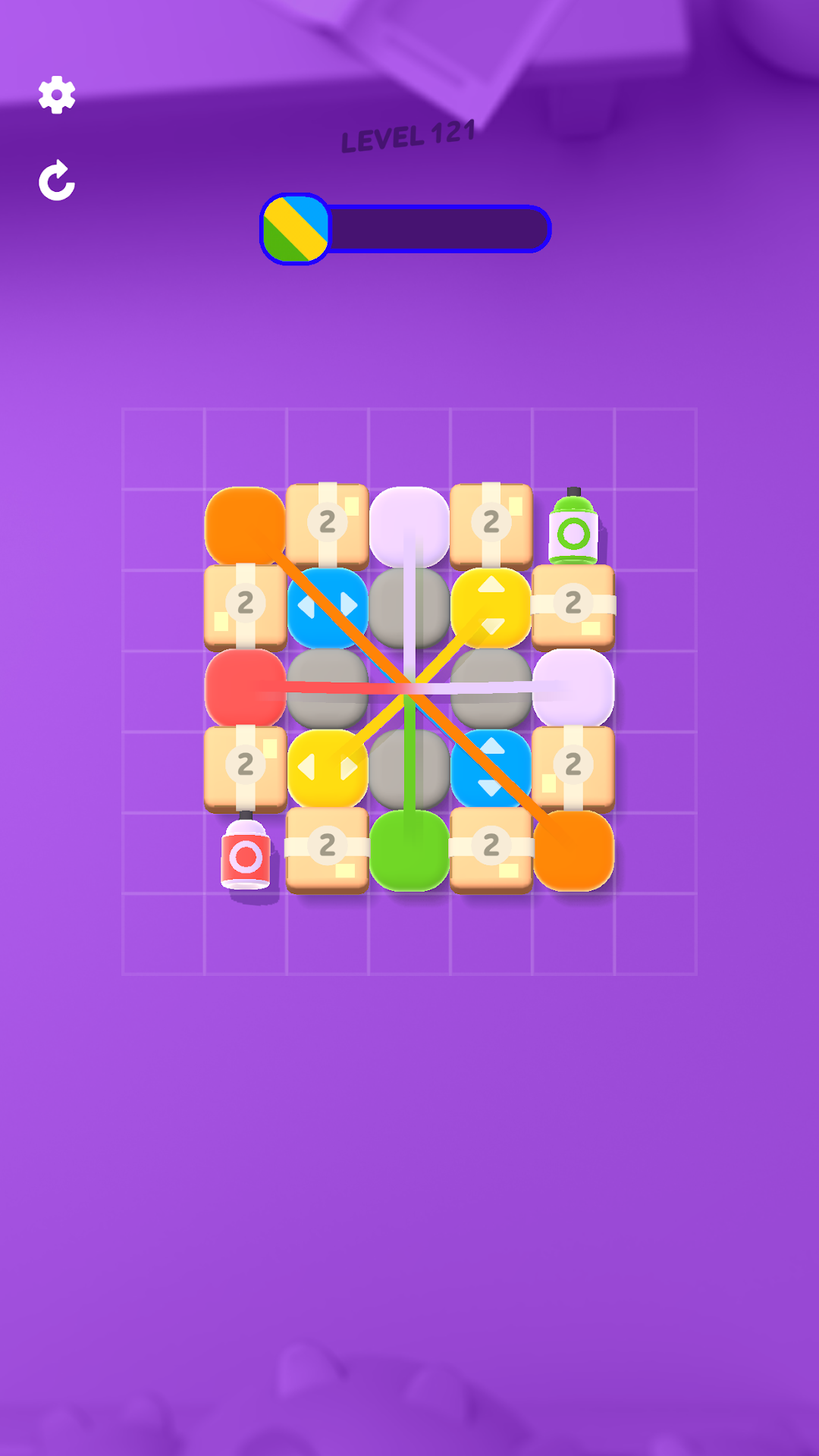


Blocks & Ropes is a Puzzle application developed by SayGames Ltd, but with the best Android emulator-LDPlayer, you can download and play Blocks & Ropes on your computer.
Running Blocks & Ropes on your computer allows you to browse clearly on a large screen, and controlling the application with a mouse and keyboard is much faster than using touchscreen, all while never having to worry about device battery issues.
With multi-instance and synchronization features, you can even run multiple applications and accounts on your PC.
And file sharing makes sharing images, videos, and files incredibly easy.
Download Blocks & Ropes and run it on your PC. Enjoy the large screen and high-definition quality on your PC!
ROCK THE BLOCKS 🧱🧱What a tangled web we weave, and you’re the one who’s going to untangle it in this unusual and entertaining puzzle game that requires you to stretch your imagination, unblock your logic, and really get your brain working. Tug and twist at the matted tangle until eventually something snaps and a pair of cubes break free. Solving the puzzle won’t be easy – especially as the number of blocks gets bigger and bigger and more and more complex mechanisms are added to the mix – but it’s bound to bring a massive dose of satisfaction when you finally set the last blocks free.
CAN YOU SQUARE IT?
🟠Feeling mentally blocked? This original and addictive brainteaser game is a great way to improve your IQ and give your mind a quick but powerful workout. Pairs of blocks connected by a stretchy cord must be brought together to clear the board and complete the puzzle. Pull this one up, push that one to the side, and keep shuffling till you’ve completed all the pairs.
🟡 It's a non-stop block party: With over 1000 levels to complete, there’s always something to engage your brain and get you thinking in this relaxing but intriguing puzzle game. Five minutes to spare? Get solving another tangled block puzzle.
🟢New tricks on the block: As you progress through the game, you’ll come across a wide range of new mechanics that will keep the puzzles challenging and your brain ticking over – exploding blocks, pairs moving in one direction only, shattering glass cubes and much more. Be sure, you’ll never have time to get bored, and your logic will always be tested.
🔵Blocks of colour: Original puzzle mechanics are combined with bright and beautiful graphics and satisfying haptic effects to brisk each puzzle and activate not just your logic but every part of your brain.
🟣Never get stuck on the blocks: If you don’t see the solution straight away, you may pull and prod at different blocks on the board as long as you like – until you find a way to start setting them free. And if you really get stuck, there’s always an option of just skipping to the next level ensuring a stress-free and pleasurable playing experience.
UNTANGLE, UNWIND AND HAVE FUN 🤩
If you’re looking for a fast and entertaining puzzle game that would keep you engaged and your brain active for some five minutes or endless hours, then look no further than Shackled Cubes. Download the game now and throw yourself on untangling the knotted cubes in increasingly challenging and enjoyable puzzles that will give your brain enjoyable exercise while also helping you kick back and relax. Come and join the block party!
Privacy Policy: https://say.games/privacy-policy
Terms of Use: https://say.games/terms-of-use