Brain games : Puzzle games is a Puzzle application developed by Romance Game Studio & Puzzle, but with the best Android emulator-LDPlayer, you can download and play Brain games : Puzzle games on your computer.
Running Brain games : Puzzle games on your computer allows you to browse clearly on a large screen, and controlling the application with a mouse and keyboard is much faster than using touchscreen, all while never having to worry about device battery issues.
With multi-instance and synchronization features, you can even run multiple applications and accounts on your PC.
And file sharing makes sharing images, videos, and files incredibly easy.
Download Brain games : Puzzle games and run it on your PC. Enjoy the large screen and high-definition quality on your PC!
Welcome to the world of Brain Games: Puzzle Games app, where entertainment meets education through a collection of captivating Brain Games: Puzzle Games. Get ready to embark on an intellectual journey that challenges your mind while providing hours of enjoyment.Experience a New Level of Brain Training and Unleash your mental prowess as you immerse yourself in a diverse range of brain-boosting challenges. Our Brain Games: Puzzle Games app is carefully curated to target different cognitive skills, including memory retention, logical reasoning, pattern recognition, and more.
Get ready to immerse yourself in a brain-twisting experience that boasts over 250 levels of captivating puzzles, ensuring that every moment spent is an exhilarating one.
Key Features:
🧠 250+ Levels of Mental Mastery: Embark on a quest through a vast array of over 250 levels, each meticulously designed to put your cognitive abilities to the test. Every level is a unique puzzle waiting to be solved.
🎁 Daily Rewards Await: Start your day with a dose of excitement by claiming your daily rewards. These surprises are your daily incentive to keep pushing your limits and discovering new heights of accomplishment.
🏆 Triumph for Prize Chests: Your victories are celebrated with the unlocking of prized chests. Experience the satisfaction of unlocking these chests filled with treasures that boost your journey.
⭐ Stars for Stellar Performance: Shine brightly as you collect stars for your accomplishments. Accumulate stars and unlock bonus coins, giving you the means to conquer even the most demanding challenges.
🔍 Hints for a Helping Hand: No puzzle is too puzzling with our hint system. Unlock two types of hints that guide you through the trickiest of levels, ensuring you're never left scratching your head.
🧩 Diverse Challenges Await: Explore a world of diverse challenges that will keep you engaged and exhilarated. From logic puzzles to pattern recognition, there's something for every puzzle enthusiast.
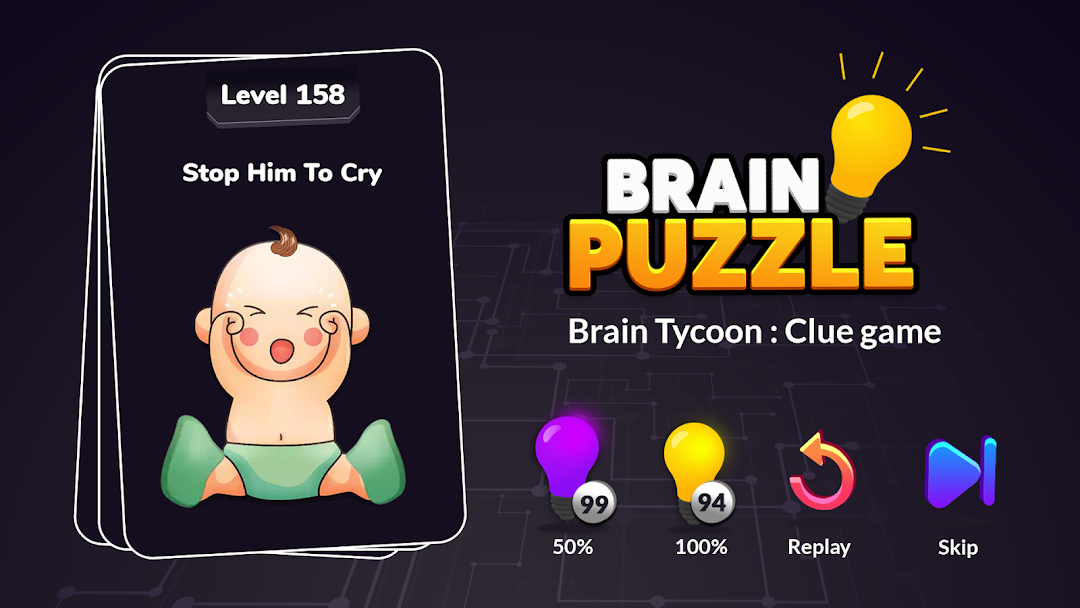
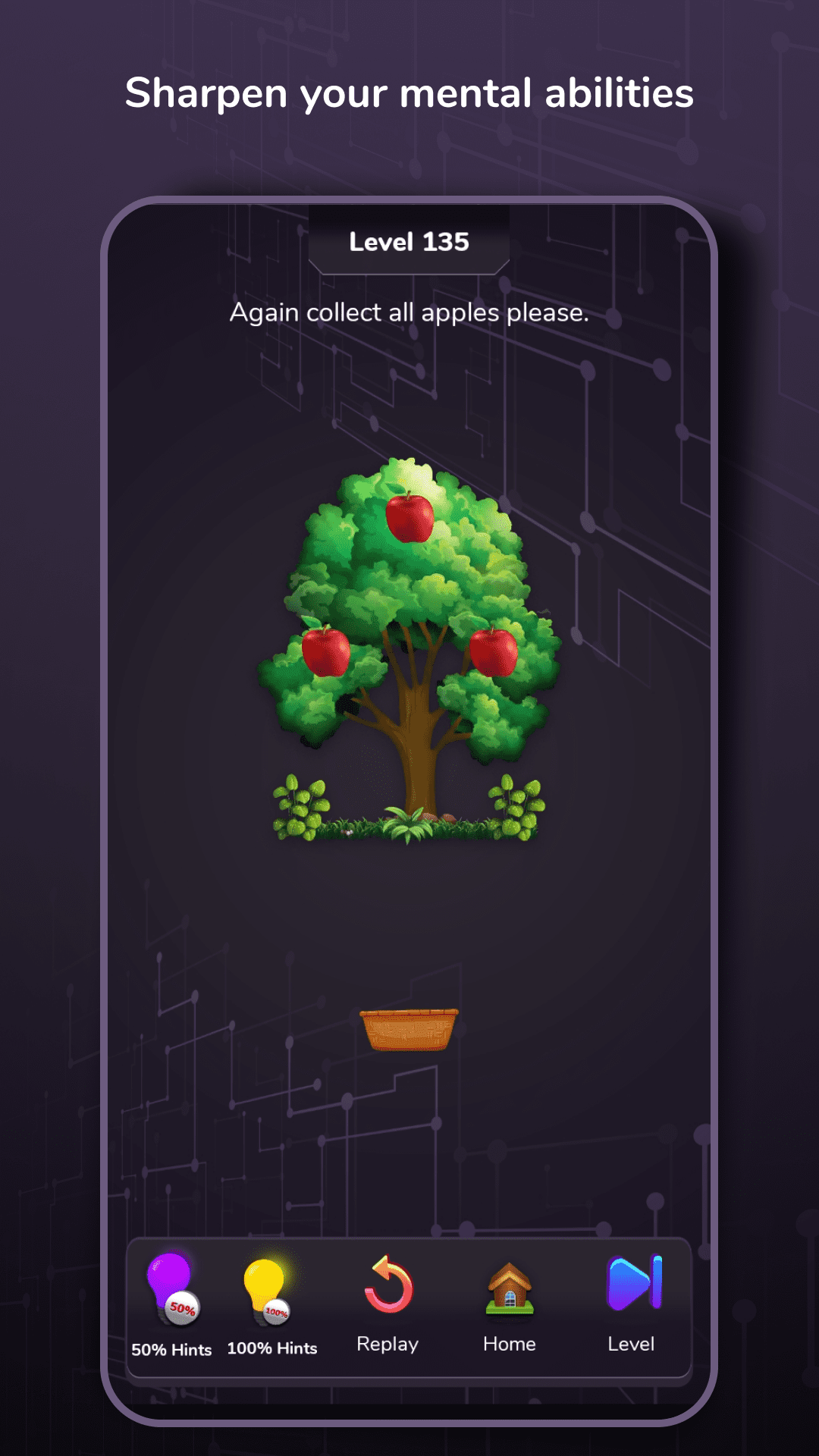
🚀 Tools for Success: Empower yourself with helping features like 50% hints, 100% hints, and level skips. These tools are at your disposal to keep you moving forward, no matter the challenge.
Embark on a journey that ignites your intellect and captivates your spirit with our engaging Brain Games. It's not just a game; it's an invitation to elevate your cognitive skills while indulging in an unmatched gaming adventure.
Discover the joy of challenging your mind and pushing your mental boundaries. Download Brain Games: Puzzle Games app today and embark on a journey of self-improvement and entertainment. With our Brain Games: Puzzle Games app, you're not just playing—you're evolving.