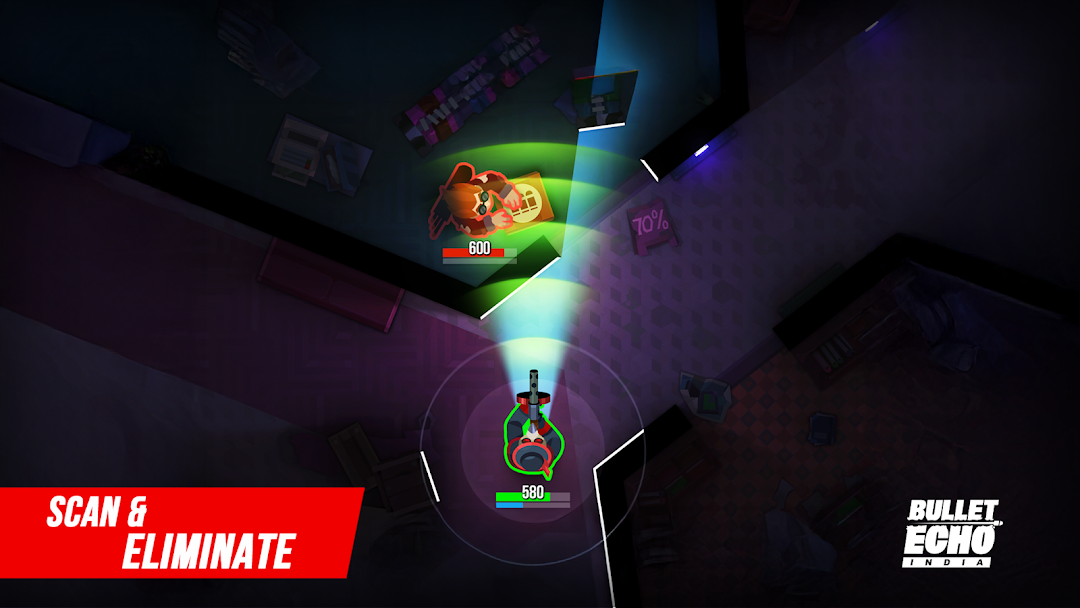
Bullet Echo India: Gun Game is a Action game developed by KRAFTON, Inc., and LDPlayer is the best platform for playing Bullet Echo India: Gun Game on PC, offering powerful features to immerse you in the game.
When playing Bullet Echo India: Gun Game on computer, you can adjust frame rate settings for smooth gameplay and stunning visuals.
LDPlayer also provides pre-configured keyboard mapping for convenient control of the entire game. Continuous optimization of keyboard mapping enhances key sensitivity and skill accuracy. Additionally, LDPlayer offers special buttons like shoot, hide mouse, and continuous key press for an enhanced gaming experience.
If you prefer using a gamepad, the automatic gamepad detection allows you to customize controls with just a few clicks, enabling you to freely maneuver your hero. Start downloading and playing Bullet Echo India: Gun Game on your computer now!
Bullet Echo India: Battle Royale is your go-to gun shooting game made for Indian players who love high-intensity online games.*What's new in Update 7.11.1*
- New Season of Reckoning: new map and skins
- New Hero — Bonnie: A Scout class hero with toxic hound abilities and a combat medic team talent.
- New graffiti, stickers, and tombstones
- New profile decorations
- Direct purchases
- Roulette visual update
- Rebalances
- Bug fixes
Team Strategy Meets Pure Action
This isn’t your average run-and-gun shooter. In Bullet Echo India, multiplayer means coordination. Squad up, plan smart, and outplay your enemies.
Whether you're duo-queuing or joining a full squad, this Indian multiplayer game has the intensity you crave.
Game Modes That Keep You Coming Back
- League mode offers progression and bragging rights
- King of the hill demands quick thinking and tight teamwork
- Solo and squad modes mean you can play your way
- Whether you’re into classic gun games or new-age banduk wale game tactics, there’s something for everyone
Gun. Shoot. Hunt. Repeat.
- Bring your A-game to every match
- Banduk game fans will feel right at home
- Easy to pick up, deep enough to master
Why This Isn’t Just Another Shooter Game
- A standout title in the action game category
- Smooth controls for mobile, designed for fast reactions
- PvP built from the ground up for mobile multiplayer
- Combines the thrill of shooter games with thoughtful strategy
Progress and Upgrade as You Go
- Unlock new heroes, guns, gear, and maps
- Collect perks and complete missions
- Dominate both solo and multiplayer game modes
Built for India
Bullet Echo India is a true Indian game with exclusive content for local players. From skins like Samrat Levithan to maps and hero personalities, the game captures the spirit of India's gaming community. It’s one of the few shooting games where you’ll find authentic references to banduk wala game action and tactical stealth inspired by classic contract killer styles.
Get ready for an online game where skill, speed, and strategy come together. Play Bullet Echo India today and join the next-gen multiplayer gun game revolution.