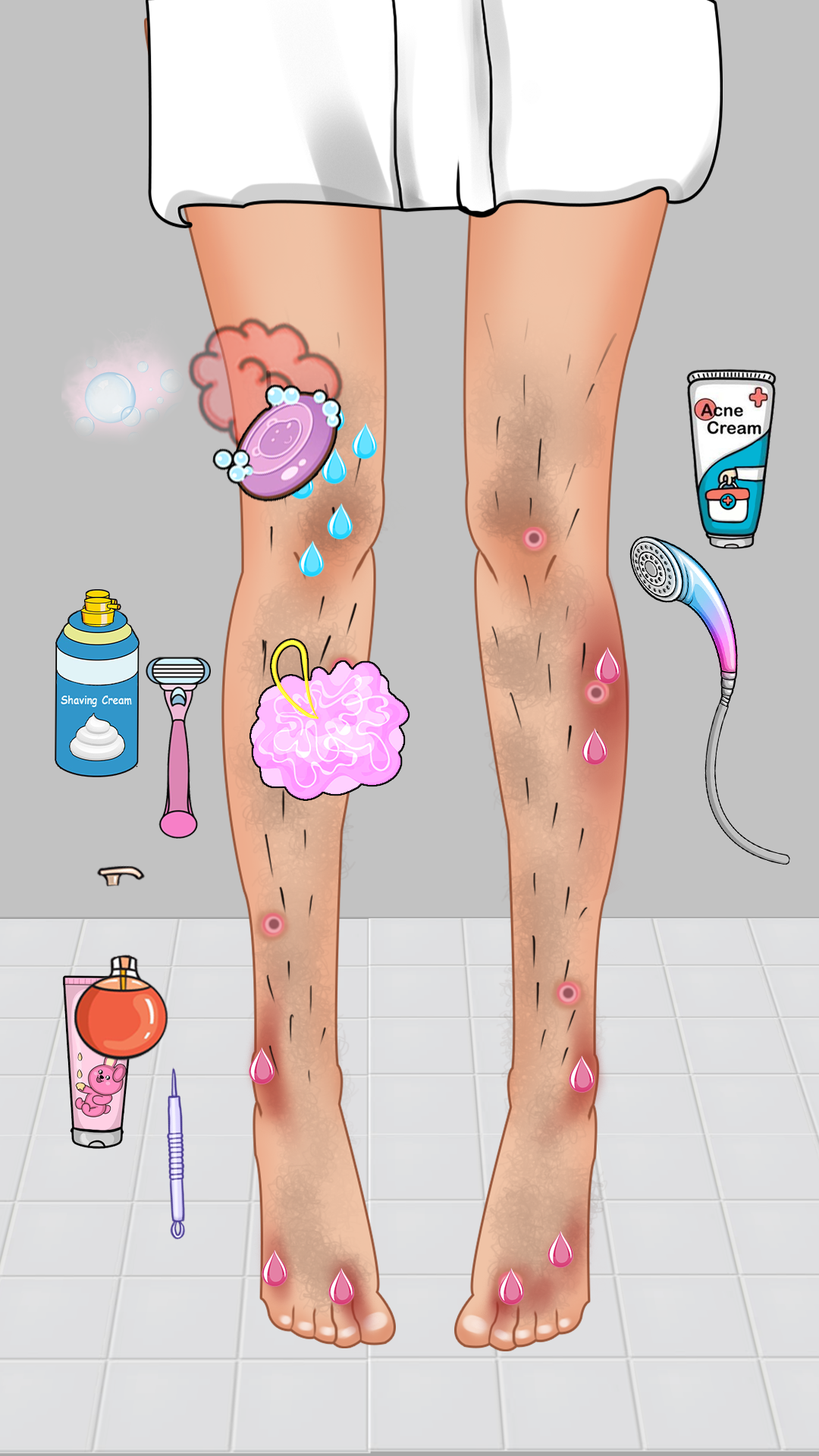
Calm, Relax:Organize Mini Game is a Puzzle application developed by Red Moon Gaming Studio, but with the best Android emulator-LDPlayer, you can download and play Calm, Relax:Organize Mini Game on your computer.
Running Calm, Relax:Organize Mini Game on your computer allows you to browse clearly on a large screen, and controlling the application with a mouse and keyboard is much faster than using touchscreen, all while never having to worry about device battery issues.
With multi-instance and synchronization features, you can even run multiple applications and accounts on your PC.
And file sharing makes sharing images, videos, and files incredibly easy.
Download Calm, Relax:Organize Mini Game and run it on your PC. Enjoy the large screen and high-definition quality on your PC!
Calm & Relax: Organize Mini Game is a satisfying ASMR experience designed to help you relax and enjoy the calming process of tidying and perfectly organizing spaces. If you love organizing things, this game will give you the ultimate satisfaction. From neatly arranging items in small rooms to creating the perfect layout, every move you make will help you feel calm and at ease. The gameplay is simple, yet it offers a deeply rewarding feeling as you turn cluttered spaces into perfectly organized rooms.In Calm, Relax: Organize Mini Game, you will tidy different rooms, organize various items, and experience the soothing joy of perfect order. Whether you’re placing items on shelves, sorting objects by color, or simply putting things in their right place, every action brings a sense of relaxation and accomplishment. It’s the perfect game to unwind and take a break from the stress of everyday life.
This game brings the best of ASMR to your fingertips with mini games that are easy to play yet deeply satisfying. The soothing sounds and smooth gameplay create a relaxing atmosphere where you can focus on tidying and organizing at your own pace. Whether you're a fan of ASMR, love organizing, or simply want to enjoy calm and satisfying mini games, Calm, Relax: Organize Mini Game is the perfect choice for you!
Features:
Satisfying Tidying Experience: Enjoy the calming process of perfectly organizing small spaces.
Simple and Relaxing Gameplay: Easy-to-learn controls and relaxing tasks that help you de-stress.
ASMR Sounds: Soothing ASMR sounds make the gameplay even more relaxing and enjoyable.
Multiple Mini Games: Organize different rooms and items in various fun and satisfying mini games